Idle House Build - Casual Game
Prompt
Game Introduction
About the Game
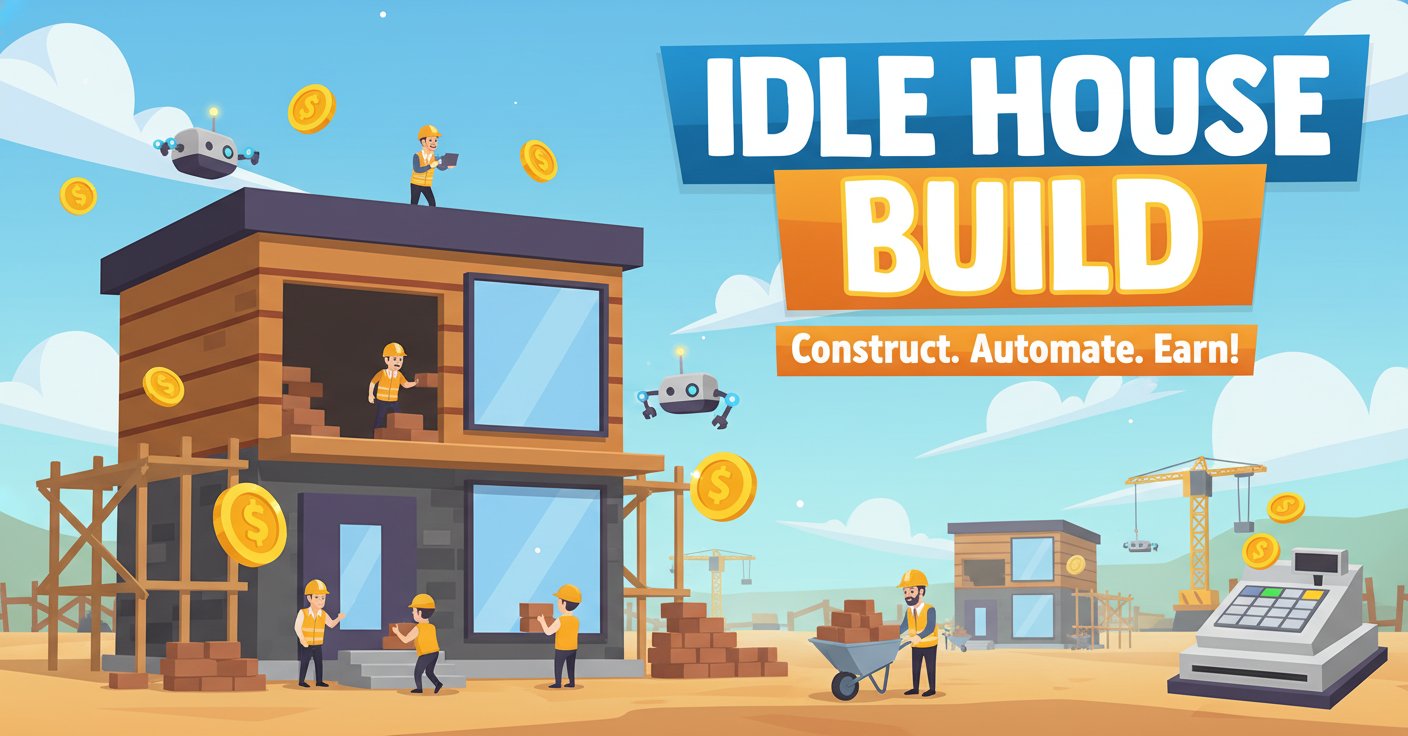
Idle House Build is a captivating incremental clicker game that combines the satisfaction of construction with the addictive mechanics of idle gaming. In this engaging building simulator, you start with nothing but your mouse and a dream to build the ultimate housing empire. Every click places a brick, every brick earns money, and every completed house brings you closer to construction mastery.
Core Features
Progressive Building System
Start your construction journey by clicking to place individual bricks. Each brick placement rewards you with income, creating an immediate feedback loop that keeps you engaged. The satisfaction of watching your house grow from foundation to completion never gets old.
Automated Builder Network
Hire skilled builders to automate the construction process. Each builder works independently, adding bricks at regular intervals even when you're not actively clicking. This automation system allows you to earn money while idle, making progress even when you're away from the game.
Comprehensive Upgrade System
Invest your earnings in powerful upgrades that enhance every aspect of your construction business: - Income per brick : Earn more money from each brick placed - Bricks per click : Place multiple bricks with a single click - House size expansion : Build larger, more profitable houses - Offline earnings boost : Maximize income while away from the game
Strategic Boosts and Multipliers
Utilize various boosts to accelerate your progress and earn money faster. These temporary enhancements can significantly impact your construction speed and profitability during active play sessions.
Game Mechanics
Building Process
The core gameplay revolves around a simple yet satisfying click-to-build mechanic. Each mouse click places a brick in your current house project. As you add more bricks, you watch your structure take shape in real-time, providing visual feedback for your progress.
Economic Strategy
Balance your spending between immediate upgrades and long-term investments. Early upgrades focus on increasing your clicking efficiency, while later investments shift toward automation and passive income generation.
Progression System
The game features multiple layers of progression: - Complete individual houses for bonus rewards - Unlock new builder types with enhanced capabilities - Access advanced upgrade tiers as you accumulate wealth - Expand your construction capabilities with each milestone
Operation Guide
Basic Controls
Mouse Controls : Use the left mouse button to place bricks and navigate menus. The entire game is designed around simple click interactions, making it accessible to players of all skill levels.
Getting Started
- Initial Building : Start clicking to place your first bricks and earn initial income
- First Upgrades : Purchase basic upgrades to increase brick value and clicking efficiency
- Hire Builders : Invest in your first automated builder to begin passive construction
- Optimize Strategy : Balance active clicking with passive automation for maximum efficiency
Advanced Strategies
- Upgrade Priority : Focus on income-per-brick upgrades early for better foundation economics
- Builder Management : Upgrade existing builders before hiring new ones for better cost efficiency
- Offline Optimization : Invest in offline earnings before extended breaks
- House Completion : Time your clicks to complete houses quickly for completion bonuses
Why Play This Game
Perfect for Casual Gaming : Idle House Build offers the perfect balance between active engagement and passive progression. You can play intensively during free time or let the game progress automatically while focusing on other activities.
Satisfying Progression : The game provides constant progression feedback through visual house construction, numerical growth, and unlock achievements. Every session brings tangible advancement.
No Time Pressure : Unlike many games, Idle House Build respects your schedule. The idle mechanics ensure you're always making progress, whether you play for minutes or hours.
Strategic Depth : While easy to learn, the upgrade system offers strategic depth for players who want to optimize their construction empire efficiently.
Cross-Platform Accessibility : Play seamlessly across desktop and mobile devices through your web browser, with progress automatically saved between sessions.