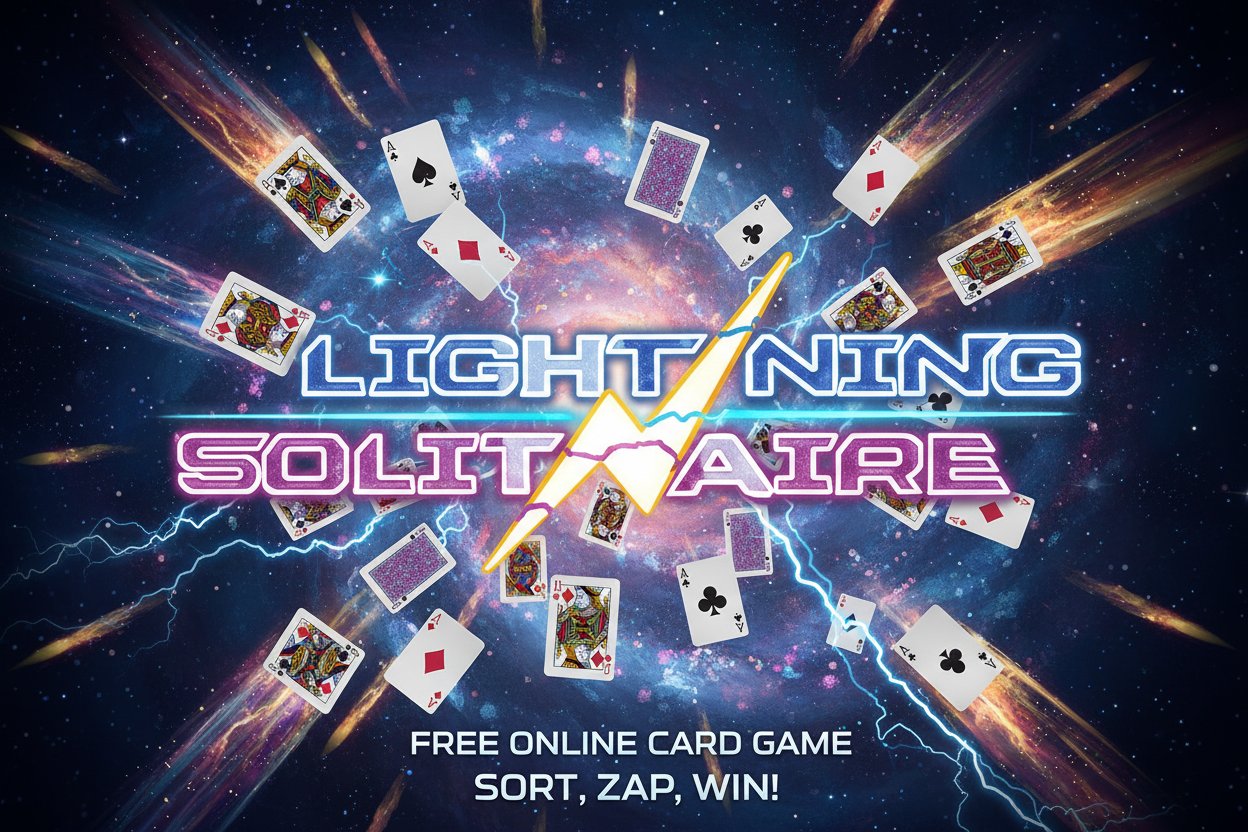
Lightning Solitaire

Seele01-Flash
By
Lightning Solitaire is a free online solitaire card game with an electrifying cosmic theme. Sort colored and numbered cards into appropriate patterns and columns to clear the deck and win.

Prompt

MODEL: Seele01-Flash
Please use Three.js to generate a **mobile-first game** with the theme "Lightning Solitaire". Please read the following detailed game design requirements first, and then generate the code accordingly: ### 1. Assets & Environment * **Visual Style**: A "Cosmic/Electric" aesthetic. The background should be a deep blue/purple space scene with slowly moving stars (particle system) and a subtle nebula nebula fog effect. * **Card Design**: * Use `PlaneGeometry` or very thin `BoxGeometry` for cards. * Cards should not look like traditional paper. They should have a dark metallic base with **neon glowing borders** (cyan for black suits, magenta for red suits). * Number/Suit textures should be bright and legible against the dark card background. * Back of cards: A lightning bolt logo pattern. * **Visual Effects (VFX)**: * **Lightning Arcs**: Use custom shaders or thick lines (`Line2`) to render electric arcs when a card is successfully matched or moved. * **Combo Particles**: When a player clears cards in quick succession, emit sparks (yellow/white point sprites) from the discard pile. * **Optimization**: Use **InstancedMesh** for the card deck to reduce draw calls on mobile devices. Use a texture atlas for all card faces. ### 2. Audio Requirements * **BGM**: An energetic, looping **Synthwave/Retrowave** track. It should start minimal and add layers (bass, synth lead) as the player builds a combo streak. * **Sound Effects (SFX)**: * **Card Flip**: A crisp, digital "swish" sound. * **Match Success**: A satisfying electric "zap" or high-pitched synth chime. * **Invalid Move**: A low-frequency "buzz" or error tone. * **Shuffle/Deal**: A rapid-fire series of electric clicks. * **Win/Clear**: A thunderous boom followed by a triumphant melodic flourish. ### 3. Gameplay Loop * **Game Type**: A variation of **Golf Solitaire** or **Tri-Peaks** (Speed-focused). * **Setup**: * **Tableau**: 28 cards arranged in 7 columns (pyramid or staggered layout), mostly face up. * **Draw Pile**: Remaining cards face down at the bottom left. * **Discard Pile**: One card face up at the bottom right. * **Rules**: * The player must tap a card from the **Tableau** that is **one rank higher or lower** than the top card on the **Discard Pile** (e.g., if Discard is 7, player can tap 6 or 8). * Ace connects to King (wrapping allowed). * If no moves are available, tap the **Draw Pile** to reveal a new card. * **"Lightning" Mechanic**: * **Combo Meter**: Every successful match fills a "Charge Meter." * **Wild Card**: When the meter is full, the player earns a "Lightning Card" (Wild Card) that can clear any card from the tableau. * **Win Condition**: Clear all cards from the Tableau before the Draw Pile runs out. * **Lose Condition**: Draw Pile is empty and no moves are possible. ### 4. Mobile Controls & Interaction * **Camera**: Use an **OrthographicCamera** to ensure cards remain readable and consistent in size across different screen ratios. * **Orientation**: **Portrait Mode** preferred for one-handed play. * **Controls**: * **Tap/Touch Only**: No drag-and-drop. Tapping a valid card automatically animates it flying to the discard pile. * **Raycasting**: Implement precise Raycasting for touch detection. Increase the hit-box size of cards slightly (invisible padding) to accommodate "fat finger" clicks on small screens. * **Feedback**: * **Haptics**: Trigger `navigator.vibrate(10)` on every successful card match. Trigger a longer vibration on Game Over/Win. * **Visual Hint**: If the player is idle for 5 seconds, gently pulse (scale up/down or glow) any playable cards on the tableau. * **UI Layout**: * Place the Draw/Discard piles in the bottom 20% of the screen (easy thumb reach). * Score and Combo Meter at the top. Do not ask for clarification. Do not request confirmation. Directly execute the generation task based on the given instructions.

Game Introduction

About Lightning Solitaire

Lightning Solitaire is an exciting twist on the classic solitaire card game, featuring an electrifying cosmic theme that adds energy to your gaming experience. This free online card game combines traditional solitaire gameplay with stunning lightning-themed visuals, creating an engaging experience that's both familiar and fresh. With a solid 4.3/5 rating from players, Lightning Solitaire has proven to be a popular choice for card game enthusiasts.

Core Features

Free to Play

Lightning Solitaire is completely free to play with no hidden costs, downloads, or registration required. Simply open your browser and start playing immediately.

Cross-Platform Compatibility

Built with HTML5 technology , this game works seamlessly across all devices: - Desktop computers (Windows, Mac, Linux) - Mobile phones (iOS and Android) - Tablets and other touch devices - All modern web browsers

Lightning-Themed Design

The game features a unique cosmic lightning theme that sets it apart from traditional solitaire games. The electrifying visual effects and space-themed background create an immersive gaming atmosphere.

Easy Learning Curve

Tagged as an easy game , Lightning Solitaire is perfect for both beginners and experienced solitaire players. The rules are straightforward, making it accessible to players of all skill levels.

Gameplay Mechanics

Lightning Solitaire follows classic solitaire principles with a modern twist. Your objective is to sort all the colored and numbered cards into appropriate patterns and columns. The game challenges you to:

  • Organize cards by color and number in the correct sequence
  • Clear the draw deck completely to win the game
  • Plan strategic moves to avoid getting stuck
  • Use available spaces efficiently to create winning combinations

The gameplay combines logic, strategy, and a bit of luck, making each round unique and engaging. The lightning theme adds visual excitement without complicating the core solitaire mechanics.

How to Play

Basic Controls

Mouse Controls : Use your mouse to click on and drag cards between different piles and columns. The intuitive point-and-click interface makes it easy to move cards where you want them.

Touch Controls : On mobile devices, simply tap and drag cards with your finger. The responsive touch interface ensures smooth gameplay on smartphones and tablets.

Game Objective

The main goal is to clear all cards from the draw deck by sorting them into the appropriate foundations and columns. Success requires careful planning and strategic thinking to avoid blocking yourself from making necessary moves.

Winning Strategy

  • Always look for opportunities to reveal hidden cards
  • Plan several moves ahead when possible
  • Use empty columns strategically to temporarily store cards
  • Focus on building complete sequences to free up space

Why Play Lightning Solitaire

Perfect Brain Exercise

As a brain teaser game , Lightning Solitaire provides excellent mental stimulation. It helps improve: - Problem-solving skills - Strategic thinking - Pattern recognition - Memory and concentration

Stress Relief

The combination of familiar solitaire gameplay and soothing cosmic visuals makes this game perfect for relaxation and stress relief during breaks or leisure time.

No Commitment Gaming

With games typically lasting 5-15 minutes, Lightning Solitaire is perfect for quick gaming sessions. Play one round or several - the choice is yours.

Proven Quality

With a 4.3 out of 5 rating , Lightning Solitaire has been tested and approved by thousands of players who appreciate its quality gameplay and engaging design.

Technical Advantages

HTML5 Technology

Built with modern HTML5 technology, the game offers: - Fast loading times - Smooth animations - Responsive design - No plugin requirements - Regular automatic updates

Mobile Optimization

The game is fully optimized for mobile play, featuring: - Touch-friendly interface - Responsive card sizing - Optimized for various screen sizes - Portrait and landscape support

Frequently Asked Questions (FAQ)