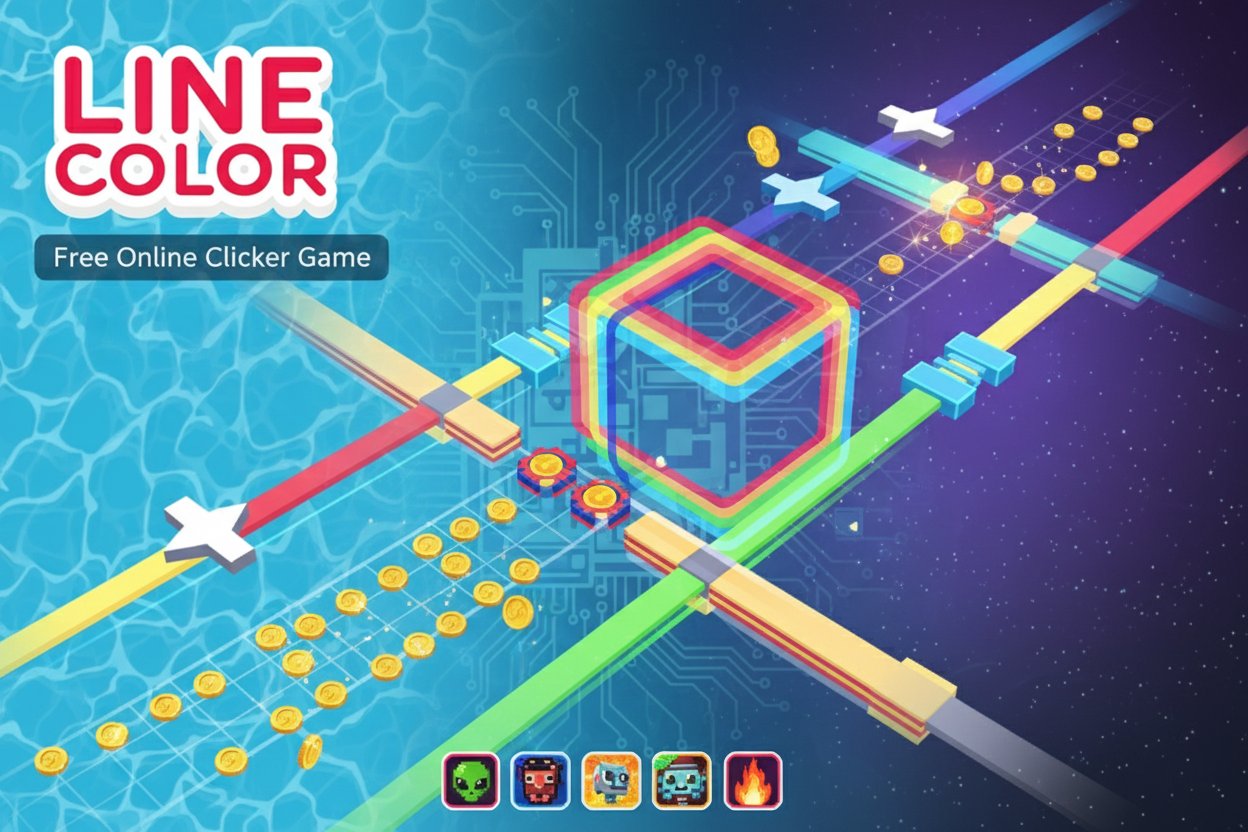
Line Color - Free Online Clicker Game

Seele01-Flash
By
Line Color is a thrilling free clicker game that combines precise timing with obstacle avoidance. Guide a colorful square through challenging levels filled with moving obstacles while collecting coins and unlocking exciting character customizations.

Prompt

MODEL: Seele01-Flash
Please use Three.js to generate a **mobile-first game** with the theme "**Line Color - Hyper-casual Path Painter**". Please read the following detailed game design requirements first, and then generate the code accordingly: ### 1. Assets & Environment * **Visual Style**: Hyper-casual aesthetic with high saturation and bright lighting. Use a "Low-poly" but smooth look. * **Player Character**: A simple Cube with slightly beveled edges to catch light. Initial color is white/neutral. * **The Path**: A winding, floating road mesh constructed along a spline. * **State A (Unpainted)**: Light gray or white matte material. * **State B (Painted)**: As the player moves, the trail behind the cube turns into a vibrant color (e.g., Hot Pink, Cyan, Lime Green). Use a dynamic texture update or mesh segmentation to render the "paint" effect trailing the player. * **Background**: A stylized, animated ocean surface below the floating path. Use a simple shader or a scrolling texture with a light blue color and white "caustics" patterns to mimic the screenshot provided. * **Obstacles**: * **Spinning Propellers**: Rotational obstacles obstructing the path. * **Shifting Blocks**: Cubes that slide left/right or up/down across the path. * *Color Coding*: Obstacles should be a contrasting color (e.g., Dark Grey or Red) to signal danger. * **Performance**: Use `BoxGeometry` and basic materials (`MeshLambertMaterial` or `MeshToonMaterial`) to keep draw calls low. Ensure the water shader is optimized for mobile GPUs (avoid complex raytracing logic). ### 2. Audio Requirements * **BGM**: An upbeat, "Tropical/Summer" vibe track. Light percussion (marimba or steel drums) with a catchy, repetitive melody suitable for short game loops. * **Sound Effects (SFX)**: * **Movement**: A continuous "squishy" or "rolling" sound (like a wet paint roller) that loops only while the player is moving. * **Stop**: A short "skid" sound when the player releases the screen. * **Collision/Death**: A comedic "splat" or cartoon crash sound. * **Level Win**: A bright, ascending chime or fanfare. ### 3. Gameplay Loop * **Mechanic**: "Hold to Move, Release to Stop." * The player travels along a pre-defined path automatically when the screen is pressed. * The player **must** stop to wait for moving obstacles (propellers/sliding blocks) to clear the path. * **Objective**: Paint the entire line from Start to Finish without hitting obstacles. * **Victory**: Reaching the checkered finish line. Trigger a particle confetti explosion and a UI overlay showing "Level Completed". * **Failure**: Any collision with an obstacle stops movement instantly, plays a death animation (mesh separates into smaller cubes), and shows a "Try Again" button. ### 4. Mobile Controls & Interaction * **Input Scheme**: Full-screen touch area. * **Touch Start / Hold**: Accelerate player forward along the path curve. * **Touch End**: Instant deceleration (brake) to a full stop. * **Camera**: A Third-Person Follow Camera. It should track the player with a slight smooth dampening (Lerp), positioned behind and slightly above (Isometric-like angle) to show the path ahead clearly. * **Orientation**: Portrait Mode (Vertical) preferred for one-handed play. * **Haptic Feedback**: Trigger `navigator.vibrate(200)` upon collision (death) and `navigator.vibrate([50, 50, 50])` upon reaching the finish line. * **UI**: Minimalist. A progress bar at the top indicating distance to the finish line. Large, thumb-friendly "Restart" button (minimum 44x44px touch target) on the Game Over screen. Do not ask for clarification. Do not request confirmation. Directly execute the generation task based on the given instructions.

Game Introduction

About Line Color

Line Color is an engaging free clicker game that has captivated players with its simple yet addictive gameplay mechanics. With a solid 4.3/5 rating, this game challenges you to guide a square character down a winding path against a beautiful ocean-like background. The game perfectly blends the satisfaction of clicker mechanics with the excitement of obstacle avoidance gameplay.

Core Features

Completely Free to Play

Line Color is entirely free with no hidden costs or premium features. Jump straight into the action without any downloads, registrations, or payment requirements.

Multiple Challenging Levels

Progress through numerous carefully designed levels, each presenting unique obstacle patterns and increasing difficulty. Every level offers a fresh challenge that will test your timing and reflexes.

Character Customization System

Unlock and collect various character skins using coins earned through successful level completion. Customize not only your square's color but also the trail it leaves behind, creating a personalized gaming experience.

Cross-Platform Compatibility

Built with HTML5 technology, Line Color runs smoothly on all modern devices including computers, smartphones, and tablets. No app installation required - simply open your browser and start playing.

Competitive Leaderboards

Compare your performance against other players worldwide through the integrated leaderboard system. See how you rank among the global Line Color community.

Gameplay Mechanics

Simple Yet Strategic Controls

The game uses intuitive one-click controls - simply tap or click to make your square move forward. However, don't let the simplicity fool you; timing is everything in Line Color.

Dynamic Obstacle Challenges

Navigate through various obstacles including: - Swinging Propellers : Rotating barriers that require precise timing to pass - Shifting Blocks : Moving platforms that change position dynamically - Timing-Based Hazards : Obstacles that activate and deactivate in patterns

Reward and Progression System

Earn coins by successfully completing levels. Use these coins in the character shop to unlock new visual customizations for both your character and the colorful trail it creates.

Operation Guide

Basic Controls

  • Mouse Click or Screen Tap : Move your square forward along the path
  • Timing : Click at the right moment to avoid obstacles
  • Leaderboard : Access the leaderboard icon to view global rankings

Winning Strategy

  • Plan Ahead : Don't rush through levels; observe obstacle patterns first
  • Practice Timing : Each obstacle type has a specific rhythm to master
  • Use Restarts : Failed attempts help you learn level layouts
  • Coin Collection : Focus on completing levels to maximize coin earnings

Why Play Line Color

Perfect for Quick Gaming Sessions

Line Color is ideal for both short breaks and extended gaming sessions. Its instant-play nature means you can jump in anytime without lengthy loading screens or complex setup processes.

Skill Development Benefits

  • Improved Reflexes : Regular play enhances reaction time and hand-eye coordination
  • Strategic Thinking : Planning movements develops problem-solving skills
  • Stress Relief : The simple, focused gameplay provides excellent relaxation
  • Achievement Satisfaction : Unlocking new customizations creates a sense of progression

Suitable for All Ages

With its family-friendly content rating and easy-to-understand mechanics, Line Color welcomes players of all skill levels and ages. The game grows with you - easy to learn but challenging to master.

No Commitment Required

Since progress is saved automatically in your browser, you can play at your own pace without pressure. Take breaks whenever needed and return to continue your journey.

Whether you're looking for a quick mental challenge during your commute or a relaxing game to unwind after work, Line Color delivers an engaging experience that keeps you coming back for more.

Frequently Asked Questions (FAQ)