Merge Restaurant - Restaurant Renovation Game
Seele01-Flash
By
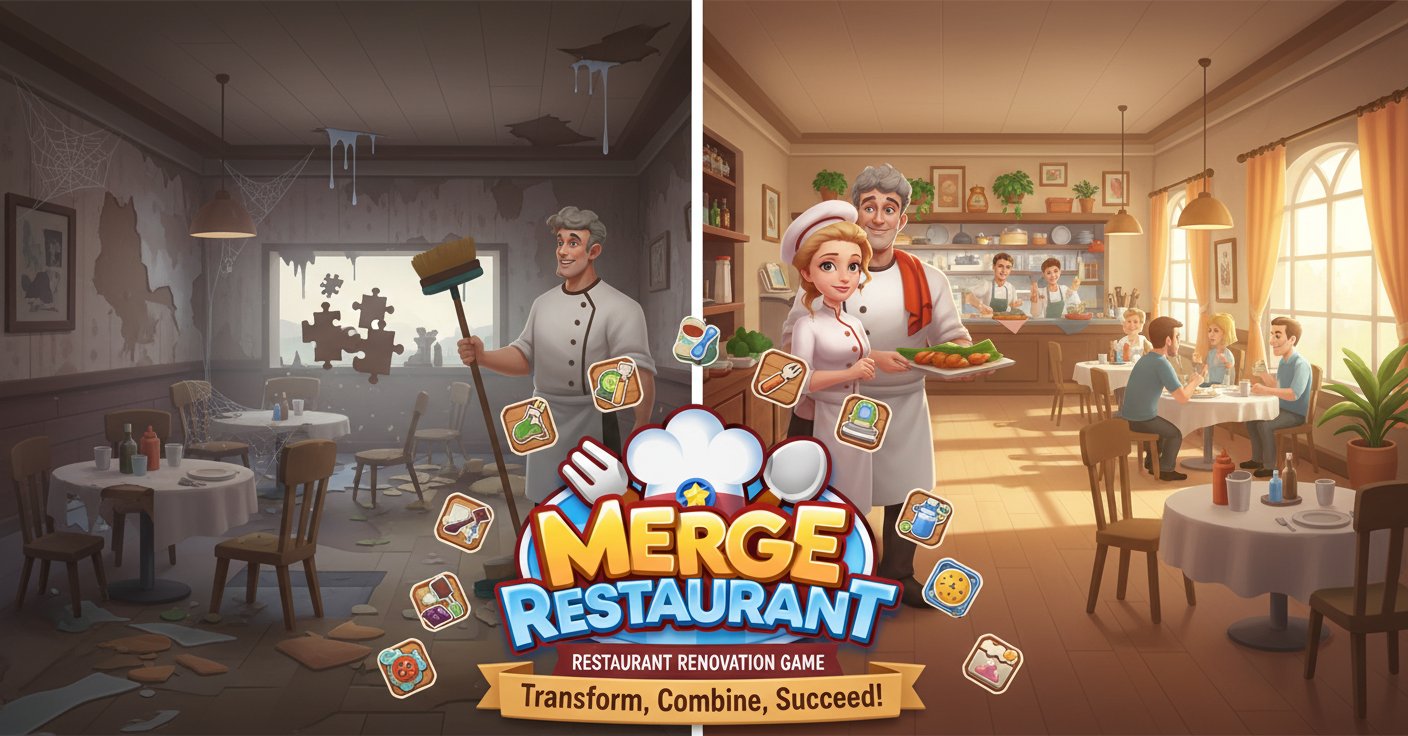
Merge Restaurant is an engaging casual game where you transform a neglected restaurant into a thriving business. Combine items to clean, renovate, and redesign your way to success in this addictive merge puzzle experience.

Prompt

MODEL: Seele01-Flash
Please use Three.js to generate a **mobile-first game** with the theme "Merge Restaurant". Please read the following detailed game design requirements first, and then generate the code accordingly: ### 1. Assets & Environment * **Visual Style:** 3D "Toon-shaded" (Cel-shaded) aesthetic to mimic the warm, cartoon illustration style of the cover art. Colors should be vibrant, high-saturation, and inviting (warm yellows, oranges, and soft whites). * **Camera & Perspective:** Use an **OrthographicCamera** fixed at an isometric angle (approx 45 degrees) to simulate a classic simulation management view. The view should be static or allow slight panning but no rotation. * **Scene 1 (The Merge Board):** A clean, 7x9 tile grid board placed on a wooden countertop surface. The background should be blurred (depth of field effect) showing a hint of a kitchen. * **Scene 2 (The Restaurant):** A diorama-style 3D room representing the restaurant. Models must have two states: "Ruined" (dusty textures, broken mesh) and "Restored" (clean textures, polished mesh). * **Items (Merge Objects):** Low-poly models representing kitchen tools (sponges, brooms, knives) and food (vegetables, burgers). Use **InstancedMesh** for the grid items to optimize performance on mobile devices when many items are on screen. * **Performance:** Limit model polygon count (<1500 polys per main asset). Use texture atlases to reduce draw calls. ### 2. Audio Requirements * **BGM:** A looping, relaxing "Coffee Shop Jazz" or "Bossa Nova" track. Acoustic guitar and light piano to create a cozy atmosphere. * **Sound Effects (SFX):** * **Merge Success:** A satisfying high-pitched "Pop" or "Bloop" sound combined with a magical chime. * **Generator Click:** A mechanical "dispense" sound when spawning new items. * **Cleaning/Renovation:** A "whoosh" and sparkle sound when a task is completed and an object transforms from dirty to clean. * **UI Feedback:** Soft "wood block" clicks for button presses. ### 3. Gameplay Loop * **The Core Merge Mechanic:** * The board contains "Generator" items (e.g., a Tool Box). Tapping a generator spawns a Level 1 item (e.g., a Sponge) into an empty slot. * **Logic:** Dragging a Level 1 item onto another Level 1 item destroys both and instantiates a Level 2 item (e.g., a Scrub Brush) at the target position. This continues up the chain. * **Task System:** * Display a list of "Orders" (e.g., "Fix the Table: Requires 1x Level 4 Broom"). * Submitting the required item removes it from the board and rewards the player with "Stars". * **Renovation Mechanic:** * Spending "Stars" triggers a camera transition to the Restaurant Scene. * The player clicks a "Fix" button, triggering a particle effect and tween animation that replaces the broken furniture model with the new one. * **Win Condition:** Complete all renovation tasks in the current room to unlock the next chapter. ### 4. Mobile Controls & Interaction * **Touch Controls (Raycaster):** * Implement `touchstart`, `touchmove`, and `touchend` event listeners mapped to a Three.js Raycaster. * **Drag & Drop:** On `touchstart`, raycast to find a mergeable item. On `touchmove`, the item should hover slightly above the board and follow the finger (with a slight lerp for smoothness). On `touchend`, snap to the nearest grid slot or merge if dropped on a matching item. * **Orientation:** Portrait mode (Vertical) is mandatory for one-handed play. * **Split Screen Layout:** Top 40% of the screen shows the 3D Restaurant (Renovation View). Bottom 60% shows the Merge Board. * **UI & UX:** * UI buttons (Task List, Shop, Inventory) must be at least **44x44 pixels** in the hit area. * **Haptic Feedback:** Trigger `navigator.vibrate(50)` (short tick) upon a successful merge action. * **Visual Feedback:** When dragging an item, highlight valid merge targets with a glowing outline shader. Do not ask for clarification. Do not request confirmation. Directly execute the generation task based on the given instructions.

Game Introduction

About the Game

Merge Restaurant is a captivating casual merge game that combines restaurant management with puzzle mechanics. Playing as Mina, you inherit a restaurant with incredible potential but in terrible condition. Your mission is to restore this abandoned establishment from a neglected space into the town's hottest dining destination through strategic item merging and creative renovation.

Core Features

Interactive Merge Mechanics

The heart of Merge Restaurant lies in its innovative merging system. Combine identical items to create new, more powerful tools and decorative elements. Start with basic cleaning supplies like sponges and gradually unlock advanced equipment and furniture through strategic combinations.

Complete Restaurant Transformation

Every aspect of your restaurant needs attention: - Deep cleaning : Remove years of dust and grime from abandoned surfaces - Furniture restoration : Merge broken items to create beautiful new pieces - Menu development : Combine ingredients to craft exciting new dishes - Interior design : Transform the space with merged decorative elements

Progressive Gameplay

As you master the merge mechanics, unlock additional restaurants with unique challenges. Each new location presents fresh renovation opportunities and increasingly complex merging puzzles.

Engaging Storyline

Uncover the mystery behind the "strange man" who previously shut down your restaurants while building your culinary empire. The narrative unfolds as you progress through different locations.

Gameplay Mechanics

How Merging Works

The merge system is intuitive yet strategically deep: 1. Identify matching items on your restaurant floor 2. Drag and combine identical objects using your mouse 3. Create upgraded versions with enhanced cleaning or decorative power 4. Chain combinations to unlock rare and powerful items

The more you merge, the more unique tools and furniture become available, accelerating your renovation progress.

Restaurant Management Elements

Beyond merging, you'll engage in authentic restaurant preparation: - Clean tables and surfaces for customer readiness - Replace worn furniture with stylish alternatives - Organize kitchen equipment for efficient operation - Design attractive dining spaces that draw customers

Operation Guide

Mouse Controls : Use left-click to interact with all game elements - Click and drag to move items for merging - Single click to select objects and furniture - Drag combinations to merge identical items together

The simple control scheme makes the game accessible to players of all skill levels while maintaining engaging strategic depth.

Why Play Merge Restaurant

Perfect Casual Gaming Experience

Merge Restaurant offers the ideal blend of relaxation and challenge. The merge mechanics provide satisfying progression without time pressure, making it perfect for both quick sessions and extended play periods.

Creative Expression

Express your design vision as you choose how to arrange furniture, select color schemes, and create the restaurant atmosphere. Every player's final result will be unique based on their aesthetic preferences.

Addictive Progression System

The combination of merging mechanics and visual transformation creates highly engaging gameplay loops. Watch your restaurant transform from disaster to success through your strategic decisions.

Cross-Platform Accessibility

Enjoy seamless gameplay across all devices. Whether on desktop, tablet, or smartphone, your restaurant renovation progress continues wherever you play.

Free-to-Play Convenience

Experience the complete game without any upfront costs. Jump into restaurant renovation immediately through your web browser without downloads or installations required.

Frequently Asked Questions (FAQ)