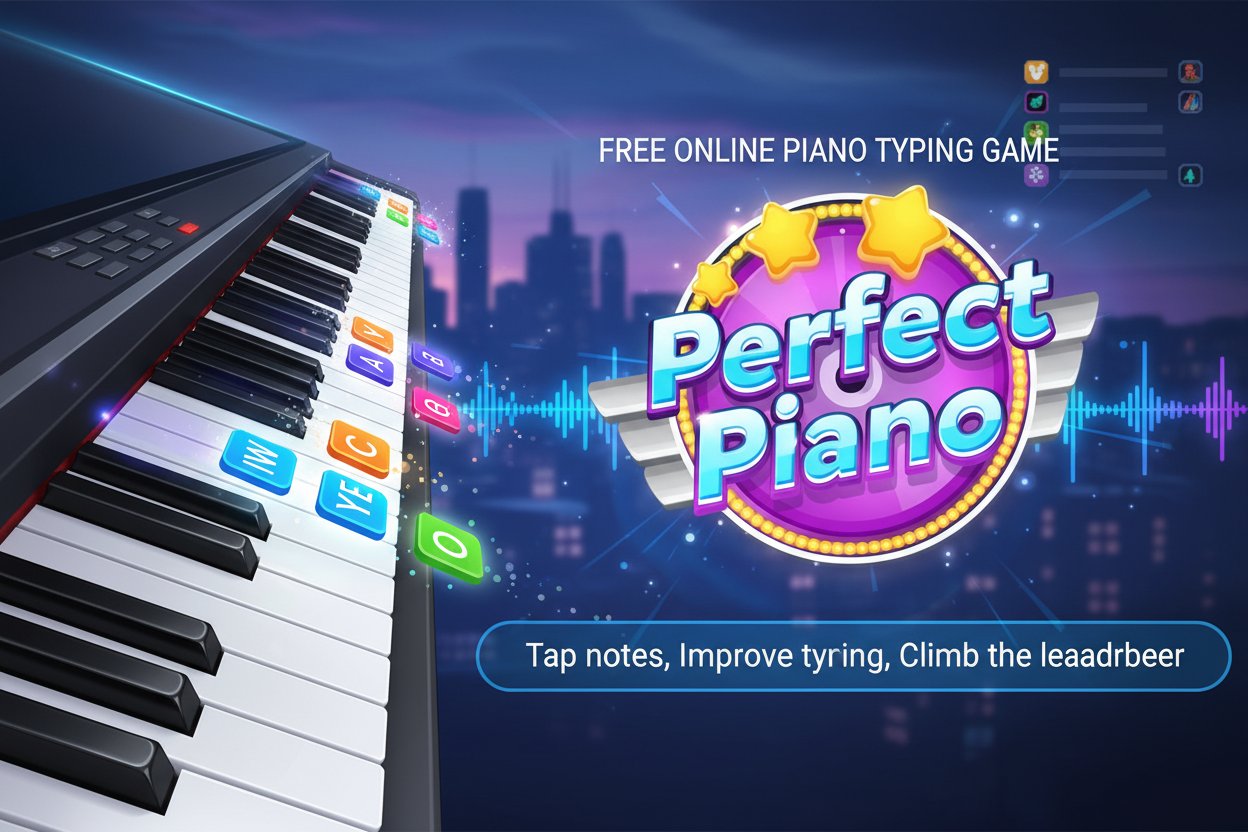
Perfect Piano - Free Online Piano Typing Game

Seele01-Flash
By
Perfect Piano is a free online rhythm typing game that combines music and reflexes. Tap piano notes to classic songs, improve your typing skills, and climb the leaderboard in this addictive desktop and mobile game.

Prompt

MODEL: Seele01-Flash
Please use Three.js to generate a **mobile-first game** with the theme "Perfect Piano". Please read the following detailed game design requirements first, and then generate the code accordingly: ### 1. Assets & Environment * **Visual Style**: Create a polished, vibrant aesthetic inspired by the logo's color palette (Cyan, Purple, Gold). Use a clean, modern 3D look with slightly rounded corners for all geometry. * **Camera & Perspective**: Set up a fixed **PerspectiveCamera** positioned high and angled downwards (approx 60 degrees) to create a view of 4 distinct vertical "lanes" receding into the distance. The background should be a soft radial gradient (Purple to Dark Blue) to simulate a stage or void. * **The "Notes" (Tiles)**: Generate 3D blocks (BoxGeometry) that act as the piano tiles. * **Standard Tiles**: Glossy Black materials with slight emission. * **Active/Hit Effect**: When tapped, the tile should flash Gold or Cyan and emit a small particle explosion (simple cubes or tetrahedrons) before disappearing. * **Lane Indicators**: Draw 4 faint, semi-transparent lines on the "ground" plane to demarcate the playable zones. * **Performance**: Use `InstancedMesh` for the tiles if possible to reduce draw calls, or strictly limit the number of active meshes. Use low-poly geometry for particles. ### 2. Audio Requirements * **Music Logic**: Since external assets are difficult to guarantee, implement a simple synthesizer or oscillator array (using the Web Audio API) that plays a piano-like tone when a tile is tapped. * **Progression**: Map the tapping of tiles to a predefined array of frequencies corresponding to "Twinkle Twinkle Little Star" (C, C, G, G, A, A, G...). If the player taps correctly, advance to the next note in the melody. * **SFX**: * **Tap Success**: A pleasing, resonant chime (synthesized). * **Game Over**: A discordant, low-pitch "thud" or "buzz". ### 3. Gameplay Loop * **Mechanic**: This is a vertical scroller. 3D Tile meshes spawn at the top of the screen (Z-depth) and move towards the player (Z=0) along 4 fixed x-axis positions (Lane 1, 2, 3, 4). * **Speed**: The movement speed of the tiles should increase gradually as the score gets higher. * **Win/Loss Condition**: * **Score**: +1 point for every successfully tapped tile. * **Loss**: The game ends immediately if: 1. A tile passes the bottom of the screen ("Judgment Line") without being tapped. 2. The player taps a lane where there is no tile (Mis-click). * **Start/Restart**: A simple HTML UI overlay with a "Play" button to start. On Game Over, show the final score and a "Try Again" button. ### 4. Mobile Controls & Interaction * **Touch Interaction**: This is the priority. Implement **Raycaster** logic attached to the `touchstart` event. * Detect which of the 4 lanes the user touched. * If a tile exists in that lane within a valid "hit zone" (near the bottom), register a hit. * Visual Feedback: Create a ripple effect or a light-up plane on the lane track at the point of touch to confirm input registration. * **Desktop Fallback**: Map the keys **F, G, H, J** to Lane 1, 2, 3, and 4 respectively for testing purposes, as per the original game description. * **Screen Adaptation**: Ensure the camera FOV and lane width adjust dynamically so all 4 lanes are visible on both Portrait (mobile) and Landscape (tablet/desktop) aspect ratios. * **Haptics**: Trigger `navigator.vibrate(15)` on a successful tap for tactile feedback. Do not ask for clarification. Do not request confirmation. Directly execute the generation task based on the given instructions.

Game Introduction

About Perfect Piano

Perfect Piano is an engaging free online rhythm game that perfectly blends music education with fast-paced action gameplay. With an impressive 4.4/5 rating, this browser-based game challenges players to tap piano notes as they scroll across the screen, creating beautiful melodies while testing reflexes and timing skills.

This innovative typing game transforms learning piano into an exciting gaming experience. Starting with the classic "Twinkle Twinkle Little Star," players progress through dozens of beloved songs, each requiring perfect hand-eye coordination and precise timing to master.

Core Features

Free-to-Play Entertainment

  • Completely Free : No downloads, purchases, or subscriptions required
  • Instant Play : Launch directly in your web browser on any device
  • Cross-Platform Support : Perfect compatibility with desktop computers and mobile devices
  • Educational Value : Improve typing skills while enjoying music

Challenging Rhythm Gameplay

  • Progressive Difficulty : Start easy and advance to more complex songs
  • Precision Timing : Miss even one note and the game ends
  • Score-Based System : Longer waits before tapping yield higher scores
  • Leaderboard Competition : Compete with players worldwide for top scores

Rich Musical Experience

  • Classic Songs : Features beloved tunes starting with "Twinkle Twinkle Little Star"
  • Never-Ending Variety : Dozens of songs to master and enjoy
  • Rhythm Training : Develop musical timing and rhythm recognition
  • Audio-Visual Synchronization : Notes perfectly aligned with musical beats

Gameplay Mechanics

Perfect Piano follows the "easy to learn, impossible to master" philosophy. Players must tap corresponding keys as colorful piano notes scroll down the screen. The challenge lies in maintaining perfect accuracy while the tempo increases and patterns become more complex.

The game rewards patience and precision - waiting until the last moment to tap notes increases your score, but waiting too long results in missed notes and game over. This risk-reward system creates an addictive gameplay loop that keeps players coming back for higher scores.

Controls and Operation

Desktop Controls

  • J, H, G, F Keys : Trigger corresponding piano notes on screen
  • Keyboard Focus : Ensure game window is active for responsive controls
  • Visual Tracking : Watch notes scroll down and time your keypresses perfectly

Mobile Controls

  • Touch Interface : Tap directly on notes as they appear on screen
  • Multi-Touch Support : Handle multiple simultaneous notes
  • Responsive Design : Optimized touch targets for accurate tapping
  • Portrait/Landscape : Play in your preferred screen orientation

Why Play Perfect Piano

Educational Benefits

Perfect Piano offers unique educational value by combining entertainment with skill development. Players naturally improve their typing accuracy, reaction time, and musical rhythm recognition through engaging gameplay.

Accessibility and Convenience

As an HTML5 browser game, Perfect Piano requires no downloads or installations. Simply visit the game page and start playing immediately on any modern device with internet access.

Progressive Challenge

The game's difficulty curve ensures both beginners and experienced players find appropriate challenges. New players can enjoy simple melodies while advanced players push for perfect scores on complex compositions.

Community Competition

The integrated leaderboard system creates a competitive community where players strive to achieve musical legend status alongside other top performers.

Frequently Asked Questions (FAQ)