Pottery Master - Creative Ceramic Art Simulator - Casual Game
Prompt
Game Introduction
About the Game
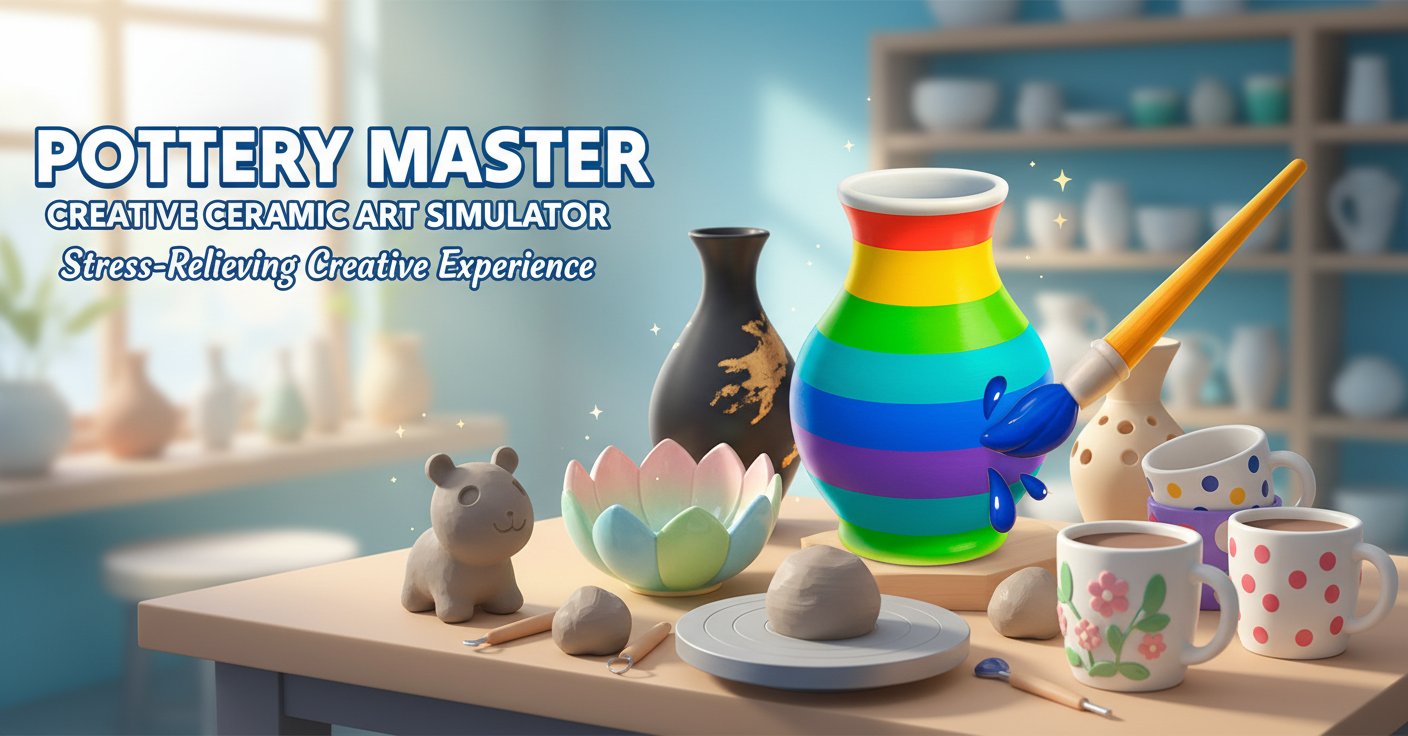
Pottery Master offers a tranquil escape into the world of ceramic artistry. This immersive 3D simulation transforms your device into a virtual pottery studio where creativity knows no bounds. Experience the meditative process of working with clay, from initial molding to final masterpiece creation.
The game captures the essence of real pottery making through intuitive controls and realistic physics. Watch as your virtual hands shape raw clay into elegant vases, bowls, and decorative pieces. Each creation is unique, reflecting your personal artistic vision and style.
Core Features
Authentic Pottery Experience
Feel the satisfaction of authentic pottery making through realistic clay physics and responsive touch controls. The game simulates the genuine texture and behavior of clay, making each sculpting session feel natural and rewarding.
Complete Creative Freedom
Unleash your artistic potential with unlimited design possibilities. Create anything from simple bowls to intricate decorative pieces. The only limit is your imagination as you explore different shapes, sizes, and artistic styles.
Vibrant Coloring System
Bring your ceramic creations to life with an extensive palette of colors and painting tools. Apply glazes, create patterns, and add intricate details to transform plain clay into stunning works of art.
Stress-Relief Gameplay
Designed as a therapeutic experience, Pottery Master provides a calming environment perfect for relaxation and mindfulness. The gentle gameplay mechanics and soothing atmosphere make it ideal for unwinding after a busy day.
Mobile-Optimized Controls
Enjoy seamless pottery making on any device with intuitive touch controls optimized for both mobile and desktop play. The responsive interface ensures smooth interaction whether you're using a mouse or touchscreen.
Gameplay Mechanics
The pottery creation process follows realistic stages:
Clay Preparation : Start with a lump of fresh clay on your virtual wheel. Center the clay and prepare it for shaping using traditional pottery techniques.
Shaping and Sculpting : Use your hands and various tools to mold the clay into desired forms. Pull up walls to create vessels, or carve details for decorative elements.
Drying and Finishing : Allow your piece to dry before moving to the decoration phase. This realistic workflow mirrors actual pottery making processes.
Painting and Glazing : Apply colors, patterns, and glazes to create stunning finishes. Experiment with different techniques to achieve unique artistic effects.
Operation Guide
Basic Controls
- Left-click : Primary interaction with clay and tools
- Mouse movement : Shape and mold clay surfaces
- Click and drag : Apply pressure for deeper shaping
- Tool selection : Choose from brushes, shaping tools, and color palettes
Creating Your First Piece
- Select your clay type and place it on the pottery wheel
- Use gentle movements to center and shape the basic form
- Apply tools to refine details and create texture
- Move to the painting station to add colors and patterns
- Save your masterpiece to your virtual gallery
Why Play This Game
Perfect for Relaxation : Pottery Master serves as digital therapy, offering a peaceful retreat from daily stress. The meditative nature of clay work promotes mindfulness and mental well-being.
Develops Creativity : Whether you're an experienced artist or complete beginner, the game nurtures creative expression and artistic skills. Experiment with forms, colors, and techniques without real-world material costs.
Accessible Art Experience : Experience the joy of pottery making without the need for physical studio space, expensive equipment, or cleanup. Perfect for anyone interested in ceramic arts but lacking access to traditional facilities.
Educational Value : Learn basic pottery techniques and color theory through hands-on practice. The game introduces fundamental concepts of ceramic arts in an engaging, interactive format.
Instant Gratification : Unlike real pottery that requires drying and firing time, digital creations are immediately complete and shareable, providing instant satisfaction for your artistic efforts.