Sneaker Art - Creative Shoe Design Game - Casual Game
Prompt
Game Introduction
About Sneaker Art
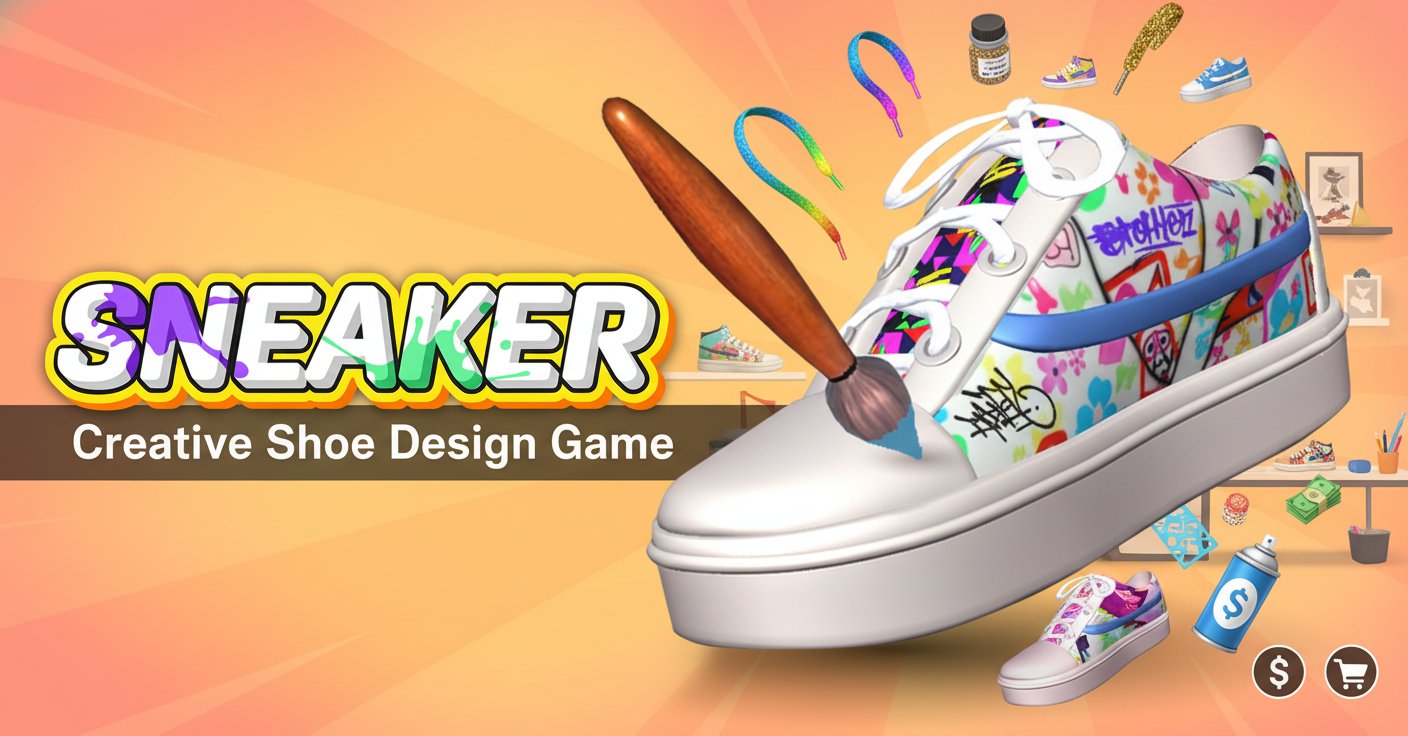
Sneaker Art is an innovative 3D art and simulation game that transforms you into a professional sneaker designer. This creative casual game combines artistic expression with business management, allowing you to paint custom sneakers, manage inventory, and build a thriving shoe empire. With its intuitive mouse-controlled gameplay and colorful 3D graphics, Sneaker Art offers an engaging creative experience for players of all ages.
Core Features
Creative Design System
The game features a comprehensive sneaker customization system where you start with blank canvas shoes and recreate reference designs. Using your virtual paintbrush, you can:
- Precision Painting : Apply colors directly onto 3D sneaker models with realistic brush mechanics
- Reference Matching : Follow provided design templates to create accurate reproductions
- Color Variety : Access a full palette of colors to bring your creative visions to life
- Mistake Correction : Paint over errors seamlessly to perfect your designs
Business Simulation Elements
Beyond the artistic aspect, Sneaker Art incorporates engaging business gameplay:
- Lace Selection : Choose from various lace styles to complement your designs
- Packaging System : Box your finished sneakers in stylish containers
- Shop Management : Display and sell your creations in your virtual sneaker store
- Revenue Generation : Earn money based on design accuracy and customer satisfaction
3D Visual Experience
The game showcases vibrant 3D graphics with: - Realistic sneaker models that respond to your painting - Colorful, eye-catching art style perfect for creative expression - Smooth animations and visual effects - Interactive shop environment for selling your designs
Gameplay Mechanics
Design Process
Each sneaker creation follows a structured workflow:
- Reference Analysis : Study the target design showing specific colors and patterns
- Canvas Preparation : Start with a grey base sneaker ready for customization
- Precision Painting : Carefully apply colors to match the reference design
- Quality Control : Review and refine your work for maximum accuracy
- Finishing Touches : Add laces and prepare for packaging
Accuracy-Based Scoring
Your success depends on how closely you match the reference designs. Higher precision leads to: - Better sales performance in your virtual shop - Increased revenue for business expansion - Unlock new design challenges and sneaker styles - Enhanced reputation as a sneaker artist
Controls Guide
Sneaker Art features simple, intuitive controls:
- Left Mouse Button : Primary interaction for all game functions
- Mouse Movement : Navigate your paintbrush across the sneaker surface
- Click and Hold : Apply paint to specific areas of the shoe
- Menu Navigation : Access color palettes, laces, and shop functions
The mouse-only control scheme makes the game accessible across all devices with pointing capabilities.
Why Play Sneaker Art
Creative Expression
Sneaker Art offers unlimited creative potential, allowing you to: - Express artistic vision through sneaker design - Develop color coordination and design skills - Experience the satisfaction of creating unique artwork - Build confidence in artistic abilities
Relaxing Gameplay
As a casual game, Sneaker Art provides: - Stress-Free Environment : No time pressure or competitive elements - Meditative Experience : Focus on detailed painting and design work - Flexible Pacing : Play at your own speed and comfort level - Instant Satisfaction : See immediate results from your creative efforts
Business Learning
The simulation elements teach valuable lessons about: - Quality control and attention to detail - Customer satisfaction and market demands - Inventory management and product presentation - Revenue generation through skill improvement
Accessibility Features
- Free to Play : Complete game experience at no cost
- No Download Required : Instant play through web browsers
- Cross-Platform Support : Compatible with computers, tablets, and mobile devices
- Simple Controls : Easy-to-learn mouse-based interaction
- Family Friendly : Suitable content for all age groups