
Stick Animator - Create and Animate Stick Figures - Casual Game
 Subscriber only
Unreal Mountain Tour
Tour a third-person Unreal world of mountains and water.
 New
New3D Block Puzzle
Build a 3D falling-block puzzle with rotations and row clears.

Time-Attack Racer
Build a no-physics finish-gate racer with nitro, minimap guidance, and synthesized audio.
 Subscriber only
Unreal Top-Down Roguelite
Create a complete UE 5.5 top-down arena roguelite with upgrades and a boss finale.
 Shooter
Platform Shooter Quest
Build a side-scrolling platform shooter with weapon switching.
 Godot
GodotBaby Bat Climber
Build a compact Godot cave-climbing platformer.
 Puzzle
Box Robot Puzzle
Build crate-pushing puzzles with vehicles and physics timing.
 3D
3DThird Person Explorer
Build a third-person explorer with swappable scenes and a live minimap.
 Voxel
VoxelVoxel Hero Adventure
Build a voxel hero who explores, mines, and builds.
 Shooter
Decay Zone Survival
Build a first-person zombie survival with ammo management.
Subscriber onlyUnreal Mountain Tour
Tour a third-person Unreal world of mountains and water.
New3D Block Puzzle
Build a 3D falling-block puzzle with rotations and row clears.
Time-Attack Racer
Build a no-physics finish-gate racer with nitro, minimap guidance, and synthesized audio.
Subscriber onlyUnreal Top-Down Roguelite
Create a complete UE 5.5 top-down arena roguelite with upgrades and a boss finale.
ShooterPlatform Shooter Quest
Build a side-scrolling platform shooter with weapon switching.
GodotBaby Bat Climber
Build a compact Godot cave-climbing platformer.
PuzzleBox Robot Puzzle
Build crate-pushing puzzles with vehicles and physics timing.
3DThird Person Explorer
Build a third-person explorer with swappable scenes and a live minimap.
VoxelVoxel Hero Adventure
Build a voxel hero who explores, mines, and builds.
ShooterDecay Zone Survival
Build a first-person zombie survival with ammo management.
Prompt

Games are fun. Creating them is even better.
Game Introduction
About the Game
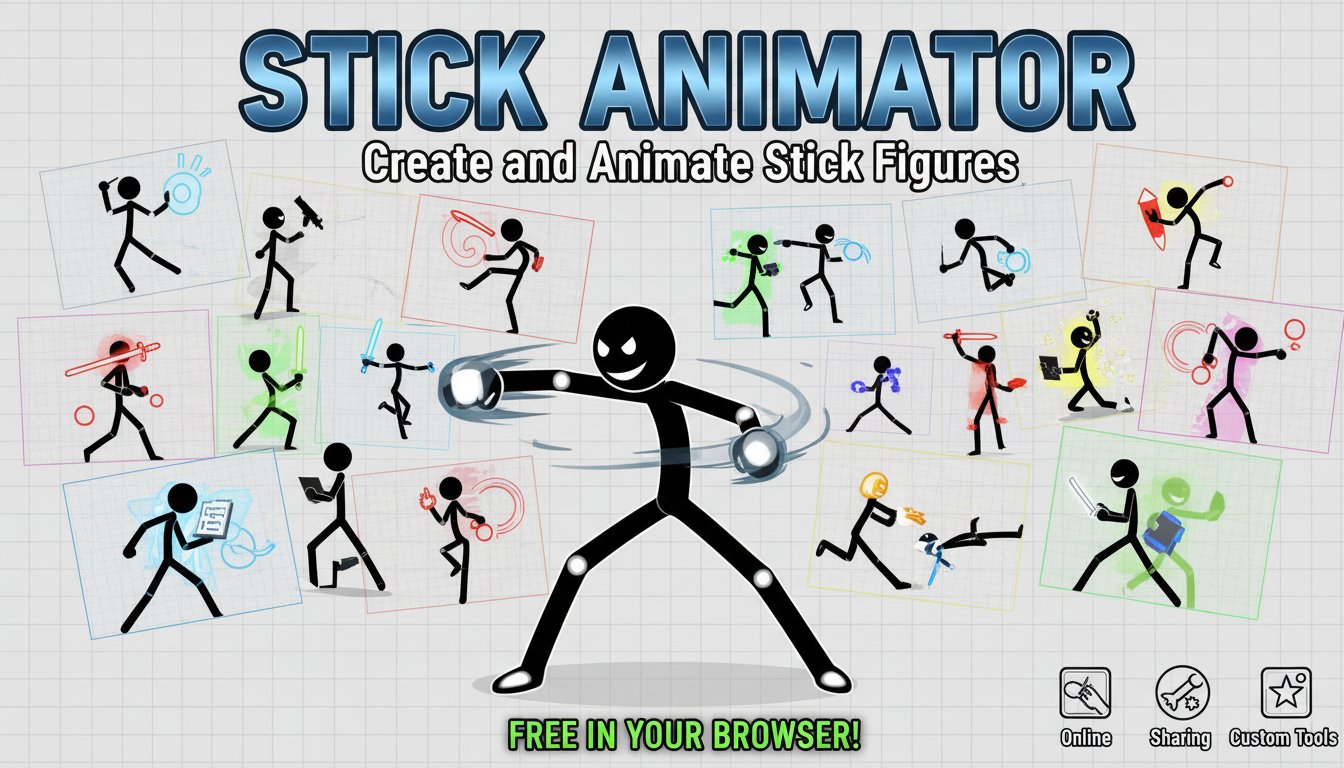
Stick Animator is an innovative online animation tool that transforms anyone into a digital animator. This creative stickman game provides an intuitive platform for designing and animating stick figures, making animation accessible to users of all skill levels. Whether you're a beginner exploring animation concepts or an experienced creator looking for a quick sketching tool, Stick Animator offers the perfect canvas for your imagination.
The game combines the simplicity of stick figure art with powerful animation capabilities, allowing you to bring your characters to life with smooth movements and dynamic poses. Its browser-based design means you can start creating immediately without any software downloads or complex installations.
Core Features
Easy Animation Creation
Stick Animator simplifies the animation process with an intuitive interface that responds to simple left-click interactions. You can manipulate stick figure joints and limbs to create natural-looking movements and poses.
Social Sharing Integration
One of the standout features is the ability to share your completed animations with friends. This social aspect transforms individual creativity into a collaborative and fun experience where you can showcase your animated stories.
Browser-Based Convenience
- Instant Access : Play directly in your web browser without downloads
- Cross-Platform Support : Works on computers, tablets, and mobile devices
- No Installation Required : Start animating immediately upon page load
- Free to Use : Complete animation toolkit at no cost
Creative Freedom
The game provides unlimited creative possibilities. Design action sequences, dance moves, comedy sketches, or abstract movements - the only limit is your imagination.
Game Mechanics
Stick Animator uses a frame-based animation system similar to professional animation software, but simplified for casual users. You create animations by positioning your stick figure in different poses across multiple frames, and the game interpolates the movement between them.
Animation Timeline
The built-in timeline system allows you to control the timing and sequence of your animations, giving you precise control over pacing and movement flow.
Operation Guide
Getting started with Stick Animator is remarkably simple:
- Left-Click Interaction : Use your mouse to click and drag different parts of the stick figure
- Joint Manipulation : Click on joints (shoulders, elbows, hips, knees) to bend and position limbs
- Pose Creation : Position the figure in your desired pose for each animation frame
- Timeline Control : Use the animation controls to play, pause, and navigate through frames
- Sharing Options : Once satisfied with your creation, use the share function to send animations to friends
The interface is designed to be intuitive - simply click on any part of the stick figure you want to move and drag it to the desired position.
Why Play This Game
Educational Value
Stick Animator serves as an excellent introduction to animation principles. Users naturally learn about keyframes, timing, and movement while having fun creating their characters.
Stress Relief and Creativity
The simple, meditative process of creating stick figure animations provides a relaxing break from daily routines while engaging your creative side.
Perfect for All Ages
The game's simple controls and familiar stick figure art style make it accessible to children, while offering enough depth to engage adults and animation enthusiasts.
Social Entertainment
Sharing animations with friends creates opportunities for collaborative storytelling and friendly creative competitions.
No Commitment Required
Unlike complex animation software that requires significant time investment to learn, Stick Animator lets you create satisfying animations in just a few minutes.