
Blobs - Color Matching Puzzle Game - Puzzle Game
 Voxel
VoxelVoxel Village Explorer
Build a voxel village to roam with jump and camera controls.
 Unity
UnityCastle Devour Quest
Build a Unity castle quest with risky rooms and a win goal.
 Subscriber only
Unreal Dungeon Crawler
Build a playable Unreal dungeon crawler, combat-ready.
 New
NewHook a Fish Arcade
Build a fishing arcade where catches buy you more time.
 FPS
FPSZombie Horror Survival
Build a tense zombie horror survival with map progression.
 New
NewRiver Raid Survival
Build a River Raid-style flight survival run with fuel pressure.
 Subscriber only
Unreal FPS/TPS Shooter
Create a complete UE 5.5 FPS or TPS shooter with combat, UI, and replay.
 Subscriber only
Unreal Mountain Tour
Tour a third-person Unreal world of mountains and water.
 New
NewCharacter Physics World
Build a third-person physics world with day-night and props to touch.
 New
New3D Block Puzzle
Build a 3D falling-block puzzle with rotations and row clears.
VoxelVoxel Village Explorer
Build a voxel village to roam with jump and camera controls.
UnityCastle Devour Quest
Build a Unity castle quest with risky rooms and a win goal.
Subscriber onlyUnreal Dungeon Crawler
Build a playable Unreal dungeon crawler, combat-ready.
NewHook a Fish Arcade
Build a fishing arcade where catches buy you more time.
FPSZombie Horror Survival
Build a tense zombie horror survival with map progression.
NewRiver Raid Survival
Build a River Raid-style flight survival run with fuel pressure.
Subscriber onlyUnreal FPS/TPS Shooter
Create a complete UE 5.5 FPS or TPS shooter with combat, UI, and replay.
Subscriber onlyUnreal Mountain Tour
Tour a third-person Unreal world of mountains and water.
NewCharacter Physics World
Build a third-person physics world with day-night and props to touch.
New3D Block Puzzle
Build a 3D falling-block puzzle with rotations and row clears.
Prompt

Games are fun. Creating them is even better.
Game Introduction
About the Game
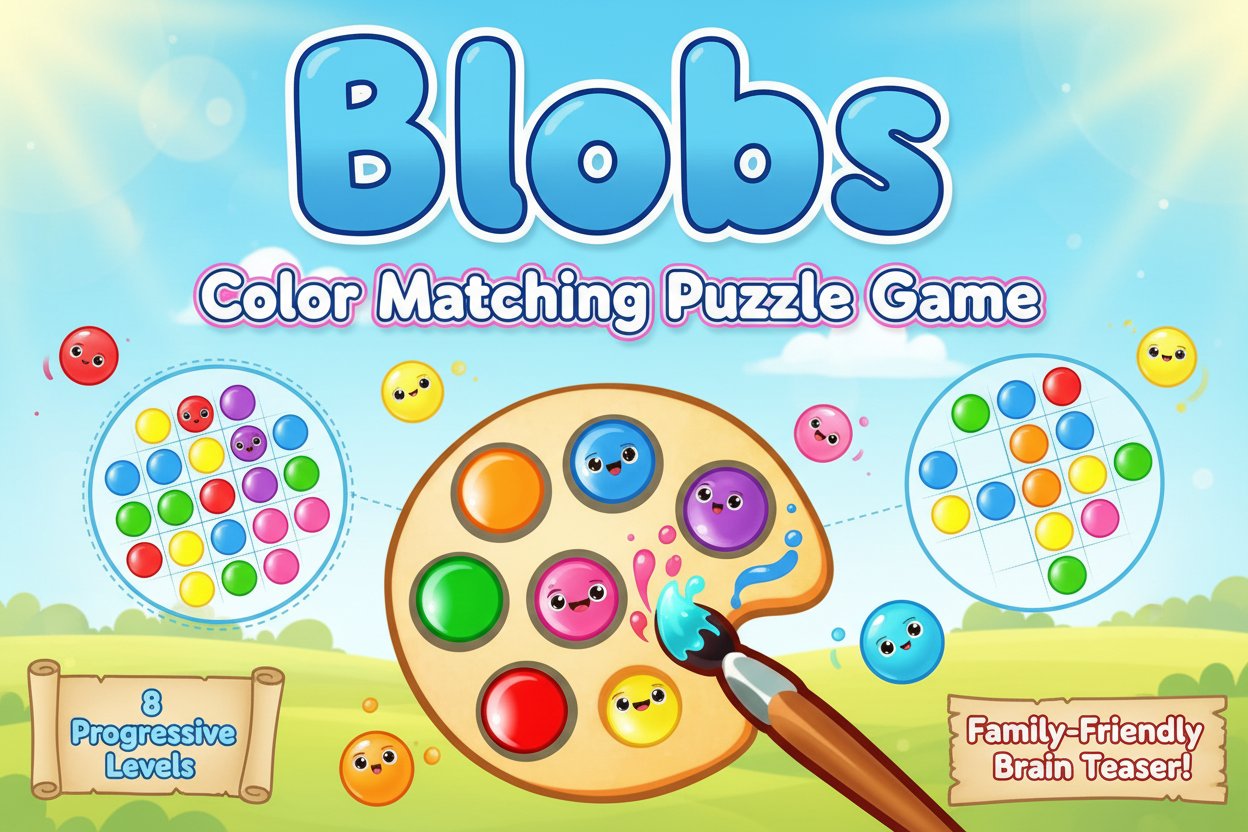
Blobs is a captivating color matching puzzle game that combines simple mechanics with strategic thinking. With a rating of 3.2/5, this casual puzzle game offers an accessible yet engaging challenge for players seeking a relaxing brain exercise. The game features vibrant colors, intuitive controls, and progressively challenging levels that keep players entertained.
Core Features
Simple Yet Strategic Gameplay
The core mechanic revolves around coloring all circles to match the same color. While this sounds straightforward, the strategy lies in selecting colors that will affect the maximum number of adjacent circles, creating a domino effect that efficiently spreads your chosen color across the board.
Family-Friendly Entertainment
- All Ages Welcome : Perfect for children and adults to enjoy together
- Easy Learning Curve : Simple rules that anyone can understand quickly
- Safe Content : Completely family-appropriate with no inappropriate material
- Educational Value : Develops color recognition and strategic thinking skills
Progressive Challenge System
The game offers 8 carefully designed levels that gradually increase in complexity. Each level presents unique color patterns and layouts, ensuring that players face new challenges as they advance through the game.
Cross-Platform Compatibility
- HTML5 Technology : Runs smoothly in any modern web browser
- Mobile Optimized : Perfect touch controls for smartphones and tablets
- No Download Required : Play instantly without installation
- Universal Access : Compatible with Windows, Mac, iOS, and Android devices
Game Mechanics
Color Spreading Strategy
The key to success in Blobs lies in understanding how colors spread. When you select a new color, it affects the main circle and any adjacent circles of similar colors. This creates opportunities for chain reactions that can color large portions of the board in a single move.
Efficient Color Selection
Players must analyze the current board state and choose colors that will maximize their coverage. The most effective strategy involves selecting colors that are already present in adjacent circles, allowing the color change to cascade across connected areas.
How to Play
Getting Started
- Observe the Board : Look at the upper-left circle, which serves as your starting point
- Analyze Adjacent Colors : Check the colors of surrounding circles
- Select Strategic Color : Choose a color from the palette that appears in nearby circles
- Watch the Spread : Observe how your color choice affects connected areas
- Repeat Process : Continue until all circles match the same color
Control System
- Color Palette : Located in the lower-left corner for easy access
- Click Selection : Simply click on your desired color to apply it
- Game Options : Pause, sound, and music controls in the lower-right corner
- Level Navigation : Replay completed levels or progress to new challenges
Winning Strategy
The most efficient approach involves: - Identifying color clusters and planning multi-step combinations - Selecting colors that create the largest immediate impact - Working systematically from one area to gradually encompass the entire board - Minimizing the total number of moves required to complete each level
Why Play Blobs?
Mental Exercise Benefits
Blobs provides excellent brain training through: - Pattern Recognition : Identifying optimal color combinations - Strategic Planning : Thinking several moves ahead - Problem Solving : Finding efficient solutions to color puzzles - Visual Processing : Analyzing spatial relationships between colored elements
Stress-Free Gaming
This casual puzzle game offers: - Relaxing Pace : No time pressure or urgent deadlines - Flexible Sessions : Play for minutes or hours at your preference - Positive Reinforcement : Satisfying visual feedback when colors spread - Achievement System : Complete all 8 levels and compare scores with others
Perfect for Any Moment
Whether you're taking a quick break, spending time with family, or looking for a gentle mental challenge, Blobs adapts to your needs. The game's simple interface and engaging mechanics make it an ideal choice for puzzle enthusiasts of all experience levels.