Bridge Builder - Physics-Based Construction Puzzle Game - Puzzle Game
Prompt
Game Introduction
About the Game
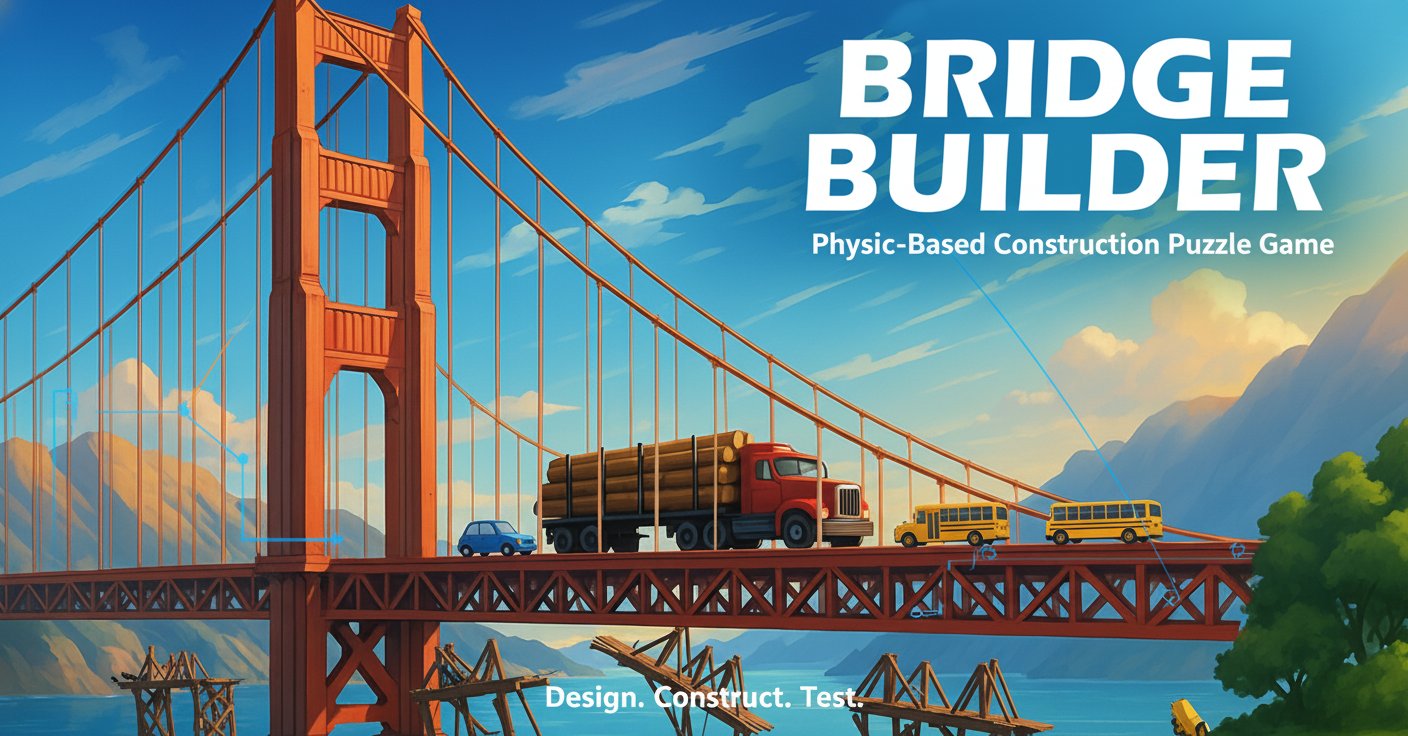
Bridge Builder is a captivating physics-based construction puzzle game that puts your engineering creativity to the ultimate test. As the chief architect, you'll design and build bridges across various challenging terrains, from city waterways to mountain canyons. With realistic physics simulation and limited resources, every beam placement matters as you watch vehicles traverse your carefully crafted structures.
This browser-based game combines strategic thinking with hands-on construction mechanics, offering an authentic engineering experience that's both educational and entertaining. Whether you're a puzzle enthusiast or aspiring engineer, Bridge Builder provides hours of challenging gameplay that rewards both creativity and structural understanding.
Core Features
Realistic Physics Simulation
Every bridge you build is subject to authentic physics laws. Materials have weight, stress points matter, and structural integrity determines success or failure. Watch in real-time as your designs either triumph or collapse under pressure.
Resource Management Challenge
Work with limited materials, primarily metal planks, to create efficient and effective bridge designs. Every piece counts, making strategic placement crucial for success.
Progressive Difficulty Levels
Start with simple city bridges and advance to complex challenges across waterfalls, deep canyons, and mountain ranges. Each environment introduces new obstacles and design requirements.
Multiple Construction Approaches
- Y-shaped support structures for stable water crossings
- Central support designs for longer spans
- Triangle reinforcement systems for maximum stability
- Suspension bridge concepts for advanced challenges
Built-in Tutorial System
Access comprehensive tutorials at any time, with options for step-by-step guidance or complete automated construction examples to learn advanced techniques.
Game Mechanics
Construction Phase
Drag and drop metal pieces from available resources, extending and positioning them to create your bridge structure. The intuitive interface allows precise placement while the physics preview helps visualize structural integrity.
Testing Phase
Once construction is complete, initiate the simulation to watch vehicles cross your bridge. Success means safe passage; failure sends you back to redesign with valuable lessons learned.
Design Strategies
Master various architectural approaches from basic beam bridges to complex suspension systems. Learn to balance material efficiency with structural strength.
Operation Guide
Basic Controls
- Left Click + Drag : Place and position bridge components
- Space Bar : Start vehicle simulation to test your bridge
- Z Key : Undo last construction action
- Double-tap : Remove unwanted bridge pieces
Construction Tips
- Plan before building - visualize your design strategy
- Use triangular supports for maximum stability
- Consider load distribution across the entire structure
- Utilize wall anchors when available for additional support
- Test early and often to identify weak points
Advanced Techniques
Experiment with different architectural styles including suspension bridges, arch designs, and cantilever systems as you progress through more challenging levels.
Why Play Bridge Builder
Educational Value
Learn fundamental engineering principles through hands-on experimentation. Understand concepts like load distribution, structural integrity, and material efficiency in an engaging, interactive environment.
Creative Problem Solving
Each level presents unique challenges requiring innovative solutions. There's rarely just one correct answer, encouraging creative thinking and multiple approach strategies.
Instant Feedback
The physics simulation provides immediate results, helping you understand what works and what doesn't. This rapid iteration cycle accelerates learning and skill development.
Accessibility
- Completely Free : No cost to play, no hidden fees
- Browser-Based : No downloads or installations required
- Cross-Platform : Works on computers, tablets, and smartphones
- Hint System : Get help when stuck without frustration
Progressive Challenge
Starting with simple scenarios and advancing to complex multi-span bridges ensures a satisfying learning curve that keeps players engaged and motivated.