
Casual Chess - Puzzle Game
 Shooter
Rail Shooter Ride
Build a roller-coaster rail shooter that aims as you ride.
 Subscriber only
Unreal City Tour
Explore a photoreal Unreal city with terrain and live weather.
 New
NewArcade Crossing Game
Build a lane-dodging arcade game with traffic and pickups.
 FPS
FPSNight Mission Survival
Build a first-person night survival with flashlight combat.
 New
NewHook a Fish Arcade
Build a fishing arcade where catches buy you more time.
 Subscriber only
Unreal Top-Down Roguelite
Create a complete UE 5.5 top-down arena roguelite with upgrades and a boss finale.
 Shooter
Dead City Shooter
Build a third-person zombie shooter in a ruined city.
 Shooter
Decay Zone Survival
Build a first-person zombie survival with ammo management.
 Unity
UnityCity Eater
Build a Unity game where a growing blob devours the city.
 Unity
UnityCastle Devour Quest
Build a Unity castle quest with risky rooms and a win goal.
ShooterRail Shooter Ride
Build a roller-coaster rail shooter that aims as you ride.
Subscriber onlyUnreal City Tour
Explore a photoreal Unreal city with terrain and live weather.
NewArcade Crossing Game
Build a lane-dodging arcade game with traffic and pickups.
FPSNight Mission Survival
Build a first-person night survival with flashlight combat.
NewHook a Fish Arcade
Build a fishing arcade where catches buy you more time.
Subscriber onlyUnreal Top-Down Roguelite
Create a complete UE 5.5 top-down arena roguelite with upgrades and a boss finale.
ShooterDead City Shooter
Build a third-person zombie shooter in a ruined city.
ShooterDecay Zone Survival
Build a first-person zombie survival with ammo management.
UnityCity Eater
Build a Unity game where a growing blob devours the city.
UnityCastle Devour Quest
Build a Unity castle quest with risky rooms and a win goal.
Prompt

Games are fun. Creating them is even better.
Game Introduction
About the Game
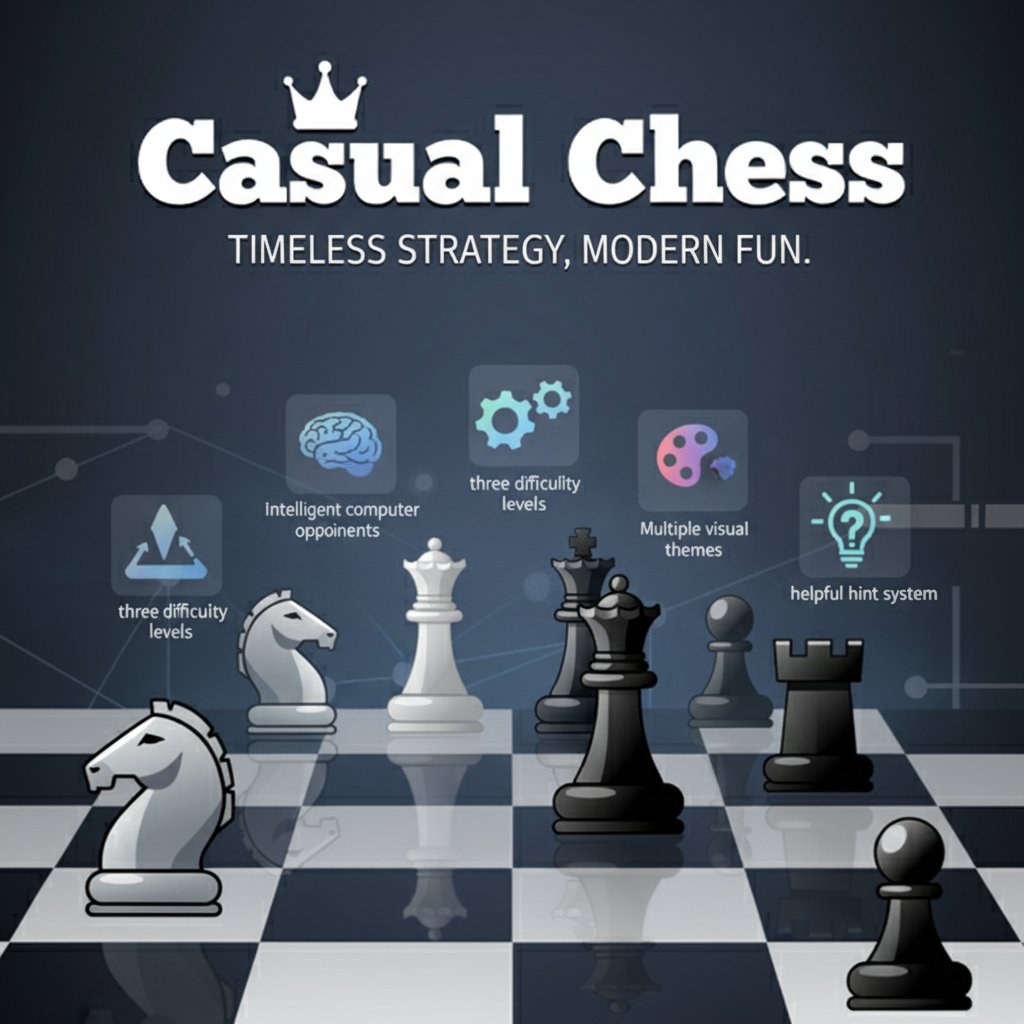
Casual Chess brings the world's most beloved strategy game directly to your browser. This classic chess implementation combines traditional gameplay with modern convenience, offering an accessible yet challenging chess experience for players of all skill levels. Whether you're a complete beginner learning the ropes or an experienced player looking for a quick match, Casual Chess provides the perfect platform to enjoy this timeless game.
The game features a clean, intuitive interface that makes it easy to focus on strategy and gameplay. With no downloads required and instant browser access, you can start playing immediately and enjoy chess anywhere, anytime.
Core Features
Multiple Difficulty Levels
Choose from three distinct difficulty settings that cater to different skill levels:
- Beginner Mode : Perfect for newcomers to chess, with forgiving AI that helps you learn basic strategies
- Intermediate Mode : Balanced gameplay for developing players who understand the fundamentals
- Advanced Mode : Challenging AI that will test even experienced chess players
Visual Customization
Personalize your chess experience with three beautiful themes. Each theme offers a unique visual style while maintaining clear piece recognition and board visibility.
Intelligent Hint System
The built-in hint feature is perfect for learning and improvement: - Suggests optimal moves when you're stuck - Helps beginners understand chess strategies - Teaches tactical patterns and common combinations - Can be used sparingly to maintain challenge
Classic Chess Rules
Experience authentic chess gameplay with all traditional rules implemented: - Standard piece movements and capture rules - Special moves including castling, en passant, and pawn promotion - Check and checkmate detection - Proper game ending conditions
Game Controls
The control scheme is designed for maximum simplicity and accessibility:
- Select Pieces : Click or tap on any of your pieces to select it
- Make Moves : Click or tap on a valid destination square to move your selected piece
- Visual Feedback : Selected pieces and valid moves are clearly highlighted
- Undo Function : Take back moves if available in your chosen difficulty setting
The intuitive point-and-click interface works seamlessly on both desktop computers and mobile devices, ensuring a smooth chess experience regardless of your platform.
Why Play Casual Chess
Perfect Learning Environment
Casual Chess creates an ideal environment for improving your chess skills. The hint system provides guidance without being intrusive, allowing you to learn at your own pace. The multiple difficulty levels ensure you're always appropriately challenged as your skills develop.
Convenient and Accessible
With no account registration required and instant browser gameplay, you can enjoy a chess match whenever inspiration strikes. The game saves your progress locally, so you can return to unfinished games.
Stress-Free Experience
Unlike timed online matches against human opponents, playing against the computer allows you to think carefully about each move without pressure. This relaxed environment is perfect for practicing new strategies and experimenting with different opening systems.
Brain Training Benefits
Regular chess play provides excellent mental exercise, improving: - Strategic thinking and planning - Pattern recognition - Concentration and focus - Problem-solving abilities - Memory and calculation skills