Coco Monkey - Physics Puzzle Platformer Game - Puzzle Game
Prompt
Game Introduction
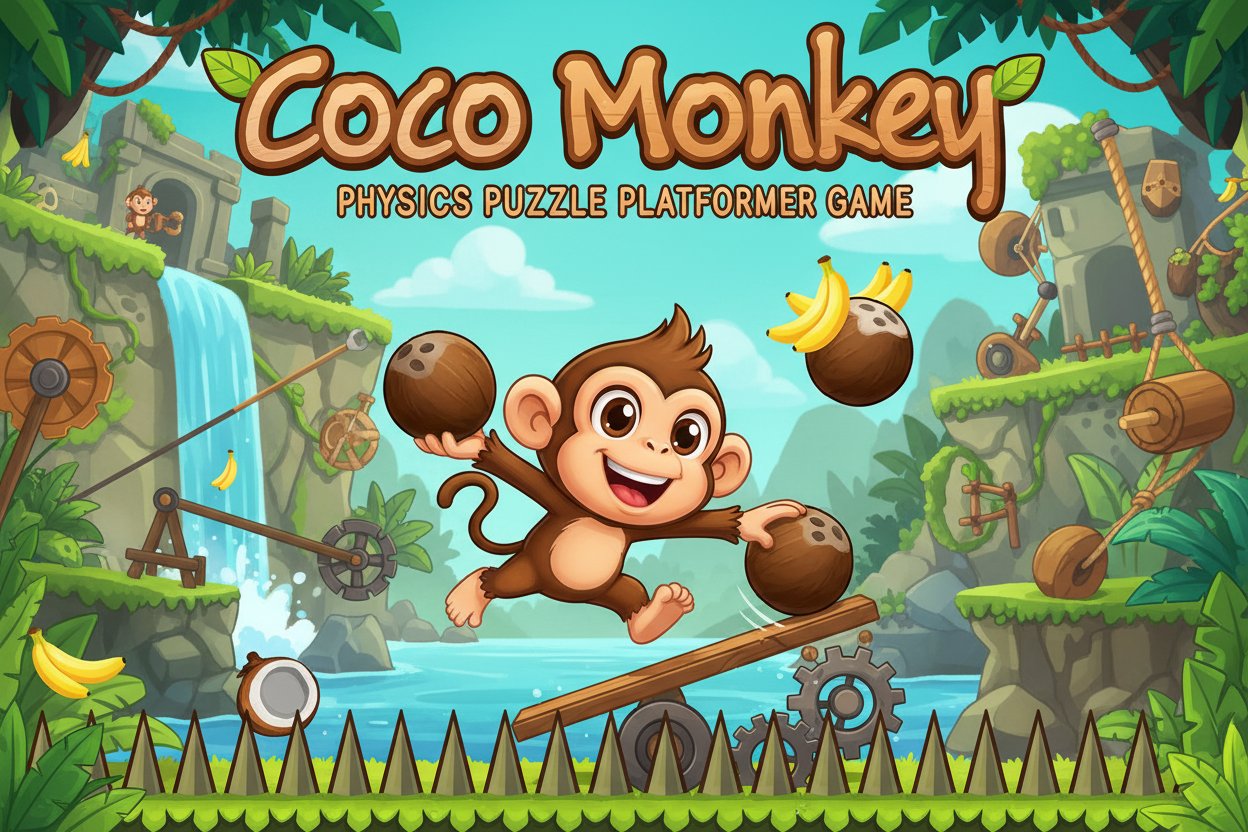
About Coco Monkey
Coco Monkey is an entertaining physics-based puzzle platformer that combines the best elements of classic side-scrolling games with innovative coconut mechanics. This free online game challenges players to think creatively while navigating through beautifully designed retro-styled levels.
In this delightful adventure, you play as an adorable monkey armed with a collection of coconuts that serve as your primary tools for overcoming obstacles. The game's unique physics engine makes every coconut interaction feel realistic and satisfying, creating endless possibilities for creative problem-solving.
Core Features
Physics-Based Gameplay
Every coconut behaves according to realistic physics laws, allowing for creative solutions to challenging puzzles. Throw coconuts to activate switches, stack them to reach higher platforms, or use them as stepping stones across dangerous gaps.
Retro-Styled Visuals
The game features charming pixel art graphics that evoke classic platformers while maintaining a modern, polished feel. Each level is carefully crafted with vibrant colors and detailed animations that bring the monkey's world to life.
Progressive Difficulty
Starting with simple obstacle courses, Coco Monkey gradually introduces more complex puzzles that require strategic thinking and precise timing. Players must master both platforming skills and puzzle-solving abilities to progress.
Unlimited Creativity
With coconuts as your primary tool, there's often more than one way to solve each puzzle. Experiment with different approaches and discover creative solutions that work for your playstyle.
Gameplay Mechanics
Coconut Manipulation
Coconuts are more than just projectiles in Coco Monkey. You can: - Throw them to hit switches or knock down barriers - Stack them to create makeshift platforms - Use them as weights to activate pressure plates - Stand on them to reach higher areas
Obstacle Variety
Navigate through diverse challenges including: - Spikey pits that require careful coconut placement - Towering cliffs that need creative climbing solutions - Moving platforms that test your timing - Switch-activated doors that require precise aim
Controls Guide
Movement Controls
- W, A, S, D Keys : Move your monkey character in all directions and jump
- W Key : Jump to reach higher platforms or avoid obstacles
- A/D Keys : Move left and right through the level
- S Key : Duck or move downward when needed
Coconut Controls
- Mouse Movement : Aim your coconut throws with precision
- Left Mouse Button : Throw coconuts at your target
- Strategic Aiming : Use the mouse to line up perfect shots for switches and platforms
Mastering these simple controls is key to solving increasingly complex puzzles throughout your adventure.
Why Play Coco Monkey
Perfect Balance of Fun and Challenge
Coco Monkey strikes an ideal balance between being accessible to casual players while offering enough depth to satisfy puzzle enthusiasts. The learning curve is gentle, but the later levels provide genuine challenges that require creative thinking.
No Download Required
As an HTML5 game, Coco Monkey runs directly in your web browser without any downloads or installations. Simply visit the game page and start playing immediately on any device with a modern browser.
Family-Friendly Entertainment
With its cute monkey protagonist and wholesome coconut-based gameplay, Coco Monkey is suitable for players of all ages. The game contains no violent content, making it perfect for family gaming sessions.
Replayability
Even after completing all levels, players often return to experiment with different solutions or try to complete levels more efficiently. The physics-based mechanics ensure that each playthrough can feel unique.
Cross-Platform Compatibility
Whether you're playing on a desktop computer, laptop, or tablet, Coco Monkey delivers a smooth gaming experience across all platforms with HTML5 technology.