
Construct a Bridge - Puzzle Game
 Shooter
Dead City Shooter
Build a third-person zombie shooter in a ruined city.
 Shooter
Decay Zone Survival
Build a first-person zombie survival with ammo management.
 Unity
UnityCrimson Illusion Battle
Build a Unity fantasy battle through a crimson illusion realm.
 Action
Open World City Action
Build an open-world city romp with driving and police chases.
 New
NewDrone Flight Combat
Build a cinematic drone combat run with missiles and a HUD.
 Racing
Track Racing Challenge
Build a closed-circuit racer built around drift corners.
 Puzzle
Magic Cube Puzzle
Build an interactive Rubik's Cube with scramble and reset.
 Survival
Survival Sandbox Arena
Build a survival arena with enemy waves and turret defense.
 Unity
UnityDesert Quickshot
Build a Unity quickdraw duel with streaks and rising heat.
 New
New3D Block Puzzle
Build a 3D falling-block puzzle with rotations and row clears.
ShooterDead City Shooter
Build a third-person zombie shooter in a ruined city.
ShooterDecay Zone Survival
Build a first-person zombie survival with ammo management.
UnityCrimson Illusion Battle
Build a Unity fantasy battle through a crimson illusion realm.
ActionOpen World City Action
Build an open-world city romp with driving and police chases.
NewDrone Flight Combat
Build a cinematic drone combat run with missiles and a HUD.
RacingTrack Racing Challenge
Build a closed-circuit racer built around drift corners.
PuzzleMagic Cube Puzzle
Build an interactive Rubik's Cube with scramble and reset.
SurvivalSurvival Sandbox Arena
Build a survival arena with enemy waves and turret defense.
UnityDesert Quickshot
Build a Unity quickdraw duel with streaks and rising heat.
New3D Block Puzzle
Build a 3D falling-block puzzle with rotations and row clears.
Prompt

Games are fun. Creating them is even better.
Game Introduction
About the Game
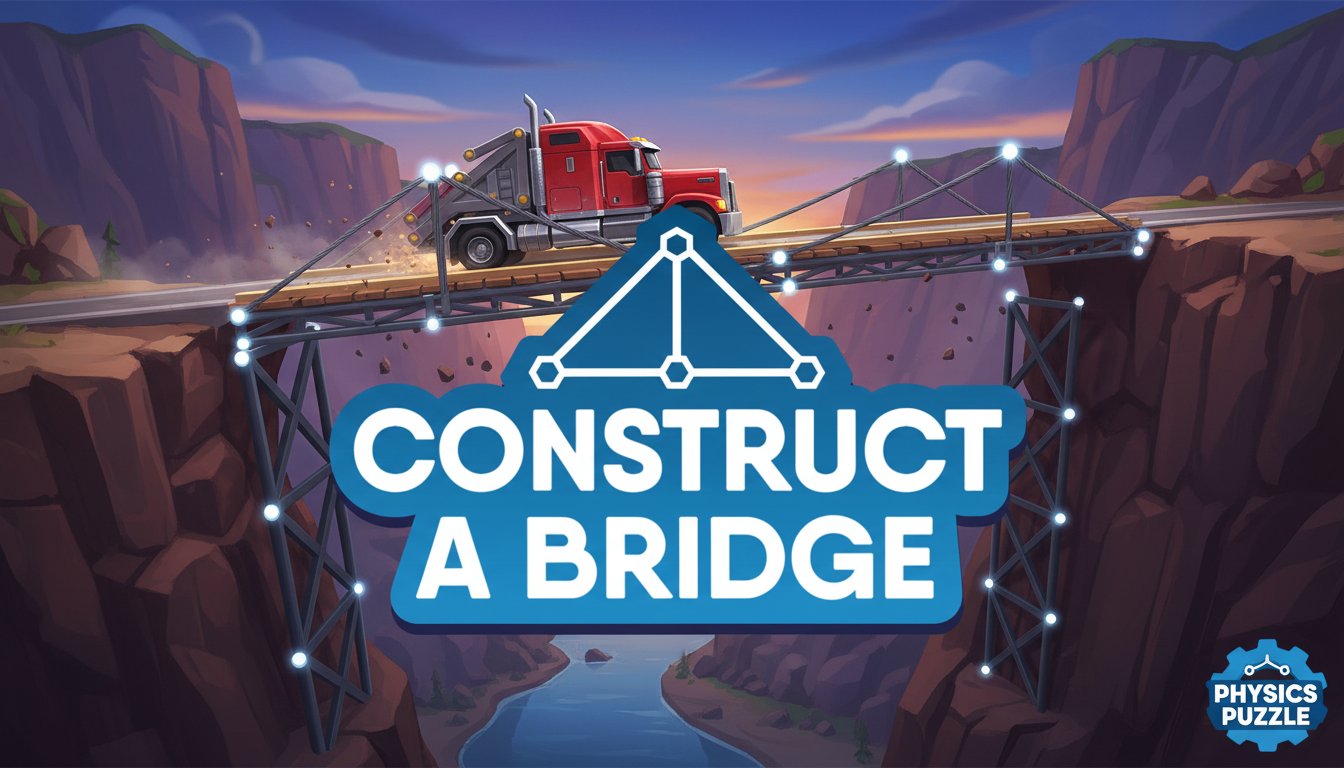
Construct a Bridge is a captivating physics-based puzzle game that puts your engineering mind to the ultimate test. This challenging building game combines creativity, logic, and structural engineering principles to create an engaging gameplay experience. With realistic physics simulation, every bridge you construct must withstand the weight and momentum of a heavy truck crossing safely to the other side.
The game features a clean, minimalist design with an intuitive interface that makes bridge construction both accessible and rewarding. Each level presents unique challenges that require different engineering approaches and creative solutions.
Core Features
Realistic Physics Simulation
Every bridge component follows real-world physics laws. Your constructions will bend, flex, and potentially collapse under stress, making structural integrity crucial for success. The game accurately simulates weight distribution, tension, and compression forces.
Budget Management System
Each level provides a limited budget for purchasing bridge materials. You must balance cost-effectiveness with structural strength, making every construction decision strategic. Efficient designs that use fewer materials while maintaining strength will help you achieve better scores.
Progressive Difficulty Levels
With 10 challenging levels, the game gradually introduces more complex scenarios. Early levels teach basic bridge construction principles, while advanced levels require sophisticated engineering solutions and creative problem-solving.
Multiple Construction Approaches
There's no single correct solution for each level. Players can experiment with different bridge designs including suspension bridges, truss bridges, and beam bridges. This freedom encourages creativity and repeated play to discover optimal solutions.
Gameplay Mechanics
The core gameplay revolves around connecting anchor points with structural lines to create a stable bridge framework. You'll draw connections between predetermined anchor points, with each line representing a structural beam or cable. The challenge lies in creating the most efficient and stable design possible.
Strategic Planning
Before construction begins, analyze the gap distance, available anchor points, and budget constraints. Consider the truck's weight and the forces it will exert on your bridge during crossing.
Construction Phase
Using simple mouse controls, connect anchor points to form your bridge structure. Visual feedback helps you understand how forces will distribute across your design.
Testing Phase
Once construction is complete, watch as the heavy truck attempts to cross your bridge. Successful designs will support the truck's weight, while inadequate structures will buckle and collapse.
Operation Guide
Basic Controls
- Left Mouse Button : Click and drag to create structural connections between anchor points
- Mouse Movement : Navigate the construction interface and select connection points
- Interface Buttons : Use on-screen controls to start truck crossing and reset designs
Construction Tips
- Triangular Structures : Triangle formations provide excellent stability and weight distribution
- Load Distribution : Spread the truck's weight across multiple support points
- Material Efficiency : Use the minimum materials necessary for structural integrity
- Testing Approach : Don't be afraid to experiment with different designs
Winning Strategy
Success requires balancing structural engineering principles with budget management. Study how real bridges distribute weight and apply these concepts to your designs.
Why Play This Game
Educational Value
Construct a Bridge offers genuine learning opportunities in physics and engineering concepts. Players naturally absorb principles of structural engineering, load distribution, and material efficiency through hands-on experimentation.
Problem-Solving Skills
Each level presents unique challenges that require analytical thinking and creative solutions. The game develops spatial reasoning and logical problem-solving abilities.
Accessible Yet Challenging
While easy to learn, the game provides substantial depth for players seeking engineering challenges. The physics-based gameplay ensures that success depends on sound engineering principles rather than luck.
Replay Value
Multiple solution paths for each level encourage experimentation and optimization. Players can return to completed levels to discover more efficient designs or attempt perfect scores.
Cross-Platform Accessibility
As a browser-based game, it's instantly accessible on both desktop and mobile devices without downloads or installations. This makes it perfect for quick gaming sessions or extended problem-solving periods.