
Cube Crash - Match 3 Block Puzzle Game - Puzzle Game
 Unity
UnityCupid's Arrow
Build a Unity archery game of timing and matchmaking.
 Subscriber only
Unreal FPS/TPS Shooter
Create a complete UE 5.5 FPS or TPS shooter with combat, UI, and replay.
 Unity
UnityEndless Runner
Build a polished Unity endless runner with lanes and pickups.
 Unity
UnityBattle of Balls
Build a Unity arena where rolling balls collide and grow.
 Roguelike
Dungeon Survivors
Build a Vampire-Survivors-style dungeon arena with hero picks.
 Unity
UnityChaos Train Arcade
Build a chaotic Unity train arcade of hazards and timing.
 Unity
UnityCastle Devour Quest
Build a Unity castle quest with risky rooms and a win goal.
 Action
Open World City Action
Build an open-world city romp with driving and police chases.
 Arcade
Pumpkin Night Adventure
Build a Halloween grid-arena survival romp.
 Racing
Track Racing Challenge
Build a closed-circuit racer built around drift corners.
UnityCupid's Arrow
Build a Unity archery game of timing and matchmaking.
Subscriber onlyUnreal FPS/TPS Shooter
Create a complete UE 5.5 FPS or TPS shooter with combat, UI, and replay.
UnityEndless Runner
Build a polished Unity endless runner with lanes and pickups.
UnityBattle of Balls
Build a Unity arena where rolling balls collide and grow.
RoguelikeDungeon Survivors
Build a Vampire-Survivors-style dungeon arena with hero picks.
UnityChaos Train Arcade
Build a chaotic Unity train arcade of hazards and timing.
UnityCastle Devour Quest
Build a Unity castle quest with risky rooms and a win goal.
ActionOpen World City Action
Build an open-world city romp with driving and police chases.
ArcadePumpkin Night Adventure
Build a Halloween grid-arena survival romp.
RacingTrack Racing Challenge
Build a closed-circuit racer built around drift corners.
Prompt

Games are fun. Creating them is even better.
Game Introduction
About the Game
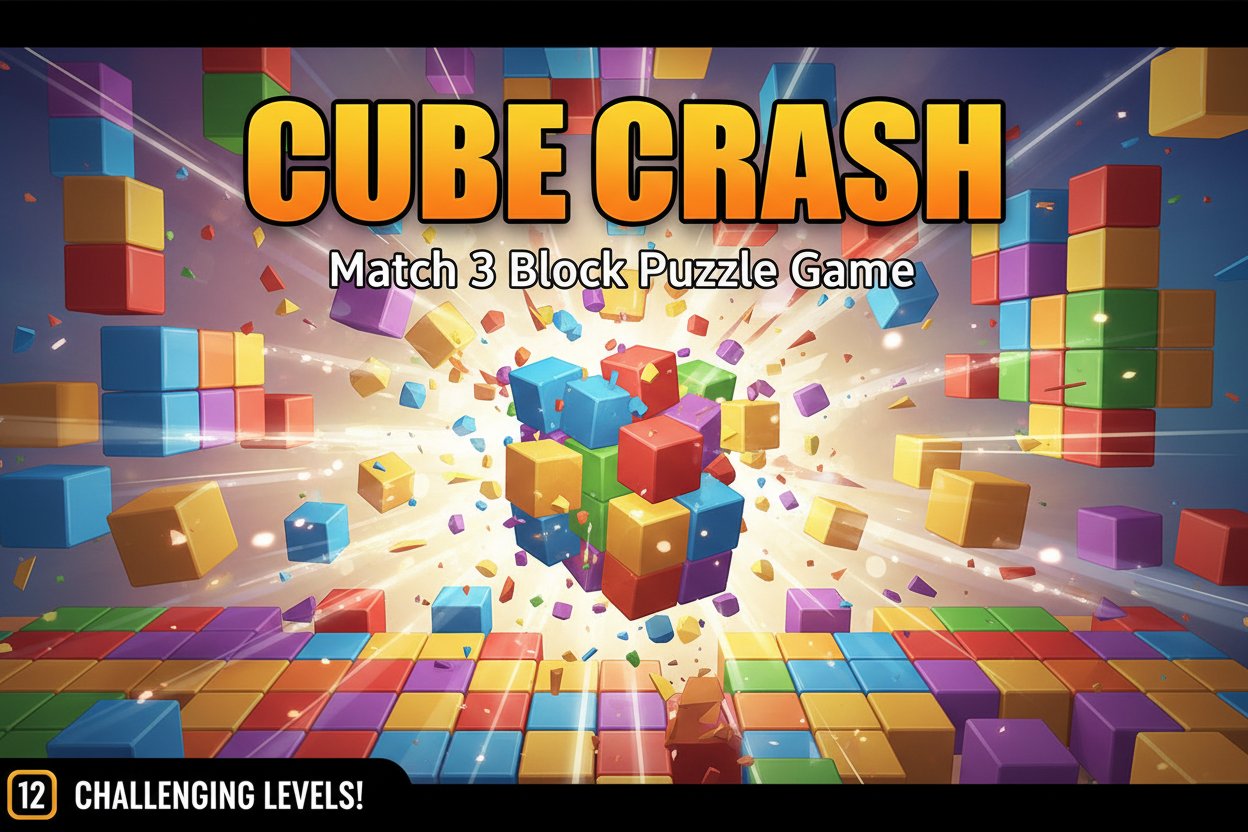
Cube Crash is a captivating match 3 puzzle game that combines strategy with simple clicking mechanics to create an endlessly entertaining experience. With a solid 3.6/5 rating from thousands of players, this colorful block-crushing game offers 12 levels of progressively challenging puzzle gameplay that will test your strategic thinking and pattern recognition skills.
In Cube Crash, your mission is straightforward yet engaging: click on groups of three or more connected cubes of the same color to make them disappear and earn points. Each level comes with specific score targets that you must reach to progress, making every move count as you plan your strategy to maximize your points.
Core Features
Strategic Match 3 Gameplay
Unlike traditional match 3 games, Cube Crash rewards strategic thinking over quick reflexes. You'll need to carefully plan your moves to create larger groups of matching cubes, as bigger groups yield exponentially more points. The game automatically highlights all connected cubes of the same color when you hover over them, making it easy to see potential matches.
Progressive Difficulty System
The game features 12 unique levels, each with its own scoring requirements and layout challenges. As you advance, the puzzles become more complex with matching blocks placed further apart, requiring more sophisticated strategies to achieve the minimum scores needed to progress.
Score-Based Progression
Each level has specific point thresholds you must reach to unlock the next challenge. Fail to meet the minimum score, and you'll need to retry the level with a fresh approach. This system ensures that players develop their skills gradually while maintaining an appropriate challenge level.
Leaderboard Competition
Once you complete all 12 levels, you can submit your total score to compete against other players worldwide. The global leaderboard system adds replay value as you strive to improve your strategies and climb the rankings.
Game Mechanics
Intuitive Click Controls
The game uses simple point-and-click mechanics that work perfectly across all devices. Simply click on any cube that's part of a group of three or more matching colors to eliminate them. The game provides instant visual feedback, showing you exactly how many points each potential move will earn.
Smart Selection System
When you hover over a cube, the game automatically highlights all connected cubes of the same color, eliminating guesswork and letting you focus on strategy rather than manual selection. A number appears next to your cursor showing the exact point value of each potential move.
Combo Opportunities
The real strategy lies in setting up chain reactions and creating opportunities for larger groups. As cubes fall and rearrange after each move, new matching opportunities emerge, allowing skilled players to plan several moves ahead.
Operation Guide
Basic Controls
- Mouse/Touch : Click or tap on groups of matching colored cubes
- Hover : Move your cursor over cubes to see potential matches highlighted
- Point Preview : Watch the number next to your cursor to see point values before clicking
Winning Strategy Tips
- Plan Ahead : Look for moves that will create larger groups after cubes fall
- Prioritize Big Groups : Larger groups give disproportionately more points
- Work from Bottom : Removing cubes from lower positions often creates new opportunities above
- Study the Layout : Each level has unique patterns - learn them to optimize your approach
Level Progression
Each level displays your current score and the target score needed to advance. If you don't reach the minimum score, you can immediately retry the level with the same layout, allowing you to perfect your strategy.
Why Play Cube Crash
Cube Crash stands out in the crowded puzzle game market by combining the satisfaction of match 3 mechanics with strategic depth that keeps players engaged for hours. The game is completely free to play with no hidden costs or pay-to-win mechanics.
Perfect for All Skill Levels : The early levels teach basic mechanics while later levels challenge even experienced puzzle game veterans. The difficulty progression ensures that players of all skill levels can enjoy the game at their own pace.
Cross-Platform Compatibility : Built with HTML5 technology, Cube Crash runs smoothly on desktop computers, tablets, and smartphones without requiring any downloads or installations. Your progress saves automatically, letting you continue your game across different devices.
Replayability : With leaderboard competition and the challenge of beating your own high scores, Cube Crash offers virtually unlimited replay value. Each playthrough can reveal new strategies and approaches to familiar levels.
Brain Training Benefits : Regular play helps improve pattern recognition, strategic planning, and spatial reasoning skills while providing entertaining stress relief.