Draw Play - Interactive Drawing Puzzle Game
Prompt
Game Introduction
About the Game
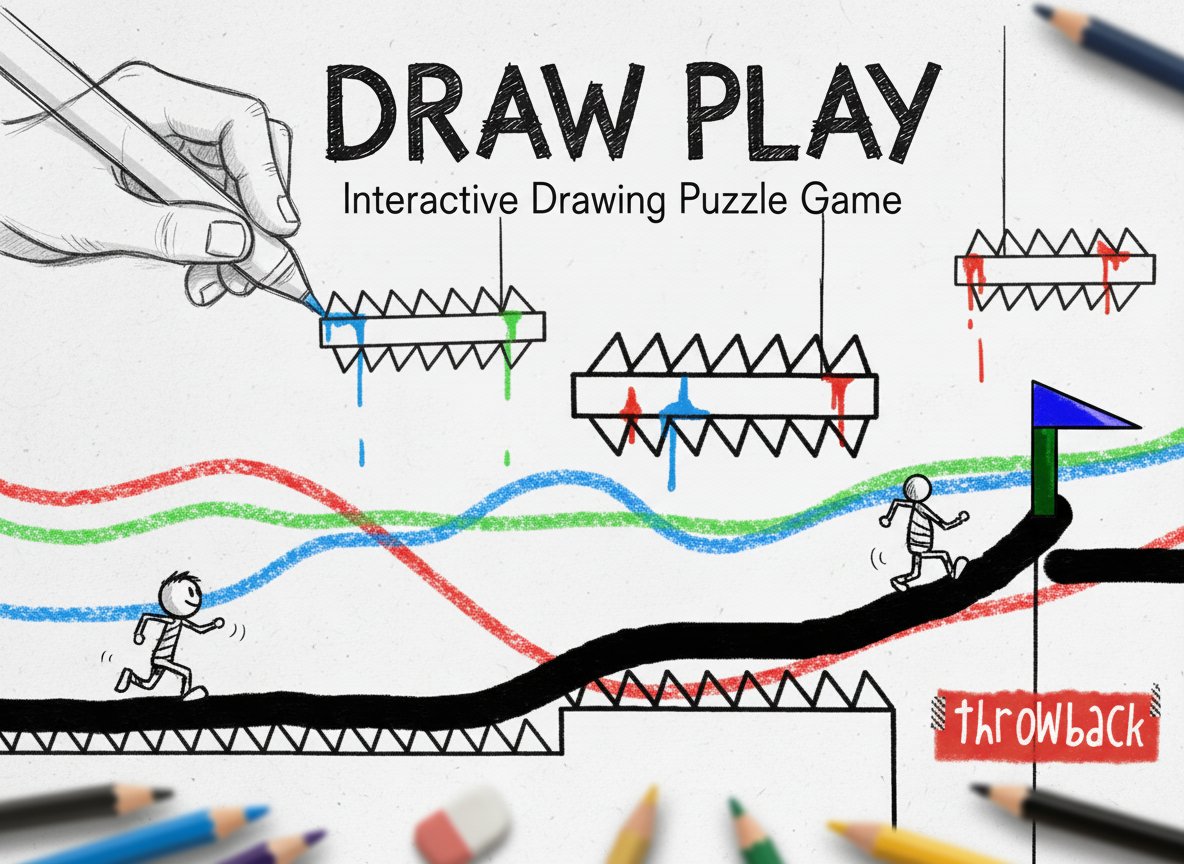
Draw Play is a unique puzzle-platformer that combines creativity with strategic thinking. In this engaging game, you become both the architect and navigator of each level, using your mouse to draw custom paths that will guide your stick figure character to safety. With its simple yet addictive gameplay mechanics, Draw Play offers endless possibilities for creative problem-solving.
The game features intuitive controls and physics-based gameplay that responds realistically to your drawn creations. Whether you choose to build a safe, straightforward path or experiment with more creative and risky solutions, every level presents multiple ways to reach your goal.
Core Features
Creative Drawing Mechanics
The heart of Draw Play lies in its innovative drawing system. Using your mouse, you can create platforms, ramps, bridges, and any path imaginable. The game's physics engine ensures that your creations behave realistically, adding an extra layer of challenge and satisfaction to each solution.
Physics-Based Gameplay
Every line you draw becomes a solid platform that follows realistic physics rules. Your stick figure character will walk, jump, and fall according to the paths you create, making each level a unique physics puzzle that requires both creativity and logic.
Multiple Solution Paths
There's no single "correct" way to complete each level. You can choose to build safe, conservative paths or experiment with more adventurous routes. This freedom encourages experimentation and replay value as you discover new ways to solve familiar challenges.
Progressive Difficulty
Levels gradually increase in complexity, introducing new obstacles and challenges that require increasingly creative solutions. From simple gaps to complex multi-stage puzzles, the game keeps you engaged with varied and interesting scenarios.
Gameplay Mechanics
Draw Play operates on a simple but effective gameplay loop:
- Analyze the Level : Each level presents a starting point, obstacles, and a target flag
- Draw Your Path : Use your mouse to create platforms and pathways
- Navigate to Victory : Control your stick figure using arrow keys along your created path
- Reach the Flag : Successfully guide your character to the goal to complete the level
The game's physics system adds realism to your creations - steep angles will cause your character to slide, while proper platforms provide stable footing. This creates a satisfying balance between planning and execution.
Operation Guide
Mastering Draw Play is straightforward with these simple controls:
- Mouse Click and Drag : Draw lines and platforms anywhere on the screen
- Arrow Keys : Move your stick figure character along the paths you've created
- Goal : Navigate your character safely to the flag in each level
Tips for Success
- Plan your path before drawing - consider physics and gravity
- Experiment with different angles and platform shapes
- Remember that steeper slopes will cause faster movement
- Don't be afraid to restart and try a completely different approach
- Use the environment to your advantage when possible
Why Play Draw Play
Draw Play stands out in the puzzle game genre for several compelling reasons:
Creative Freedom : Unlike traditional platformers with fixed paths, you have complete control over how each level is solved. This creative aspect makes every playthrough unique and personal.
Educational Value : The game subtly teaches physics principles like gravity, momentum, and structural stability through hands-on experimentation.
Accessibility : With simple controls and a clear objective, players of all ages can jump in and start creating. The game requires no special skills beyond basic mouse and keyboard operation.
Replayability : Multiple solution paths mean you can return to completed levels and try entirely different approaches, extending the game's lifespan significantly.
No Barriers to Entry : As a free browser-based game, Draw Play requires no downloads, installations, or payments. Simply open your browser and start playing immediately.
Whether you're looking for a quick creative outlet or an engaging puzzle challenge, Draw Play delivers a unique gaming experience that combines the satisfaction of creation with the thrill of problem-solving.