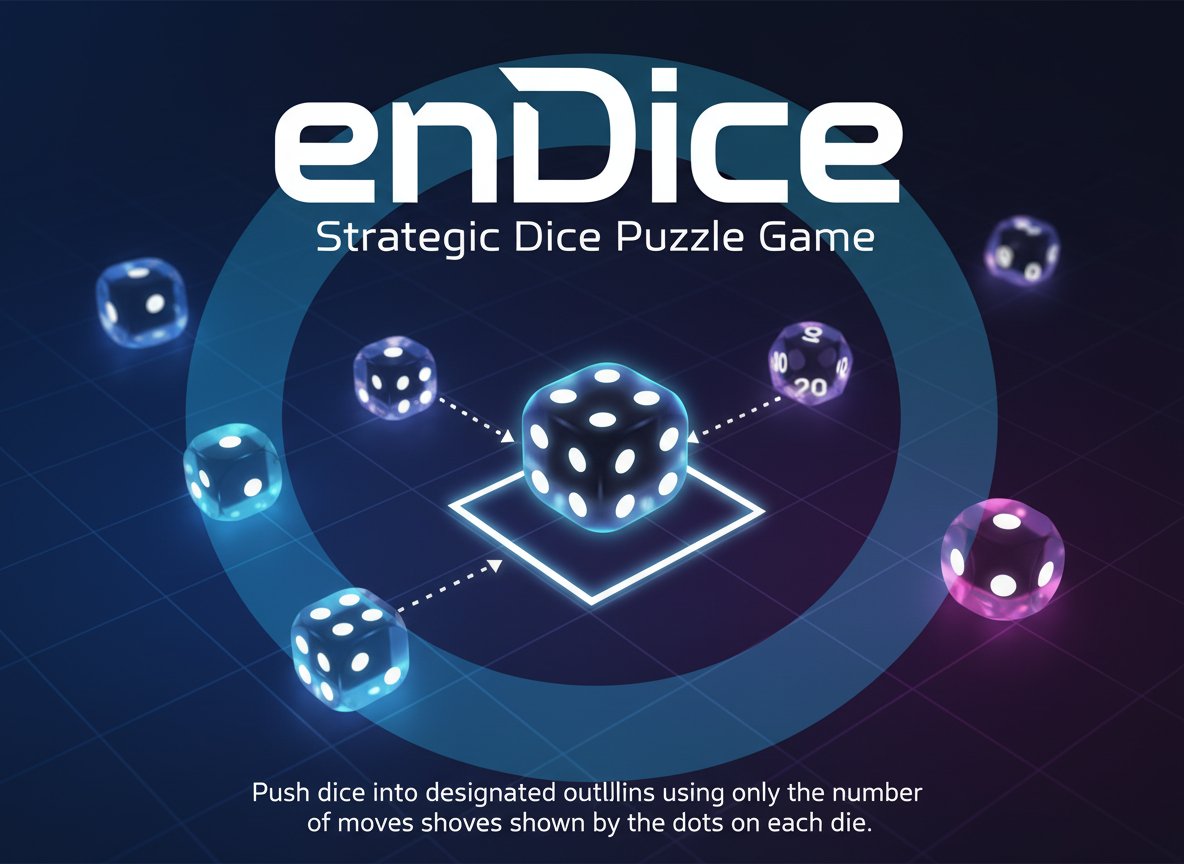
enDice - Strategic Dice Puzzle Game

Seele01-Flash
By
enDice is a challenging strategic puzzle game that tests your planning skills. Push dice into designated outlines using only the number of moves shown by the dots on each die.

Prompt

MODEL: Seele01-Flash
Please use Three.js to generate a **mobile-first game** with the theme "enDice". Please read the following detailed game design requirements first, and then generate the code accordingly: ### 1. Assets & Environment * **Visual Style**: Modern Minimalist Orthographic. Create a clean, soft-lit 3D environment that mimics a high-quality mobile puzzle game. * **Camera**: Use an `OrthographicCamera` to maintain a strict grid perspective without distortion. Angle it slightly (isometric view) or keep it top-down (90 degrees) based on clarity. Top-down is preferred for this specific mechanic. * **The Dice**: Create rounded cubes (`BoxGeometry` with bevels). They should be a dark charcoal color (`#222222`). Each die must display white "pips" (dots) on the top face representing numbers 1 through 6. * **The Grid/Board**: A soft, matte background plane in a muted salmon/terracotta color (referencing the screenshot, approx hex `#A07060`). The grid cells should be subtly marked, perhaps with slightly darker indented squares. * **Target Zones**: Outline frames or glowing semi-transparent zones on the grid that indicate where the dice must end up. * **Performance**: Use `InstancedMesh` if there are many identical geometry elements (like grid floors). Use simple Lambert or Phong materials for performance on mobile devices. Shadows should be soft and baked if possible, or use a single DirectionalLight with soft shadows. ### 2. Audio Requirements * **BGM**: A relaxing, "Zen" puzzle track. Lo-fi hip hop or ambient piano that loops seamlessly. It should aid concentration. * **Sound Effects**: * **Select**: A soft "pop" or "click" when a user touches a die. * **Slide**: A smooth "whoosh" or friction sound matching the duration of the movement. * **Impact**: A wooden "thud" when the die stops or hits an obstacle. * **Error**: A subtle low-pitched buzz if a move is invalid (e.g., blocked path). * **Win**: A harmonious, ascending chime chord when all dice are in their target outlines. ### 3. Gameplay Loop * **Core Mechanic**: This is a sliding puzzle with a constraint. The number on the die (1-6) dictates the **exact** number of grid spaces it moves when pushed. * *Example*: A die with '2' dots must move exactly 2 spaces in the chosen direction. * **Collision & Pushing**: * If the path is blocked by a wall, the move is invalid (the die cannot move). * If the path is blocked by another die, check if the *other* die can be pushed. (Simplify for MVP: Dice act as solid walls and cannot be pushed unless the specific level design requires it. For this generation, assume dice block each other). * **Win Condition**: The level is cleared when every "Target Outline" on the grid is occupied by a die. * **Level Data**: Create a simple array-based level structure allowing for easy expansion (e.g., `0`=Empty, `1`=Wall, `2`=Target, `D3`=Die with value 3). ### 4. Mobile Controls & Interaction * **Input Method**: Touch and Swipe (Gestures). * **Selection**: The user taps a die to select it (highlight it slightly). * **Action**: After selecting, the user swipes Up, Down, Left, or Right anywhere on the screen to trigger the move in that direction. * *Alternative*: Allow direct "Flick" on the die without prior selection for faster gameplay. * **Raycasting**: Use `Raycaster` to detect touch events on the dice meshes. Ensure the hit box is slightly larger than the visual mesh for easier tapping. * **Visual Feedback**: * When a die is selected/touched, show small arrow indicators on the grid showing valid directions based on its move count. * If a move is invalid, shake the die slightly (visual feedback) and play the error sound. * **UI**: * A "Restart" button in the top right corner (minimum 44x44px touch area). * A level counter in the top center. * Ensure the game board scales to fit within the width of a portrait mobile screen (`window.innerWidth`). Do not ask for clarification. Do not request confirmation. Directly execute the generation task based on the given instructions.

Game Introduction

About the Game

enDice is an ingenious puzzle game that combines simple mechanics with deep strategic thinking. The concept appears deceptively simple: push dice into outlined spaces on the board. However, the challenge lies in the limited number of moves available - each die can only be moved as many times as the number of dots displayed on its face.

With a solid 3.1/5 rating from puzzle enthusiasts, enDice offers a perfect blend of accessibility and challenge that keeps players coming back for more. The game's minimalist design focuses entirely on the puzzle-solving experience, making it suitable for all ages while providing genuine difficulty for seasoned puzzle lovers.

Core Features

Strategic Move Planning

Every move counts in enDice. You must carefully analyze each die's dot count and plan your sequence of moves accordingly. A six-dot die gives you six precious moves, while a one-dot die allows only a single push - choose wisely!

Progressive Difficulty System

The game features three distinct difficulty levels: - Easy : Perfect for learning the mechanics and basic strategies - Harder : Introduces more complex board layouts and tighter move restrictions - Hardest : Ultimate challenge for puzzle masters, requiring perfect planning

Minimalist Puzzle Design

Clean, distraction-free interface lets you focus entirely on solving puzzles. The simple visual design ensures that the challenge comes from the gameplay mechanics, not confusing graphics.

Brain Training Benefits

Enhance your spatial reasoning, forward planning, and logical thinking skills through engaging puzzle-solving sessions.

Gameplay Mechanics

The core gameplay revolves around a unique movement system. Each die displays a number of dots (1-6), which determines exactly how many times you can move that particular die. This creates a resource management aspect where you must allocate your limited moves efficiently.

Strategic Elements

  • Move Conservation : Save moves for critical positioning
  • Path Planning : Visualize the optimal route to target outlines
  • Obstacle Navigation : Work around board barriers and other dice
  • Order Optimization : Determine which dice to move first for maximum efficiency

Operation Guide

Mouse Controls : Click and drag any die to move it in your desired direction. The die will slide until it hits an obstacle, another die, or the board edge.

Movement Rules : - Each die can only be moved as many times as its dot count indicates - Dice slide in straight lines until blocked - Plan your moves carefully - once used, moves cannot be recovered - All dice must reach their designated outline positions to complete the level

Winning Strategy : 1. Study the board layout before making any moves 2. Count available moves for each die 3. Identify the most efficient path for each die 4. Execute moves in the optimal sequence

Why Play enDice

enDice stands out in the puzzle genre by offering genuine intellectual challenge without overwhelming complexity. The game respects your intelligence while providing increasingly difficult scenarios that test your problem-solving abilities.

Perfect for Puzzle Lovers : If you enjoy games that make you think several moves ahead, enDice delivers exactly that experience.

Short Session Friendly : Each puzzle can be completed in minutes, making it perfect for quick brain training sessions during breaks.

No Pressure Gaming : Take your time to analyze each situation - there's no time limit, allowing for thoughtful, strategic gameplay.

Skill Development : Regular play improves spatial reasoning, planning abilities, and logical thinking - skills that benefit you beyond gaming.

Frequently Asked Questions (FAQ)