
Fat Slice 2 - Puzzle Slicing Game - Puzzle Game
 Action
Open World City Action
Build an open-world city romp with driving and police chases.
 Shooter
Rail Shooter Ride
Build a roller-coaster rail shooter that aims as you ride.
 Voxel
VoxelVoxel Village Explorer
Build a voxel village to roam with jump and camera controls.
 Racing
Track Racing Challenge
Build a closed-circuit racer built around drift corners.
 Unity
UnityFarmstead Shop
Build a Unity farm-shop sim: grow, stock, serve, upgrade.
 New
NewSolo Racing Game
Build a browser racer with tracks, timing, and a minimap.
 Subscriber only
Unreal Landscape Tour
Tour photoreal Unreal landscapes with cinematic camera work.
 Survival
Survival Sandbox Arena
Build a survival arena with enemy waves and turret defense.
 Unity
UnityStrawberry Grove Adventure
Build a cozy Unity pixel grove of exploration and collectibles.
 New
NewCharacter Physics World
Build a third-person physics world with day-night and props to touch.
ActionOpen World City Action
Build an open-world city romp with driving and police chases.
ShooterRail Shooter Ride
Build a roller-coaster rail shooter that aims as you ride.
VoxelVoxel Village Explorer
Build a voxel village to roam with jump and camera controls.
RacingTrack Racing Challenge
Build a closed-circuit racer built around drift corners.
UnityFarmstead Shop
Build a Unity farm-shop sim: grow, stock, serve, upgrade.
NewSolo Racing Game
Build a browser racer with tracks, timing, and a minimap.
Subscriber onlyUnreal Landscape Tour
Tour photoreal Unreal landscapes with cinematic camera work.
SurvivalSurvival Sandbox Arena
Build a survival arena with enemy waves and turret defense.
UnityStrawberry Grove Adventure
Build a cozy Unity pixel grove of exploration and collectibles.
NewCharacter Physics World
Build a third-person physics world with day-night and props to touch.
Prompt

Games are fun. Creating them is even better.
Game Introduction
About the Game
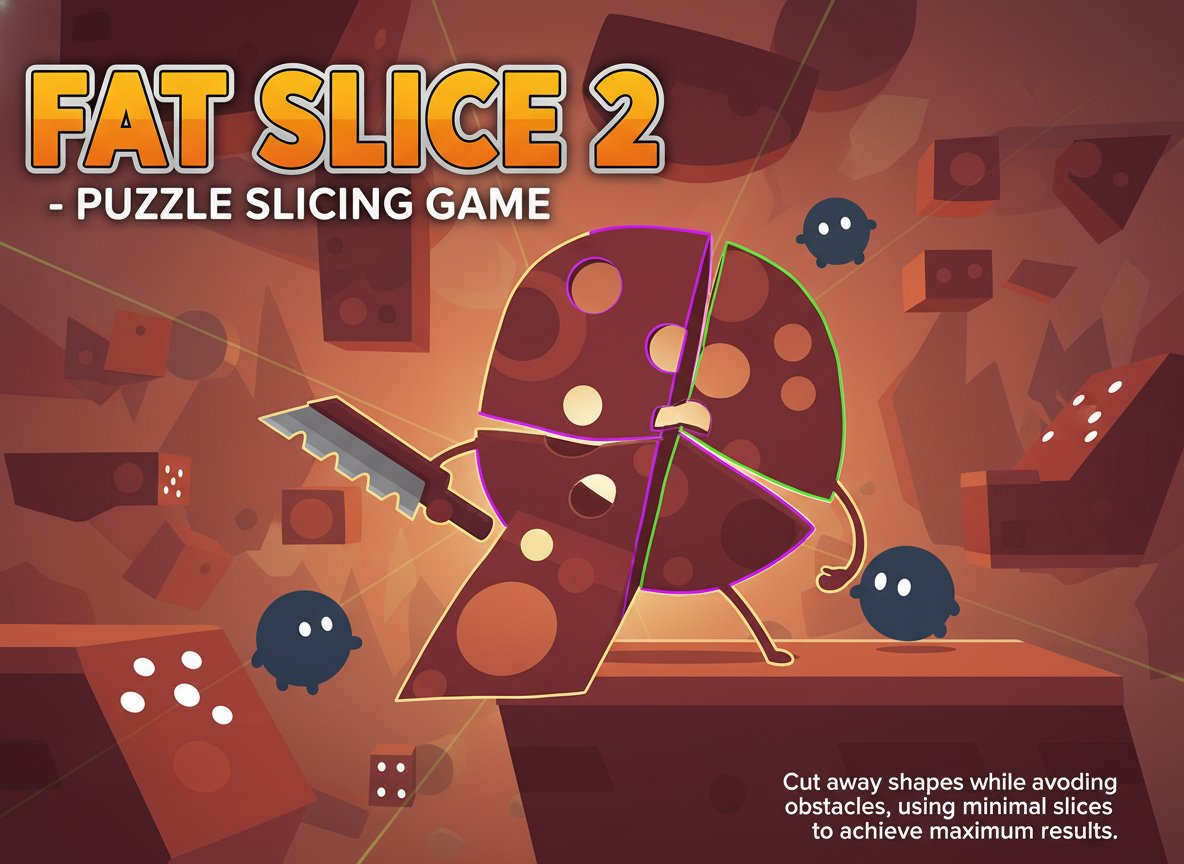
Fat Slice 2 is an engaging puzzle game that combines precision, strategy, and quick thinking. With a rating of 3.4/5 from players, this game offers a unique slicing challenge that will test your problem-solving abilities. The objective is simple yet challenging: cut away as much of the shape as possible while avoiding white balls and white lines, all while using the fewest slices possible.
Core Features
Strategic Puzzle Gameplay
Fat Slice 2 requires careful planning and precise execution. Each level presents a unique challenge where you must analyze the shape, identify safe cutting zones, and execute your slices with surgical precision.
Obstacle Avoidance System
The game features dynamic obstacles including white balls and white lines that move across the playing field. These obstacles add an extra layer of difficulty, requiring you to time your cuts perfectly.
Minimalist Design
The clean, simple graphics allow you to focus entirely on the puzzle mechanics without distractions. The intuitive interface makes it easy to understand but challenging to master.
Progressive Difficulty
Each level becomes increasingly challenging, introducing new obstacle patterns and more complex shapes to slice. The game rewards efficiency and precision over speed.
Free Browser Gaming
Play instantly in your web browser without downloads or installations. The game runs smoothly on both desktop and mobile devices.
Gameplay Mechanics
The core gameplay revolves around strategic shape cutting. You'll need to:
- Analyze the Shape : Study each level's unique geometry before making your first cut
- Avoid Moving Obstacles : White balls and lines create danger zones you must avoid
- Minimize Slice Count : Fewer slices lead to better scores and unlock achievements
- Maximize Area Removal : Cut away the largest possible area while staying safe
Operation Guide
The controls are elegantly simple:
- Mouse Movement : Position your cursor to aim your slice
- Mouse Click and Drag : Draw your cutting line across the shape
- Strategic Planning : Observe obstacle movement patterns before cutting
Timing is crucial - wait for obstacles to move to safe positions before executing your slice. The game rewards patience and precision over hasty cuts.
Why Play Fat Slice 2
This game offers a perfect blend of relaxation and mental challenge. It's ideal for players who enjoy:
- Puzzle Solving : Each level presents a unique geometric problem to solve
- Precision Gaming : Perfect for developing hand-eye coordination and timing skills
- Stress Relief : The methodical gameplay provides a meditative experience
- Quick Gaming Sessions : Levels can be completed in just a few minutes
- Progressive Challenge : Difficulty scales naturally to keep you engaged
Whether you're looking for a brief mental break or an extended puzzle session, Fat Slice 2 delivers satisfying gameplay that rewards both patience and skill.