
Find It - Find The Differences - Puzzle Game
 Unity
UnityStrawberry Grove Adventure
Build a cozy Unity pixel grove of exploration and collectibles.
 Shooter
Platform Shooter Quest
Build a side-scrolling platform shooter with weapon switching.
 Godot
GodotBaby Bat Climber
Build a compact Godot cave-climbing platformer.
 Sandbox
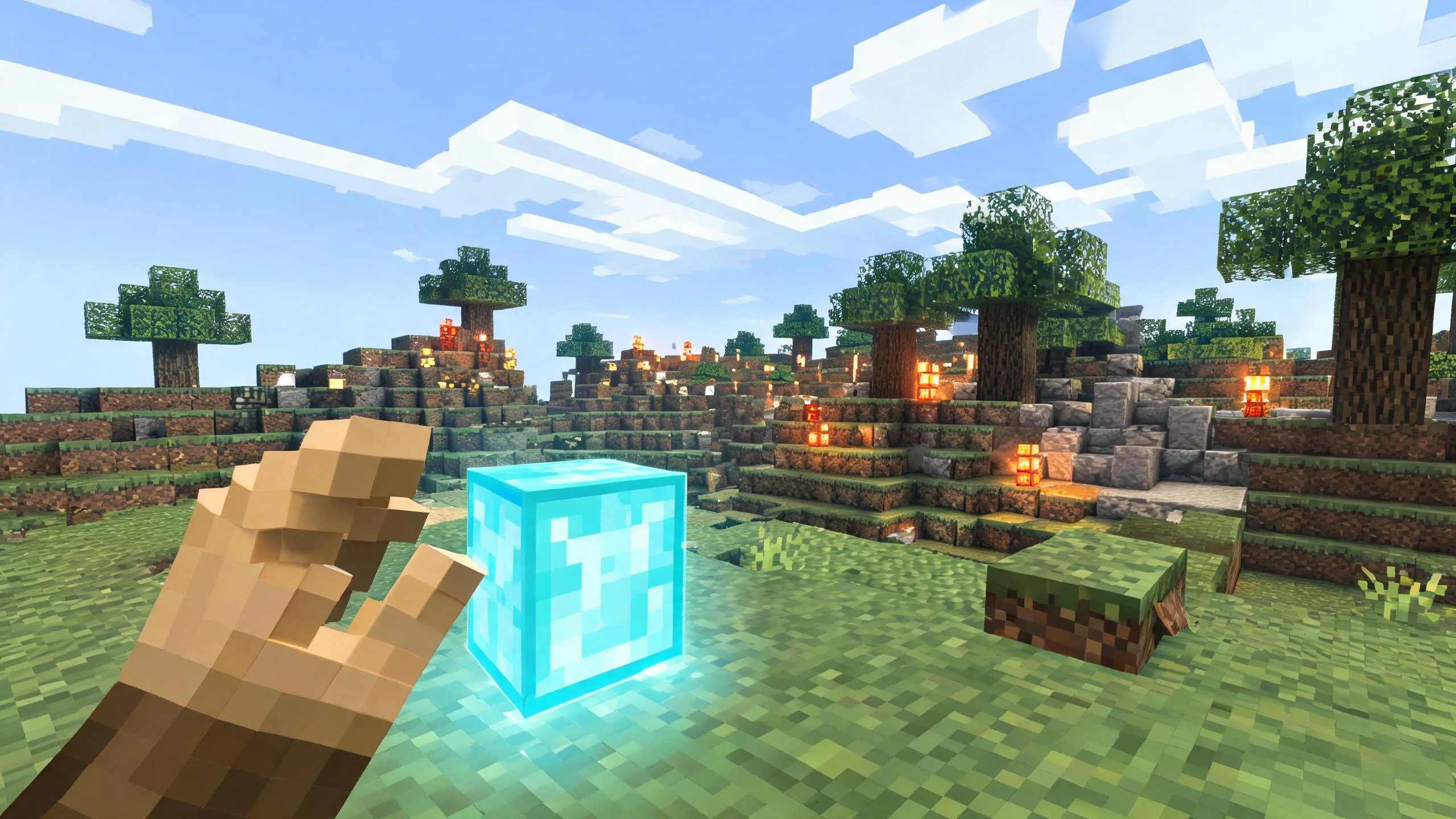
Voxel Sandbox Builder
Build a voxel sandbox for placing and breaking blocks freely.
 New
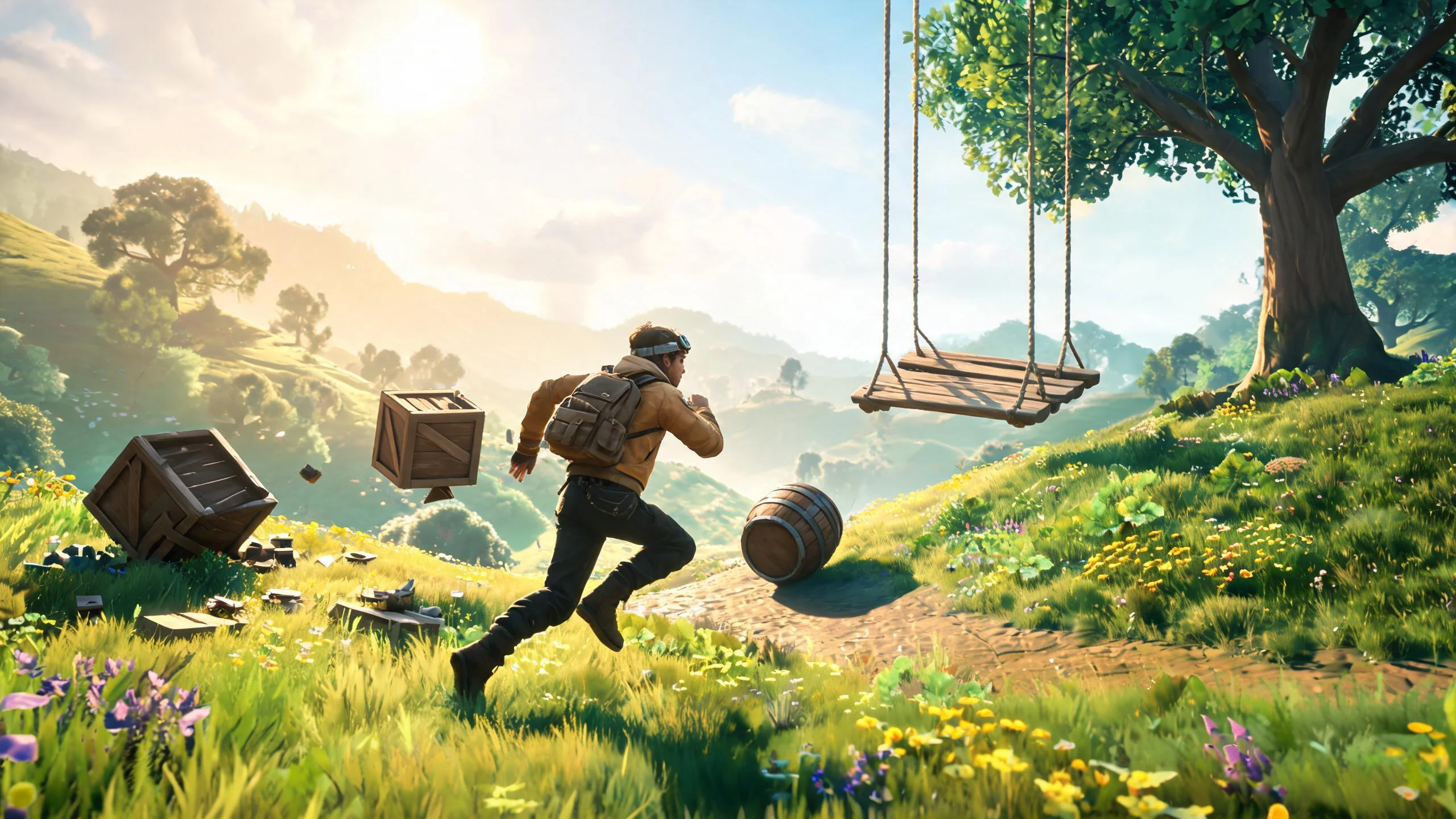
NewCharacter Physics World
Build a third-person physics world with day-night and props to touch.
 Unity
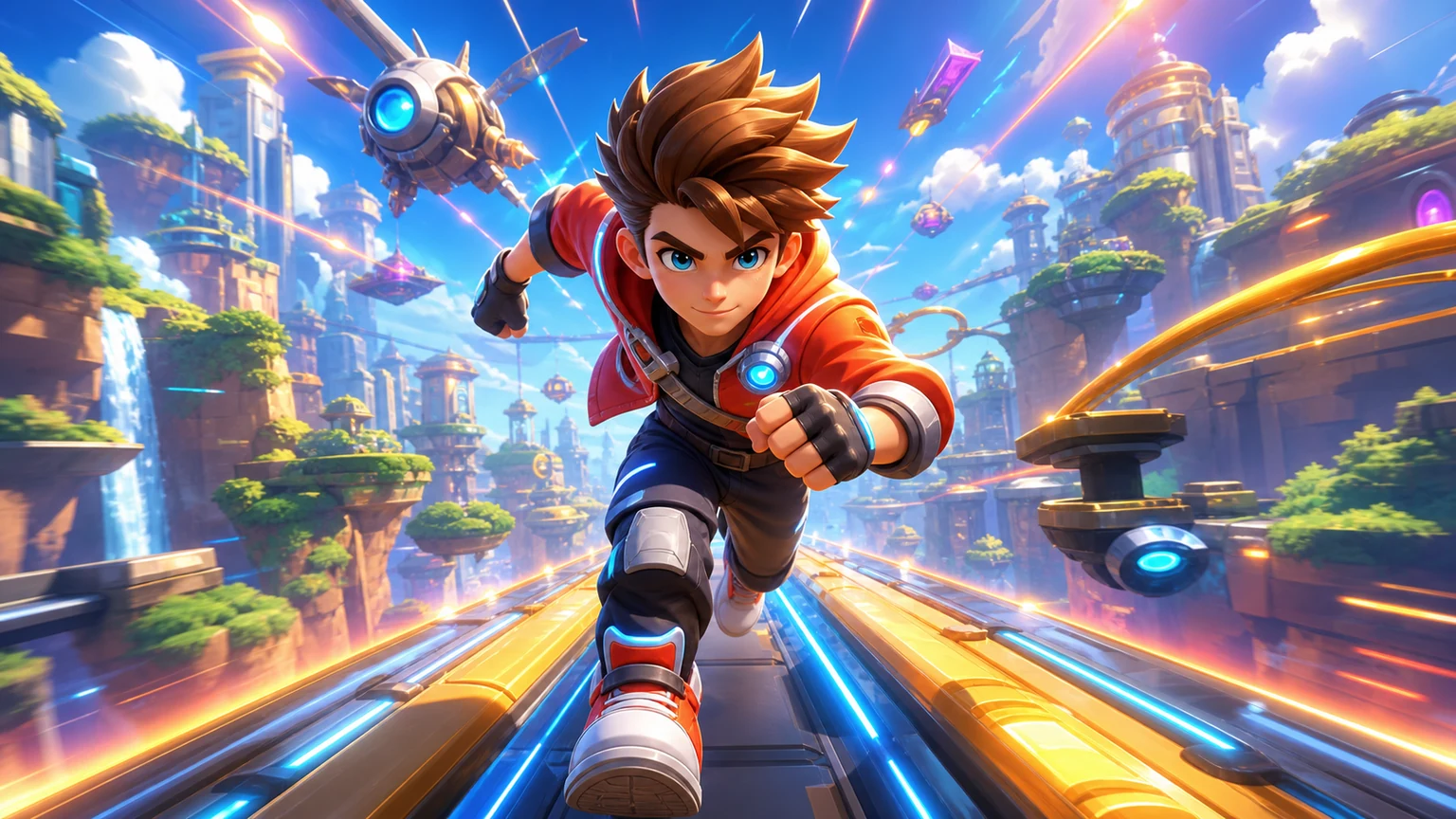
UnityEndless Runner
Build a polished Unity endless runner with lanes and pickups.
 Sports
Basketball Duel
Build a one-on-one basketball game with physics shooting.
 Driving
City Car Driving
Build an open-city free-driving game with car selection.
 Unity
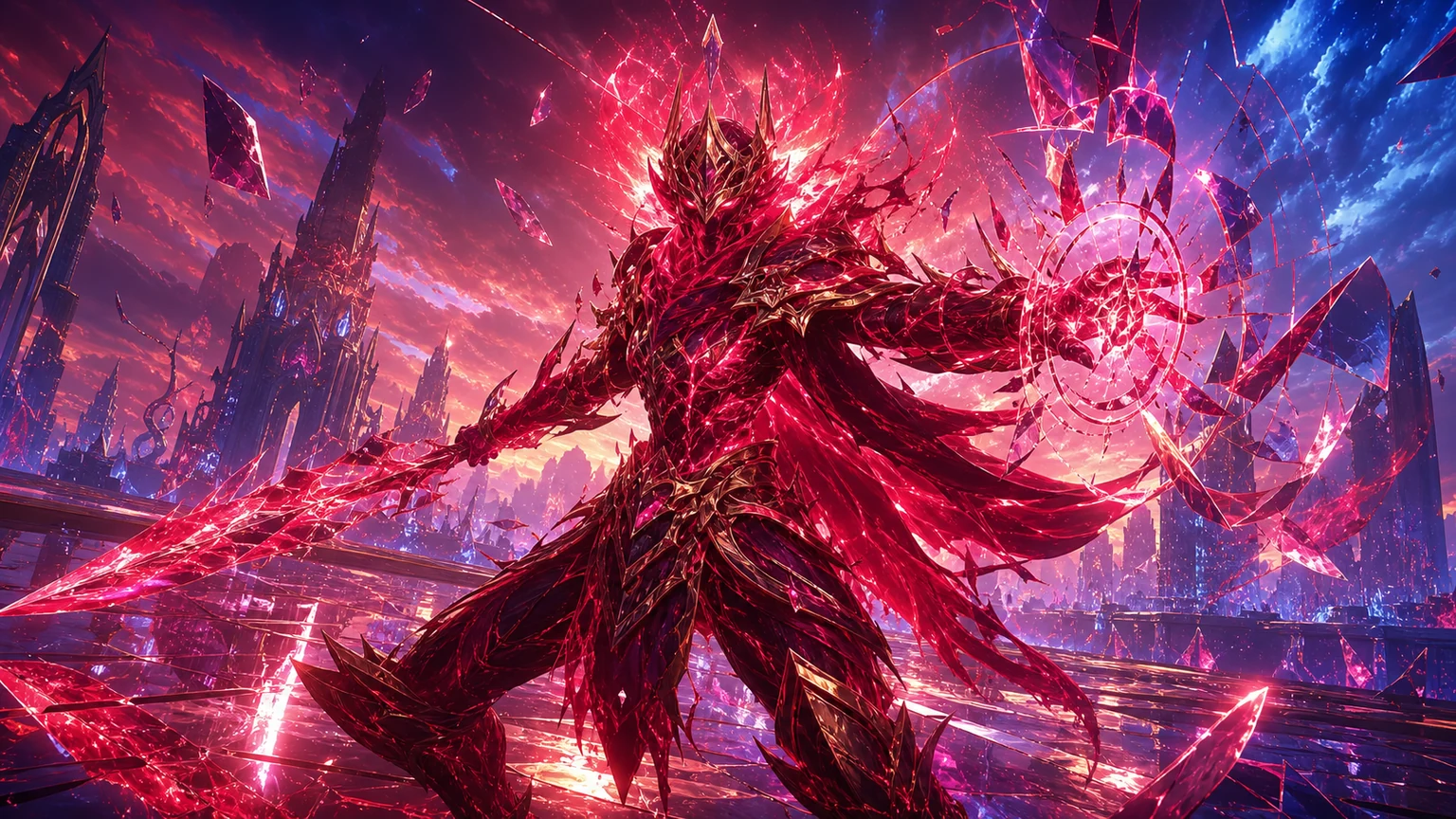
UnityCrimson Illusion Battle
Build a Unity fantasy battle through a crimson illusion realm.
 Unity
UnityCupid's Arrow
Build a Unity archery game of timing and matchmaking.
UnityStrawberry Grove Adventure
Build a cozy Unity pixel grove of exploration and collectibles.
ShooterPlatform Shooter Quest
Build a side-scrolling platform shooter with weapon switching.
GodotBaby Bat Climber
Build a compact Godot cave-climbing platformer.
SandboxVoxel Sandbox Builder
Build a voxel sandbox for placing and breaking blocks freely.
NewCharacter Physics World
Build a third-person physics world with day-night and props to touch.
UnityEndless Runner
Build a polished Unity endless runner with lanes and pickups.
SportsBasketball Duel
Build a one-on-one basketball game with physics shooting.
DrivingCity Car Driving
Build an open-city free-driving game with car selection.
UnityCrimson Illusion Battle
Build a Unity fantasy battle through a crimson illusion realm.
UnityCupid's Arrow
Build a Unity archery game of timing and matchmaking.
Prompt
Games are fun. Creating them is even better.
Game Introduction
About Find It - Find The Differences
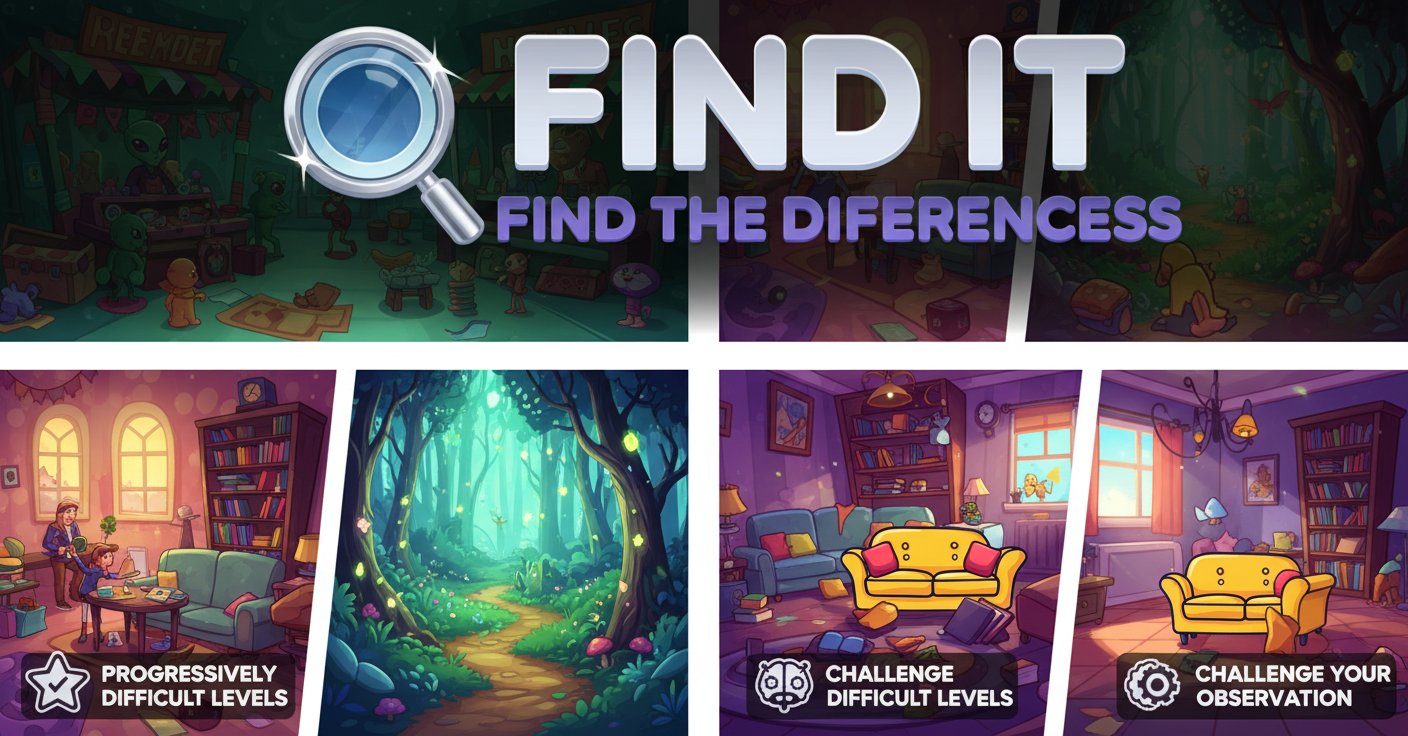
Find It - Find The Differences is a captivating puzzle game that puts your visual perception and attention to detail to the ultimate test. This free-to-play browser game presents you with pairs of seemingly identical images, each hiding subtle differences that require keen observation to discover. With its progressively challenging levels and diverse themed scenes, the game offers hours of engaging brain training entertainment.
The game features a clean, colorful 2D art style that makes spotting differences both challenging and visually appealing. From snowy winter scenes to underwater adventures and fairytale forests, each level transports you to a different world filled with hidden surprises.
Core Features
Progressive Difficulty System
The game starts with simpler challenges and gradually increases in complexity. Early levels might have obvious color changes or missing objects, while advanced stages feature incredibly subtle variations that will test even the most observant players.
Diverse Themed Levels
Each level features unique environments and scenarios: - Winter Wonderland : Spot differences in snowy scenes with snowmen and winter clothing - Underwater Adventure : Navigate through marine environments with sea creatures - Fairytale Forest : Discover hidden changes in whimsical woodland scenes - Prehistoric Landscapes : Find variations in dinosaur-filled ancient worlds
Heart-Based Challenge System
The three-heart system adds strategic tension to gameplay. Each incorrect guess costs you a heart, making every click count. This system encourages careful observation rather than random clicking.
Hint System
When you're truly stuck, the hint system provides assistance. While hints require watching a brief advertisement, they can be lifesavers on particularly challenging levels.
How to Play
Basic Gameplay
Playing Find It - Find The Differences is intuitive and straightforward:
- Compare Images : Two nearly identical images appear side by side
- Spot Differences : Look carefully for subtle variations between the images
- Click to Select : Use your mouse to click on differences when you find them
- Manage Hearts : You have three hearts per level - lose one for each incorrect guess
- Complete Levels : Find all differences to advance to the next challenge
Strategic Tips
- Systematic Scanning : Develop a methodical approach to examining images
- Focus on Details : Pay attention to colors, shapes, sizes, and missing elements
- Take Your Time : There's no time pressure, so observe carefully before clicking
- Use Hints Wisely : Save hints for when you're genuinely stuck
Game Controls
The game features simple, accessible controls: - Left Mouse Button : Click to select differences and navigate menus - Mouse Movement : Hover over areas to examine details closely
No complex key combinations or advanced controls are needed, making the game accessible to players of all ages and skill levels.
Why Play This Game
Cognitive Benefits
Find It - Find The Differences offers more than just entertainment: - Improves Concentration : Regular play enhances focus and attention span - Sharpens Observation Skills : Develops ability to notice fine details - Reduces Stress : The relaxed pace provides a calming, meditative experience - Brain Training : Exercises visual processing and pattern recognition abilities
Accessibility and Convenience
- Completely Free : No payment required to access full gameplay
- No Download Needed : Play instantly in your web browser
- Cross-Platform Support : Works on computers, tablets, and mobile devices
- Family-Friendly : Suitable for all ages with clean, appropriate content
Perfect for Any Schedule
Whether you have five minutes or an hour, Find It adapts to your available time. Each level can be completed independently, making it perfect for quick mental breaks or extended gaming sessions.