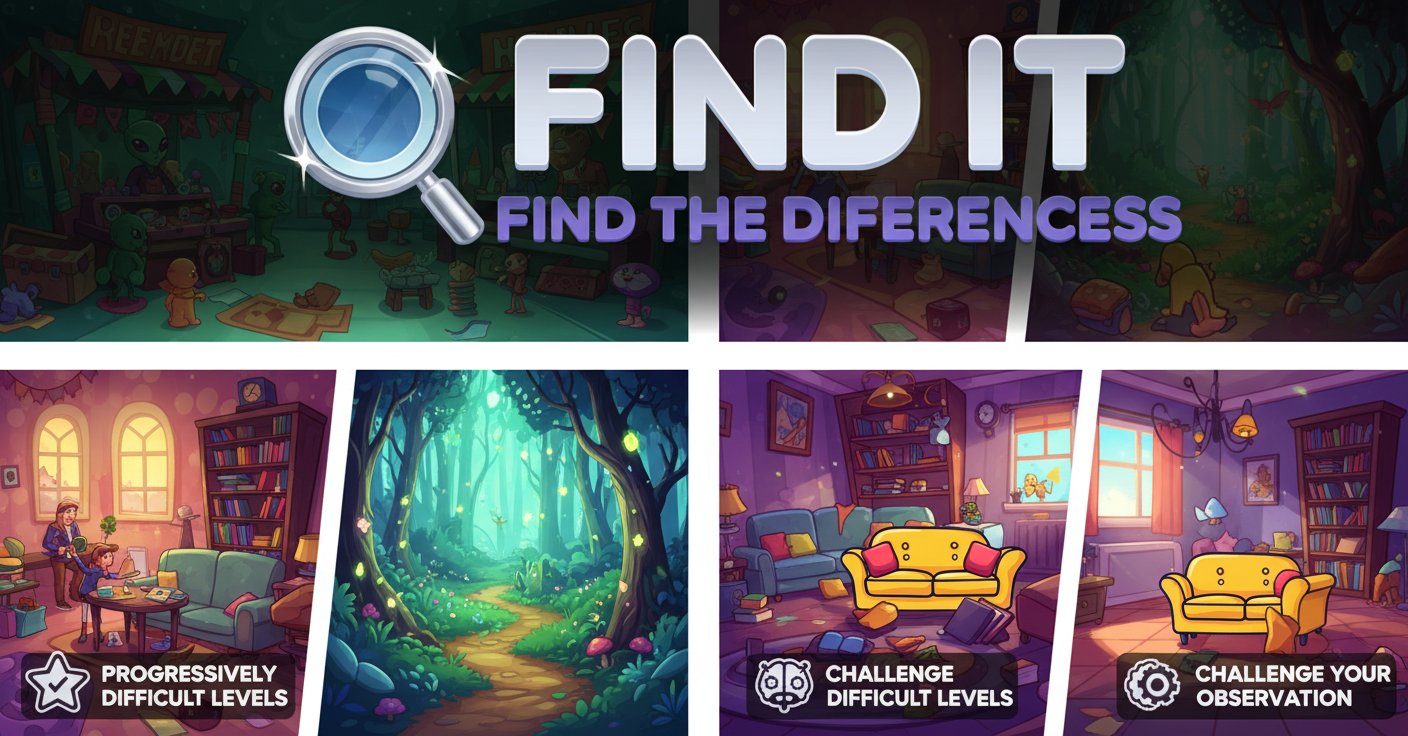
Find It - Find The Differences

Seele01-Flash
By
Find It - Find The Differences is an engaging puzzle game that challenges your observation skills by asking you to spot subtle variations between two nearly identical images across progressively difficult levels.

Prompt

MODEL: Seele01-Flash
Please use Three.js to generate a **mobile-first game** with the theme "Find It - Find The Differences". Please read the following detailed game design requirements first, and then generate the code accordingly: ### 1. Assets & Environment * **Visual Style**: 2D vector art style rendered in a 3D plane (Ortho camera preferred). Bright, high-saturation colors similar to casual mobile puzzle games. * **Scene Layout**: * **Split Screen**: The screen must be vertically divided (for landscape mode) or horizontally divided (for portrait mode) into two identical viewports showing the "Original" and "Altered" images. * **Image Assets**: Create procedural placeholder textures using `CanvasTexture` to simulate the puzzle levels described: * *Level 1 (Snowy)*: A white snowy background, a snowman (three circles), a house. Differences: Hat color, window shape. * *Level 2 (Underwater)*: Blue gradient background, simple fish shapes, bubbles. Differences: Fish color, bubble count. * **UI Layer**: A floating HUD overlaid on top. * **Hearts/Lives**: 3 distinct red heart icons at the top center. * **Level Indicator**: "Level X" text. * **Progress**: "Found: X/Y" text. * **Visual Feedback**: * **Correct Click**: A bright green circle expands and fades out at the click location on *both* images simultaneously. * **Wrong Click**: A shaking red "X" animation appears at the click location. * **Level Transition**: A simple fade-out/fade-in effect when switching levels. * **Optimization**: Use a single `OrthographicCamera` rendering to a shared geometry or two separate viewports. Ensure textures are power-of-two (e.g., 512x512) for mobile GPU compatibility. ### 2. Audio Requirements * **BGM**: A calm, looping "elevator music" or "lounge jazz" track. Soft piano and light percussion to aid concentration without being distracting. * **SFX**: * *Correct Find*: A pleasant high-pitched "Ding" or "Chime" sound. * *Wrong Click*: A low-pitched "Buzz" or "Thud" sound. * *Level Complete*: A short, celebratory fanfare (harp glissando). * *Game Over*: A descending, sad trombone or minor chord sound. ### 3. Gameplay Loop * **Core Mechanic**: Compare Image A and Image B. Detect clicks/taps on the specific coordinates where differences exist. * **Data Structure**: Define an array of levels. Each level object contains: * Base image source (or procedural generation function). * Array of "Difference Zones" (x, y, radius). * Total differences count. * **Winning Condition**: Find all N differences in the current level to proceed to the next. * **Losing Condition**: Clicking incorrect areas 3 times (losing all 3 hearts) triggers a "Game Over" modal with a "Restart Level" button. * **Progression**: * Level 1: 6 differences. * Level 2: 8 differences. * Level 3: 4 differences (harder to spot). ### 4. Mobile Controls & Interaction * **Input Handling**: Raycasting from the touch position. * **Dual Input**: Tapping on a difference in *either* the left or right image should register the find and highlight the spot on *both* images to keep them synced. * **Orientation**: Auto-detect screen aspect ratio. * *Landscape*: Images side-by-side. * *Portrait*: Images top-and-bottom (essential for mobile phones). * **Haptic Feedback**: * Trigger `navigator.vibrate(50)` for a correct guess. * Trigger `navigator.vibrate([100, 50, 100])` (double pulse) for a wrong guess (if supported by the browser). * **Touch Tolerance**: The "hit box" for a difference should be slightly larger than the visual difference itself (add a ~20px buffer radius) to account for "fat finger" errors on small screens. Do not ask for clarification. Do not request confirmation. Directly execute the generation task based on the given instructions.

Game Introduction

About Find It - Find The Differences

Find It - Find The Differences is a captivating puzzle game that puts your visual perception and attention to detail to the ultimate test. This free-to-play browser game presents you with pairs of seemingly identical images, each hiding subtle differences that require keen observation to discover. With its progressively challenging levels and diverse themed scenes, the game offers hours of engaging brain training entertainment.

The game features a clean, colorful 2D art style that makes spotting differences both challenging and visually appealing. From snowy winter scenes to underwater adventures and fairytale forests, each level transports you to a different world filled with hidden surprises.

Core Features

Progressive Difficulty System

The game starts with simpler challenges and gradually increases in complexity. Early levels might have obvious color changes or missing objects, while advanced stages feature incredibly subtle variations that will test even the most observant players.

Diverse Themed Levels

Each level features unique environments and scenarios: - Winter Wonderland : Spot differences in snowy scenes with snowmen and winter clothing - Underwater Adventure : Navigate through marine environments with sea creatures - Fairytale Forest : Discover hidden changes in whimsical woodland scenes - Prehistoric Landscapes : Find variations in dinosaur-filled ancient worlds

Heart-Based Challenge System

The three-heart system adds strategic tension to gameplay. Each incorrect guess costs you a heart, making every click count. This system encourages careful observation rather than random clicking.

Hint System

When you're truly stuck, the hint system provides assistance. While hints require watching a brief advertisement, they can be lifesavers on particularly challenging levels.

How to Play

Basic Gameplay

Playing Find It - Find The Differences is intuitive and straightforward:

  1. Compare Images : Two nearly identical images appear side by side
  2. Spot Differences : Look carefully for subtle variations between the images
  3. Click to Select : Use your mouse to click on differences when you find them
  4. Manage Hearts : You have three hearts per level - lose one for each incorrect guess
  5. Complete Levels : Find all differences to advance to the next challenge

Strategic Tips

  • Systematic Scanning : Develop a methodical approach to examining images
  • Focus on Details : Pay attention to colors, shapes, sizes, and missing elements
  • Take Your Time : There's no time pressure, so observe carefully before clicking
  • Use Hints Wisely : Save hints for when you're genuinely stuck

Game Controls

The game features simple, accessible controls: - Left Mouse Button : Click to select differences and navigate menus - Mouse Movement : Hover over areas to examine details closely

No complex key combinations or advanced controls are needed, making the game accessible to players of all ages and skill levels.

Why Play This Game

Cognitive Benefits

Find It - Find The Differences offers more than just entertainment: - Improves Concentration : Regular play enhances focus and attention span - Sharpens Observation Skills : Develops ability to notice fine details - Reduces Stress : The relaxed pace provides a calming, meditative experience - Brain Training : Exercises visual processing and pattern recognition abilities

Accessibility and Convenience

  • Completely Free : No payment required to access full gameplay
  • No Download Needed : Play instantly in your web browser
  • Cross-Platform Support : Works on computers, tablets, and mobile devices
  • Family-Friendly : Suitable for all ages with clean, appropriate content

Perfect for Any Schedule

Whether you have five minutes or an hour, Find It adapts to your available time. Each level can be completed independently, making it perfect for quick mental breaks or extended gaming sessions.

Frequently Asked Questions (FAQ)