Google Feud - The Ultimate Google Autocomplete Guessing Game
Seele01-Flash
By
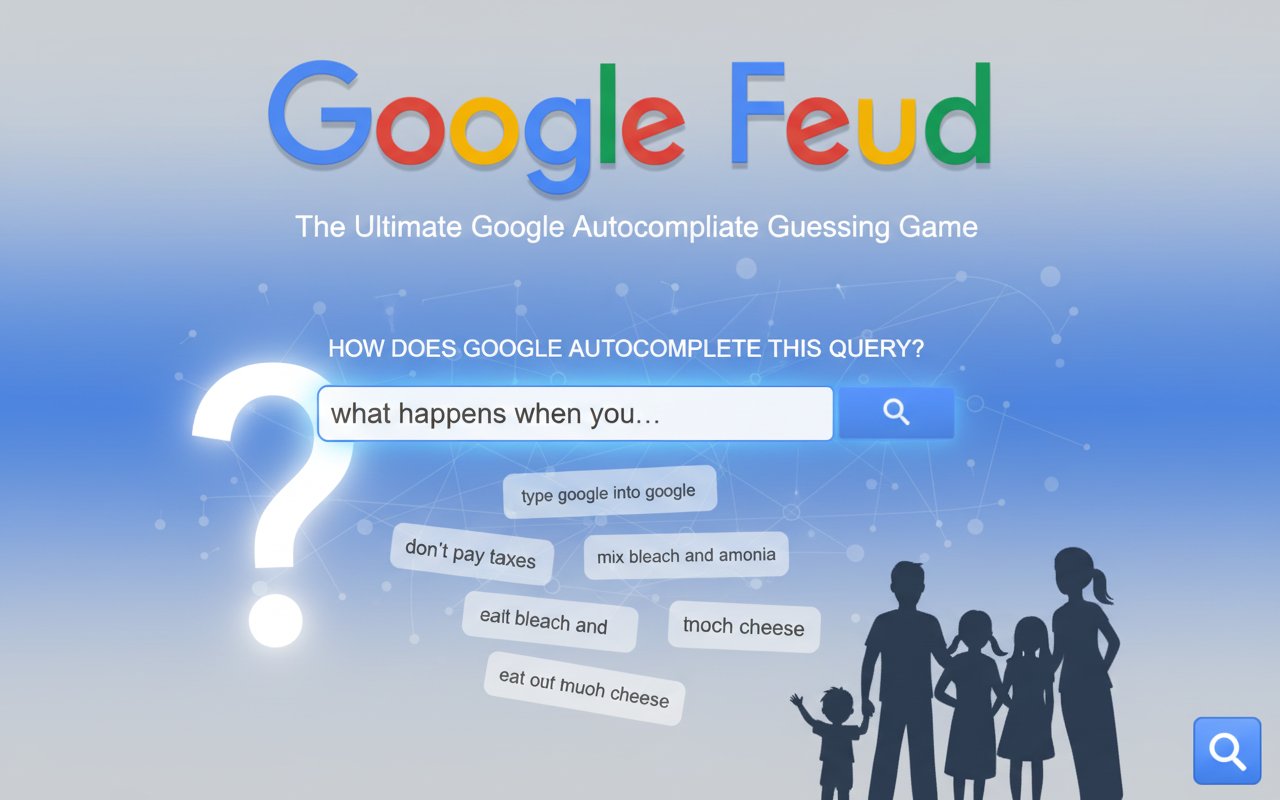
Google Feud is an addictive online quiz game where you guess the most popular Google search autocomplete suggestions. Test your knowledge of what people really search for in this Family Feud-style guessing game.

Prompt

MODEL: Seele01-Flash
Please use Three.js to generate a **mobile-first game** with the theme "Google Feud 3D". Please read the following detailed game design requirements first, and then generate the code accordingly: ### 1. Assets & Environment * **Visual Style**: "Spatial Material Design". Re-imagine the flat Google interface as a 3D TV Game Show set. The style should be ultra-clean, minimalist, using high-key lighting (bright, soft shadows). * **Color Palette**: Use the official Google brand colors (Blue #4285F4, Red #EA4335, Yellow #FBBC05, Green #34A853) against a clean white/light-grey studio background. * **Key 3D Elements**: * **The Logo**: The "Google Feud" logo should be 3D extruded text floating at the top. * **The Game Board**: A large, central panel (resembling the Family Feud board) with 10 slots for hidden answers. Initially, these are blank or numbered panels that flip over (rotate 180 degrees) to reveal the answer when guessed correctly. * **The Search Bar**: A floating 3D capsule shape in the foreground containing the partial query (e.g., "seafood makes me..."). * **Mobile Optimization**: Use simple geometries (BoxGeometry, PlaneGeometry) for UI elements to keep draw calls low. Use a high-quality font loader (like `FontLoader`) for crisp 3D text, or use `CSS3DRenderer` for text elements to ensure readability on small screens without texture blurring. ### 2. Audio Requirements * **BGM**: A light, looping "thinking music" track—jazzy, low-tempo, elevator-style music that creates tension but isn't distracting. * **Sound Effects (SFX)**: * **Correct Guess**: A satisfying, high-pitched "Ding!" or chime. * **Wrong Guess**: A harsh "Buzzer" or "X" sound (classic game show style). * **Card Flip**: A mechanical "woosh" or "clack" when an answer is revealed on the board. * **Win/Loss**: Short fanfare for clearing a board; a descending trombone slide for losing (3 strikes). ### 3. Gameplay Loop * **Phase 1: Category Selection**: The player selects from 4 floating 3D buttons: Culture, People, Names, Questions. * **Phase 2: The Query**: The camera zooms into the board. A partial query appears (e.g., "Why is my cat..."). * **Phase 3: Guessing**: * The player types a word/phrase into the input field. * **Validation**: The game checks the input against a predefined array of 10 answers (mock data is fine for the prototype). * **Success**: If correct, the corresponding slot on the board flips to reveal the full phrase and point value (1,000–9,000). Points are added to the score. * **Failure**: If incorrect, a large Red "X" stamp smashes onto the screen. * **Win/Loss Condition**: * **Win**: Reveal all 10 answers (or get the top answer). * **Loss**: Accumulate 3 Strikes (3 wrong guesses). * **Reset**: After a round ends, a "Play Again" button appears. ### 4. Mobile Controls & Interaction * **Screen Orientation**: **Portrait Mode** is mandatory to accommodate the list of 10 answers and the keyboard vertically. * **Input Method (Crucial)**: Use a **native HTML `<input>` overlay** positioned at the bottom of the screen (z-index above the canvas). Do NOT try to build a 3D keyboard. This ensures the native mobile keyboard works correctly. * **Touch Interactions**: * Category buttons should have a "pressed" animation (scale down slightly) on `touchstart`. * The "Search" button (magnifying glass) should be large (min 44x44px) and easily tappable next to the input field. * **Haptic & Visual Feedback**: * Trigger `navigator.vibrate(200)` when the player gets a Strike (wrong answer). * Trigger `navigator.vibrate(50)` for a Correct answer. * **Camera Shake**: A subtle camera shake effect when a Strike occurs to emphasize the error. * **Confetti**: A simple particle explosion effect when the round is won. Do not ask for clarification. Do not request confirmation. Directly execute the generation task based on the given instructions.

Game Introduction

About Google Feud

Google Feud is a fascinating and entertaining quiz game that challenges players to think like the internet. Based on real Google search data, this game presents you with partial search queries and asks you to guess how Google's autocomplete feature would finish them. With millions of players worldwide, it's become one of the most popular casual quiz games online.

The game brilliantly combines the familiar format of the classic TV show Family Feud with the quirky, often surprising world of Google searches. You'll be amazed, amused, and sometimes shocked by what people actually search for on the internet.

Core Features

Four Exciting Categories

Google Feud offers four distinct categories to keep gameplay fresh and engaging:

  • Culture : Questions about movies, music, food, and social trends
  • People : Searches about celebrities, public figures, and famous personalities
  • Names : Common questions about various names and their meanings
  • Questions : General inquiries that people ask Google

Family Feud-Style Gameplay

Just like the beloved TV game show, you have 3 guesses to find the correct answers. Each round features 10 possible autocomplete suggestions, and you need to think strategically about which ones are most likely to be popular searches.

Dynamic Scoring System

Correct guesses earn you points ranging from 1,000 to 9,000 points based on how popular that particular search term is. The more common the search, the more points you'll receive.

Completely Free to Play

Google Feud is entirely free with no hidden costs, premium features, or pay-to-win mechanics. Simply open your browser and start playing immediately.

How to Play Google Feud

Getting Started

  1. Choose Your Category : Select from Culture, People, Names, or Questions
  2. Read the Partial Query : You'll see an incomplete Google search phrase
  3. Make Your Guess : Think about what people might commonly search for
  4. Submit Your Answer : Type your guess and see if it matches the autocomplete data
  5. Score Points : Earn points based on how popular your correct guess is

Strategic Tips

  • Think like the average internet user, not like yourself
  • Consider both serious and humorous search possibilities
  • Popular culture references often appear in autocomplete
  • Don't overthink - sometimes the obvious answer is correct
  • Use your three guesses wisely - they're limited per round

Winning Strategy

The key to mastering Google Feud is understanding search behavior patterns. People often search for: - How-to questions and tutorials - Celebrity gossip and news - Health and medical concerns - Relationship advice - Popular trends and viral content

Game Controls

Desktop Players: - Use your mouse to navigate menus and select categories - Type your guesses using the keyboard - Press Enter to submit answers

Mobile Players: - Tap to select categories and navigate - Use the on-screen keyboard to type guesses - Tap the search button to submit answers

Why Play Google Feud?

Perfect Social Game

Google Feud is incredibly entertaining to play with friends and family. Share laughs as you discover the bizarre and unexpected things people search for. It's perfect for parties, family gatherings, or casual gaming sessions.

Educational and Eye-Opening

While primarily entertaining, Google Feud offers insights into human curiosity and social trends. You'll learn about popular culture, current events, and the collective consciousness of internet users.

Quick and Accessible

With no downloads required and instant browser compatibility, you can start playing Google Feud within seconds. Each round takes just a few minutes, making it perfect for quick breaks or extended gaming sessions.

Endless Replayability

With thousands of different search queries and constantly updating autocomplete data, Google Feud offers virtually unlimited replayability. Every session brings new surprises and challenges.

Cross-Platform Compatibility

Play seamlessly across all devices - desktop computers, tablets, and smartphones. The game automatically adapts to your screen size for optimal gameplay experience.

Frequently Asked Questions (FAQ)