Grow Valley - Build and Develop Your Valley - Puzzle Game
Prompt
Game Introduction
About the Game
Grow Valley is a captivating puzzle game that challenges players to build and develop an entire civilization from scratch. Starting with nothing but an empty valley, you'll make strategic decisions that determine how your settlement grows and evolves. This turn-based puzzle experience combines strategic thinking with creative building, offering hours of engaging gameplay directly in your browser.
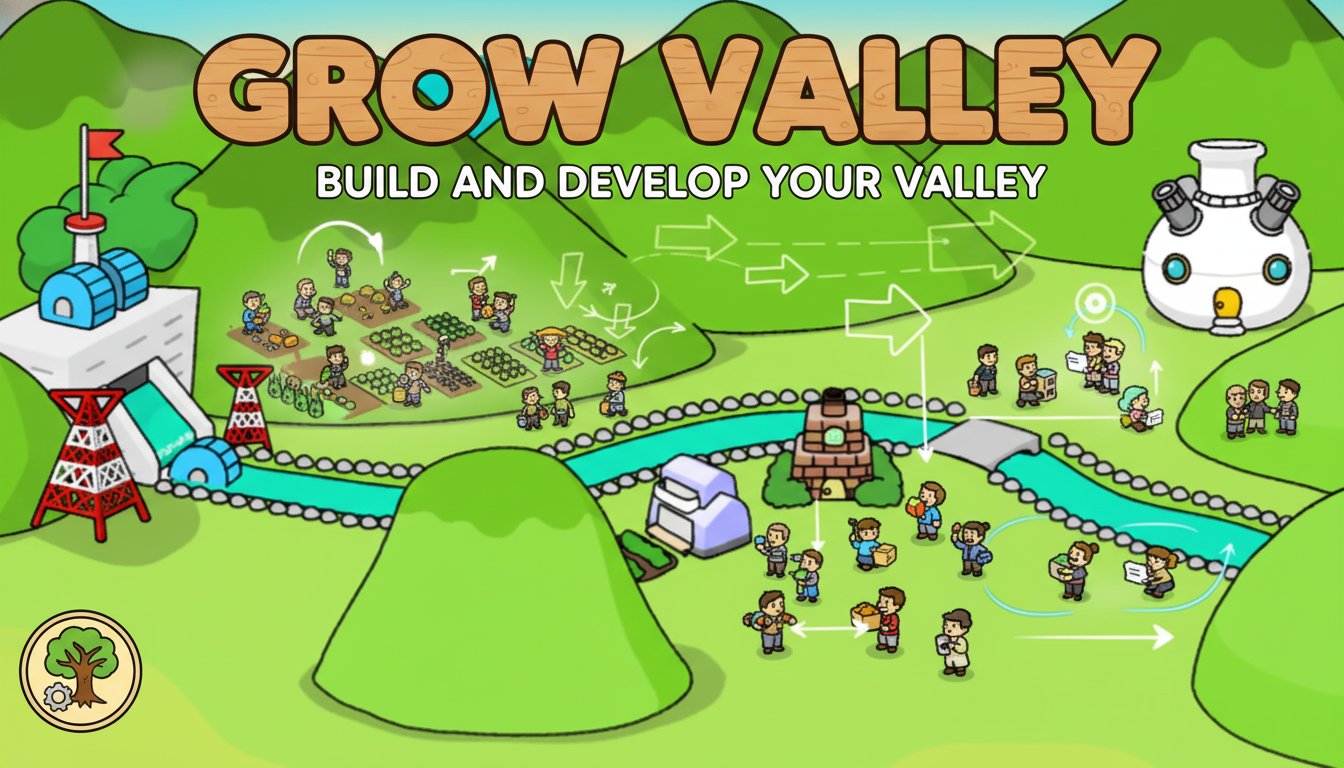
The game features charming cartoon-style graphics with rolling green hills, winding rivers, and various structures that appear as you make your development choices. Each decision you make affects the overall growth pattern of your valley, creating a unique puzzle experience every time you play.
Core Features
Strategic Turn-Based Gameplay
Every move in Grow Valley matters. The turn-based system allows you to carefully consider each building choice, as the order of construction significantly impacts your valley's final development. Plan ahead and think strategically to achieve the best possible outcome.
Multiple Development Paths
Your valley can evolve in numerous ways depending on your choices. Different building sequences unlock various structures, civilizations, and environmental changes. Experiment with different strategies to discover all possible outcomes.
Instant Browser Gaming
No downloads or installations required! Grow Valley runs perfectly in any modern web browser on both desktop and mobile devices. Simply click and start building your civilization immediately.
Family-Friendly Entertainment
With its colorful graphics, intuitive gameplay, and peaceful building theme, Grow Valley is perfect for players of all ages. The game provides a relaxing yet mentally stimulating experience.
Game Mechanics
The gameplay revolves around selecting from available building options in each turn. As you place structures, they interact with existing elements in your valley, triggering growth and development in unexpected ways. Some buildings complement each other, while others might conflict, adding layers of strategic depth to your decisions.
Watch as your choices bring life to the valley - rivers may change course, forests might grow, and various civilizations could emerge based on your development strategy.
Operation Guide
Basic Controls
- Left Mouse Button : Select and place buildings, navigate menus, and interact with game elements
- Point and Click : Simply point to any available building option and click to place it in your valley
The game interface is designed for intuitive play - all interactions are handled through simple mouse clicks, making it accessible for players of any skill level.
How to Play
- Start with an empty valley displayed on your screen
- Choose from available building options presented to you
- Click to place your selected structure
- Observe how your choice affects the valley's development
- Continue making strategic building decisions
- Work toward achieving a fully developed, thriving valley
Why Play Grow Valley
Grow Valley offers a unique blend of puzzle-solving and creative building that's both relaxing and intellectually rewarding. Unlike fast-paced action games, this title encourages thoughtful decision-making and strategic planning. The satisfaction of watching your empty valley transform into a bustling civilization through your choices creates an incredibly rewarding gaming experience.
The game's replayability is exceptional - different building sequences lead to entirely different outcomes, encouraging multiple playthroughs to discover all possible valley configurations. Whether you're looking for a quick mental break or a longer strategic gaming session, Grow Valley adapts perfectly to your available time.
Perfect for Strategy Game Lovers
If you enjoy games that challenge your strategic thinking while providing a relaxing atmosphere, Grow Valley is an ideal choice. The game successfully combines the satisfaction of city-building games with the intellectual challenge of puzzle games, creating a unique gaming experience that stands out in the crowded puzzle game market.