Klondike Solitaire

Seele01-Flash
By
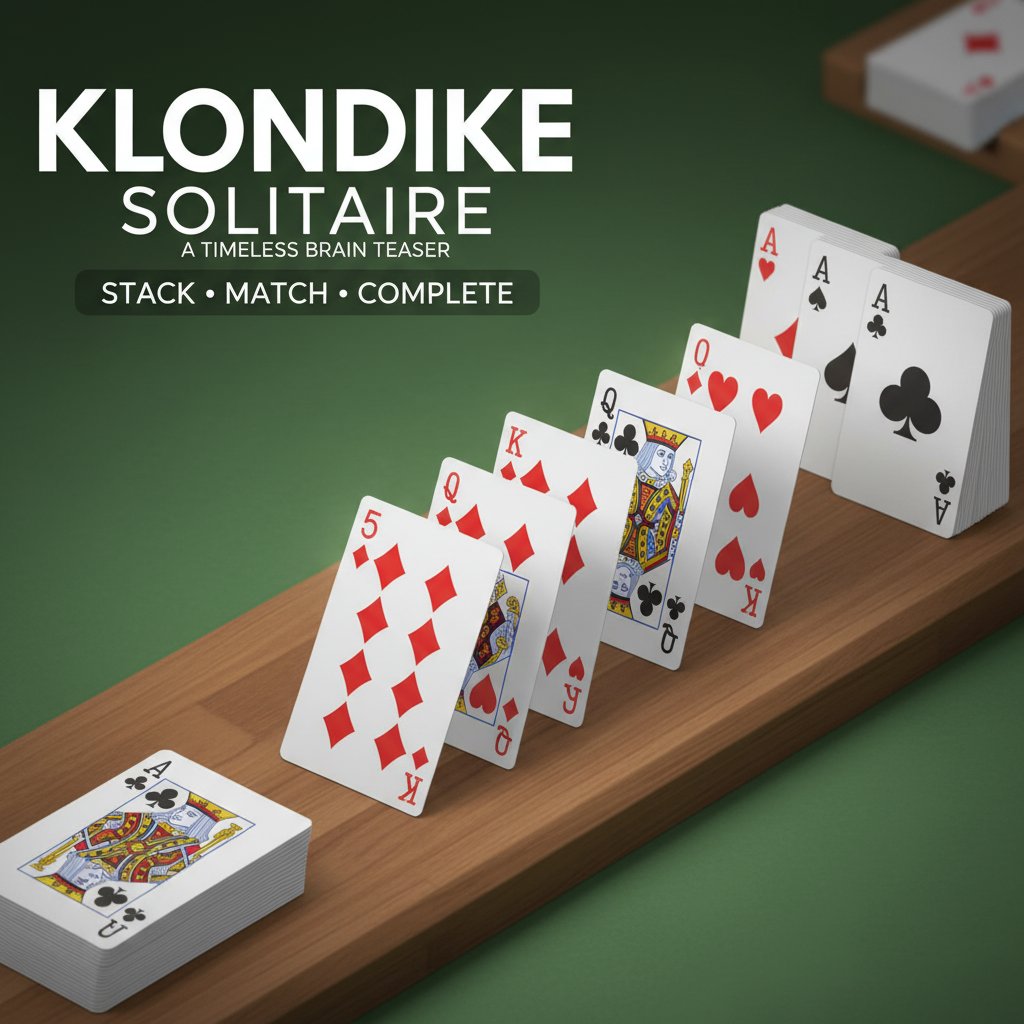
Klondike Solitaire is the classic card game where you stack cards in alternating colors and ascending order. Complete all four suits - clubs, diamonds, hearts, and spades - to achieve victory in this timeless brain teaser.

Prompt

MODEL: Seele01-Flash
Please use Three.js to generate a **mobile-first game** with the theme "Klondike Solitaire". Please read the following detailed game design requirements first, and then generate the code accordingly: ### 1. Assets & Environment * **Visual Style:** Clean, minimalist flat design with a slight 3D perspective to emphasize the card stacking depth. The aesthetic should be classic but modern, avoiding clutter. * **Camera:** Fixed perspective camera (Orthographic preferred for clarity or high-FOV Perspective) looking down at the table at a slight angle (approx 60-70 degrees) to show depth between stacked cards. * **Table/Background:** A classic green felt texture (Hex: #2E8B57 or similar) with a subtle vignette effect to focus attention on the center. The surface should have very faint noise texture to simulate fabric. * **Card Models:** * Low-poly rectangular planes with rounded corners. * **Face:** Crisp, vector-style textures for numbers (A, 2-10, J, Q, K) and suits (Hearts, Diamonds, Clubs, Spades). Use bold, readable fonts like Roboto or Open Sans. Red suits must be visibly distinct from black suits. * **Back:** A simple geometric pattern (e.g., diagonal stripes or a diamond pattern) in Blue or Red. * **Animations:** Smooth tweening (using GSAP or TWEEN.js) for card flipping (180-degree rotation on Y-axis) and card movement (arcing trajectory when dealing or auto-completing). * **Lighting:** Ambient light for general visibility plus a directional light casting soft shadows to the bottom-right of the cards to indicate stacking height. ### 2. Audio Requirements * **BGM:** A relaxing, lo-fi jazz or ambient piano track. It should be unobtrusive and loop seamlessly, evoking a focused, "coffee shop" vibe. * **Sound Effects (SFX):** * **Card Flip:** A crisp, paper-like "swish" sound. * **Card Place:** A soft, satisfying "thud" or "tap" simulating card-on-felt contact. * **Shuffling:** A fast-paced "riffle" sound for the start of the game. * **Invalid Move:** A gentle, low-pitched "thump" or subtle vibration sound indicating a locked action. * **Win/Completion:** A cascading chime or rising scale melody played when the card waterfall animation triggers. ### 3. Gameplay Loop * **Setup:** Standard 52-card deck. 7 Tableau columns (increasing size from 1 to 7 cards), 4 Foundation piles (top right, empty initially), and 1 Stock pile (top left). * **Core Mechanics:** * **Tableau:** Build down in alternating colors (e.g., Red 6 on Black 7). * **Foundations:** Build up by suit from Ace to King. * **Stock:** Draw 1 or 3 cards (configurable) to the Waste pile. * **Winning Condition:** All cards are moved to the 4 Foundation piles. * **Auto-Complete:** Once all face-down cards are revealed, a button should appear to auto-finish the game with a fast animation sequence. * **Scoring:** Standard Klondike scoring (e.g., +5 for moving to tableau, +10 to foundation). Display score and time in the UI. ### 4. Mobile Controls & Interaction * **Screen Orientation:** **Portrait Mode** is primary to allow one-handed play, but responsive design for Landscape is a bonus. * **Touch Input:** * **Drag & Drop:** The primary interaction. Raycasting must be precise to detect touch on the *edge* of cards in a stack. * **Tap-to-Move:** Smart assist feature. Tapping a card should automatically move it to the best available logical spot (e.g., if an Ace is tapped, it flies to the Foundation immediately). * **UI/UX:** * **Hit Areas:** Card hitboxes should be slightly larger than the visual mesh to accommodate "fat finger" errors. * **Visual Feedback:** When a card is picked up, it should scale up slightly (1.1x) and cast a larger shadow. When hovering over a valid drop zone, the target card/slot should highlight (glow effect). * **Haptics:** Trigger a short, light vibration (using `navigator.vibrate(10)`) when a card successfully snaps into a slot. * **Menu:** A discreet "Hamburger" menu in the top corner for "New Game," "Undo" (essential), and "Settings" (Audio toggle). Do not ask for clarification. Do not request confirmation. Directly execute the generation task based on the given instructions.

Game Introduction

About the Game

Klondike Solitaire is the most popular and beloved version of solitaire card games worldwide. This classic brain teaser challenges players to organize a shuffled deck of cards into four foundation piles, one for each suit. The game combines strategy, patience, and skill as you work to reveal hidden cards and build sequences in the correct order.

The objective is simple yet engaging: stack cards by ascending order (Ace to King) while alternating between red and black colors. Every move matters as you work toward completing all four suits - clubs, diamonds, hearts, and spades - to claim victory.

Core Features

Completely Free to Play

Enjoy unlimited games without any cost, registration, or downloads. Simply open your browser and start playing immediately.

Classic Gameplay Rules

Experience the authentic Klondike Solitaire rules that have entertained players for generations. Build down in the tableau with alternating colors, and build up in the foundations by suit from Ace to King.

Intuitive Drag-and-Drop Controls

Smooth, responsive controls make card movement effortless. Simply drag and drop cards with your finger on mobile devices or cursor on desktop.

Cross-Platform Compatibility

Play seamlessly across all devices - desktop computers, tablets, and smartphones. The game adapts perfectly to any screen size.

Brain Training Benefits

Improve your problem-solving skills, strategic thinking, and pattern recognition while having fun. Solitaire is proven to help maintain cognitive sharpness.

Score Tracking System

Challenge yourself to beat your high score and compete with friends. Share your achievements and compare scores for added excitement.

Game Mechanics

Klondike Solitaire follows traditional rules:

  • Tableau Building : Arrange cards in descending order with alternating colors (red on black, black on red)
  • Foundation Building : Move cards to foundation piles in ascending order by suit (Ace through King)
  • Stock Pile : Draw cards from the remaining deck when no moves are available
  • Victory Condition : Complete all four foundation piles to win

How to Play

Getting Started

  1. The game begins with 28 cards dealt into seven tableau columns
  2. Only face-up cards can be moved initially
  3. Reveal face-down cards by removing the cards above them

Basic Controls

  • Desktop : Click and drag cards using your mouse cursor
  • Mobile : Tap and drag cards using your finger
  • Double-click/tap : Automatically move cards to appropriate foundations when possible

Winning Strategy

  • Always move Aces to foundations immediately
  • Prioritize revealing face-down cards in the tableau
  • Build tableau sequences to create space for maneuvering
  • Use the stock pile strategically when tableau moves aren't available

Why Play Klondike Solitaire

Mental Exercise : Solitaire provides excellent brain training, improving concentration, memory, and logical thinking skills. It's the perfect way to keep your mind sharp while relaxing.

Stress Relief : The methodical nature of organizing cards provides a meditative, calming experience that helps reduce stress and anxiety.

Accessibility : No learning curve required - if you've ever played solitaire, you can jump right in. New players can master the rules within minutes.

Timeless Entertainment : This classic game never gets old. Each deal presents a unique puzzle with different solutions and strategies.

Social Competition : Challenge friends and family to beat your high scores, adding a social element to this traditionally solo game.

Perfect for Any Moment : Whether you have 5 minutes or an hour, Klondike Solitaire adapts to your available time. Quick games for breaks or extended sessions for relaxation.

Frequently Asked Questions (FAQ)