LightBot - Programming Puzzle Game - Puzzle Game
Prompt
Game Introduction
About the Game
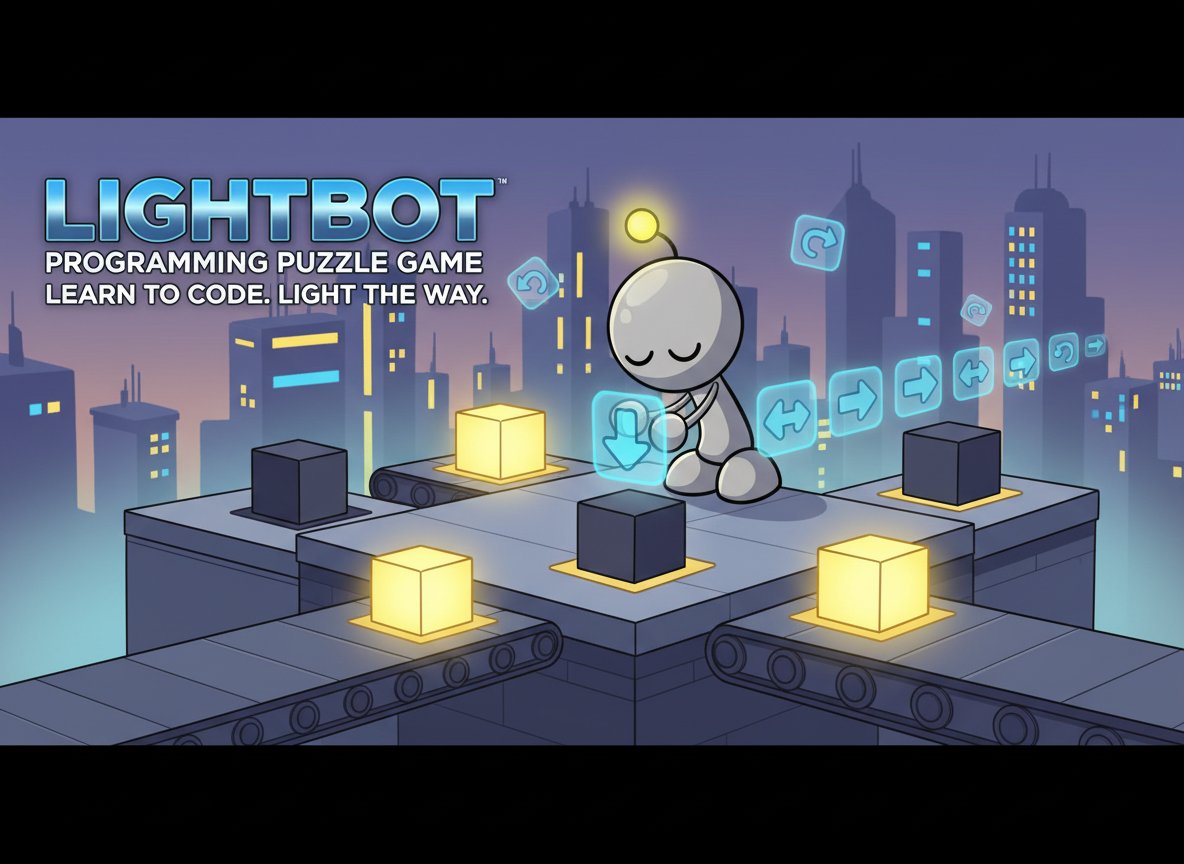
LightBot is a captivating programming puzzle game that combines entertainment with education. With a solid 3.5/5 rating from players, this brain teaser challenges you to guide a charming Robot Man through increasingly complex levels by programming his movements. Your mission is simple yet engaging: help the robot turn on all the lights in each level using basic programming commands.
The game serves as an excellent introduction to programming concepts without requiring any prior coding experience. Through intuitive drag-and-drop mechanics, players learn fundamental programming principles like sequencing, loops, and procedures while having fun solving puzzles.
Core Features
Educational Programming Experience
LightBot transforms complex programming concepts into accessible, visual challenges. Players learn:
- Sequential Programming : Arrange commands in the correct order
- Loop Logic : Use repetitive actions efficiently
- Problem Solving : Break down complex tasks into simple steps
- Logical Thinking : Plan ahead and debug solutions
Simple Yet Challenging Gameplay
The game features progressively difficult levels that keep players engaged:
- Easy Learning Curve : Start with simple walk and light commands
- Growing Complexity : Advanced levels introduce jumps, turns, and multi-step solutions
- Visual Programming : Drag-and-drop interface makes coding accessible to all ages
- Instant Feedback : See your robot execute commands immediately
Perfect for All Skill Levels
Whether you're a complete beginner or looking to refresh programming fundamentals, LightBot offers:
- No Prerequisites : Zero programming knowledge required
- All Ages Content : Suitable for children, students, and adults
- Self-Paced Learning : Progress through levels at your own speed
- Replayable Challenges : Try different solutions to the same puzzle
Game Mechanics
LightBot uses four basic commands that mirror real programming concepts:
- Walk : Move the robot forward one tile
- Turn : Rotate the robot 90 degrees
- Jump : Leap to higher platforms
- Light : Illuminate the current tile
These simple actions combine to create surprisingly complex puzzles that require careful planning and logical thinking.
Operation Guide
Getting Started
- Observe the Level : Study the grid layout and identify all light tiles
- Plan Your Route : Determine the path the robot needs to take
- Drag Commands : Pull programming blocks from the toolbar to the "Main Method" area
- Arrange Sequence : Order commands logically to achieve your goal
- Execute Program : Press "Go!" to watch your robot follow the instructions
- Debug and Retry : If unsuccessful, analyze what went wrong and adjust your code
Advanced Strategies
- Use Procedures : Create reusable command sequences for complex movements
- Optimize Solutions : Find the most efficient path using fewer commands
- Plan Ahead : Consider the robot's orientation when placing turn commands
- Think Step-by-Step : Break complex puzzles into smaller, manageable parts
Why Play LightBot
LightBot stands out as more than just a puzzle game—it's an educational tool disguised as entertainment. Here's why millions of players love it:
Educational Value
- Programming Foundation : Learn core concepts used in all programming languages
- Logical Reasoning : Develop systematic problem-solving skills
- Spatial Awareness : Improve understanding of navigation and orientation
- Persistence Training : Learn to debug and iterate solutions
Entertainment Factor
- Addictive Gameplay : "Just one more level" progression keeps you engaged
- Satisfying Solutions : Experience the joy of seeing your code work perfectly
- Creative Freedom : Multiple solutions possible for most puzzles
- Relaxing Pace : No time pressure allows thoughtful planning
Accessibility
- Free to Play : Complete game experience without any cost
- Browser-Based : No downloads or installations required
- Cross-Platform : Works on computers, tablets, and smartphones
- Intuitive Interface : Visual programming suitable for non-coders