
Line Rider - Draw and Ride Physics Game - Puzzle Game
 Action
Open World City Action
Build an open-world city romp with driving and police chases.
 Racing
Track Racing Challenge
Build a closed-circuit racer built around drift corners.
 3D
3DThird Person Explorer
Build a third-person explorer with swappable scenes and a live minimap.
 Subscriber only
Unreal Top-Down Roguelite
Create a complete UE 5.5 top-down arena roguelite with upgrades and a boss finale.
 Voxel
VoxelVoxel Village Explorer
Build a voxel village to roam with jump and camera controls.
 Survival
Survival Sandbox Arena
Build a survival arena with enemy waves and turret defense.
 Shooter
Rail Shooter Ride
Build a roller-coaster rail shooter that aims as you ride.
 Driving
City Car Driving
Build an open-city free-driving game with car selection.
 Unity
UnityDesert Quickshot
Build a Unity quickdraw duel with streaks and rising heat.
 Voxel
VoxelVoxel Hero Adventure
Build a voxel hero who explores, mines, and builds.
ActionOpen World City Action
Build an open-world city romp with driving and police chases.
RacingTrack Racing Challenge
Build a closed-circuit racer built around drift corners.
3DThird Person Explorer
Build a third-person explorer with swappable scenes and a live minimap.
Subscriber onlyUnreal Top-Down Roguelite
Create a complete UE 5.5 top-down arena roguelite with upgrades and a boss finale.
VoxelVoxel Village Explorer
Build a voxel village to roam with jump and camera controls.
SurvivalSurvival Sandbox Arena
Build a survival arena with enemy waves and turret defense.
ShooterRail Shooter Ride
Build a roller-coaster rail shooter that aims as you ride.
DrivingCity Car Driving
Build an open-city free-driving game with car selection.
UnityDesert Quickshot
Build a Unity quickdraw duel with streaks and rising heat.
VoxelVoxel Hero Adventure
Build a voxel hero who explores, mines, and builds.
Prompt

Games are fun. Creating them is even better.
Game Introduction
About the Game
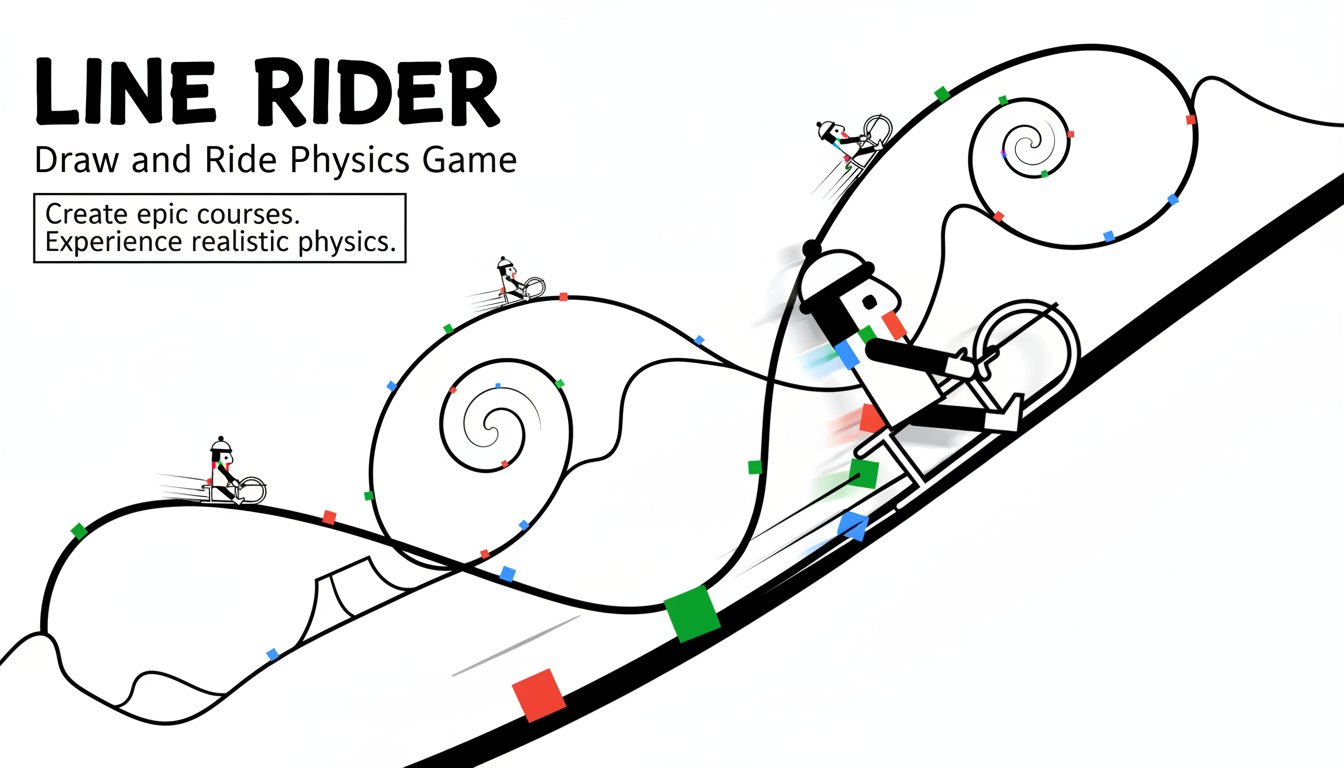
Line Rider is one of the most beloved physics-based drawing games of all time, offering players unlimited creative freedom to build sledding tracks and watch their character navigate them. This classic game combines simple drawing mechanics with sophisticated physics simulation, creating an endlessly entertaining experience that has captivated millions of players worldwide.
The game's premise is beautifully simple: draw a line, and watch Bosh (the sledder) ride on it. What makes Line Rider truly special is how this basic concept opens up infinite possibilities for creativity, from simple downhill slopes to complex multi-level tracks with jumps, loops, and spectacular stunts.
Core Features
Unlimited Creative Freedom
Line Rider provides you with a blank canvas and the tools to create anything you can imagine. There are no predetermined levels or restrictions – every track is your own creation. Draw gentle slopes for relaxing rides or design death-defying jumps and loops for extreme sledding adventures.
Realistic Physics Engine
The game features an advanced physics simulation that makes every ride feel authentic. Your sledder responds realistically to momentum, gravity, and track angles. Watch as he gains speed on steep descents, loses momentum on uphill climbs, and performs spectacular crashes when tracks are too extreme.
Multiple Drawing Tools
Create diverse track experiences with different line types: - Regular lines : Standard track surfaces for normal sledding - Acceleration lines : Boost your rider's speed for bigger jumps - Scenery lines : Decorative elements that don't affect gameplay - Eraser tool : Perfect your designs by removing unwanted sections
Instant Playback System
Test your creations immediately with the play button. Watch your sledder attempt your track, then pause, rewind, or restart to analyze the ride and make improvements. The seamless transition between drawing and testing makes iteration quick and enjoyable.
Cross-Platform Compatibility
Originally a Flash game, Line Rider has been updated to HTML5, ensuring it works perfectly on modern browsers across all devices. Play on desktop computers, tablets, or smartphones without any downloads or installations required.
Gameplay Mechanics
Track Creation Process
Building tracks in Line Rider is intuitive and rewarding. Start by sketching a basic path, then refine it by adding curves, jumps, and obstacles. The game encourages experimentation – try different angles and slopes to see how they affect your rider's performance.
Physics Considerations
Successful track building requires understanding basic physics principles. Steep downhill sections build speed, while uphill climbs slow your rider down. Sharp angles can cause crashes, while smooth curves maintain momentum. Learning to balance these elements is key to creating successful tracks.
Creative Challenges
Many players enjoy setting personal challenges, such as: - Creating the longest possible ride - Designing tracks with multiple loops - Building realistic mountain courses - Creating artistic track designs - Making tracks that spell words or form pictures
Operation Guide
Basic Controls
- Left Mouse Button : Draw lines and track segments
- Mouse Movement : Navigate around the canvas
- Play Button : Start the simulation and watch your rider
- Pause/Stop : Control playback during rides
- Zoom Tools : Get detailed views of specific track sections
- Pan Function : Move around large track designs
Drawing Techniques
- Hold and drag to create smooth, continuous lines
- Release and restart for sharp angles and corners
- Use short strokes for precise control in tight spaces
- Plan your route before drawing for better track flow
Advanced Features
- Save and load your favorite track designs
- Share creations with other players online
- Import tracks created by the community
- Use different viewing modes for better track visualization
Why Play Line Rider
Timeless Appeal
Line Rider has maintained its popularity for nearly two decades because it perfectly balances simplicity with depth. Anyone can start drawing tracks immediately, but mastering the physics and creating truly impressive courses takes skill and creativity.
Stress-Free Gaming
With no time limits, enemies, or failure states, Line Rider offers a completely relaxing gaming experience. It's perfect for unwinding after a stressful day or engaging your creative side during breaks.
Educational Value
The game naturally teaches physics principles like momentum, gravity, and energy transfer. Students and educators often use Line Rider as an engaging way to explore these concepts in an interactive environment.
Endless Replayability
Since every track is player-created, Line Rider offers unlimited content. You'll never run out of new challenges to create or attempt. The game grows with your skills and imagination.
Community Sharing
Join a vibrant community of Line Rider enthusiasts who share amazing track creations, compete in design challenges, and collaborate on massive multi-screen courses. The game's social aspect adds another layer of enjoyment to the experience.