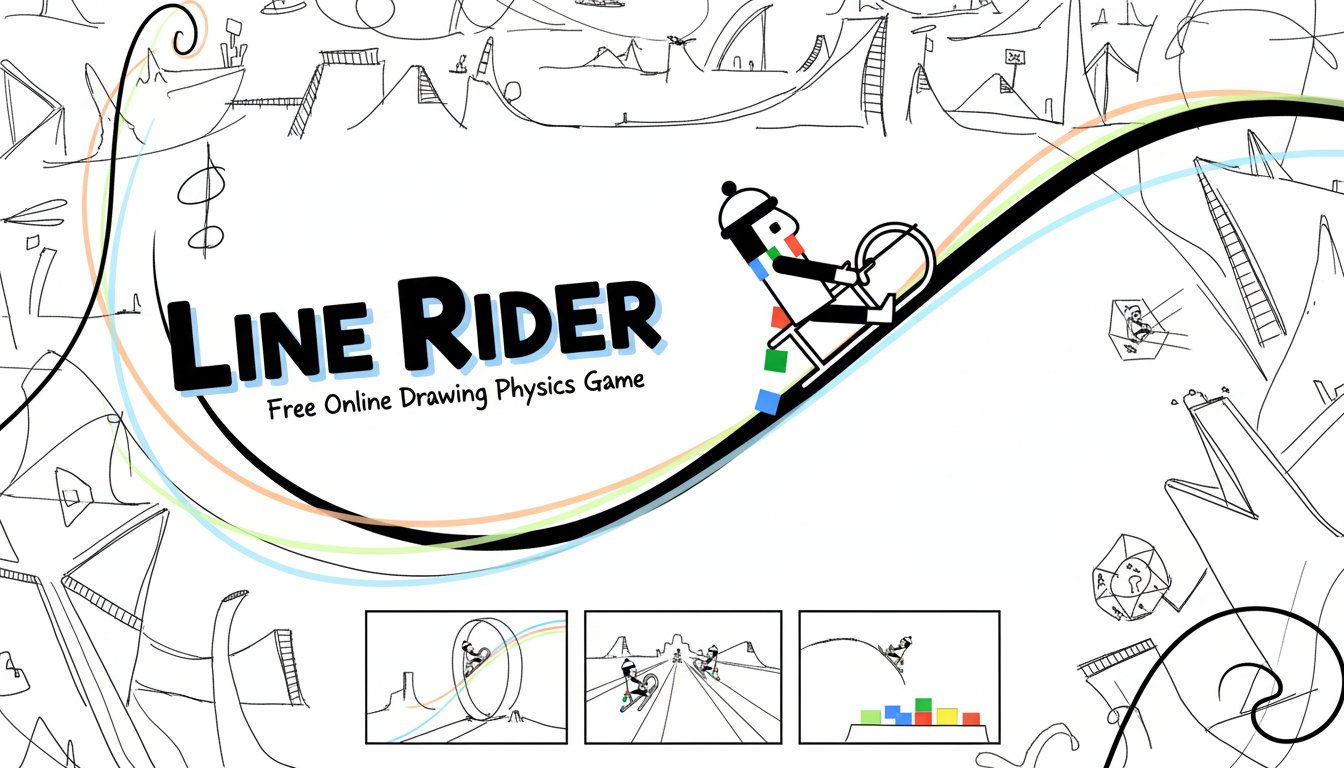
Line Rider - Free Online Drawing Physics Game

Seele01-Flash
By
Line Rider is the iconic physics-based drawing game where you create custom sledding tracks and watch your rider navigate them. Draw lines, add slopes and jumps, then sit back and enjoy the realistic physics simulation.

Prompt

MODEL: Seele01-Flash
Please use Three.js to generate a **mobile-first game** with the theme "**Line Rider: 3D Physics Sandbox**". Please read the following detailed game design requirements first, and then generate the code accordingly: ### 1. Assets & Environment * **Visual Style:** Adopt a **"Paper & Ink" Minimalist aesthetic**. The background should be a clean, crisp white or slightly textured off-white (simulating sketchbook paper). * **Character Model (Bosh):** Create a 3D low-poly interpretation of the classic "Bosh" character on a sled. * Use simple geometric shapes: a sphere for the head, cylinders for limbs, and a basic blocky shape for the sled. * **Crucial Detail:** The scarf must trail behind him. Use a simple ribbon trail or connected cube segments (colored Red, Green, Blue) that react to physics/velocity. * **The Line:** The lines drawn by the player should appear as solid, matte black strokes (like a thick Sharpie marker). * *Implementation:* Use `MeshLine` or extruded shapes for drawn lines to give them slight 3D depth, ensuring collision detection works reliably in a 3D physics engine (like Cannon.js or Ammo.js). * **Camera:** A side-scrolling orthographic camera (locked to the X-Y plane) to mimic the original 2D feel, but with a slight 3D perspective tilt (e.g., z-axis offset) to showcase depth during stunts or crashes. * **Mobile Optimization:** Use unlit materials (`MeshBasicMaterial` or `MeshLambertMaterial`) to keep frame rates high. No heavy real-time shadows; bake static ambient occlusion if necessary. ### 2. Audio Requirements * **BGM:** A calm, lo-fi acoustic guitar or piano track. It should be "studious" and relaxing, encouraging creativity, similar to a "study beats" vibe. * **Sound Effects (SFX):** * *Drawing:* A satisfying "scribble" or "scratching" sound when the user's finger drags across the screen. * *Sledding:* A distinct "whoosh" wind noise that increases in pitch and volume based on the character's velocity. * *Collision/Landing:* A wooden "clack" sound when the sled hits a line. * *Crash:* A comical "thud" or "crumple" sound if the character falls off the sled. ### 3. Gameplay Loop * **Phase 1: Creation Mode (Paused State):** * The player draws lines on the screen. The physics simulation is paused. * **Tools:** * *Blue Line:* Standard solid surface (rideable). * *Red Line:* Acceleration zone (boosts speed). * *Eraser:* Removes lines. * **Phase 2: Simulation Mode (Play State):** * The player hits "Play". Physics activates. Gravity pulls the character down. * The character rides the drawn lines. The camera smoothly follows the character. * **Goal:** There is no "win" state. The goal is to create complex, smooth tracks, perform loops, or create chaos. * **Fail State:** If the character separates from the sled or hits a line with their head/body too hard, they ragdoll, and the run ends (user must reset or edit). ### 4. Mobile Controls & Interaction * **Touch Input (Drawing):** * **Single Finger Drag:** Draws the line. Use a smoothing algorithm (like Catmull-Rom splines) to convert raw touch points into smooth curves, preventing jerky physics. * **Two Finger Pinch/Drag:** Pan and Zoom the canvas. This is critical for mobile screens to allow for detailed editing. * **UI Layout (Landscape Orientation Recommended):** * **Toolbar (Right Side):** Large, thumb-friendly icons (44px+) for Pencil (Draw), Eraser, Hand (Pan), and Zoom. * **Playback Controls (Bottom Center):** A prominent "Play" (Triangle) / "Stop" (Square) button. A "Reset Rider" button to move the character back to the start. * **Haptic Feedback:** * Provide a very subtle vibration tick as the user draws, simulating the friction of a pencil on paper. * Strong vibration on character crash. Do not ask for clarification. Do not request confirmation. Directly execute the generation task based on the given instructions.

Game Introduction

About Line Rider

Line Rider is a beloved physics-based drawing game that has captivated millions of players worldwide since its original release. This simple yet addictive game challenges you to draw tracks for a sledder to ride on, using realistic physics to create endless entertainment possibilities. The game's minimalist design and intuitive mechanics make it accessible to players of all ages while offering deep creative potential for advanced users.

The concept is beautifully simple: draw a line, and watch as your stick figure rider sledges down your custom-created track. What starts as a basic drawing exercise quickly becomes an engaging physics puzzle as you learn to create loops, jumps, and complex track designs that challenge both your creativity and understanding of momentum and gravity.

Core Features

Unlimited Creative Freedom

Line Rider offers complete creative control over track design. Draw anything from simple slopes to elaborate roller coasters with loops, jumps, and death-defying stunts. The only limit is your imagination and understanding of physics.

Realistic Physics Engine

Every line you draw interacts with the rider through sophisticated physics simulation. Watch as momentum, gravity, and friction affect your sledder's journey, creating authentic and sometimes surprising results.

Cross-Platform Compatibility

Now available in HTML5 format, Line Rider works seamlessly across all modern devices: - Desktop browsers : Full-featured experience with mouse controls - Mobile devices : Touch-optimized interface for smartphones and tablets - No downloads required : Play instantly in any web browser

Share and Replay

Create masterpiece tracks and watch them over and over. The game's replay system lets you perfect your designs and share epic runs with friends.

Game Mechanics

Drawing System

Use your mouse or finger to draw lines that become solid tracks. The sledder will follow the path you create, responding to slopes, curves, and gaps according to real physics principles.

Physics Simulation

The game's physics engine calculates: - Momentum and velocity : Speed increases on downhill sections - Gravity effects : Realistic falling and jumping mechanics - Friction and resistance : Natural slowdown on flat surfaces - Impact dynamics : Crashes and collisions feel authentic

Operation Guide

Basic Controls

  • Mouse/Touch : Click and drag to draw track lines
  • Play button : Start the sledder on your track
  • Restart : Reset to try different approaches
  • Erase tool : Remove unwanted track sections
  • Zoom controls : Get detailed view for precise drawing

Track Building Tips

  1. Start simple : Begin with basic slopes before attempting complex designs
  2. Consider momentum : Ensure your rider has enough speed for uphill sections
  3. Plan gaps carefully : Calculate jump distances based on approach speed
  4. Use physics : Leverage gravity and momentum for spectacular stunts

Why Play Line Rider

Educational Value

Line Rider serves as an excellent introduction to physics concepts. Players naturally learn about: - Gravity and acceleration - Momentum conservation - Kinetic and potential energy - Trajectory and projectile motion

Stress Relief and Creativity

The game's open-ended nature makes it perfect for relaxation and creative expression. There's no time pressure or failure states - just pure creative freedom to build and experiment.

Timeless Appeal

As one of the most influential Flash games ever created, Line Rider has proven its lasting appeal. The HTML5 version ensures this classic remains playable on modern devices while preserving everything that made the original special.

Community and Sharing

Join a global community of Line Rider enthusiasts who create and share incredible track designs. From simple elegant solutions to mind-bending mechanical marvels, there's always inspiration to be found.

Frequently Asked Questions (FAQ)