
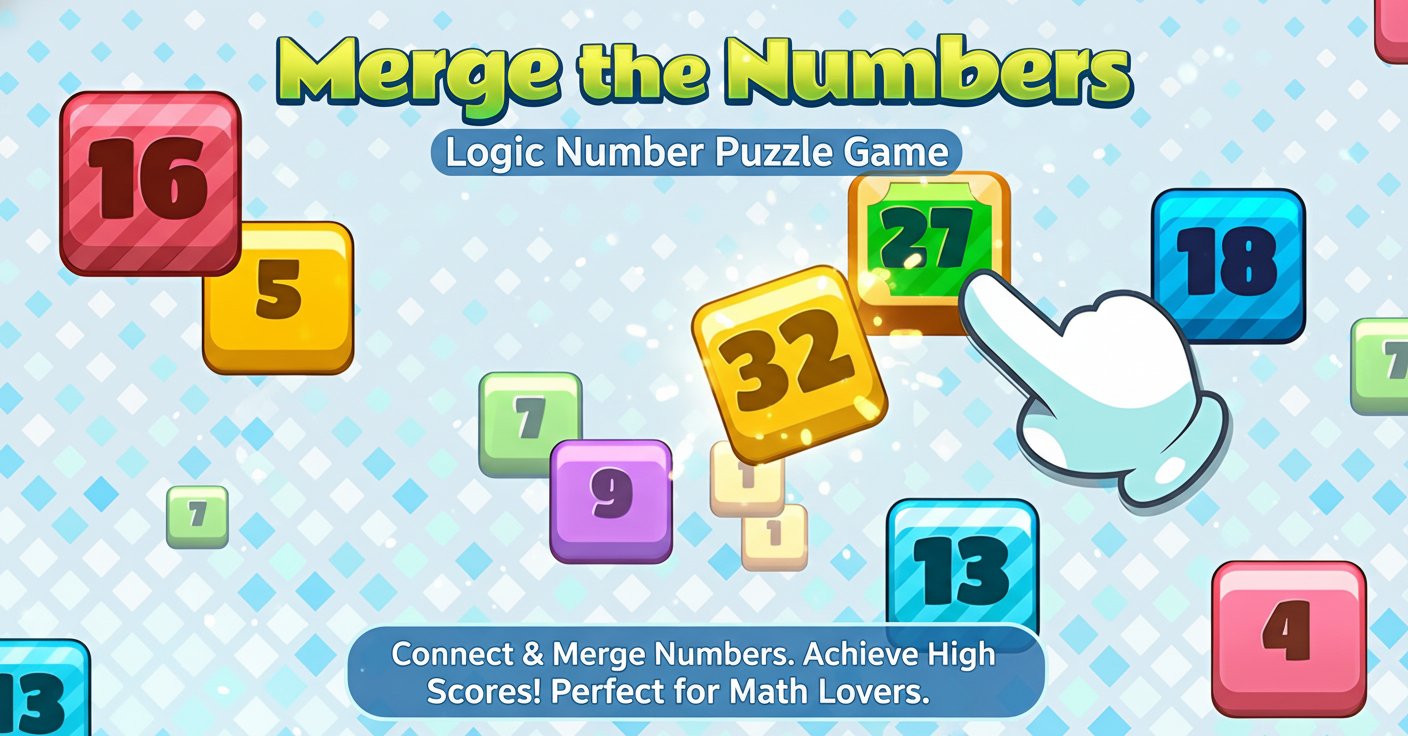
Merge the Numbers - Logic Number Puzzle Game - Puzzle Game
 New
NewHook a Fish Arcade
Build a fishing arcade where catches buy you more time.
 Sports
Basketball Duel
Build a one-on-one basketball game with physics shooting.
 Action
Open World City Action
Build an open-world city romp with driving and police chases.
 Unity
UnityCupid's Arrow
Build a Unity archery game of timing and matchmaking.
 Racing
Track Racing Challenge
Build a closed-circuit racer built around drift corners.
 Unity
UnityEgg on the Car Roof
Build a Unity challenge: keep a fragile egg on a moving roof.
 Unity
UnityStrawberry Grove Adventure
Build a cozy Unity pixel grove of exploration and collectibles.
 Survival
Survival Sandbox Arena
Build a survival arena with enemy waves and turret defense.
 Unity
UnityDesert Quickshot
Build a Unity quickdraw duel with streaks and rising heat.
 Roguelike
Dungeon Survivors
Build a Vampire-Survivors-style dungeon arena with hero picks.
NewHook a Fish Arcade
Build a fishing arcade where catches buy you more time.
SportsBasketball Duel
Build a one-on-one basketball game with physics shooting.
ActionOpen World City Action
Build an open-world city romp with driving and police chases.
UnityCupid's Arrow
Build a Unity archery game of timing and matchmaking.
RacingTrack Racing Challenge
Build a closed-circuit racer built around drift corners.
UnityEgg on the Car Roof
Build a Unity challenge: keep a fragile egg on a moving roof.
UnityStrawberry Grove Adventure
Build a cozy Unity pixel grove of exploration and collectibles.
SurvivalSurvival Sandbox Arena
Build a survival arena with enemy waves and turret defense.
UnityDesert Quickshot
Build a Unity quickdraw duel with streaks and rising heat.
RoguelikeDungeon Survivors
Build a Vampire-Survivors-style dungeon arena with hero picks.
Prompt

Games are fun. Creating them is even better.
Game Introduction
About the Game
Merge the Numbers is a captivating logic-based puzzle game that challenges your mathematical thinking and strategic planning. This engaging number puzzle combines simple drag-and-drop mechanics with increasingly complex number merging challenges. The game's colorful, intuitive interface makes it accessible to players of all ages while providing depth that keeps puzzle enthusiasts coming back for more.
The core concept revolves around connecting identical numbers on a grid to merge them into higher values, creating a satisfying progression system that rewards both quick thinking and strategic planning.
Core Features
Simple Yet Addictive Gameplay
The game's strength lies in its elegant simplicity. Players drag to connect matching numbers, which then merge to create the next number in sequence. This creates a cascading effect where successful merges open up new possibilities for even bigger combinations.
Progressive Difficulty System
As you advance, the game becomes increasingly challenging with more numbers on the board and higher target scores. The difficulty curve is perfectly balanced to keep you engaged without becoming frustrating.
Cross-Platform Compatibility
- Completely Free : No hidden costs or premium features
- No Download Required : Play instantly in any web browser
- Mobile Optimized : Responsive design works perfectly on smartphones and tablets
- Desktop Ready : Full mouse and keyboard support for PC players
Mathematical Learning Benefits
While entertaining, the game also helps improve: - Number recognition and sequence understanding - Logical thinking and pattern recognition - Strategic planning and problem-solving skills - Mathematical confidence through gameplay
Game Mechanics
Basic Rules
- Connect : Drag from one number to an identical adjacent number
- Merge : Connected numbers combine into the next higher value
- Score : Higher number merges give exponentially more points
- Strategy : Plan your moves to create chain reactions
Scoring System
The scoring rewards efficiency and large merges. Creating higher numbers through strategic combinations yields significantly more points than simple merges, encouraging players to think several moves ahead.
How to Play
Getting Started
- Launch the Game : Open in any web browser - no installation needed
- Understand the Grid : Numbers appear on a colorful grid layout
- Make Your First Move : Click and drag from one number to an identical adjacent number
- Watch the Magic : Connected numbers merge automatically into higher values
Advanced Strategies
- Plan Ahead : Look for opportunities to create chain reactions
- Corner Strategy : Work from corners to avoid blocking future moves
- Number Sequence : Understand how numbers progress (2→4→8→16→32...)
- Space Management : Keep the board from filling up completely
Controls
- Mouse/Touch : Click and drag to connect numbers
- Mobile Touch : Tap and swipe gestures for seamless mobile play
- Keyboard : Arrow keys for navigation (desktop)
Why Play Merge the Numbers
Perfect for All Skill Levels
Whether you're a casual player looking for a quick mental break or a puzzle enthusiast seeking a challenging brain workout, Merge the Numbers adapts to your skill level. The learning curve is gentle enough for beginners while offering enough depth for experienced players.
Stress-Free Gaming
Unlike time-pressured puzzle games, Merge the Numbers lets you think at your own pace. There are no timers or pressure elements - just pure strategic thinking and satisfying number combinations.
Educational Value
The game subtly reinforces mathematical concepts while being genuinely fun. It's an excellent tool for students, adults looking to keep their minds sharp, or anyone who enjoys number-based challenges.
Accessibility
With its browser-based platform, you can play anywhere - at home, during breaks, or while commuting. The game saves your progress automatically, so you never lose your achievements.