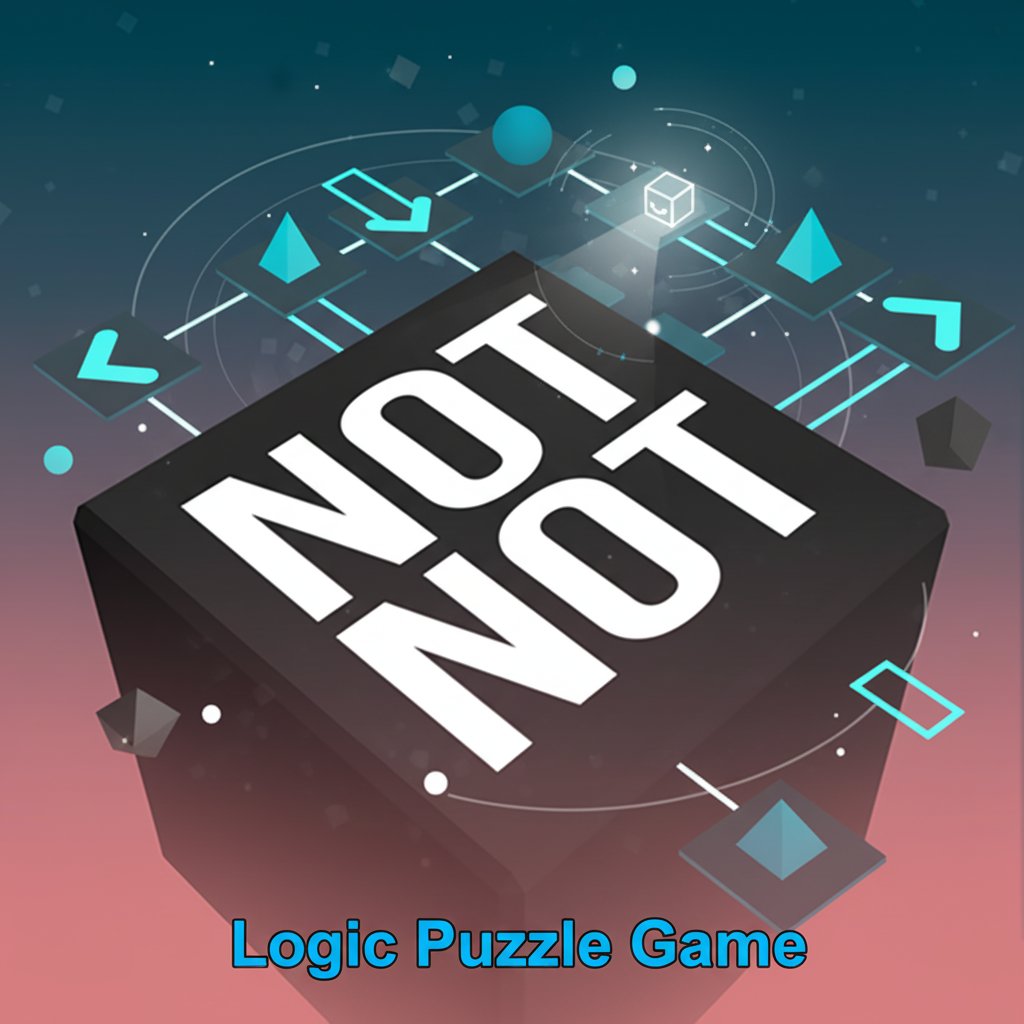
Not Not - Logic Puzzle Game - Puzzle Game

Seele01-Flash
By Jack Johnson
Challenge your brain with Not Not, the ultimate logic puzzle game! Follow tricky instructions to swipe in the right direction. Free to play on any device.
FPS

Night Mission Survival

Build a first-person night survival with flashlight combat.

Build a first-person night survival with flashlight combat.Open in workspace
Voxel

Voxel Village Explorer

Build a voxel village to roam with jump and camera controls.

Build a voxel village to roam with jump and camera controls.Open in workspace
Driving

City Car Driving

Build an open-city free-driving game with car selection.

Build an open-city free-driving game with car selection.Open in workspace
Subscriber only

Unreal Top-Down Roguelite

Create a complete UE 5.5 top-down arena roguelite with upgrades and a boss finale.

Create a complete UE 5.5 top-down arena roguelite with upgrades and a boss finale.Open in workspace
New

First-Person Horror Survival

Build a first-person horror survival with exploration and enemies.

Build a first-person horror survival with exploration and enemies.Open in workspace
New

Character Physics World

Build a third-person physics world with day-night and props to touch.

Build a third-person physics world with day-night and props to touch.Open in workspace
New

3D Block Puzzle

Build a 3D falling-block puzzle with rotations and row clears.

Build a 3D falling-block puzzle with rotations and row clears.Open in workspace
Puzzle

Magic Cube Puzzle

Build an interactive Rubik's Cube with scramble and reset.

Build an interactive Rubik's Cube with scramble and reset.Open in workspace
SEELE02 CORE

Game Generator

Turn a one-line idea into a playable game demo.

Turn a one-line idea into a playable game demo.Open in workspace
Unity

Cupid's Arrow

Build a Unity archery game of timing and matchmaking.

Build a Unity archery game of timing and matchmaking.Open in workspace
FPS

Night Mission Survival

Build a first-person night survival with flashlight combat.

Build a first-person night survival with flashlight combat.Open in workspace
Voxel

Voxel Village Explorer

Build a voxel village to roam with jump and camera controls.

Build a voxel village to roam with jump and camera controls.Open in workspace
Driving

City Car Driving

Build an open-city free-driving game with car selection.

Build an open-city free-driving game with car selection.Open in workspace
Subscriber only

Unreal Top-Down Roguelite

Create a complete UE 5.5 top-down arena roguelite with upgrades and a boss finale.

Create a complete UE 5.5 top-down arena roguelite with upgrades and a boss finale.Open in workspace
New

First-Person Horror Survival

Build a first-person horror survival with exploration and enemies.

Build a first-person horror survival with exploration and enemies.Open in workspace
New

Character Physics World

Build a third-person physics world with day-night and props to touch.

Build a third-person physics world with day-night and props to touch.Open in workspace
New

3D Block Puzzle

Build a 3D falling-block puzzle with rotations and row clears.

Build a 3D falling-block puzzle with rotations and row clears.Open in workspace
Puzzle

Magic Cube Puzzle

Build an interactive Rubik's Cube with scramble and reset.

Build an interactive Rubik's Cube with scramble and reset.Open in workspace
SEELE02 CORE

Game Generator

Turn a one-line idea into a playable game demo.

Turn a one-line idea into a playable game demo.Open in workspace
Unity

Cupid's Arrow

Build a Unity archery game of timing and matchmaking.

Build a Unity archery game of timing and matchmaking.Open in workspace

Prompt

MODEL: Seele01-Flash
Please use Three.js to generate a **mobile-first game** with the theme "**Not Not - A Logic & Orientation Puzzle**". Please read the following detailed game design requirements first, and then generate the code accordingly: ### 1. Assets & Environment * **Visual Style**: Minimalist, clean 3D aesthetic similar to the screenshot. Use a high-contrast palette. * **The Cube**: Create a large, central, dark grey/black Cube (`BoxGeometry`) with slightly beveled edges (or use a wireframe helper to define edges) positioned in the center of the screen. This is the stage. * **The Player**: A small, contrasting character (e.g., a small white cube or sphere) sitting on the top face of the main Cube. * **Background**: A smooth vertical gradient shader or canvas background, transitioning from deep teal (#004d40) at the top to a soft salmon pink (#ff8a80) at the bottom. * **Particles**: Add sparse, floating square particles in the background that slowly drift upwards to create depth without distracting from the gameplay. * **Optimization**: Use `MeshLambertMaterial` or `MeshStandardMaterial` for performance. Ensure the camera is fixed in an isometric or high-angle perspective looking down at the cube. ### 2. Audio Requirements * **BGM**: A minimal, rhythmic, and slightly tense electronic track (like a ticking clock mixed with ambient synth) to induce focus and mild stress. * **SFX - Interaction**: A sharp "Whoosh" sound for swiping. * **SFX - Feedback**: A clear, high-pitched "Ding" or "Chime" for a correct move. A jarring "Buzzer" or "Glitch" sound for a wrong move or timeout. * **SFX - Timer**: An accelerating ticking sound as the time limit for the current move runs out. ### 3. Gameplay Loop * **The Core Mechanism**: 1. An instruction appears on the screen (e.g., "UP", "NOT DOWN", "NOT NOT LEFT", "NOT YELLOW"). 2. A visual timer (e.g., a shrinking bar or ring around the cube) immediately starts counting down (approx. 2-3 seconds). 3. The player must process the logic and swipe the character in the correct direction relative to the screen. * **Logic Generation**: Implement a difficulty curve: * *Level 1*: Direct directions ("UP", "DOWN"). * *Level 2*: Negatives ("NOT LEFT" - meaning Up, Down, or Right are valid, but usually the game simplifies this to "Swipe opposite" or specific targets). *Correction for prototype*: To keep it simple, treat "NOT DOWN" as requiring a swipe in any of the other 3 directions, OR simply map "NOT DOWN" to "UP" if strictly opposites are required. Let's stick to standard logic: If "NOT DOWN", swiping Up, Left, or Right counts as a win. * *Level 3*: Double negatives ("NOT NOT RIGHT" -> Swipe Right). * **Win/Loss**: * **Success**: The character dashes in that direction, returns to center instantly, score +1, and the next instruction appears immediately. * **Failure**: Swiping the wrong way or running out of time results in the cube shaking violently (camera shake), a "Game Over" UI overlay, and a reset button. ### 4. Mobile Controls & Interaction * **Touch Input**: Use a robust touch event listener (`touchstart`, `touchend`) to detect swipe gestures. Calculate the delta X and Y to determine Up, Down, Left, or Right swipes. * **Orientation**: **Portrait Mode** only. The camera FOV needs to be adjusted so the cube stays visible on varying aspect ratios (from 16:9 to 19.5:9). * **UI Overlay**: * Instructions should be rendered via an HTML Overlay (DOM element) on top of the canvas for maximum text clarity, not 3D text. Use a bold, sans-serif font (like 'Impact' or 'Roboto-Bold'). * Prevent default browser scrolling/zooming with CSS (`touch-action: none;`). * **Haptic Feedback**: Trigger `navigator.vibrate(50)` on a correct move and `navigator.vibrate([100, 50, 100])` on a Game Over. Do not ask for clarification. Do not request confirmation. Directly execute the generation task based on the given instructions.
A game idea becoming a playable world and reaching an audience
MAKE • SHARE • EARN

Games are fun. Creating them is even better.

Game Introduction

About the Game

Not Not is the ultimate brain-busting puzzle game that will push your logic and orientation skills to their limits. This innovative puzzle game combines simple directional controls with increasingly complex instructions that will challenge even the sharpest minds. With its minimalist design and progressively difficult levels, Not Not offers an addictive brain training experience that's both fun and mentally stimulating.

Core Features

Mind-Bending Logic Challenges

The game's unique concept revolves around following instructions that often contain double negatives and contradictory commands. You'll need to carefully interpret what the game is asking you (not) to do, making split-second decisions while your brain processes complex logical statements.

Progressive Difficulty System

Start with simple directional commands and gradually face more complex instructions that combine multiple conditions, negations, and logical operators. Each level introduces new elements that will test different aspects of your cognitive abilities.

Clean, Minimalist Design

The game features a sleek, cube-based visual design with a beautiful gradient background that won't distract you from the mental challenges. The clean interface ensures you can focus entirely on solving the puzzles.

Cross-Platform Accessibility

  • Completely Free : Play the full game without any cost or hidden fees
  • No Download Required : Instant play directly in your web browser
  • Universal Compatibility : Works perfectly on computers, tablets, and smartphones
  • Responsive Controls : Supports both keyboard and touch controls for optimal experience

Gameplay Mechanics

The core gameplay revolves around directional movement based on text instructions. You control a character (represented by the cube) and must move in the correct direction according to the on-screen commands. The twist? The instructions often include:

  • Double Negatives : "Don't not go up" means you should go up
  • Logical Contradictions : Instructions that require careful interpretation
  • Time Pressure : Quick decision-making under increasing complexity
  • Multi-Step Commands : Complex instructions combining multiple conditions

Operation Guide

Controls

  • Keyboard : Use arrow keys or WASD keys to move in the desired direction
  • Mouse : Click and drag or swipe in the direction you want to move
  • Touch : On mobile devices, swipe in the appropriate direction

How to Play

  1. Read the instruction carefully displayed on the screen
  2. Interpret the logic behind what the game is asking you to do
  3. Move quickly in the correct direction using your preferred control method
  4. Progress through levels as instructions become more complex and challenging
  5. Train your brain by tackling increasingly difficult logical puzzles

Tips for Success

  • Take a moment to carefully read each instruction
  • Pay special attention to words like "not," "don't," and other negations
  • Practice regularly to improve your logical reasoning speed
  • Don't get frustrated - each mistake is a learning opportunity

Why Play Not Not?

Cognitive Benefits

Not Not isn't just entertainment - it's a powerful brain training tool that helps improve: - Logical reasoning skills - Reading comprehension under pressure - Quick decision-making abilities - Attention to detail - Mental flexibility and adaptability

Perfect for Everyone

Whether you're looking for a quick mental workout during a break or want to challenge yourself with complex puzzles, Not Not adapts to your pace. The game is suitable for: - Students wanting to sharpen logical thinking - Professionals seeking mental stimulation - Puzzle enthusiasts who love brain teasers - Anyone interested in cognitive training games

Accessibility and Convenience

The game's browser-based nature means you can play anywhere, anytime, without worrying about storage space or installation processes. It's the perfect solution for quick mental exercises whether you're at home, work, or traveling.

Frequently Asked Questions (FAQ)