Popular Words - Word Puzzle Game

Seele01-Flash
By
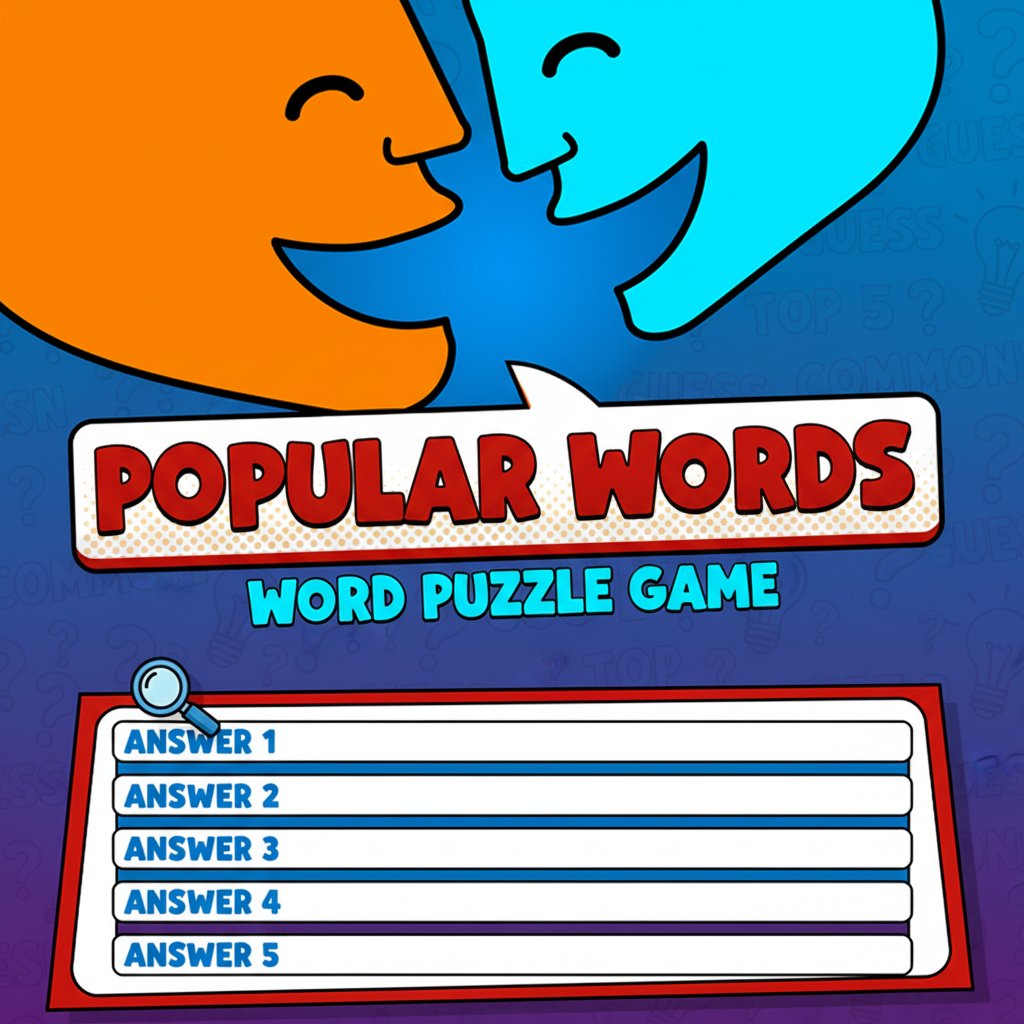
Popular Words is an engaging word puzzle game that challenges your vocabulary and knowledge. Guess the top 5 most common answers to various fill-in-the-blank questions across different topics.

Prompt

MODEL: Seele01-Flash
Please use Three.js to generate a **mobile-first game** with the theme "Popular Words". Please read the following detailed game design requirements first, and then generate the code accordingly: ### 1. Assets & Environment * **Visual Style**: "2.5D" Casual Comic Art. Use a flat-shaded, high-saturation color palette inspired by the screenshot (Vibrant Orange `#FFA500`, Cyan `#00FFFF`, Comic Red `#FF0000`). * **Scene Setup**: A virtual "Game Show" stage. The background should be a dynamic abstract gradient (Blue/Cyan) with a subtle floating halftone dot pattern (comic style) to add depth without distracting. * **Main Object**: A central 3D "Answer Board" floating in the middle. It should contain 5 horizontal slots (rectangular prisms with rounded corners). Initially, these slots are "closed" (showing ??? or just the first letter), and they should animate/flip over 180 degrees when a player guesses correctly. * **Camera**: Fixed Perspective camera, optimized for **Portrait Mode** (vertical), looking slightly up at the board to give it a monumental feel. * **Performance**: Use `MeshBasicMaterial` or `MeshLambertMaterial` to keep rendering cost low for mobile devices. Avoid complex shadows; use baked lighting logic or simple ambient light. ### 2. Audio Requirements * **BGM**: A loop of upbeat, "thinking time" game show music. It should be jazzy but subtle (bass, light snares, synth pads). * **Sound Effects (SFX)**: * **Correct Answer**: A bright, satisfying "Ding!" or chime sound combined with a "whoosh" for the card flip. * **Wrong Answer**: A soft, comedic "Buzz" or "Womp-womp" (not too harsh). * **Level Win**: A short celebratory fanfare. * **UI Interaction**: Soft "pop" or "click" sounds when typing on the virtual keyboard. ### 3. Gameplay Loop * **Data Structure**: Create a simple array of objects for levels. Example: `{ question: "Something you find in a bathroom", answers: ["Soap", "Towel", "Mirror", "Sink", "Toilet"] }`. * **Start**: Display the Question text clearly at the top of the 3D scene (using a 3D text geometry or an HTML overlay). Show the 5 empty slots on the board. * **Hint System**: Each empty slot must display the **first letter** of the hidden word (e.g., "S _ _ _") to guide the player. * **Input Phase**: Player types a word. * **Validation**: * If the input matches one of the top 5 answers: The corresponding 3D slot flips over to reveal the full word. * If the input is wrong: Shake the camera slightly and play the buzzer sound. * If already guessed: Show a "Already Found" tooltip. * **Win Condition**: When all 5 answers are revealed, trigger a confetti particle explosion and a "Level Complete" modal, then load the next question. ### 4. Mobile Controls & Interaction * **Orientation**: **Portrait Mode Only**. This is critical for mobile typing comfort. * **Input Interface**: * Implement a **custom HTML/CSS Virtual Keyboard** at the bottom of the screen (overlaying the Three.js canvas). Do not rely on the native mobile keyboard as it pushes the canvas up; a custom game keypad is better for UX. * The keyboard should include letters A-Z, a Backspace key, and an "Enter/Guess" button. * **Touch Feedback**: * Buttons should scale down slightly (`0.9x`) when touched. * Trigger `navigator.vibrate(50)` on invalid guesses or level wins for haptic feedback. * **UI Layout**: * Top 20%: Question Text (Large, Readable Font like 'Comic Sans' or 'Fredoka One'). * Middle 40%: The 3D Answer Board (Three.js Canvas). * Bottom 40%: The Virtual Keyboard (HTML Overlay). * Ensure all touch targets are at least 48x48px. Do not ask for clarification. Do not request confirmation. Directly execute the generation task based on the given instructions.

Game Introduction

About Popular Words

Popular Words is a captivating word puzzle game that puts your vocabulary, knowledge, and intuition to the ultimate test. This brain-training word game challenges players to discover the most popular answers to fill-in-the-blank questions across a wide variety of topics. With its colorful cartoon-style graphics featuring cheerful blue characters, the game creates an engaging and friendly environment for word puzzle enthusiasts.

Core Features

Extensive Question Database

The game offers a diverse range of questions spanning multiple topics and categories. Each level presents a unique fill-in-the-blank challenge where you must identify the top five most common responses that people would give.

Helpful Hint System

To guide you along your word-solving journey, the game provides the first letters of correct answers as hints. This thoughtful feature helps players when they're stuck while still maintaining the challenge and educational value.

Progressive Difficulty

As you advance through levels, questions become more challenging, testing not just your vocabulary but also your general knowledge and ability to think like the majority of people would.

Free-to-Play Experience

Enjoy the complete game experience at no cost. Popular Words is completely free to play with no hidden fees or premium content locks.

Cross-Platform Compatibility

The game works seamlessly across all devices - play on your computer, smartphone, or tablet through any modern web browser.

Gameplay Mechanics

In Popular Words, each level presents you with a fill-in-the-blank statement or question. Your objective is to guess the five most popular answers that survey respondents would typically give. The game tests your ability to think collectively and predict common responses.

The challenge lies in thinking beyond your personal preferences to consider what the majority of people would answer. This unique twist makes Popular Words both entertaining and intellectually stimulating.

Operation Guide

Basic Controls

  • Keyboard Input : Type your answers directly using your keyboard
  • Mouse Support : Click on answer fields and use on-screen keyboards when available
  • Submit Answers : Press Enter or click submit to check your responses
  • Hints : Use the provided first letters to guide your guessing
  • Navigation : Use menu buttons to access different levels and settings

Scoring System

Earn points based on how quickly you identify the popular answers. More common responses typically yield higher scores, encouraging players to think like the majority.

Why Play Popular Words

Educational Benefits

This game enhances vocabulary, improves general knowledge, and develops critical thinking skills. It's an excellent way to learn new words and concepts while having fun.

Social Learning Experience

By guessing popular responses, players gain insights into common knowledge and cultural references, making it both educational and socially relevant.

Perfect for All Ages

The game's intuitive design and varied difficulty levels make it suitable for players of all ages, from students looking to improve their vocabulary to adults seeking mental stimulation.

Stress-Free Gaming

With no time pressure or penalties for wrong guesses, Popular Words provides a relaxing yet engaging gaming experience that you can enjoy at your own pace.

Brain Training Benefits

Regular play helps maintain mental sharpness and can improve memory, word recall, and analytical thinking skills.

Frequently Asked Questions (FAQ)