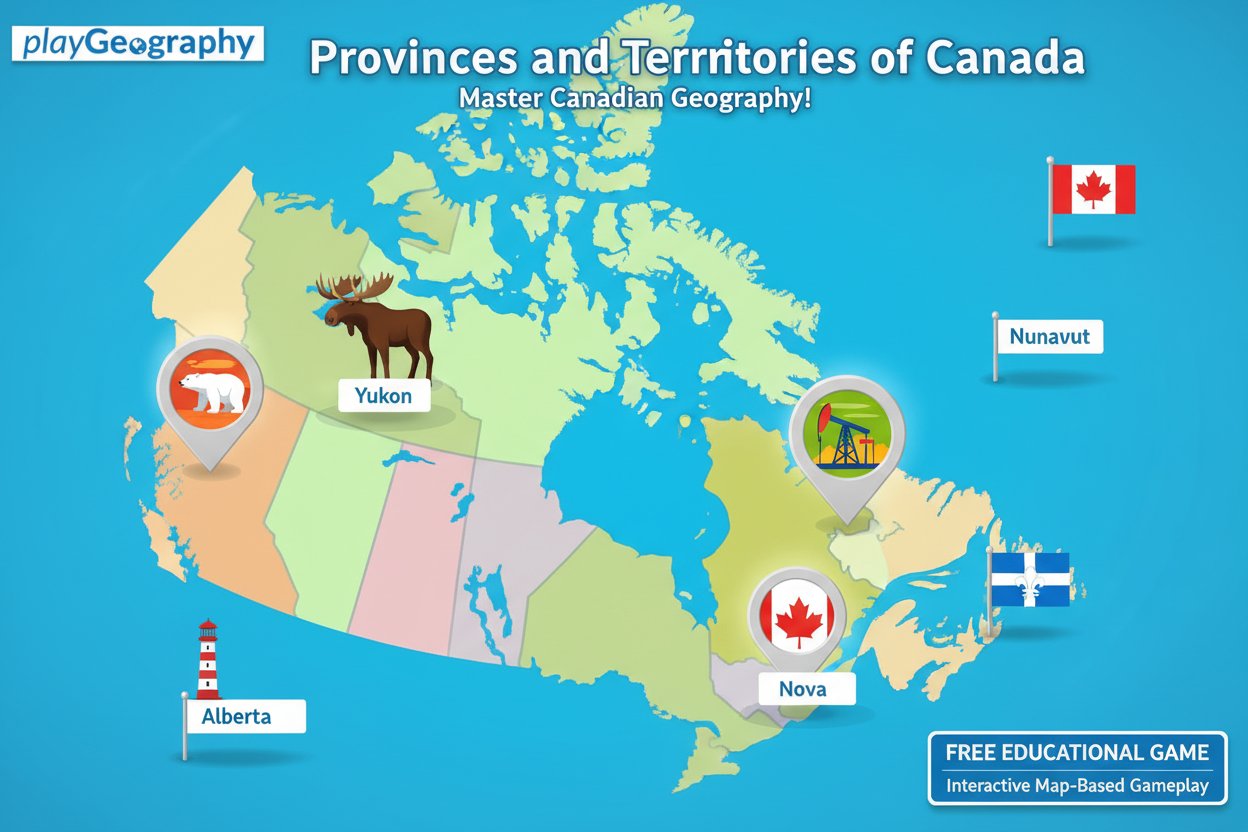
Provinces and Territories of Canada

Seele01-Flash
By
Provinces and Territories of Canada is a free educational geography game that helps you master Canadian geography. Test your knowledge of all 12 provinces and territories through interactive map-based gameplay.

Prompt

MODEL: Seele01-Flash
Please use Three.js to generate a **mobile-first game** with the theme "Provinces and Territories of Canada - 3D Map Quiz". Please read the following detailed game design requirements first, and then generate the code accordingly: ### 1. Assets & Environment * **Visual Style**: A clean, "Low-poly Educational" aesthetic. The map of Canada should be composed of individual 3D extruded meshes (using `ExtrudeGeometry` derived from GeoJSON path data) for each province/territory. * **Color Palette**: Use a distinct, pastel color palette (e.g., soft teal, coral, mustard, slate blue) to differentiate adjacent provinces. The ocean/background should be a calming deep blue or a clean gradient skybox. * **Lighting**: Use a `HemisphereLight` for soft global illumination and a `DirectionalLight` with soft shadows to give the map depth and make the extrusion visible. * **Feedback Effects**: Implement a glowing shader or `Emissive` material property change when a user selects a province (Green for correct, Red for incorrect). * **Optimization**: Limit polygon count for mobile performance. Use `BufferGeometry`. Ensure textures (if any) are compressed (max 1024x1024). Use a shared material with vertex colors if possible to reduce draw calls. ### 2. Audio Requirements * **BGM**: A calm, "Study Hall" style lo-fi or acoustic guitar background track that loops seamlessly. It should be non-intrusive to aid concentration. * **Sound Effects (SFX)**: * **Selection**: A soft "pop" or "click" sound when tapping a province. * **Correct Answer**: A pleasant, uplifting major-key chime. * **Wrong Answer**: A gentle, low-pitched "thud" or buzzer (not overly harsh/punitive). * **Win**: A short triumphant fanfare. * **UI**: Crisp clicks for the "Start" and "Restart" buttons. ### 3. Gameplay Loop * **Initialization**: The camera pans over the 3D map. A UI overlay displays the title and a "Start Quiz" button. Score starts at 100. * **The Challenge**: The game displays the name of a target Province/Territory (e.g., "Find Manitoba") at the top of the screen. * **Interaction**: * The player taps a 3D region on the map. * **If Correct**: The region flashes green, the score remains, and the game advances to the next random province. * **If Incorrect**: The region flashes red, a toast message appears saying "That is [Selected Province Name]", and the score decreases by 10 points. * **Hint System**: After 3 incorrect attempts on the same target, the correct province should pulse/glow blue to guide the player. * **Win Condition**: Once all 12/13 areas are correctly identified, show a "Game Over" modal with the final score and a star rating (1-3 stars). ### 4. Mobile Controls & Interaction * **Camera Controls**: Use `OrbitControls` adapted for mobile: * Enable `enableRotate` (limited polar angle to prevent going underground). * Enable `enableZoom` (clamped min/max distance). * Enable `enablePan`. * Set `dampingFactor` for smooth physical momentum. * **Touch Interaction**: * Implement a `Raycaster` attached to the `touchstart` or `click` event. * Ensure the Raycaster ignores short drags (to distinguish between panning the camera and clicking a province). * **Screen Orientation**: **Landscape Mode** is preferred due to Canada's wide geographical shape. If in Portrait, the camera must default to a zoomed-out view that fits the width. * **UI/UX**: * UI elements (Score, Target Name) must be HTML overlays positioned absolutely over the canvas. * Buttons must have a minimum touch target of 44x44px. * **Haptic Feedback**: Trigger `navigator.vibrate(50)` on incorrect answers and `navigator.vibrate([50, 50, 50])` on a win state (if supported). Do not ask for clarification. Do not request confirmation. Directly execute the generation task based on the given instructions.

Game Introduction

About the Game

Provinces and Territories of Canada is an engaging educational geography game designed to help players learn and master Canadian geography. This interactive map-based game challenges you to identify and locate all 12 provinces and territories of Canada, making it an excellent learning tool for students, geography enthusiasts, or anyone wanting to improve their knowledge of Canadian geography.

With a rating of 3.5 out of 5 stars, this browser-based game combines education with entertainment, offering an accessible way to study geography without the need for textbooks or flashcards.

Core Features

Interactive Learning Experience

The game presents you with an interactive map of Canada where you must click on the correct province or territory when prompted. This hands-on approach makes learning geography more engaging and memorable than traditional study methods.

Educational Feedback System

When you make an incorrect selection, the game doesn't just tell you you're wrong - it provides educational feedback by highlighting the correct answer and teaching you about the area you mistakenly chose. This dual-learning approach helps reinforce your geographical knowledge.

Scoring System

The game features a point-based scoring system that starts at 100 points. You lose points for incorrect answers but maintain your score for correct responses, encouraging accuracy and creating a competitive element that motivates learning.

Accessibility and Convenience

  • Completely free to play with no registration required
  • Browser-based gameplay - no downloads or installations needed
  • HTML5 technology ensures compatibility across devices
  • Suitable for all ages with easy-to-understand mechanics

Gameplay Mechanics

The game follows a simple yet effective format that makes learning Canadian geography straightforward and enjoyable. Players are presented with the name of a province or territory and must click on the corresponding area on the interactive map.

Progressive Learning

If you struggle with certain locations, the game automatically provides hints by highlighting the correct answer after multiple incorrect attempts. This ensures that even challenging provinces or territories become learnable through repetition and visual reinforcement.

Comprehensive Coverage

The game covers all 12 major administrative divisions of Canada, including both provinces and territories, giving you a complete understanding of Canadian political geography.

How to Play

Getting started with Provinces and Territories of Canada is incredibly simple:

  1. Click Start : Begin your geography learning session
  2. Read the Prompt : The game will display the name of a province or territory
  3. Click on the Map : Select the area on the map that corresponds to the given name
  4. Learn from Feedback : Correct answers maintain your score, while incorrect answers provide educational feedback
  5. Continue Learning : Work through all 12 provinces and territories to complete your Canadian geography knowledge

Why Play This Geography Game

Perfect for Students

This game serves as an excellent study tool for geography tests, social studies classes, or general knowledge improvement. The interactive format makes memorizing locations much more effective than traditional rote learning methods.

Great for All Ages

Whether you're a student preparing for exams, a parent wanting to brush up on geography, or simply someone who enjoys learning new things, this game accommodates all skill levels and learning goals.

Practical Knowledge

Understanding Canadian geography is valuable for travel planning, cultural awareness, current events comprehension, and general education. This game provides practical knowledge that extends beyond academic settings.

Stress-Free Learning Environment

Unlike high-pressure testing situations, this game allows you to learn at your own pace in a relaxed, supportive environment where mistakes become learning opportunities rather than failures.

Frequently Asked Questions (FAQ)