Rolling In Gears

Seele01-Flash
By
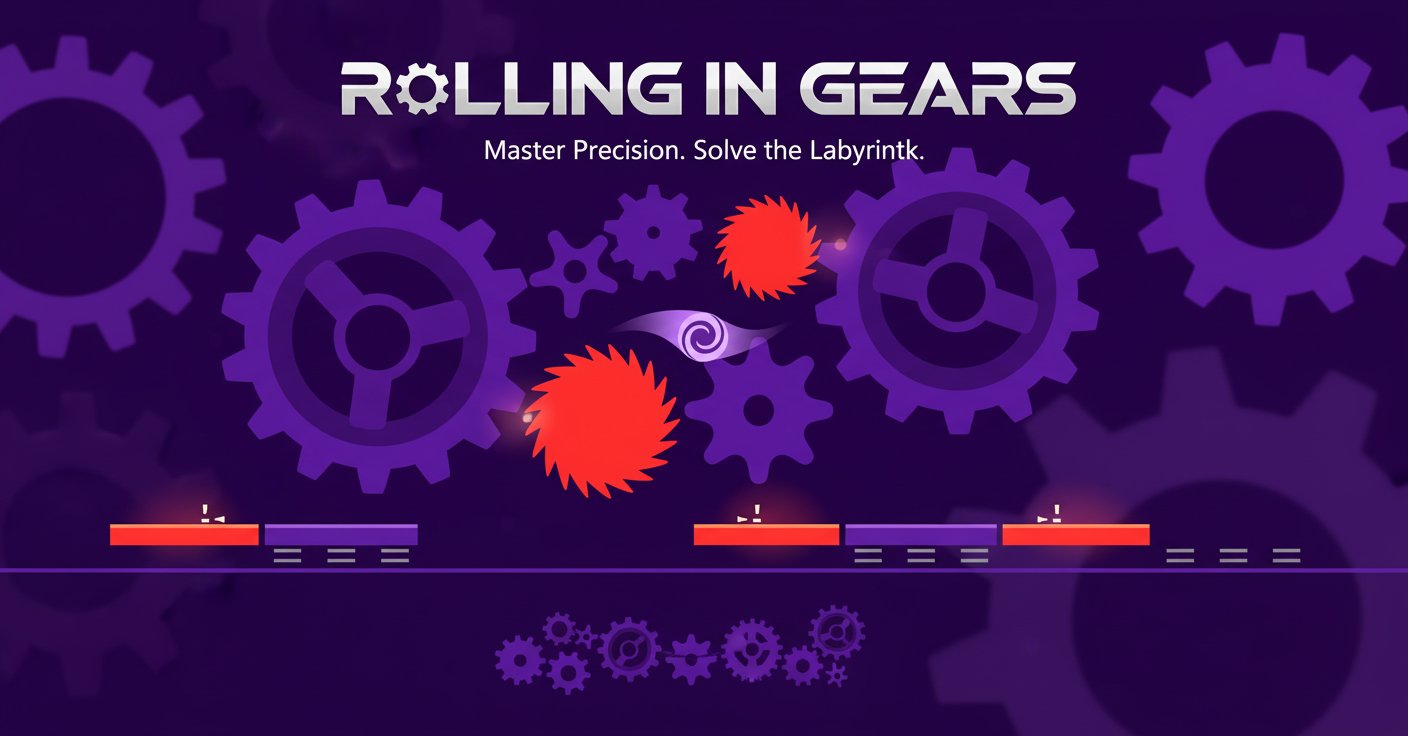
Rolling In Gears is an engaging physics puzzle platformer where you control a ball through 35 challenging levels filled with rotating gears, moving platforms, and mechanical obstacles. Master precision timing and strategic thinking to solve each intricate puzzle.

Prompt

MODEL: Seele01-Flash
Please use Three.js to generate a **mobile-first game** with the theme "Rolling In Gears". Please read the following detailed game design requirements first, and then generate the code accordingly: ### 1. Assets & Environment * **Visual Style**: strictly **2.5D Side-scrolling**. Use an **Orthographic Camera** to achieve the flat, vector-art look seen in the screenshot. The world is 3D, but the gameplay happens on a 2D plane (X/Y axis). * **Color Palette**: High contrast, "Dark Mode" aesthetic. * **Background**: Deep Indigo/Violet (#1a0b2e). * **Friendly Gears/Platforms**: Vivid Purple (#6a0dad) to Lavender (#9b59b6). * **Hazards (Saws/Spikes)**: Bright Neon Red/Orange (#ff3333). * **Player Ball**: White/Light Pink swirl with a glowing trail effect (#e0b0ff). * **Geometry**: * **Gears**: Procedurally generated `ExtrudeGeometry` with rounded teeth. Some gears spin automatically; others are static. * **Hazards**: Rotating saw blades with sharp triangular teeth. * **Player**: A SphereGeometry with a spiral texture map to show rotation clearly. * **VFX**: * **Trail**: A `TrailRenderer` or ribbon trail following the ball to visualize speed and trajectory (as seen in the screenshot). * **Particles**: Tiny sparks when the ball impacts hard surfaces or grinds against gears. * **Optimization**: Use InstancedMesh for repeated gear objects to reduce draw calls. Use simple `MeshToonMaterial` or `MeshBasicMaterial` (unlit) to maintain high FPS on mobile devices. ### 2. Audio Requirements * **BGM**: A rhythmic, "Clockwork" ambient electronic track. Think ticking sounds, deep bass pulses, and a mystery vibe (approx 100-110 BPM). * **SFX**: * **Movement**: A low, rolling hum that increases pitch with speed. * **Collision**: Metallic "clinks" when hitting gears. * **Danger**: A buzzing saw sound when near red hazards. * **Death**: A "glass shattering" or digital crunch sound. * **Win**: A harmonious synth chord resolve. ### 3. Gameplay Loop * **Physics Engine**: Integrate **Cannon.js** or **Rapier** (or a 2D engine like Matter.js rendered in Three.js). **Crucial**: Lock the Ball's Z-axis position and X/Y axis rotation constraints so it only rolls along the 2D plane. * **Core Mechanic**: * The player controls the **torque** of the ball (applying force Left or Right). * The ball must traverse complex geometry (interlocking gears, ramps) using momentum and gravity. * **Friction**: High friction materials are needed so the ball can "grip" the gear teeth and climb up inclines. * **Obstacles**: * **Spinning Saws**: Instant death on contact -> Reset level. * **Gravity Beams**: Zones that push the ball up or down, defying normal gravity. * **Moving Platforms**: Platforms that slide back and forth on a timer. * **Win Condition**: Reach a specific "Portal" or "Goal Zone" at the end of the intricate maze. ### 4. Mobile Controls & Interaction * **Control Scheme (Split Screen)**: * **Invisible Touch Zones**: Divide the screen vertically into two halves. * **Tap/Hold Left Half**: Apply torque/force Left (Backward). * **Tap/Hold Right Half**: Apply torque/force Right (Forward). * **Responsiveness**: The physics forces should be snappy. When the user releases the finger, the applied force stops immediately (though the ball's momentum continues). * **UI/HUD**: * **Pause/Menu**: A 44x44px icon in the top-right corner (safe area). * **Level Indicator**: Minimal text centered at the top. * **Restart Button**: Large, distinct button appears immediately upon death for a "quick retry" loop. * **Feedback**: * **Haptic**: Trigger `navigator.vibrate(50)` on death and `navigator.vibrate(20)` on heavy landings. * **Visual**: The ball slightly squashes/stretches on impact (optional juice). Do not ask for clarification. Do not request confirmation. Directly execute the generation task based on the given instructions.

Game Introduction

About the Game

Rolling In Gears is a captivating physics-based puzzle platformer that challenges your problem-solving skills and precision timing. In this innovative game, you control a small ball navigating through complex mechanical environments filled with rotating gears, shifting platforms, and clever obstacles. With 35 progressively challenging levels, the game offers hours of brain-teasing entertainment that will test your strategic thinking and motor skills.

Core Features

Simple Yet Engaging Controls

The beauty of Rolling In Gears lies in its elegant simplicity. With just two directional controls - forward and backward movement using arrow keys or AD keys - the game proves that complex challenges don't require complicated controls. This minimalist approach makes the game accessible to players of all ages while maintaining depth and challenge.

Progressive Difficulty System

Each of the 35 levels introduces new mechanical elements and challenges: - Rotating gears that must be timed perfectly - Moving platforms that require strategic positioning - Gravity beams and suction mechanics for advanced gameplay - Spinning hazards that test your reflexes - Environmental puzzles that require patience and observation

Physics-Based Gameplay

The game's realistic physics engine creates authentic ball movement and interactions with the mechanical environment. Every roll, bounce, and collision feels natural, making success feel earned and rewarding.

Game Mechanics

Strategic Movement

Unlike traditional platformers, Rolling In Gears emphasizes strategic thinking over reflexes . Players must: - Analyze each level's mechanical layout - Time movements with rotating elements - Use environmental momentum to their advantage - Plan multi-step solutions to complex puzzles

Environmental Interaction

The mechanical world responds dynamically to your presence: - Gears rotate at different speeds and directions - Platforms shift based on weight and timing - Hazards activate when triggered by movement - Physics interactions create chain reactions

How to Play

Basic Controls

  • Arrow Keys or A/D Keys : Move the ball left and right
  • Precision Timing : Wait for the right moment to move
  • Observation : Study the mechanical patterns before acting

Winning Strategy

  1. Observe First : Watch the gear patterns and platform movements
  2. Plan Your Path : Identify the safest route to the destination
  3. Time Your Moves : Execute movements when obstacles are clear
  4. Use Physics : Let momentum and gravity assist your progress
  5. Stay Patient : Some levels require waiting for the right moment

Level Progression

Start with simple gear mechanisms and gradually encounter: - Multi-gear systems requiring complex timing - Gravity-defying sections with unique physics - Puzzle combinations mixing different mechanical elements - Advanced challenges testing mastery of all skills learned

Why Play Rolling In Gears

Perfect for Puzzle Enthusiasts

This game appeals to players who enjoy: - Brain teasers that require logical thinking - Physics puzzles with realistic mechanics - Progressive challenges that build on previous skills - Minimalist design focusing on pure gameplay

Accessible Yet Challenging

  • Easy to Learn : Simple two-button control scheme
  • Hard to Master : 35 levels of increasing complexity
  • Cross-Platform : Works on both desktop and mobile devices
  • No Download Required : Play instantly in your web browser

Educational Benefits

  • Improves spatial reasoning and problem-solving skills
  • Enhances understanding of physics principles
  • Develops patience and strategic thinking
  • Builds hand-eye coordination through precise timing

Whether you're a casual gamer looking for a mental challenge or a puzzle enthusiast seeking your next obsession, Rolling In Gears delivers an engaging experience that combines simple mechanics with deep, satisfying gameplay.

Frequently Asked Questions (FAQ)