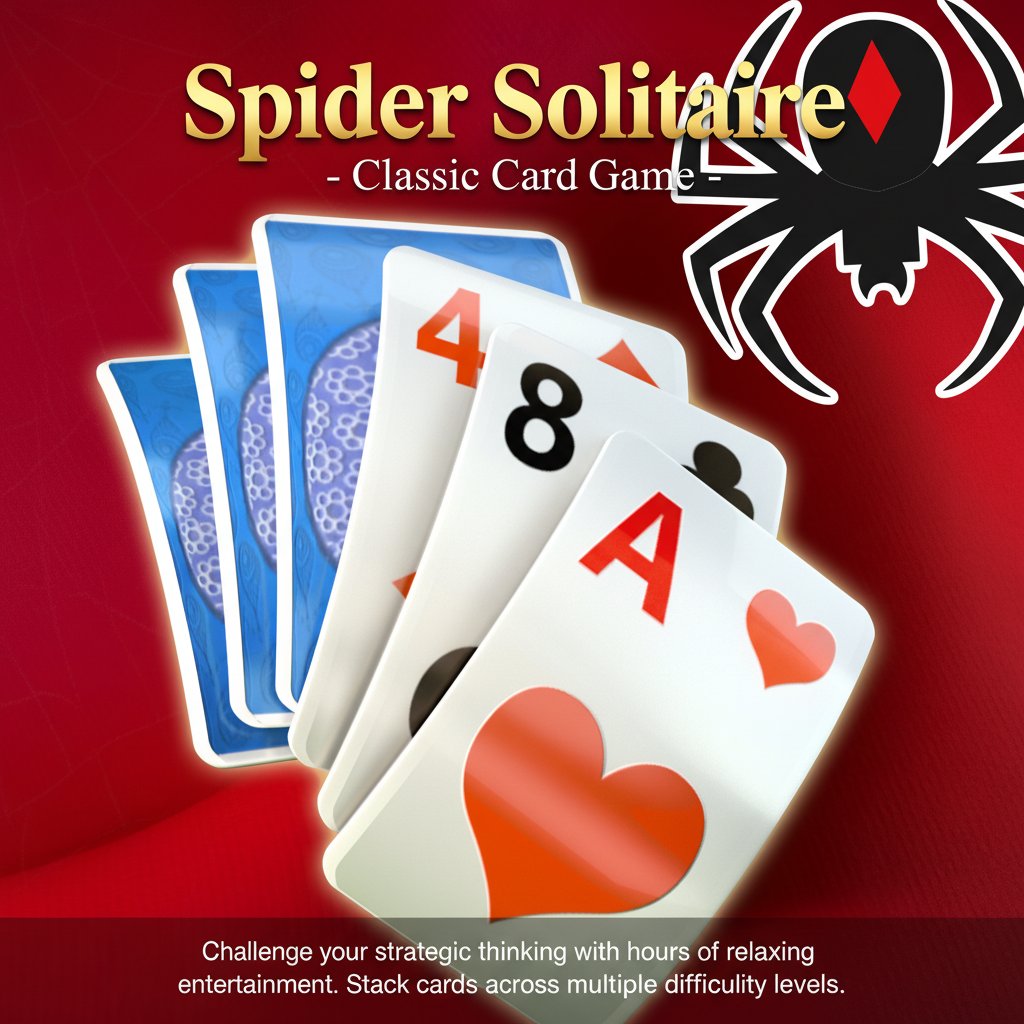
Spider Solitaire - Classic Card Game

Seele01-Flash
By
Spider Solitaire is the ultimate classic card game that challenges your strategic thinking while providing hours of relaxing entertainment. Stack cards in ascending or descending order across multiple difficulty levels.

Prompt

MODEL: Seele01-Flash
Please use Three.js to generate a **mobile-first game** with the theme "**Spider Solitaire 3D**". Please read the following detailed game design requirements first, and then generate the code accordingly: ### 1. Assets & Environment * **Visual Style:** A polished, semi-realistic aesthetic mimicking a high-end casino table. The background should be a rich, deep red velvet or felt texture with a vignette effect (referencing the source image). * **Card Models:** Create 3D card models using `ExtrudeGeometry` to give them slight thickness (not just flat planes). The cards should cast soft shadows (`ShadowMaterial`) onto the table. * **Textures:** High-resolution textures for standard playing card faces (Ace through King). The card backs should feature a blue floral pattern (as seen in the screenshot) or a toggleable "Spider" logo design. * **Animations:** Use a library like GSAP for smooth tweening. Cards should not teleport; they should glide to their destination. When a card is picked up, it should scale up slightly (1.1x) and cast a longer shadow to simulate lifting. * **Particle Effects:** When a full suit (King to Ace) is completed and removed from the board, trigger a "firework" or "confetti" particle explosion in the center of the screen. ### 2. Audio Requirements * **Background Music (BGM):** A looping, tranquil acoustic guitar or soft jazz piano track. It must be unobtrusive to aid concentration. * **Sound Effects (SFX):** * *Card Flip:* A crisp "snap" sound. * *Card Drop:* A soft "thud" on felt. * *Shuffle:* A realistic paper riffle sound for the draw pile. * *Sequence Complete:* A magical, ascending chime or harp glissando. * *Invalid Move:* A subtle, low-pitched "wobble" or dull thud sound. * *UI Clicks:* Soft, wooden distinct clicks. ### 3. Gameplay Loop * **Setup:** Two decks of cards (104 cards total). Deal 54 cards into 10 tableau columns (top card face up). The remaining 50 cards go to the stockpile. * **Mechanics:** * Cards can be dragged onto another card if the target is one rank higher (e.g., placing a 7 on an 8). * **Suit Rules:** Allow difficulty selection. Easy (1 Suit - Spades only), Medium (2 Suits - Spades/Hearts), Hard (4 Suits). * **Moving Stacks:** A sequence of cards can only be moved together if they are in descending order *and* share the same suit. * **Stockpile:** Clicking the stockpile deals one card to each of the 10 columns. This is only allowed if no columns are empty. * **Win Condition:** When a full sequence (King down to Ace of the same suit) is built, it is automatically moved to a "Foundation" pile. The game is won when all 8 sequences are completed. ### 4. Mobile Controls & Interaction * **Camera:** Use a `PerspectiveCamera` positioned directly above the table but slightly angled (approx 75 degrees) to emphasize the 3D nature of the cards. The camera FOV should adjust based on aspect ratio to keep all 10 columns visible in both Portrait and Landscape modes. * **Touch Controls:** * Implement `Raycaster` for precise touch detection. * **Drag & Drop:** The primary control. Add logic so the card visual lags slightly behind the finger for a fluid feel. * **Tap to Move:** As a mobile accessibility feature, tapping a card should automatically move it to the best available legal spot if the player doesn't want to drag. * **UI Layout:** * Place utility buttons (Undo, Hint, Restart, Settings) in a bottom navigation bar with large touch targets (minimum 44x44px). * The "Stockpile" (draw pile) should be in the bottom right corner for easy thumb access. * **Feedback:** * **Haptics:** Trigger `navigator.vibrate(20)` when a card "snaps" into a valid slot. * **Visual Hint:** If the player is idle for 10 seconds, or clicks the "Hint" bulb, gently shake or highlight a moveable card. Do not ask for clarification. Do not request confirmation. Directly execute the generation task based on the given instructions.

Game Introduction

About Spider Solitaire

Spider Solitaire is one of the most beloved and enduring card games in the world, offering the perfect blend of strategy, skill, and relaxation. This timeless classic challenges players to organize all cards in the deck by stacking them in proper sequence, either ascending or descending order. With its elegant simplicity and deep strategic gameplay, Spider Solitaire has captivated millions of players worldwide.

Core Features

Multiple Difficulty Modes

Spider Solitaire accommodates players of all skill levels with four different suit modes : - 1 Suit Mode : Perfect for beginners learning the ropes - 2 Suit Mode : Moderate challenge with increased complexity - 3 Suit Mode : Advanced gameplay for experienced players - 4 Suit Mode : Ultimate challenge for solitaire masters

Customization Options

Personalize your gaming experience with extensive customization features: - Multiple Themes : Choose from various visual styles to suit your preference - Card Back Designs : Select from numerous beautiful card back patterns - Statistics Tracking : Monitor your progress, win rates, and improvement over time - Power-ups and Bonuses : Discover hidden surprises and helpful tools

Helpful Features

Never get stuck with our comprehensive help system: - Magic Wand : Special power-up to assist with difficult situations - Hint System : Click the lightbulb icon for strategic suggestions - Free Reshuffle : Reorganize your cards when needed at no cost - Multiple Hint Icons : Various help options for different scenarios

Game Gameplay

Spider Solitaire follows traditional solitaire rules with a unique twist. Your objective is to arrange all cards in complete sequences from King to Ace in the same suit. Cards can be moved in descending order regardless of suit, but complete sequences must be of the same suit to be removed from the playing field.

Strategic Elements

  • Sequence Building : Create descending sequences to organize your tableau
  • Suit Management : Plan ahead to build complete same-suit sequences
  • Empty Column Strategy : Use empty columns strategically for card manipulation
  • Stock Pile Usage : Time your stock pile deals for maximum advantage

How to Play

Getting started with Spider Solitaire is simple and intuitive:

  1. Card Selection : Use your mouse or trackpad to click on the card you want to move
  2. Drag and Drop : Move cards between columns to build sequences
  3. Sequence Rules : Place cards in descending order (King, Queen, Jack, 10, etc.)
  4. Complete Suits : Build complete sequences of the same suit from King to Ace
  5. Stock Pile : Click the stock pile to deal new cards when no moves are available
  6. Victory Condition : Remove all eight complete sequences to win

Pro Tips for Success

  • Expose Hidden Cards : Prioritize moves that reveal face-down cards
  • Create Empty Columns : Empty spaces provide valuable maneuvering room
  • Plan Ahead : Consider the consequences of each move before acting
  • Use Hints Wisely : Don't hesitate to use the hint system when stuck

Why Play Spider Solitaire

Mental Benefits

Spider Solitaire offers numerous cognitive advantages : - Brain Training : Enhances problem-solving and logical thinking skills - Memory Improvement : Helps develop pattern recognition and memory - Stress Relief : Provides a calming, meditative gaming experience - Focus Enhancement : Improves concentration and attention to detail

Accessibility and Convenience

  • Completely Free : Enjoy unlimited gameplay without any cost
  • No Download Required : Play instantly in your web browser
  • Cross-Platform : Perfect compatibility with desktop, phone, and tablet
  • Offline Capability : Continue playing even without internet connection
  • Quick Sessions : Ideal for short breaks or extended gaming sessions

Perfect for Everyone

Whether you're a casual player looking for relaxation or a serious strategist seeking mental challenges, Spider Solitaire adapts to your needs. The multiple difficulty levels ensure that beginners can learn gradually while experts face satisfying challenges.

Frequently Asked Questions (FAQ)