Spot The Differences! - Find Hidden Differences Game
Seele01-Flash
By
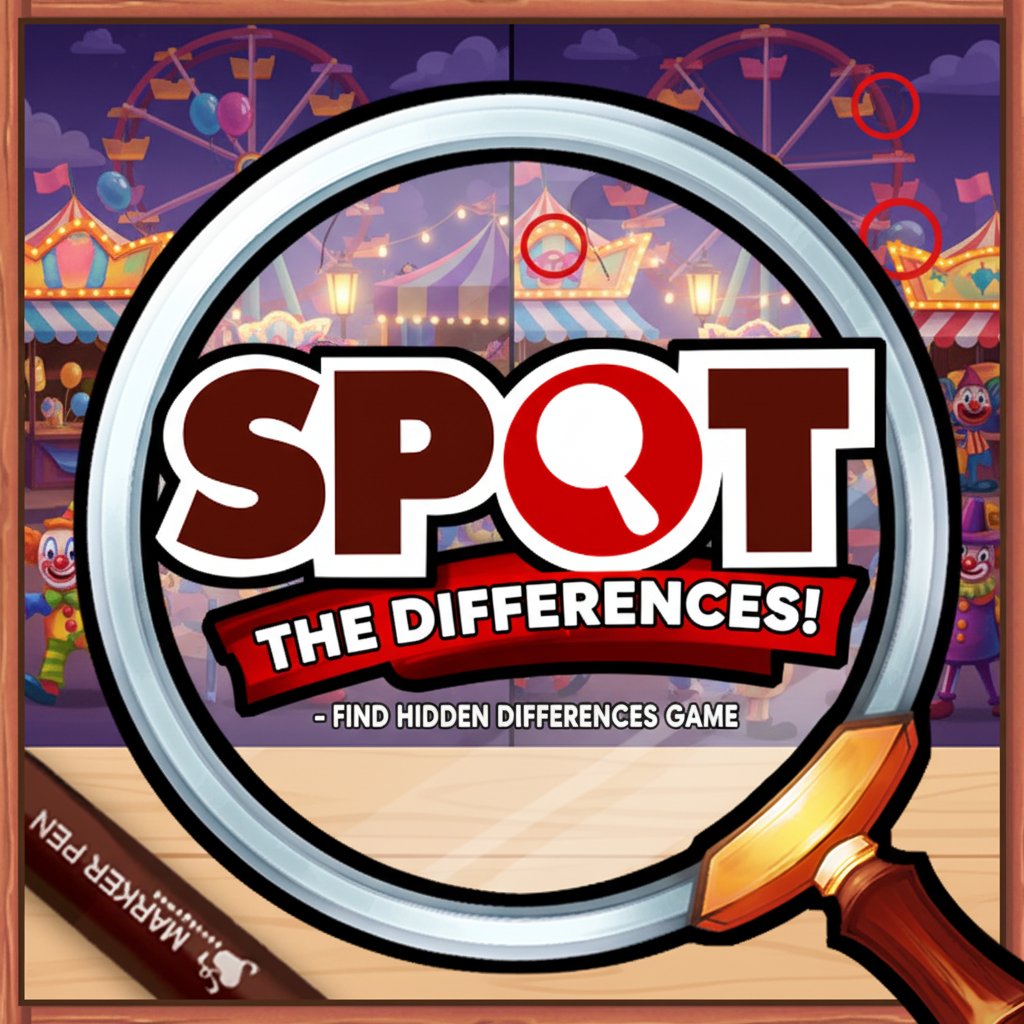
Spot The Differences! is a classic observation puzzle game that challenges your attention to detail. Compare two similar images and find all the hidden differences to complete each level.

Prompt

MODEL: Seele01-Flash
Please use Three.js to generate a **mobile-first game** with the theme "**Spot The Differences!**". Please read the following detailed game design requirements first, and then generate the code accordingly: ### 1. Assets & Environment * **Visual Style:** The game should feature a polished, colorful 2D vector art style rendered within a 3D context (orthographic camera). Use a clean, cartoonish aesthetic similar to casual mobile puzzle games. * **Layout:** Display two images side-by-side (landscape mode) or top-and-bottom (portrait mode) representing the "Original" and the "Altered" scenes. * *Examples for scenes:* A messy desk, a picnic park, or a colorful kitchen. * **Asset Generation (Procedural or Placeholder):** Since we cannot load external assets easily, generate the "scenes" using simple Three.js primitives (cubes, spheres, cones) composed into recognizable shapes (e.g., a simple tree, a house, a car). * **The Difference Mechanic:** Create a function that duplicates the "Original" scene group but randomly alters 5 specific elements in the duplicate (e.g., changing the color of a sphere, removing a cube, slightly rotating a cone, or scaling an object). * **UI Overlay:** A clean HUD showing: * Score/Stars. * Timer (countdown bar). * "Differences Found" counter (e.g., 0/5). * A "Hint" button (magnifying glass icon). * **Performance:** Use `THREE.InstancedMesh` if many identical objects are used. Ensure low polygon count for all primitives to maintain 60 FPS on mobile browsers. ### 2. Audio Requirements * **BGM:** A light, jazzy, or acoustic looping track that is relaxing but conducive to concentration. Think "elevator music" but higher quality—piano and soft percussion. * **SFX:** * **Correct Selection:** A satisfying, high-pitched "Ding" or "Chime" sound accompanied by a visual circle marker appearing. * **Wrong Selection:** A soft, dull "Thud" or "Buzz" sound to indicate an error (avoid being too harsh). * **Level Complete:** A cheerful fanfare. * **Hint Used:** A "swoosh" or magical sparkle sound. ### 3. Gameplay Loop * **Start:** The player is presented with two seemingly identical 3D scenes (rendered as flat images via camera angle). * **Action:** The player carefully examines both scenes to find discrepancies. * **Interaction:** * When the player taps on a difference in *either* image, a green circle appears around that spot in *both* images. * The "Differences Found" counter increments. * If the player taps a spot with no difference, a red "X" appears briefly, and a small amount of time (e.g., 5 seconds) is deducted from the timer. * **Win Condition:** All 5 differences are found before the timer runs out. A victory screen appears with a "Next Level" button. * **Lose Condition:** The timer reaches zero. A "Time's Up" screen appears with a "Retry" button. ### 4. Mobile Controls & Interaction * **Touch Input:** Raycasting is essential. The game must detect touches/clicks on the 3D objects. * Ensure the raycaster works for both the Top/Left (Original) and Bottom/Right (Altered) viewport areas. * Clicking an object in *Scene B* that is different from *Scene A* registers a hit. * **Orientation:** Auto-detect screen aspect ratio. * **Portrait:** Stack viewports vertically (Scene A top, Scene B bottom). * **Landscape:** Place viewports horizontally (Scene A left, Scene B right). * **Touch Feedback:** * **Visual:** When a difference is tapped, spawn a particle explosion (confetti or stars) at the tap location. * **Haptic:** Trigger `navigator.vibrate(50)` for a correct guess and `navigator.vibrate([30, 50, 30])` (double pulse) for a wrong guess (if supported). * **UI Sizing:** Buttons (like the Hint button) must be at least 44x44 pixels to be thumb-friendly. The "differences" themselves shouldn't be smaller than a fingertip in screen space. Do not ask for clarification. Do not request confirmation. Directly execute the generation task based on the given instructions.

Game Introduction

About Spot The Differences!

Spot The Differences! is an engaging brain training game that puts your observation skills to the ultimate test. This classic puzzle format presents you with two nearly identical images side by side, challenging you to identify all the subtle differences between them. With its intuitive point-and-click gameplay and progressively challenging levels, this game offers hours of entertaining mental exercise.

Core Features

This brain-boosting puzzle game offers several compelling features:

  • Completely Free : Play unlimited levels without any cost or hidden fees
  • Brain Training Benefits : Improve concentration, attention to detail, and visual perception
  • Progressive Difficulty : Start with easy puzzles and advance to more challenging scenarios
  • No Time Pressure : Take your time to carefully examine each image and find differences
  • Cross-Platform Compatible : Works seamlessly on computers, tablets, and smartphones
  • Instant Play : No downloads required - start playing immediately in your browser

Visual Puzzle Challenge

Each level presents carefully crafted image pairs with subtle differences hidden throughout. These differences can range from missing objects and color changes to altered shapes and repositioned elements. The game tests your ability to methodically scan images and notice even the smallest discrepancies.

Mental Exercise Benefits

Regularly playing spot-the-difference games can help improve cognitive functions including visual processing speed, concentration span, and pattern recognition abilities. It's an excellent way to keep your mind sharp while having fun.

Game Mechanics

The gameplay follows the beloved classic format:

  • Objective : Find all differences between two similar images to complete each level
  • Scoring : Earn points for each difference discovered, with bonus points for quick discoveries
  • Hint System : Use hints when you're stuck to reveal the location of remaining differences
  • Level Progression : Unlock new levels by successfully completing previous ones

Operation Guide

Playing is simple and intuitive:

  • Mouse Control : Click on areas where you spot differences in either image
  • Correct Identification : Successfully found differences will be highlighted or marked
  • Mistake Handling : Incorrect clicks may result in time penalties or point deductions
  • Zoom Feature : Use zoom controls to examine details more closely on smaller screens
  • Navigation : Use menu buttons to access settings, hints, or return to level selection

The game automatically saves your progress, so you can return to continue where you left off at any time.

Why Play This Game

Spot The Differences! offers the perfect combination of entertainment and mental exercise. Whether you're looking to improve your observation skills, relax with a calming puzzle activity, or challenge yourself with increasingly difficult levels, this game delivers. It's suitable for all ages and skill levels, making it an ideal choice for family gaming sessions or solo brain training. The game's timeless appeal and proven cognitive benefits make it a worthwhile addition to your daily mental fitness routine.

Frequently Asked Questions (FAQ)