Word Detector

Seele01-Flash
By
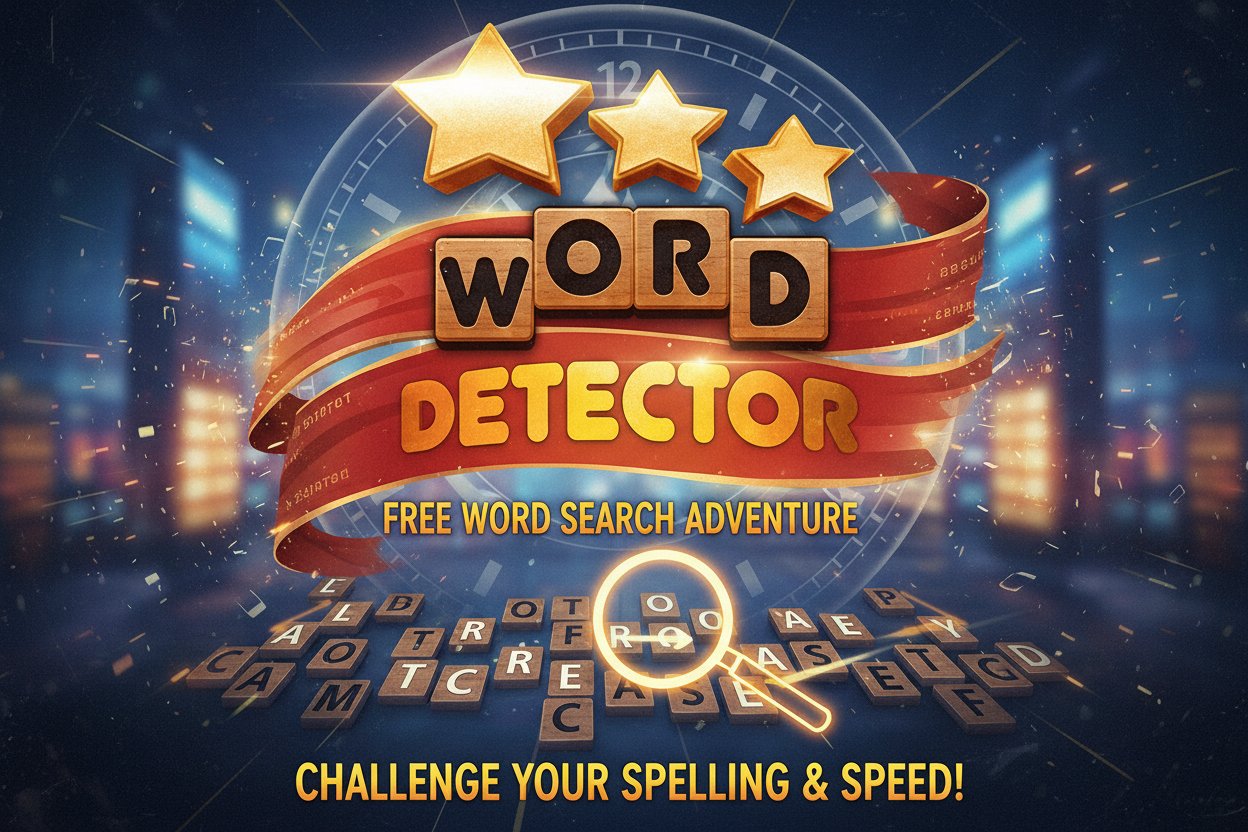
Word Detector is a thrilling free word search game that challenges your spelling skills and speed. Connect scrambled letters to form words against the clock in this addictive puzzle experience.

Prompt

MODEL: Seele01-Flash
Please use Three.js to generate a **mobile-first game** with the theme "Word Detector". Please read the following detailed game design requirements first, and then generate the code accordingly: ### 1. Assets & Environment * **Visual Style:** A "Cozy Wooden Tabletop" aesthetic. The game should feel like a high-quality, tactile board game. Use warm lighting (soft warm ambient light + a directional light casting subtle shadows to emphasize depth). * **The Board (Background):** A high-resolution wood grain texture plane acting as the table. At the top, "Empty Slots" (recessed 3D rectangles) represent the hidden words to be found. * **Letter Tiles:** Instead of 2D text, create 3D extruded tiles (rounded chamfer box geometry) with a light wood texture. The letters should appear "engraved" or dark burnt wood color on top. * **The Input Wheel:** Located at the bottom center. A circular wooden tray or slightly darker area where the available scrambled letter tiles sit. * **Visual Effects (VFX):** * **Connection Line:** A glowing, thick line (use Three.js `Line2` or mesh-based line for variable thickness) that follows the user's finger/mouse as they connect letters. * **Success Particles:** When a valid word is found, the tiles should emit gold star particles and fly from the bottom wheel into the empty slots at the top. * **Mobile Optimization:** Use `InstancedMesh` for the letter tiles if possible to reduce draw calls. Ensure textures are compressed (max 1024x1024). Use low-poly geometry for the background elements. ### 2. Audio Requirements * **BGM:** A relaxing, acoustic guitar or light jazz "Lounge" track that aids concentration. It should loop seamlessly without being repetitive or annoying. * **Sound Effects (SFX):** * **Letter Touch:** A soft wooden "clack" or "tap" sound. * **Connecting:** As the player drags to connect letters (e.g., C -> A -> T), play a musical scale (do, re, mi) rising in pitch for each added letter. * **Word Found:** A satisfying positive chime or chord + a "woosh" sound as tiles fly to the board. * **Invalid Word:** A dull, low-pitch thud or a "shaking" ratchet sound. * **Level Complete:** A short, triumphant fanfare. ### 3. Gameplay Loop * **Data Structure:** The game needs a dictionary/array of levels. Each level contains: `availableLetters` (e.g., "Y, A, C, L") and `targetWords` (e.g., ["CLAY", "LAY", "LAC"]). * **Core Mechanic:** 1. **Shuffle:** At the start, letters are arranged in a circle at the bottom. 2. **Connect:** Player connects adjacent letters to form a string. 3. **Validation:** Upon release, check the string against `targetWords`. 4. **Resolution:** * *Found:* Tiles animate to the corresponding empty slot at the top. Score increases based on word length and speed. * *Already Found:* Show a "Already Found" floating text. * *Invalid:* The selected tiles shake red, then reset. * **Timer/Score:** Implement a countdown timer (visual bar at the top). Bonus points for finishing quickly. * **Win Condition:** Fill all empty slots on the board before the timer runs out. ### 4. Mobile Controls & Interaction * **Screen Orientation:** Locked to **Portrait Mode**. The UI layout must place the "Letter Wheel" in the bottom 30% of the screen for easy one-handed thumb reach. * **Touch Controls:** * **Raycaster Implementation:** Use a Raycaster to detect touch on the 3D letter tiles. * **Gesture Logic:** * `touchstart`: Highlight the first letter, start drawing the connection line. * `touchmove`: Update the line renderer to the finger position. If the finger hovers over a valid adjacent letter, snap the line to that letter and add it to the current string. * `touchend`: Submit the word. * **Haptics:** Trigger `navigator.vibrate(10)` (light tick) every time a new letter is successfully added to the chain. Trigger a stronger vibration `navigator.vibrate(50)` on valid word submission. * **UI Scaling:** Ensure the letter tiles are large enough (minimum touch target equivalent of 44px) so they are not obscured by the user's finger. Do not ask for clarification. Do not request confirmation. Directly execute the generation task based on the given instructions.

Game Introduction

About Word Detector

Word Detector is an exciting free word search game that puts your spelling abilities to the ultimate test. With a stellar 4.3/5 rating, this fast-paced puzzle game challenges players to think quickly and spell accurately under pressure. Unlike traditional word games focused on trivia and complex grammar rules, Word Detector emphasizes speed and creativity in word formation.

Core Features

Lightning-Fast Gameplay

Word Detector is designed as a speed-based puzzle game where every second counts. You'll be presented with scrambled letters and must quickly identify potential words, then connect the letters in the correct sequence to spell them out.

Progressive Difficulty System

The game starts with common letters that can form multiple everyday words, making it accessible for beginners. As you advance, you'll encounter more challenging letter combinations that will truly test your vocabulary knowledge and quick thinking skills.

Multiple Word Challenges

Each level presents 1-4 different word slots, requiring you to form multiple words from the same set of letters. This adds strategic depth as you must determine the best combination of words to maximize your score.

Cross-Platform Compatibility

  • Completely Free : No payment required for full game access
  • No Download Needed : Play instantly in any modern web browser
  • Mobile Optimized : Perfect touch controls for smartphones and tablets
  • HTML5 Technology : Smooth performance across all devices

Game Mechanics

Letter Connection System

The core gameplay revolves around connecting letters using your mouse or finger. Simply click and drag to link letters in the correct order to spell out words. The intuitive interface makes word formation feel natural and responsive.

Scoring and Timing

Your performance is evaluated based on: - Speed : How quickly you can identify and spell words - Accuracy : Correct letter connections and valid word formation - Word Count : The number of different words you can create from given letters

How to Play

Basic Controls

  1. Observe the scrambled letters displayed on the right side of the screen
  2. Identify potential words you can form from these letters
  3. Connect letters by clicking and dragging from the first letter to the last
  4. Complete all required word slots to advance to the next level

Strategy Tips

  • Start with shorter, obvious words to build confidence
  • Look for common prefixes and suffixes
  • Consider less common words for higher scores
  • Work systematically through possible combinations

Why Play Word Detector

Educational Benefits

Word Detector serves as an excellent brain training tool that improves: - Vocabulary expansion through exposure to various word combinations - Pattern recognition skills for faster word identification - Mental agility through timed challenges - Spelling accuracy under pressure

Entertainment Value

The game strikes a perfect balance between challenge and accessibility. Whether you're a word game enthusiast or casual player, Word Detector provides engaging gameplay that keeps you coming back for more.

Perfect for All Ages

With its "All Ages" content rating, Word Detector is suitable for family gaming sessions, educational environments, and solo entertainment. The game helps younger players develop spelling skills while providing challenging puzzles for adult word game fans.

Instant Accessibility

As a browser-based HTML5 game, Word Detector eliminates the friction of downloads and installations. Simply open your browser, navigate to the game, and start playing immediately on any device.

Frequently Asked Questions (FAQ)