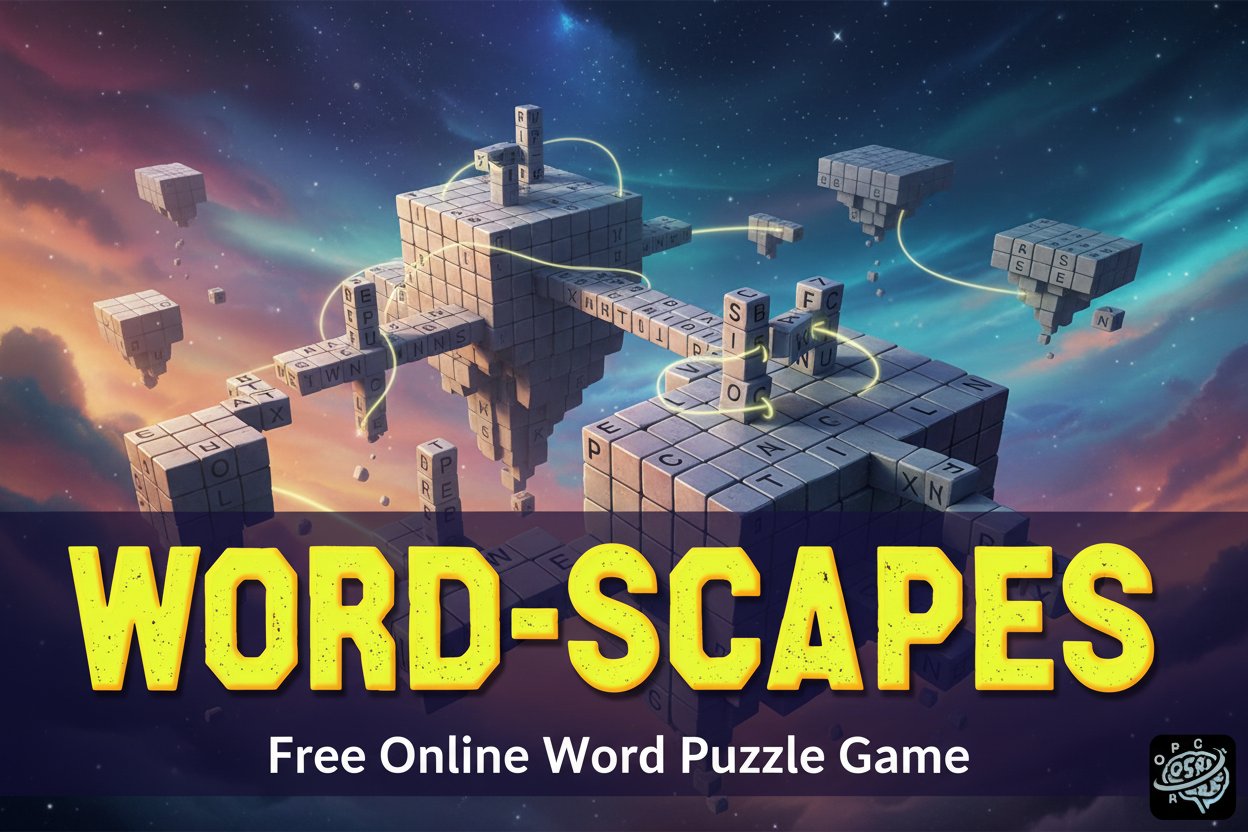
Word-Scapes - Free Online Word Puzzle Game

Seele01-Flash
By
Word-Scapes is a free online word puzzle game that combines classic crossword mechanics with letter-connecting gameplay. Connect scattered letters to form words and automatically fill crossword grids in this engaging brain teaser.

Prompt

MODEL: Seele01-Flash
Please use Three.js to generate a **mobile-first game** with the theme "Word-Scapes 3D". Please read the following detailed game design requirements first, and then generate the code accordingly: ### 1. Assets & Environment * **Visual Style:** A blend of **Minimalist 3D** and **Nature Zen**. The background should feature a soothing, low-poly 3D landscape (e.g., a floating island with simple low-poly trees and rocks) that rotates very slowly to add depth without distraction. * **Color Palette:** Derive from the provided screenshot but softened for gameplay. Use a deep, gradient purple (Royal Purple) for the background skybox/fog to match the title screen. Use Neon Green/Yellow as the "highlight" color for selected letters and completed words to maintain visual identity. * **Word Grid (The Board):** Represent the crossword grid as 3D rounded cubes or tiles floating in the foreground. They start as blank white tiles. When a word is found, the letters appear on them using `CanvasTexture` (for performance, avoiding heavy `TextGeometry`) with the Neon Green text color. * **Letter Wheel (Input Area):** A semi-transparent, circular 3D dock located at the bottom center of the screen. Letters float above this dock. * **Performance:** Use a shared material for the environment assets (Texture Atlas). Limit dynamic lights; use baked ambient lighting or a simple directional light with soft shadows. Ensure the camera is set to a fixed, optimized angle (likely slightly isometric or top-down). ### 2. Audio Requirements * **BGM:** A calm, ethereal ambient track. Think "spa music" or "lo-fi study beats" to encourage concentration. * **SFX:** * **Letter Touch:** A soft "bubble pop" or "water drop" sound. * **Connection Trail:** A continuous, subtle humming sound that changes pitch as more letters are connected. * **Word Found:** A bright, major-key chime or harp glissando. * **Invalid Word:** A gentle, low-pitched thud or shake sound (not harsh). * **Level Complete:** A celebratory short fanfare. ### 3. Gameplay Loop * **Setup:** The player is presented with a crossword-style grid of empty blocks and a circle of mixed letters at the bottom. * **Interaction:** The player drags a line connecting letters in the circle to form a word. * **Validation Logic:** * If the formed word exists in the puzzle: The connecting line turns green, the letters fly from the wheel to the grid blocks, and the word is filled in permanently. * If the word is valid dictionary word but *not* in the puzzle: Add to a "Bonus Words" counter (visual feedback only). * If invalid: The line shakes red and fades away. * **Progression:** The level ends when all blocks in the crossword grid are filled. Camera zooms out slightly, and the floating island transitions to a new biome (color shift) for the next level. ### 4. Mobile Controls & Interaction * **Input Method:** Touch and Drag (Swipe). * **Raycasting:** Use Three.js `Raycaster` mapped to `touchstart`, `touchmove`, and `touchend` events. * **Letter Wheel Logic:** * Detect when the finger enters a letter's "hitbox" (expand hitbox to 1.5x the visual model size for fat-finger tolerance). * Visual Feedback: Draw a glowing, neon-green `TubeGeometry` or thick `LineLoop` that follows the finger position in real-time, connecting the selected letters visually. * **Screen Orientation:** Portrait Mode (Vertical) is mandatory. * Top 60%: 3D Environment and Word Grid. * Bottom 40%: Letter Wheel and UI. * **UI Elements:** * "Shuffle" button (icon) near the wheel to rotate letter positions. * "Hint" button (icon) to reveal a random letter (simulated). * Ensure buttons are at least 48x48px tappable areas. * **Haptics:** Trigger `navigator.vibrate(10)` (light tap) every time a new letter is added to the current chain. Trigger a longer vibration on Level Complete. Do not ask for clarification. Do not request confirmation. Directly execute the generation task based on the given instructions.

Game Introduction

About Word-Scapes

Word-Scapes is an innovative free word puzzle game that breathes new life into the classic crossword format. With a user rating of 3.5/5, this engaging brain teaser challenges players to think creatively about word formation and spatial reasoning. Unlike traditional crosswords where you type letters directly into grids, Word-Scapes requires you to connect letters from a scattered pool to form words that automatically populate the crossword grid.

Core Features

Revolutionary Letter-Connection System

The game's unique mechanics set it apart from standard word games. You'll find a collection of letters at the bottom of your screen, and your task is to connect these letters in the correct sequence to form valid words. Once you successfully create a word, it automatically appears in the appropriate position on the crossword grid.

Classic Crossword Structure with Modern Twist

Word-Scapes maintains the beloved crossword puzzle format where words intersect and overlap, creating a satisfying web of interconnected answers. This familiar structure provides comfort for crossword enthusiasts while the letter-connection mechanic adds an exciting new challenge.

Free-to-Play Accessibility

Enjoy unlimited gameplay without any cost. The game is completely free and runs directly in your web browser, making it accessible to anyone with an internet connection.

Cross-Platform Compatibility

Built with HTML5 technology, Word-Scapes works seamlessly across all devices - desktop computers, tablets, and smartphones. The responsive design ensures optimal gameplay experience regardless of your screen size.

Gameplay Mechanics

Letter Pool Challenge

At the start of each puzzle, you're presented with a scrambled collection of letters at the bottom of the screen. These letters contain all the characters needed to complete the crossword, but finding the right combinations requires careful observation and vocabulary skills.

Word Formation Process

To form words, you must connect letters in the correct sequence by drawing lines between them. The connection system is intuitive - simply tap and drag on mobile devices or click and drag with your mouse on desktop computers.

Automatic Grid Population

Once you successfully connect letters to form a valid word, the game automatically places it in the correct position on the crossword grid. This immediate feedback system keeps the gameplay flowing smoothly.

Progressive Difficulty

Puzzles increase in complexity as you advance, featuring larger grids, more letters, and longer words that challenge your vocabulary and pattern recognition skills.

Controls and Instructions

Desktop Controls

  • Mouse : Point and click to select letters
  • Drag : Hold and drag to connect letters in sequence
  • Release : Let go to complete word formation

Mobile Controls

  • Tap : Touch individual letters to select them
  • Drag : Use your finger to draw connections between letters
  • Release : Lift your finger to submit the formed word

Gameplay Tips

  • Start with shorter words to unlock intersecting letters
  • Look for common word patterns and letter combinations
  • Use the crossword structure to guide your word choices
  • Pay attention to word length indicators in the grid

Why Play Word-Scapes

Mental Exercise and Brain Training

Word-Scapes provides excellent mental stimulation, improving vocabulary, pattern recognition, and problem-solving skills. Regular play can help maintain cognitive sharpness and expand your word knowledge.

Stress-Free Gaming Experience

With no time limits or penalties, you can solve puzzles at your own pace. This relaxed approach makes it perfect for unwinding after a busy day or enjoying a peaceful break.

Educational Value

The game naturally expands vocabulary as you encounter new words and letter combinations. It's an enjoyable way to learn while playing.

Perfect for All Ages

The simple mechanics combined with scalable difficulty make Word-Scapes suitable for players of all ages and skill levels. Families can enjoy solving puzzles together.

No Installation Required

Play instantly in your browser without downloading apps or software. This convenience means you can enjoy Word-Scapes anywhere with internet access.

Frequently Asked Questions (FAQ)