Toy Rider - 3D Toy Car Stunt Driving Game - Racing Game
Prompt
Game Introduction
About the Game
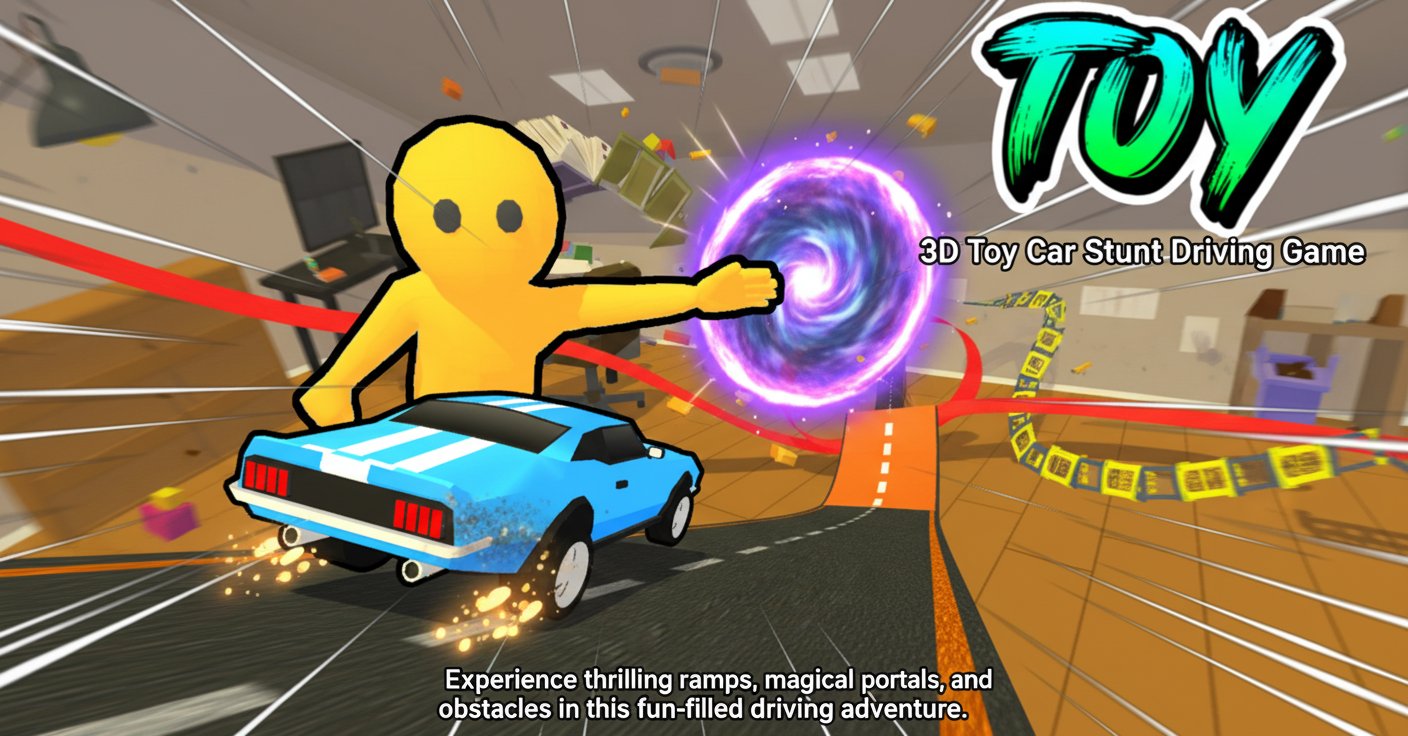
Toy Rider is a delightful 3D arcade driving game that brings childhood toy car fantasies to life. In this charming adventure, you take control of a small toy car with one simple but exciting goal: navigate through a house filled with obstacles and stunts to reach your owner's outstretched hand. The game combines classic arcade racing mechanics with creative stunt elements, creating an experience that's both nostalgic and thrilling.
The game features vibrant 3D graphics that capture the whimsical world of toy cars, complete with household environments that serve as your racing playground. Every surface becomes a potential race track, from kitchen counters to living room floors, as you guide your tiny vehicle through increasingly challenging courses.
Core Features
Epic Stunt System
Toy Rider's standout feature is its incredible stunt mechanics. Launch your toy car off ramps to achieve spectacular jumps, soar through magical portals that transport you across rooms, and navigate through loop-de-loops that defy gravity. Each stunt requires precise timing and control, making every successful maneuver feel rewarding.
Household Adventure Environment
Explore a detailed 3D house environment where everyday objects become part of your racing course. Navigate around furniture, use books as ramps, and discover hidden shortcuts through toy-sized passages. The familiar household setting adds charm and relatability to the racing experience.
Free-to-Play Accessibility
Toy Rider is completely free to play with no hidden costs or premium content locks. Jump straight into the action without any downloads or installations required. The game runs smoothly on both desktop computers and mobile devices through any modern web browser.
Cross-Platform Compatibility
Whether you're on a desktop computer, laptop, tablet, or smartphone, Toy Rider delivers the same high-quality gaming experience. The responsive controls adapt perfectly to both keyboard/mouse input and touch screen gestures.
Game Mechanics
Physics-Based Driving
The game features realistic physics that make controlling your toy car feel authentic yet fun. Build up speed for bigger jumps, use momentum to clear gaps, and master the art of landing safely after aerial stunts. The physics engine ensures that every jump and turn feels natural and responsive.
Progressive Challenge System
As you advance through the game, levels become increasingly complex with more elaborate stunt sequences and tighter navigation challenges. Start with simple jumps and work your way up to multi-portal sequences and precision landings.
Operation Guide
Desktop Controls
- W Key : Accelerate forward and build speed
- S Key : Reverse or brake when moving forward
- A/D Keys : Steer left and right with precision
- Spacebar : Emergency handbrake for sharp turns and stops
Mobile Controls
On mobile devices, intuitive on-screen buttons replace keyboard controls: - Forward Button : Accelerate your toy car - Back Button : Reverse or slow down - Left/Right Buttons : Navigate turns and curves - Brake Button : Quick stops and emergency maneuvers
The mobile interface is designed for comfortable one-handed play, with responsive buttons that provide clear feedback for every action.
Why Play Toy Rider
Perfect for All Ages
Toy Rider appeals to players of all ages with its wholesome theme and intuitive gameplay. Children will love the colorful toy car aesthetic, while adults can appreciate the precise driving mechanics and nostalgic household setting.
Stress-Free Gaming
Unlike competitive racing games, Toy Rider focuses on fun exploration and creative stunts rather than intense competition. It's the perfect game for relaxing while still enjoying exciting gameplay moments.
No Commitment Required
Since the game requires no download or registration, you can start playing immediately whenever you have a few minutes to spare. Perfect for quick gaming sessions during breaks or extended play when you want to master all the stunt sequences.
Skill Development
The game helps develop hand-eye coordination, spatial awareness, and timing skills through its stunt-based gameplay. Players naturally improve their precision and reaction times as they master increasingly complex maneuvers.