Computer Repair - Online Simulation Game - Simulation Game
Prompt
Game Introduction
About Computer Repair
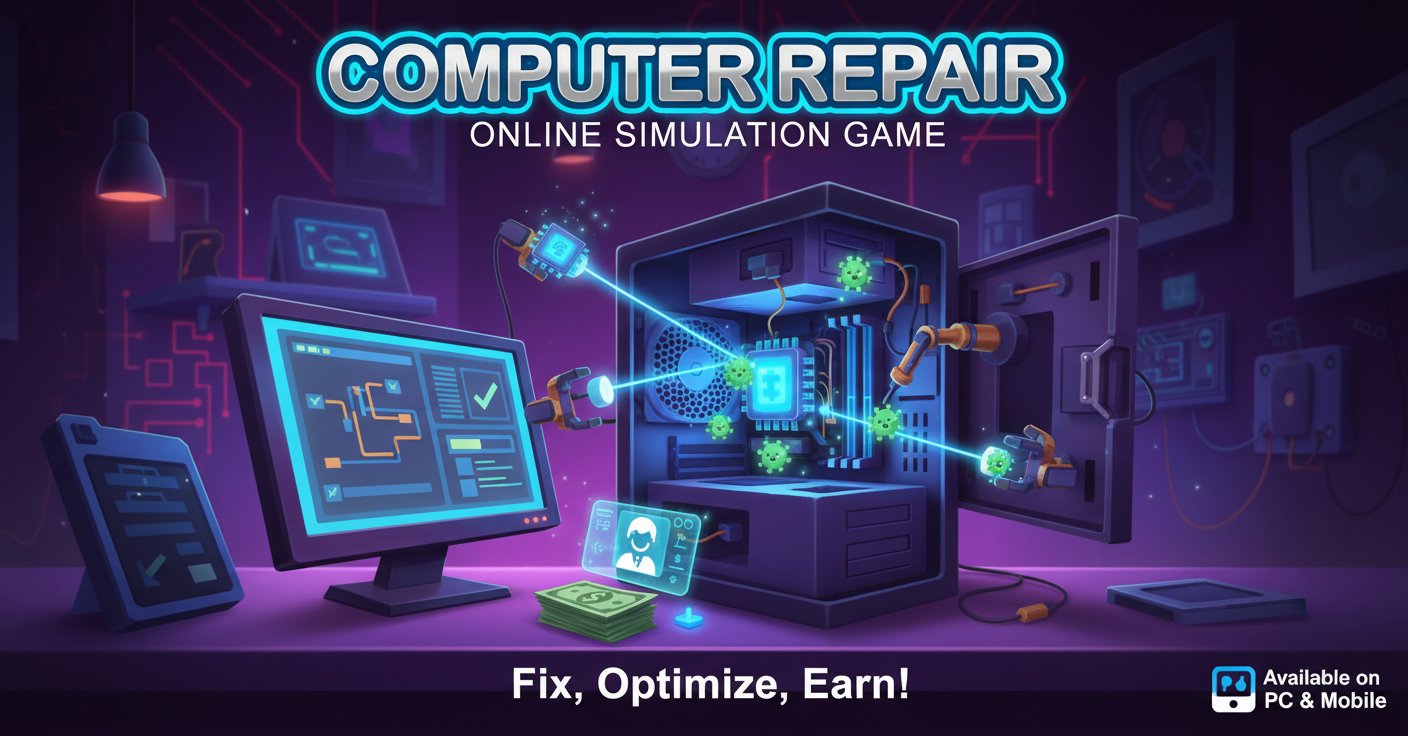
Computer Repair is a captivating casual simulation game that puts you in charge of your very own computer repair shop. This engaging 2D game combines technical problem-solving with business management, offering players a unique gaming experience that's both educational and entertaining.
Whether you're a tech enthusiast or simply enjoy simulation games, Computer Repair provides hours of engaging gameplay where every repair job brings new challenges and rewards.
Core Features
This comprehensive simulation game offers a rich variety of gameplay elements:
Professional Repair Shop Experience
- Realistic repair scenarios : Handle diverse computer problems from virus infections to file organization
- Customer service management : Interact with clients, follow their specific instructions, and ensure satisfaction
- Money management system : Earn payment for successful repairs and provide accurate change to customers
- Progressive difficulty : Start with simple tasks and advance to more complex technical challenges
Integrated Minigame Collection
Computer Repair stands out with its variety of built-in entertainment: - Classic Tic Tac Toe : Perfect for quick mental breaks between repair jobs - Whack-a-Mole : Fast-paced action game testing your reflexes - Modern Space Game : Explore cosmic adventures with contemporary gameplay - Skill-based challenges : Some repairs require achieving high scores in minigames before proceeding
Diverse Task Types
Every computer that comes into your shop presents unique challenges: - Virus removal : Clean infected systems and restore computer health - File management : Organize folders, move files, and optimize system structure - System diagnostics : Follow detailed instructions to identify and fix various issues - Performance optimization : Enhance computer speed and functionality
Game Mechanics
Business Simulation Elements
Computer Repair combines technical tasks with entrepreneurial gameplay. You'll manage your repair shop's daily operations, from accepting new customers to completing complex repair jobs. The game rewards efficiency and accuracy, encouraging players to develop both technical skills and business acumen.
Interactive Problem Solving
Each repair job presents step-by-step instructions that guide you through realistic computer troubleshooting scenarios. This educational approach makes the game valuable for players interested in learning basic computer maintenance concepts while having fun.
Controls and Accessibility
The game features intuitive controls designed for all skill levels: - Mouse control : Primary navigation for most gameplay elements - Arrow keys : Used in specific minigames for enhanced control - Simple interface : Clean, user-friendly design suitable for players of all ages - Cross-platform compatibility : Consistent experience across all supported devices
Platform Support
Computer Repair offers exceptional accessibility across multiple platforms: - Web browsers : Play instantly without downloads on any modern browser - Mobile devices : Full compatibility with smartphones and tablets - Cross-platform progression : Seamless gameplay experience regardless of device
Why Play Computer Repair
Educational Value
This game provides practical insights into computer troubleshooting and repair processes, making it ideal for players interested in technology. The realistic repair scenarios can help build problem-solving skills applicable to real-world situations.
Perfect for All Ages
With its simple mechanics and engaging content, Computer Repair appeals to both young players discovering technology and adults who enjoy simulation games. The difficulty scales appropriately, ensuring everyone can enjoy the experience.
No Commitment Gaming
As a free browser game, Computer Repair offers instant entertainment without downloads, subscriptions, or complicated setup processes. Jump in anytime for a quick repair session or extended gaming marathon.
Unique Genre Combination
Few games successfully blend technical simulation with casual minigames. Computer Repair's innovative approach creates a distinctive gaming experience that stands out in the simulation genre.