Craft 3D - Minecraft-Inspired Building Game - Simulation Game
Prompt
Game Introduction
About Craft 3D
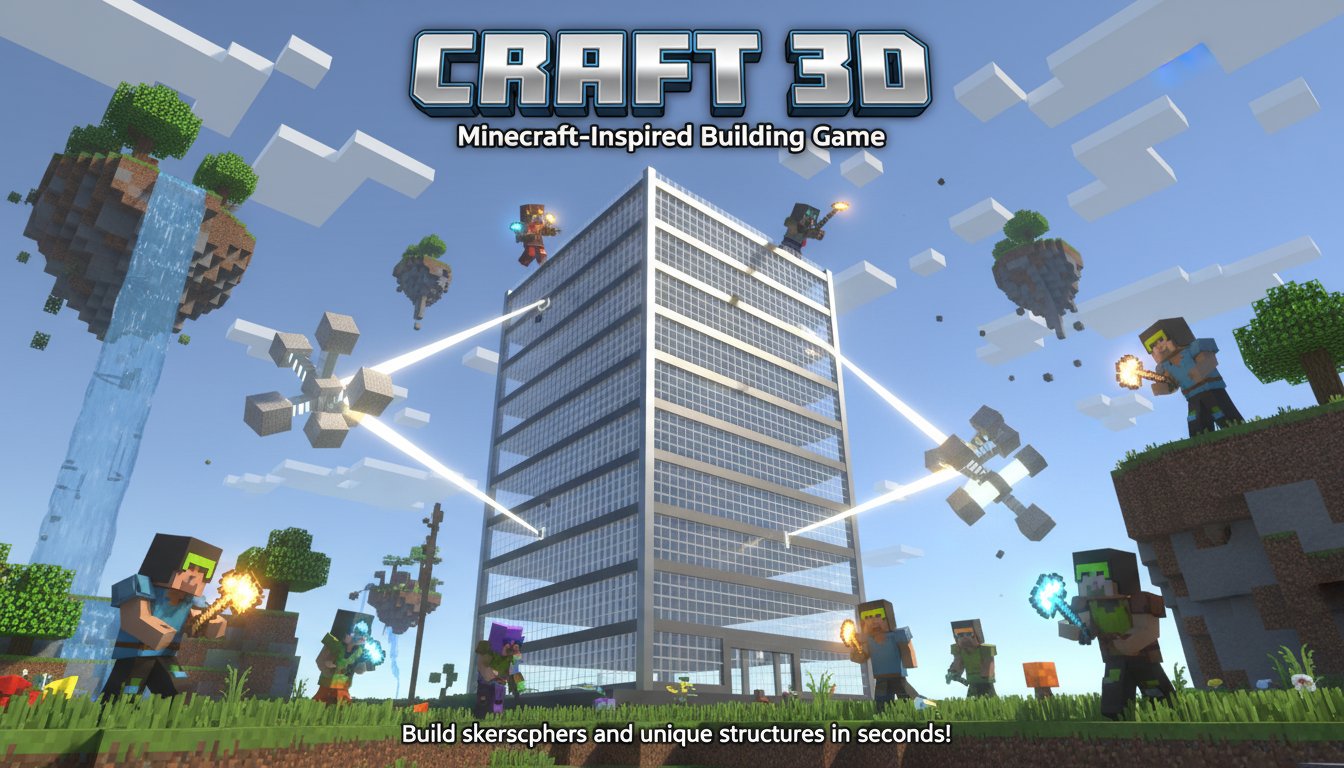
Craft 3D is an innovative 3D sandbox building game that brings the creative freedom of Minecraft-style gameplay directly to your browser. This free-to-play adventure game allows you to explore, build, and create amazing structures in expansive 3D worlds without any downloads or installations required.
The game stands out with its powerful building tools that make construction faster and more efficient than traditional block-by-block building. Whether you're an experienced builder or new to sandbox games, Craft 3D provides an accessible yet deep building experience.
Core Features
Advanced Building Tools
Craft 3D revolutionizes sandbox building with its unique generator systems:
- Building Generator : Create massive buildings and skyscrapers in seconds rather than hours
- Floor Duplicator : Design one floor and instantly replicate it to build towering structures
- Terrain Generator : Access pre-made objects and environments to enhance your world
- Color Block System : Choose from 7 distinct block colors (grey, black, white, red, green, blue, yellow) to bring your creations to life
Unlimited Creative Freedom
Explore endless possibilities in this 3D sandbox environment. Build anything from simple houses to complex architectural masterpieces. The game's intuitive block-based system makes it easy to construct detailed structures while the advanced tools help you scale your projects efficiently.
Browser-Based Convenience
Enjoy full 3D building gameplay without downloads. Craft 3D runs smoothly in any modern web browser, making it perfect for quick building sessions or extended creative projects.
Gameplay Experience
Exploration and Discovery
Navigate through vast 3D worlds using smooth first-person controls. The game combines the exploration elements of adventure games with the creative freedom of sandbox building, giving you both structured objectives and open-ended creativity.
Efficient Building Mechanics
Unlike traditional block games that require placing each block individually, Craft 3D's generators allow for rapid construction. This makes it ideal for players who want to focus on design and architecture rather than tedious repetitive building.
Operation Guide
Movement Controls
- WASD or Arrow Keys : Move forward, backward, and sideways
- R Key : Move upward (perfect for building tall structures)
- F Key : Move downward
- Mouse : Look around and aim
- X Key : Return to home position
Building Controls
- Left Click : Create and place blocks
- Right Click : Destroy and remove blocks
- Number Keys (0-6) : Select different colored blocks
- P Key : Duplicate floors when using the floor duplicator tool
Building Strategy Tips
Start with a solid foundation and use the floor duplicator to save time on repetitive structures. Plan your color scheme using the numbered keys, and don't forget to use the building generator for large-scale projects.
Why Play Craft 3D
Craft 3D offers the perfect balance of creative freedom and efficient building tools. It's ideal for:
- Architecture Enthusiasts : Test building designs quickly with advanced generators
- Minecraft Fans : Experience familiar gameplay with enhanced building capabilities
- Casual Builders : Create impressive structures without spending hours on repetitive tasks
- Students and Educators : Explore 3D design concepts in an accessible format
The game's browser-based nature means you can start building immediately, and the intuitive controls make it suitable for all skill levels. Whether you want to recreate real-world buildings or design fantastical structures, Craft 3D provides the tools to bring your vision to life.
Technical Excellence
Craft 3D delivers smooth 3D graphics and responsive controls directly in your browser. The game is optimized for both desktop and laptop computers, ensuring consistent performance across different devices and browser types.