Interior Designer: Unpacking House - Simulation Game
Prompt
Game Introduction
About the Game
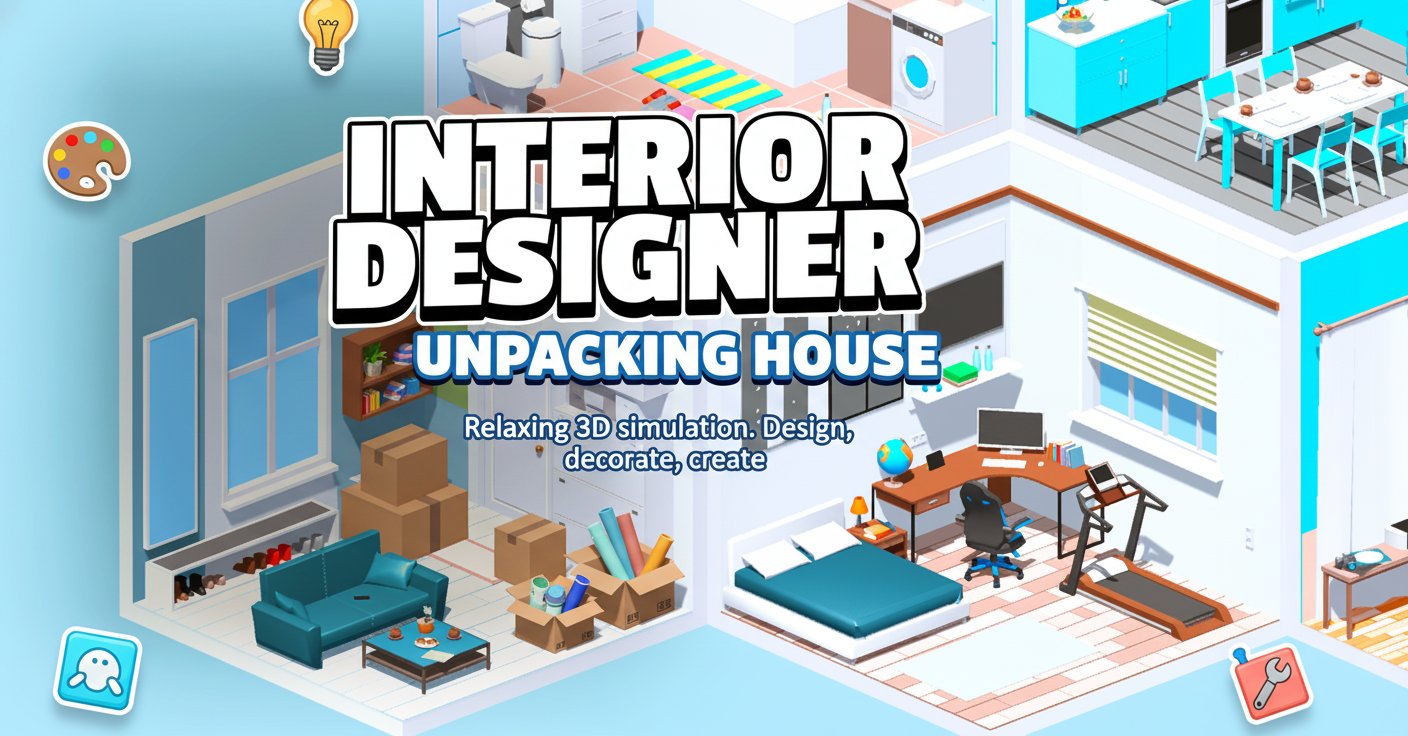
Interior Designer: Unpacking House is a delightful 3D simulation game that transforms you into a professional interior designer. This immersive experience combines creativity with relaxation, allowing you to design stunning living spaces from scratch. Whether you're arranging furniture in a cozy bedroom or creating an elegant dining area, every room becomes your canvas for artistic expression.
The game features beautifully rendered 3D environments with realistic furniture and decoration options. You'll work with various room layouts, each presenting unique design challenges and opportunities to showcase your aesthetic vision.
Core Features
Creative Freedom and Sandbox Mode
The game offers both structured challenges and complete creative freedom through its sandbox mode. In challenge mode, you'll receive specific design briefs to complete, while sandbox mode lets your imagination run completely wild with unlimited resources and possibilities.
Realistic 3D Graphics
Experience stunning 3D visuals that bring your interior designs to life. Every piece of furniture, from sofas and tables to lamps and artwork, is meticulously crafted with realistic textures and proportions. The isometric perspective provides the perfect view for planning and arranging your spaces.
Extensive Furniture Collection
Choose from hundreds of furniture pieces and decorative items including: - Modern and classic furniture styles - Kitchen appliances and fixtures - Bedroom essentials and accessories - Living room centerpieces - Bathroom fixtures and decor - Lighting options and wall art
Multiple Room Types
Design various spaces including bedrooms, kitchens, living rooms, bathrooms, and offices. Each room type comes with appropriate furniture categories and design considerations, making every project feel authentic and purposeful.
Gameplay Mechanics
Intuitive Design Process
The game's user-friendly interface makes interior design accessible to everyone. Simply drag and drop furniture pieces to arrange them, rotate items to find the perfect angle, and delete unwanted elements with ease. The smooth controls ensure that your creative flow remains uninterrupted.
Room Challenges
Tackle specific design challenges that test your creativity and problem-solving skills. These scenarios might ask you to work within budget constraints, specific color schemes, or particular style requirements, adding depth to the gameplay experience.
Personalization Options
Customize every aspect of your designs, from furniture placement to color coordination. The game encourages experimentation, allowing you to try different layouts and decorating approaches until you achieve the perfect look.
Operation Guide
Mouse Controls: - Left Click + Drag : Pick up and move furniture items around the room - Drop : Release items in desired locations to place them permanently - Drag to Trash : Remove unwanted items by dragging them to the delete area
Keyboard Shortcuts: - R Key : Rotate selected furniture item while holding it for perfect positioning - Mouse Wheel : Zoom in and out to get detailed views or see the entire room layout
Pro Tips: - Start with larger furniture pieces like beds and sofas before adding smaller decorative items - Use the zoom function to fine-tune placement and ensure proper spacing - Experiment with different angles using the rotation feature to maximize space efficiency - Take advantage of the trash function to quickly remove items that don't fit your vision
Why Play This Game
Stress Relief and Relaxation
Interior Designer: Unpacking House provides a peaceful, meditative gaming experience perfect for unwinding after a busy day. The absence of time pressure or competitive elements allows you to focus purely on creativity and self-expression.
Skill Development
While entertaining, the game also helps develop valuable skills including spatial awareness, color theory understanding, and aesthetic judgment. These skills can translate to real-world interior design appreciation and even professional development.
Accessibility and Convenience
As a free browser-based game, it's instantly accessible on any computer or mobile device with internet access. No downloads, installations, or special software required – just open your browser and start designing.
Creative Outlet
For those who love home decoration but may not have the opportunity to redesign their actual living spaces, this game provides the perfect creative outlet. Experiment with bold color schemes, try expensive furniture pieces, and explore design styles without real-world consequences.
Educational Value
Learn about different furniture styles, room layouts, and design principles through hands-on experience. The game subtly teaches important concepts like balance, proportion, and color harmony while you play.