Minecraft Classic - Free Online Multiplayer Building Game - Simulation Game
Prompt
Game Introduction
About the Game
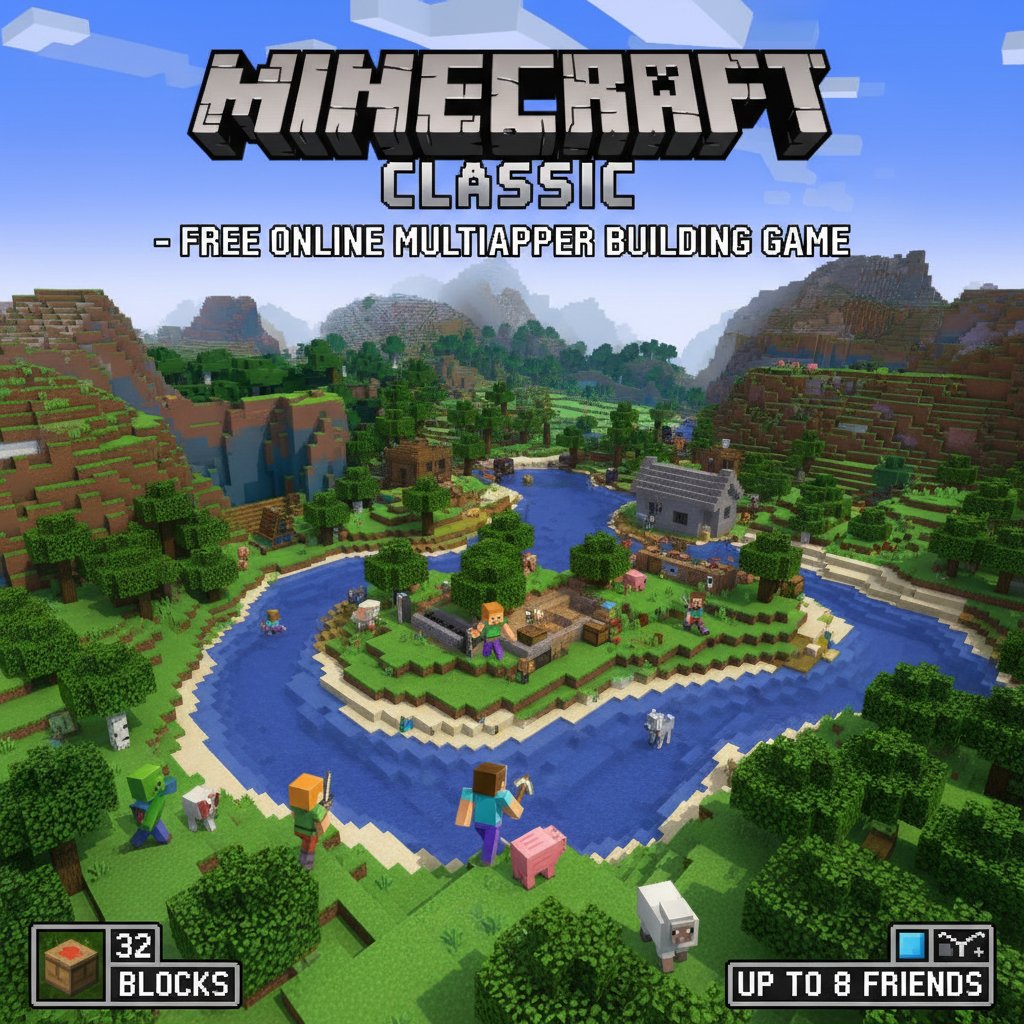
Minecraft Classic brings the legendary sandbox building experience directly to your web browser - completely free and without any downloads required. This is the original web version that captures the pure essence of creative building, featuring 32 unique blocks and unlimited creative possibilities. Whether you're a newcomer to the world of block building or a veteran player seeking nostalgic gameplay, Minecraft Classic offers an accessible entry point into one of gaming's most influential titles.
The game operates in creative mode, giving you unlimited resources and the freedom to construct anything your imagination can conceive. From simple houses to elaborate castles, sprawling cities to pixel art masterpieces, the only limit is your creativity.
Core Features
Unlimited Creative Building
With 32 different block types at your disposal, you can craft diverse structures and landscapes. Each block serves both functional and aesthetic purposes, allowing for complex architectural designs and artistic expressions.
Multiplayer Server Support
Create your own server and invite up to 8 friends to join your building world. Collaborate on massive projects, engage in friendly building competitions, or simply explore each other's creations together.
Browser-Based Gameplay
No downloads, installations, or account requirements - simply open your web browser and start building immediately. The game runs smoothly on modern browsers across all devices.
Classic Minecraft Experience
This version preserves the original charm and simplicity that made Minecraft a global phenomenon, focusing purely on the joy of building and creativity.
Gameplay Mechanics
The game operates entirely in creative mode, meaning you have: - Unlimited blocks : Never run out of building materials - Instant building : Place and remove blocks immediately - Flying capability : Navigate your world freely to build at any height - No survival elements : Focus purely on creativity without health or hunger concerns
Operation Guide
Basic Movement Controls
- WASD Keys : Move your character forward, backward, left, and right
- Space Bar : Jump or fly upward in creative mode
- Mouse : Look around and navigate your view
Building Controls
- B Key : Open the block selection menu to choose building materials
- Left Mouse Button (LMB) : Place blocks in the world
- Right Mouse Button (RMB) : Remove blocks or switch between placing/removing modes
Advanced Functions
- G Key : Spawn additional characters in your world
- T Key : Open chat to communicate with other players
- F Key : Toggle fog effects for different visual experiences
- Enter Key : Save your current location
- A Key : Load a previously saved location
Building Tips
Start with simple structures to familiarize yourself with the block placement mechanics. Experiment with different block combinations to create unique textures and patterns. Use the flying ability to get better perspectives on large construction projects.
Why Play Minecraft Classic
Perfect Introduction to Sandbox Gaming
If you're new to building games, Minecraft Classic offers the perfect starting point. The simplified interface and unlimited resources let you focus on learning the fundamentals of 3D construction without overwhelming complexity.
Nostalgic Gaming Experience
For veteran players, this represents gaming history - the original browser version that introduced millions to the Minecraft universe. It's a chance to experience the game in its purest, most essential form.
Social Building Experience
The multiplayer functionality transforms building from a solitary activity into a collaborative social experience. Work together with friends on ambitious projects or showcase your individual creativity.
Completely Accessible
With no cost barriers, download requirements, or system specifications to worry about, anyone with a web browser can dive into the world of creative building immediately.
Educational Value
Building in 3D space helps develop spatial reasoning, planning skills, and creative problem-solving abilities, making it both entertaining and educational.
Ideal for All Ages
Minecraft Classic appeals to players of all ages and skill levels. Children can develop creativity and spatial awareness, while adults can enjoy stress-free building and nostalgia. The game's simple mechanics make it accessible to newcomers, while the unlimited creative potential keeps experienced builders engaged for hours.