My Boby Virtual Pet - Simulation Game
Prompt
Game Introduction
About the Game
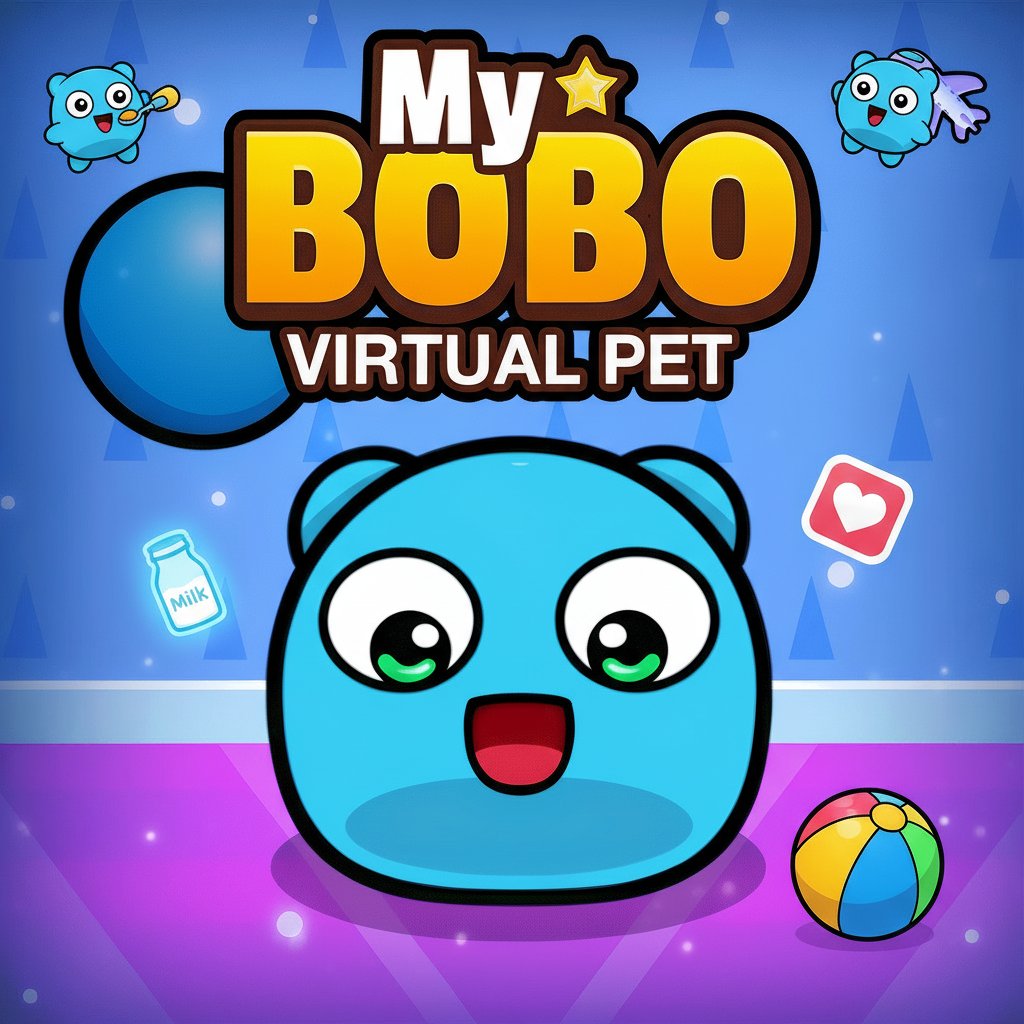
My Boby Virtual Pet is a delightful simulation game that brings the joy of pet ownership to your browser. Meet Boby, an adorable blue virtual pet with big expressive eyes and an infectious smile. This charming pet care game combines the classic Tamagotchi-style gameplay with modern interactive features, creating an engaging experience for players of all ages.
As a virtual pet owner, you'll be responsible for Boby's happiness, health, and overall well-being. The game features colorful cartoon-style graphics and intuitive gameplay mechanics that make caring for your digital companion both fun and rewarding.
Core Features
Complete Pet Care System
Take full responsibility for Boby's daily needs including: - Feeding : Keep your pet well-nourished with various food options - Playing : Engage in fun activities to maintain happiness levels - Hygiene : Keep Boby clean and healthy through regular care - Sleep Management : Ensure your virtual pet gets proper rest
Interactive Gameplay Elements
The game offers rich interaction possibilities: - Real-time Response : Boby reacts to your actions with adorable animations - Mood System : Watch as your pet's emotions change based on care quality - Growth Progression : See Boby develop and evolve through different life stages - Customization Options : Personalize your pet's environment and accessories
Engaging Visual Design
My Boby Virtual Pet features: - Charming Art Style : Cute, colorful cartoon graphics that appeal to all ages - Expressive Character : Boby's big eyes and animated expressions create emotional connection - Vibrant Environments : Beautiful backgrounds and interactive elements - Smooth Animations : Fluid character movements and reactions
Gameplay Mechanics
The core gameplay revolves around maintaining Boby's various needs through different care activities. Players must balance multiple aspects of pet care while enjoying the interactive elements that make each session unique.
Daily Care Routine
Establish a caring routine that includes: - Morning feeding and hygiene care - Afternoon play sessions and activities - Evening relaxation and bonding time - Monitoring health and happiness indicators
Reward System
Successful pet care is rewarded through: - Unlocking new items and accessories - Accessing additional activities and mini-games - Watching Boby grow and develop new behaviors - Achieving care milestones and achievements
How to Play
Basic Controls
- Mouse Click : Interact with Boby and game elements
- Menu Navigation : Access feeding, playing, and care options
- Item Selection : Choose from various food, toys, and care items
- Status Monitoring : Check Boby's needs through indicator bars
Getting Started
- Meet your new virtual pet Boby
- Learn the basic care interface and controls
- Start with fundamental needs: feeding and playing
- Monitor Boby's happiness and health levels
- Gradually unlock new activities and customization options
Advanced Care Tips
- Pay attention to Boby's mood indicators
- Experiment with different food and activity combinations
- Regular interaction keeps your pet happy and healthy
- Don't neglect any aspect of care for optimal results
Why Play This Game
My Boby Virtual Pet offers a perfect blend of responsibility and fun, making it ideal for players who enjoy nurturing gameplay. The game teaches basic pet care concepts while providing entertainment through its adorable character and engaging mechanics.
Perfect For:
- Pet lovers who want a virtual companion
- Children learning about responsibility and care
- Casual gamers seeking relaxing, low-pressure gameplay
- Simulation enthusiasts who enjoy management games
Key Benefits:
- Stress Relief : Caring for Boby provides a calming, therapeutic experience
- Educational Value : Learn about pet care and responsibility
- Accessibility : Simple controls suitable for all skill levels
- Replayability : Different care choices lead to varied outcomes
The game's charming presentation, combined with meaningful gameplay mechanics, creates an experience that's both entertaining and emotionally rewarding. Whether you're looking for a quick gaming session or a long-term virtual companion, My Boby Virtual Pet delivers a delightful pet care adventure.