
Sandspiel - Creative Physics Sandbox Game - Simulation Game
 Puzzle
Magic Cube Puzzle
Build an interactive Rubik's Cube with scramble and reset.
 Roguelike
Dungeon Survivors
Build a Vampire-Survivors-style dungeon arena with hero picks.
 New
NewArcade Crossing Game
Build a lane-dodging arcade game with traffic and pickups.
 FPS
FPS3D FPS Game
Build a desert FPS with weapon switching and a retro HUD.
 New
NewSolo Racing Game
Build a browser racer with tracks, timing, and a minimap.
 Subscriber only
Unreal Landscape Tour
Tour photoreal Unreal landscapes with cinematic camera work.
 Shooter
Platform Shooter Quest
Build a side-scrolling platform shooter with weapon switching.
 Godot
GodotBaby Bat Climber
Build a compact Godot cave-climbing platformer.
 New
NewUnderwater Puzzle
Build an underwater puzzle: restore coral, dodge crabs.

Time-Attack Racer
Build a no-physics finish-gate racer with nitro, minimap guidance, and synthesized audio.
PuzzleMagic Cube Puzzle
Build an interactive Rubik's Cube with scramble and reset.
RoguelikeDungeon Survivors
Build a Vampire-Survivors-style dungeon arena with hero picks.
NewArcade Crossing Game
Build a lane-dodging arcade game with traffic and pickups.
FPS3D FPS Game
Build a desert FPS with weapon switching and a retro HUD.
NewSolo Racing Game
Build a browser racer with tracks, timing, and a minimap.
Subscriber onlyUnreal Landscape Tour
Tour photoreal Unreal landscapes with cinematic camera work.
ShooterPlatform Shooter Quest
Build a side-scrolling platform shooter with weapon switching.
GodotBaby Bat Climber
Build a compact Godot cave-climbing platformer.
NewUnderwater Puzzle
Build an underwater puzzle: restore coral, dodge crabs.
Time-Attack Racer
Build a no-physics finish-gate racer with nitro, minimap guidance, and synthesized audio.
Prompt

Games are fun. Creating them is even better.
Game Introduction
About the Game
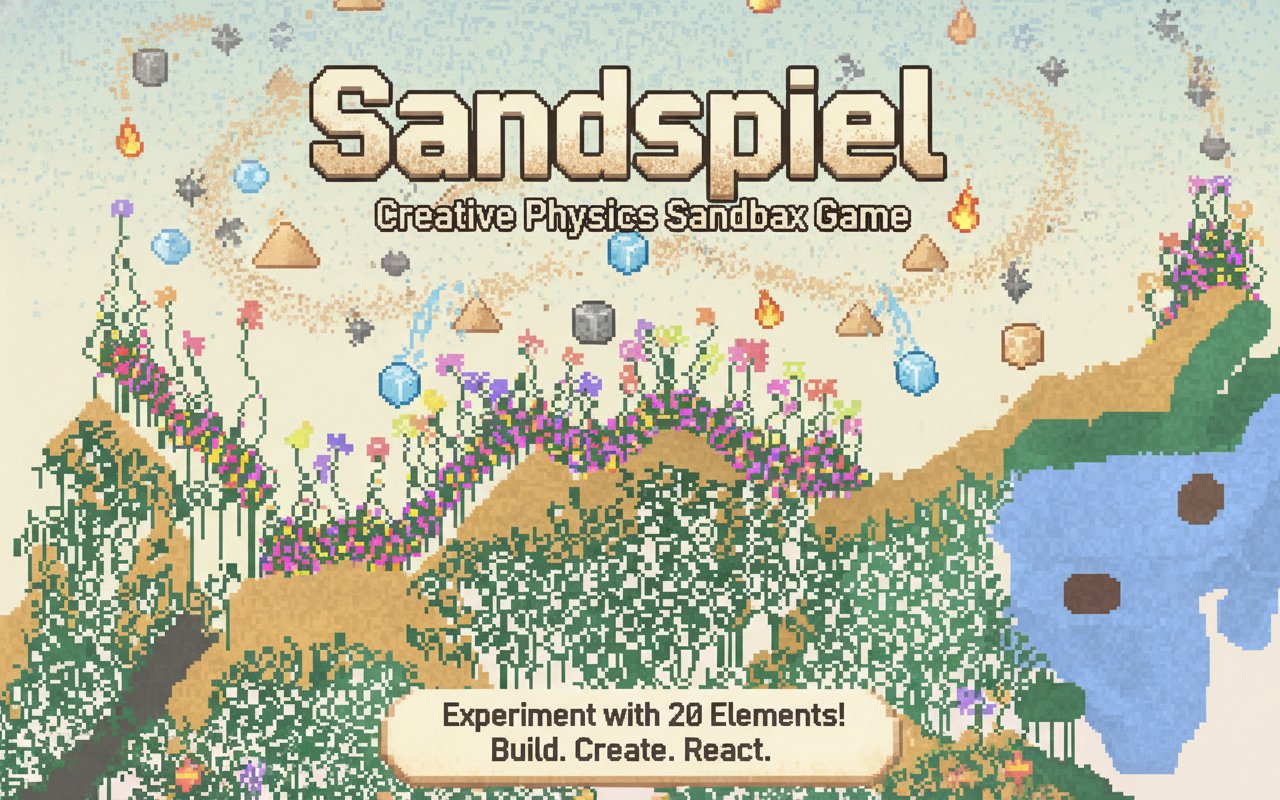
Sandspiel is an innovative physics-based sandbox game that transforms your browser into a creative laboratory. This pixel art simulation allows you to experiment with 20 different elements that interact with each other in fascinating and realistic ways. Whether you want to plant flourishing gardens, ignite dramatic fires, or create flowing lava rivers, Sandspiel provides the perfect canvas for your imagination.
The game combines the satisfying mechanics of physics simulation with the creative freedom of digital art creation. Every element behaves according to realistic physics principles - water flows downward, fire spreads and consumes, plants grow when watered, and lava cools into solid stone. This creates endless possibilities for experimentation and artistic expression.
Core Features
Physics-Based Element Interactions
Experience realistic physics as you watch elements interact naturally with each other. Plant seeds and nurture them with water to create beautiful gardens, ignite fires that spread and consume organic materials, or create dramatic lava flows that cool into permanent stone structures.
20 Unique Elements
Choose from a diverse palette of 20 different elements, each with unique properties and behaviors. From basic materials like sand, water, and stone to more complex elements like plants, fire, and various gases, every element opens up new creative possibilities.
Advanced Creative Tools
- Variable Brush Sizes : Control the quantity and precision of your placement with adjustable brush sizes
- Undo Function : Step back through your creative process to experiment with different approaches
- Pause/Play Controls : Freeze time to create detailed compositions, then unpause to watch your creations come to life
- Community Sharing : Upload your masterpieces and explore incredible creations made by other players
Digital Art Canvas
Use Sandspiel as more than just a physics simulator - it's a dynamic art platform. Create visually stunning compositions that react and evolve when unpaused. Design chain reactions, build complex ecosystems, or simply paint beautiful landscapes that live and breathe.
Gameplay Mechanics
Building and Experimenting
Start with a blank canvas and begin placing elements to see how they interact. Use solid materials to contain and direct the flow of liquids and gases. Create barriers, channels, and structures that guide the behavior of dynamic elements.
Chain Reactions and Systems
Design elaborate chain reactions by strategically placing elements that trigger each other. Watch as a single spark ignites a fire that spreads through vegetation, or create water systems that nurture growing plant networks across your canvas.
Community and Sharing
Join a vibrant community of creators by uploading your own artworks and exploring the incredible creations of other players. Use community art as inspiration or add your own creative touches to existing works.
How to Play
Basic Controls
- Left Mouse Click : Place selected element at cursor location
- Element Palette : Choose from 20 available elements
- Brush Size Slider : Adjust the size of your placement tool
- Pause/Play Button : Control time flow in your simulation
- Undo Button : Revert to previous states of your creation
Getting Started Tips
- Start Simple : Begin with basic elements like sand, water, and stone to understand the physics
- Experiment Freely : There's no wrong way to play - let curiosity guide your experiments
- Use Containers : Create solid boundaries to control liquid and gas behavior
- Layer Elements : Build complex scenes by layering different materials
- Share Your Art : Upload interesting creations to inspire others and get feedback
Why Play Sandspiel
Sandspiel offers a unique blend of creativity, physics, and relaxation that appeals to artists, gamers, and curious minds alike. It's completely free to play, requires no downloads, and works perfectly on both desktop and mobile devices. The game provides endless entertainment whether you want to create beautiful art, conduct physics experiments, or simply relax with satisfying sandbox gameplay.
The pixel art style gives the game a charming retro aesthetic while the sophisticated physics engine ensures realistic and engaging interactions. With an active community sharing amazing creations daily, you'll never run out of inspiration for your next masterpiece.