
Skeleton Simulator - Interactive Human Anatomy Game - Simulation Game

Time-Attack Racer
Build a no-physics finish-gate racer with nitro, minimap guidance, and synthesized audio.
 New
NewRiver Raid Survival
Build a River Raid-style flight survival run with fuel pressure.
 Racing
Track Racing Challenge
Build a closed-circuit racer built around drift corners.
 Unity
UnityEndless Runner
Build a polished Unity endless runner with lanes and pickups.
 Survival
Survival Sandbox Arena
Build a survival arena with enemy waves and turret defense.
 Unity
UnityDesert Quickshot
Build a Unity quickdraw duel with streaks and rising heat.
 FPS
FPS3D FPS Game
Build a desert FPS with weapon switching and a retro HUD.
 Subscriber only
Unreal City Tour
Explore a photoreal Unreal city with terrain and live weather.
 New
NewHook a Fish Arcade
Build a fishing arcade where catches buy you more time.
 Subscriber only
Unreal Mountain Tour
Tour a third-person Unreal world of mountains and water.
Time-Attack Racer
Build a no-physics finish-gate racer with nitro, minimap guidance, and synthesized audio.
NewRiver Raid Survival
Build a River Raid-style flight survival run with fuel pressure.
RacingTrack Racing Challenge
Build a closed-circuit racer built around drift corners.
UnityEndless Runner
Build a polished Unity endless runner with lanes and pickups.
SurvivalSurvival Sandbox Arena
Build a survival arena with enemy waves and turret defense.
UnityDesert Quickshot
Build a Unity quickdraw duel with streaks and rising heat.
FPS3D FPS Game
Build a desert FPS with weapon switching and a retro HUD.
Subscriber onlyUnreal City Tour
Explore a photoreal Unreal city with terrain and live weather.
NewHook a Fish Arcade
Build a fishing arcade where catches buy you more time.
Subscriber onlyUnreal Mountain Tour
Tour a third-person Unreal world of mountains and water.
Prompt

Games are fun. Creating them is even better.
Game Introduction
About the Game
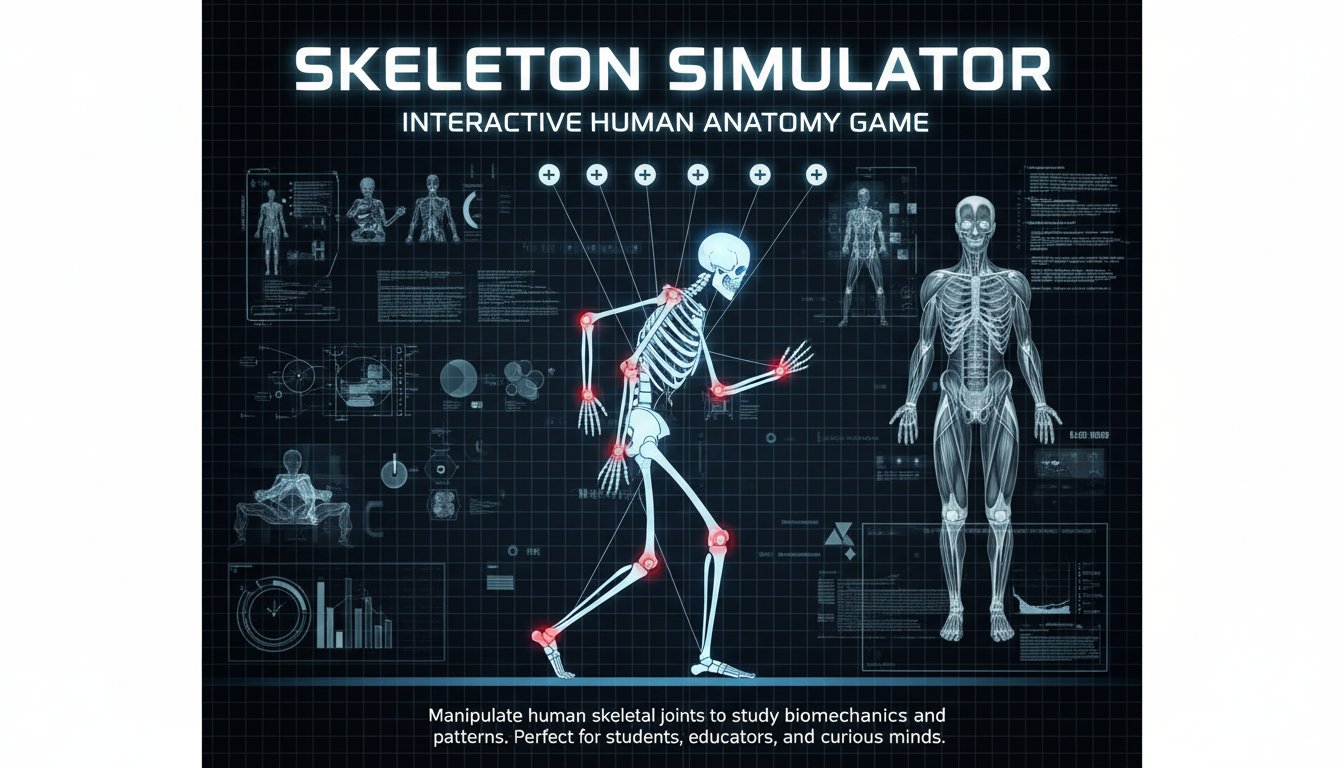
Skeleton Simulator is a fascinating educational simulation that transforms complex biomechanics into an engaging interactive experience. This science-based game allows you to control individual skeletal joints and observe how these adjustments affect human locomotion and posture in real-time.
The game features a detailed anatomical model where every joint can be manipulated, providing insights into how the human skeletal system works together to create movement. Whether you're a student studying anatomy, an educator looking for interactive teaching tools, or simply curious about human biomechanics, this simulator offers an intuitive way to explore the mechanics of human movement.
Core Features
Interactive Joint Control System
The game's standout feature is its precise joint manipulation system. Each articulation point on the skeleton can be individually controlled, allowing you to:
- Adjust limb angles and observe immediate changes in walking patterns
- Experiment with joint constraints to understand their role in natural movement
- Create custom poses and see how they affect overall body mechanics
- Study biomechanical principles through hands-on experimentation
Multi-Skeleton Interactions
Add multiple skeletons to your simulation and watch their hilarious and educational interactions. This feature is perfect for:
- Comparing different movement patterns side by side
- Creating amusing skeletal animations
- Understanding how environmental factors affect movement
- Demonstrating biomechanical concepts to groups
Educational Value
Beyond entertainment, Skeleton Simulator serves as a valuable educational tool for understanding:
- Human anatomy fundamentals
- Joint mechanics and range of motion
- Physics principles in biological systems
- Cause and effect relationships in movement
Gameplay Mechanics
The simulation operates on realistic physics principles, making every adjustment feel authentic and scientifically accurate. The skeleton responds naturally to your modifications, demonstrating real biomechanical relationships.
Scientific Accuracy
While maintaining an accessible interface, the game incorporates genuine anatomical and physics principles, making it suitable for educational environments while remaining entertaining for casual users.
Operation Guide
Getting started with Skeleton Simulator is straightforward:
- Tap or left-click on any joint to select and modify it
- Drag control points to adjust joint angles and positions
- Use interface buttons to access different view modes and skeleton options
- Experiment freely - there's no wrong way to explore the simulation
The intuitive control scheme means you can start experimenting immediately without complex tutorials or lengthy setup procedures.
Why Play This Game
Skeleton Simulator offers a unique blend of education and entertainment that appeals to various audiences:
For Students and Educators : An interactive way to visualize and understand human anatomy and biomechanics that textbooks simply cannot provide.
For Curious Minds : A fascinating exploration of how the human body creates movement through complex joint interactions.
For Casual Players : An oddly satisfying and humorous physics playground where you can create amusing skeletal animations.
The game's browser-based format means instant access without downloads or installations, making it perfect for classroom use, quick learning sessions, or entertaining breaks.
Platform Accessibility
Available as a free browser game, Skeleton Simulator works seamlessly across desktop computers, tablets, and mobile devices. This universal compatibility ensures that learning about human anatomy is accessible anywhere, anytime.