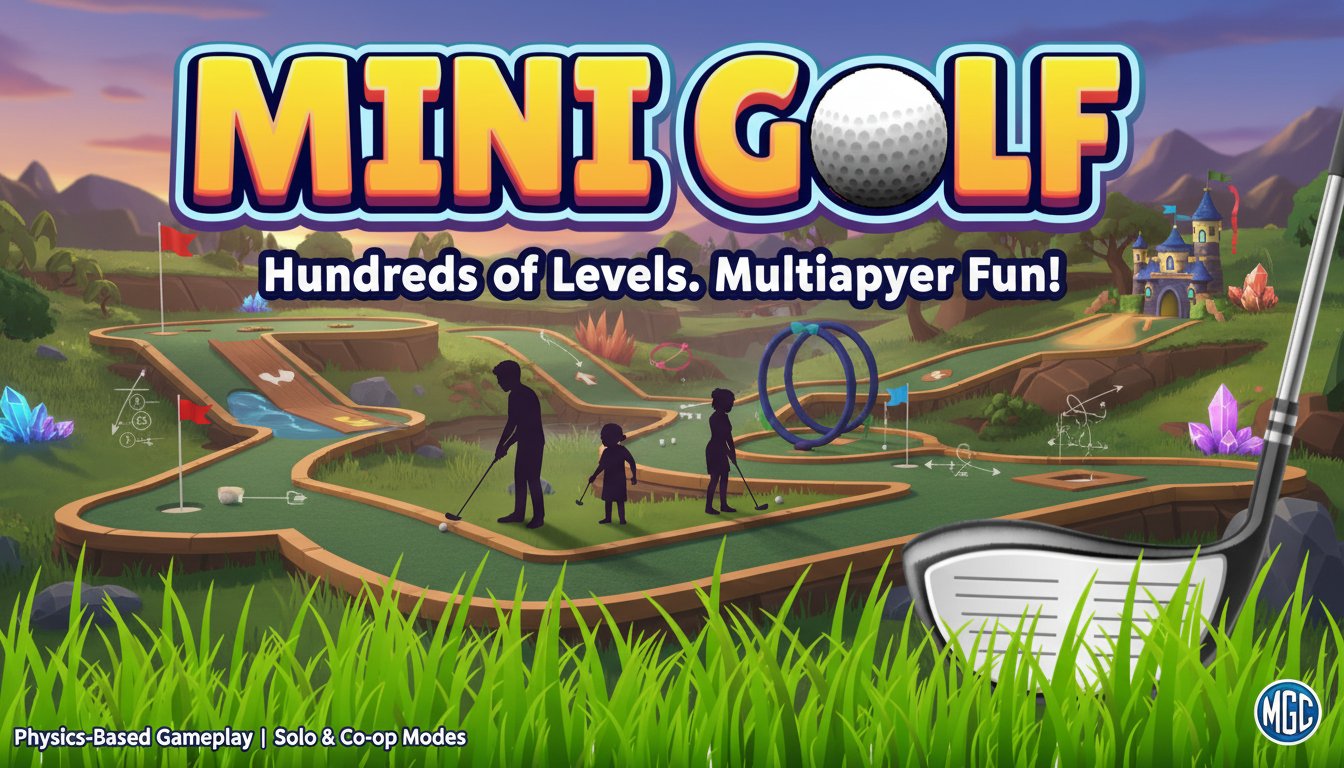
Mini Golf Club

Seele01-Flash
By
Mini Golf Club is a realistic 3D mini golf simulator featuring hundreds of challenging levels, multiple game modes, and physics-based gameplay. Play solo or challenge up to 4 friends in various multiplayer modes.

Prompt

MODEL: Seele01-Flash
Please use Three.js to generate a **mobile-first game** with the theme "Mini Golf Club". Please read the following detailed game design requirements first, and then generate the code accordingly: ### 1. Assets & Environment * **Visual Style**: Adopt a "Stylized Realism" aesthetic suitable for mobile performance. Use vibrant, saturated colors similar to the provided title screen (lush green turf, bright blue skies). * **Models & Geometry**: * **The Ball**: A standard white golf ball with a normal map for dimple textures. * **The Course**: Modular low-poly track pieces (straights, corners, ramps, tunnels). Textures should include seamless synthetic grass for the fairway, rougher dark green for fringes, and wood/brick textures for sidewalls. * **Obstacles**: Include dynamic elements like rotating windmill blades, moving barriers, and static elements like sand traps (high friction), water hazards (reset zones), and boost pads (speed up). * **Lighting & Effects**: Use baked shadow maps for the static course to save performance. Implement a single directional light (Sun) with soft shadows for the ball. Use simple particle effects for ball impact (dust puffs) and hole-in (confetti or sparkles). * **Mobile Optimization**: Strict polygon budget. Merge static geometries of the course level to reduce draw calls. Use `THREE.BoxGeometry` or `CylinderGeometry` primitives where possible instead of loading complex GLTF models. ### 2. Audio Requirements * **Background Music (BGM)**: A relaxing, resort-style track. Acoustic guitar or light jazz/bossa nova loops to keep the player calm during precise aiming. * **Sound Effects (SFX)**: * **Impact**: Distinct sounds for the club hitting the ball (based on power), ball hitting wooden walls (clack), and ball hitting metal obstacles (ting). * **Rolling**: A subtle loop of rolling sound on grass, changing pitch with speed. * **Success**: A satisfying "rattle and clunk" when the ball drops into the cup, followed by a celebratory chime. * **UI**: Soft "pops" or "clicks" for button presses. ### 3. Gameplay Loop * **Core Mechanic**: The player must sink the ball into the hole in the fewest strokes possible. * **Physics Engine**: Integrate a physics library (like Cannon.js or Ammo.js) to handle realistic collisions, gravity, rolling friction, and bouncing. * **Turn Logic**: 1. **Aim & Power**: Player sets angle and power. 2. **Execution**: Ball is launched. Input is disabled while the ball is moving. 3. **Resolution**: * If the ball stops on the course: Next shot is taken from that position. * If the ball falls off/water: Reset to previous position with a +1 stroke penalty. * If in hole: Level Complete. Show Scorecard. * **Scoring**: Compare total strokes against "Par" for the level (e.g., Par 3). Award stars (3 stars for Par or under). ### 4. Mobile Controls & Interaction * **Screen Orientation**: Landscape mode (auto-rotate). * **Shooting Mechanism (Slingshot Style)**: * **Touch & Drag**: Touching anywhere on the screen (or the ball) and dragging backwards initiates aiming. * **Visual Feedback**: An arrow or trajectory line appears opposite to the drag direction, growing in length and changing color (Green -> Yellow -> Red) to indicate power. * **Release**: Releasing the touch shoots the ball. * **Camera Controls**: * **Swipe (1 finger)**: Rotate camera orbit around the ball. * **Pinch (2 fingers)**: Zoom in/out. * **Double Tap**: Reset camera behind the ball. * **UI/UX**: * Large, thumb-friendly buttons (minimum 44x44px target size) for "Pause," "Restart," and "Next Level." * Display "Shot Power" bar visually during the drag action. * **Haptic Feedback**: Trigger a light vibration when the ball sinks into the hole or hits a heavy obstacle. Do not ask for clarification. Do not request confirmation. Directly execute the generation task based on the given instructions.

Game Introduction

About the Game

Mini Golf Club is a comprehensive 3D mini golf simulator that brings the excitement of miniature golf to your browser. This free-to-play game combines stunning graphics with realistic physics to deliver an authentic golfing experience suitable for players of all ages and skill levels.

The game challenges you to navigate your golf ball through creatively designed courses using as few strokes as possible. With hundreds of unique levels featuring dynamic obstacles, moving parts, and interactive elements, Mini Golf Club offers endless entertainment whether you're playing solo or competing with friends.

Core Features

Multiple Game Modes

Mini Golf Club excels in providing diverse gameplay experiences through its comprehensive mode selection:

  • Tournament Mode : Compete in professionally designed 9-hole courses, including both pre-made challenges and user-generated content
  • Practice Mode : Perfect your skills on individual levels, mastering the precise aiming and power control needed for success
  • Versus Mode : Enjoy turn-based local multiplayer for up to 4 players on the same device
  • Split-screen Mode : Simultaneous multiplayer action with divided screen space for up to 4 competitors
  • Online Multiplayer : Real-time global competition against friends and players worldwide

Advanced Physics Engine

The game's sophisticated physics system ensures that every shot feels authentic and responsive. Wind zones, jump areas, and various terrain types interact realistically with your golf ball, creating dynamic gameplay where the same level can offer different experiences each time you play.

Extensive Course Library

With hundreds of interactive holes available, Mini Golf Club provides: - Dynamic obstacles and moving parts that challenge your timing - Diverse terrain including ramps, tunnels, slopes, and sand traps - Special elements like boosters, portals, and wind zones - Creative level designs that test both precision and strategy

Gameplay Mechanics

Mini Golf Club focuses on skill-based gameplay where success depends on: - Precision Aiming : Use visual guides and camera controls to line up perfect shots - Power Control : Master the drag-and-release system for optimal ball velocity - Physics Understanding : Learn how different surfaces and obstacles affect ball movement - Strategic Planning : Analyze each hole to determine the most efficient path to victory

Controls and Accessibility

The game supports multiple input methods to ensure comfortable gameplay across all devices: - Mouse Control : Drag to aim and shoot, with wheel zoom functionality - Keyboard Support : Arrow keys for camera movement, dedicated zoom controls - Touch Controls : Full mobile device compatibility for on-the-go gaming - Controller Support : Gamepad compatibility for console-style experience

Platform Compatibility

Mini Golf Club runs seamlessly across: - Web Browsers : Compatible with all modern desktop and mobile browsers - Cross-Platform : Consistent experience whether playing on computer, tablet, or smartphone - No Installation Required : Instant access through any web browser without downloads

Why Play Mini Golf Club

Mini Golf Club stands out as the premier online mini golf experience because it successfully combines accessibility with depth. The game is easy enough for casual players to enjoy immediately, yet offers sufficient challenge and replayability to satisfy serious golf gaming enthusiasts.

The extensive multiplayer options make it perfect for social gaming, whether you're competing with family members locally or challenging friends online. The physics-based gameplay ensures that improvement comes through genuine skill development rather than memorization.

With its free-to-play model and browser-based accessibility, Mini Golf Club removes all barriers to entry while delivering a premium gaming experience that rivals paid alternatives.

Frequently Asked Questions (FAQ)