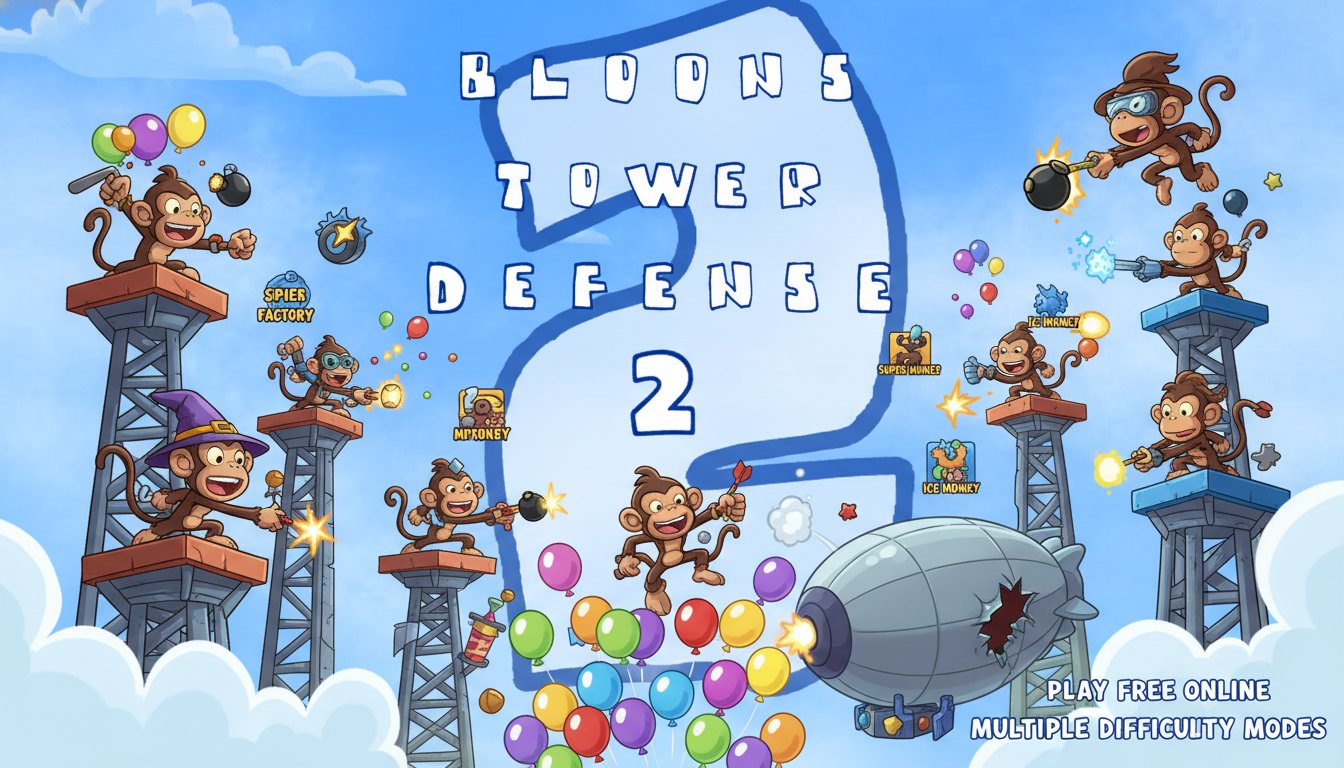
Bloons Tower Defense 2

Seele01-Flash
By
Bloons Tower Defense 2 is a classic strategic tower defense game where you defend against waves of colorful balloons using dart-throwing monkeys and powerful upgrades. Play free online with multiple difficulty modes and strategic depth.

Prompt

MODEL: Seele01-Flash
Please use Three.js to generate a **mobile-first game** with the theme "**Bloons Tower Defense 2 - 3D Reimagined**". Please read the following detailed game design requirements first, and then generate the code accordingly: ### 1. Assets & Environment * **Visual Style:** * **3D Low-Poly Cartoon Aesthetic:** Recreate the classic 2D Flash aesthetics in a vibrant 3D low-poly style. Use bright, saturated primary colors (sky blue background, bright green grass, red/blue/green balloons). * **Map Design:** A fixed, top-down isometric view of a winding grassy path (the track) surrounded by generic terrain. The path should be clearly distinguishable from placement areas. * **Units (Towers):** * **Dart Monkey:** A simple brown low-poly monkey model. * **Tack Shooter:** A mechanical turret with 8 directional nozzles. * **Super Monkey:** A heroic monkey model with a cape (blue/red color scheme). * **Enemies (Bloons):** represent balloons as floating spheres or low-poly inflated shapes. Different colors (Red, Blue, Green, Yellow) represent different health/speed tiers. * **Performance Optimization:** * Use **InstancedMesh** for the balloons (Bloons) and projectiles (Darts/Tacks) to handle hundreds of objects on screen simultaneously without FPS drops on mobile devices. * Simple geometry for the environment; bake shadows into textures where possible instead of using real-time dynamic shadows for everything. ### 2. Audio Requirements * **Background Music (BGM):** A catchy, upbeat, and looping "carnival-style" tune. It should feel playful and retro, similar to the original Flash game soundtrack but less repetitive. * **Sound Effects (SFX):** * **Popping:** A satisfying, crisp "pop" sound when a balloon is destroyed (essential for feedback). * **Shooting:** Distinct sounds for dart throws (light *swish*), tack sprays (mechanical *clank*), and laser beams (*zap*). * **UI:** A "cha-ching" cash register sound when buying/upgrading towers. * **Loss:** A low-pitch "aww" or buzzer sound when a life is lost. ### 3. Gameplay Loop * **Core Mechanic:** Enemies (Bloons) spawn from a "Start" point and travel along a predefined path to an "End" point. The player must place towers on the grass (non-path areas) to destroy them before they exit. * **Bloon Hierarchy (Health/Speed):** * **Red Bloon:** 1 Hit -> Pops. * **Blue Bloon:** 1 Hit -> Spawns 1 Red Bloon (faster speed). * **Green Bloon:** 1 Hit -> Spawns 1 Blue Bloon (even faster). * **Economy:** * Start with a fixed amount of cash (e.g., $650 for Easy Mode). * Earn $1 for every layer of balloon popped. * Lives: Start with 100 lives. Lose 1 life for every bloon that escapes. * **Tower Logic:** * Towers auto-target the *First* enemy in their range radius. * **Upgrade System:** Clicking a placed tower opens a menu to upgrade Range, Fire Rate, or Damage. ### 4. Mobile Controls & Interaction * **Screen Orientation:** **Landscape Mode** is mandatory to maximize the view of the map and UI placement. * **Touch Controls:** * **Drag & Drop:** Implement a drag-and-drop system from a sidebar menu to the map for placing towers. * **Placement Validation:** Show a visual indicator (Green circle = Valid, Red circle = Invalid/Obstructed) while dragging a tower. The tower should snap to a grid. * **Selection:** Tapping an existing tower selects it, drawing a visual ring showing its current attack range and opening an "Upgrade/Sell" context menu. * **UI Layout:** * **Right Sidebar:** Scrollable vertical list of purchasable towers with large icons (min 44x44px touch targets). * **Top Bar:** Displays Lives, Money, and Current Round. * **Start Button:** A large, distinct "Start Round" button in the bottom corner (Speed Up button toggle available during rounds). * **Haptic Feedback:** Trigger a very short vibration when a tower is successfully placed or an upgrade is purchased. Do not ask for clarification. Do not request confirmation. Directly execute the generation task based on the given instructions.

Game Introduction

About the Game

Bloons Tower Defense 2 is a beloved strategic tower defense game that challenges players to stop waves of balloons from reaching the exit. This classic game combines simple mechanics with deep strategic gameplay, featuring dart-throwing monkeys, powerful upgrades, and increasingly challenging balloon waves. The game offers multiple difficulty modes to accommodate both casual players and tower defense veterans.

Core Features

Strategic Tower Defense Gameplay

Place your defensive units strategically along the balloon path to maximize their effectiveness. Each placement decision matters as balloons follow a predetermined route, giving you the opportunity to create chokepoints and optimize your defense strategy.

Multiple Difficulty Modes

Choose from three distinct game modes: - Easy Mode : Perfect for beginners and those wanting to experiment with all available weapons - Medium Mode : Balanced challenge for intermediate players - Hard Mode : Ultimate test for tower defense masters

Comprehensive Upgrade System

Start with basic dart monkeys and evolve your defense through strategic upgrades. The legendary Super Monkey represents the pinnacle of defensive power, shooting darts at incredible speed and unlocking laser beam capabilities through advanced upgrades.

Progressive Wave System

Each wave increases in intensity and complexity, introducing new balloon types and larger numbers. Adapt your strategy as the game progresses to handle the escalating challenge.

Game Mechanics

Defense Units and Upgrades

Begin by placing dart monkeys along the balloon path. These basic units pop balloons effectively but require strategic positioning. As you earn money from popped balloons, invest in upgrades to enhance firing speed, range, and damage. Advanced upgrades unlock powerful abilities like laser beams and explosive projectiles.

Resource Management

Balance spending between new defensive units and upgrading existing ones. Smart resource allocation is crucial for surviving later waves when balloon volume and speed increase dramatically.

Operation Guide

Mouse Controls : The game uses intuitive mouse-based controls for all interactions - Left Click : Select and place defensive units - Right Click : Access upgrade menus and unit information - Drag : Position units precisely along the path - Scroll : Navigate through available units and upgrades

Gameplay Flow : 1. Choose your preferred difficulty mode 2. Place dart monkeys strategically along the balloon path 3. Start the wave and observe balloon movement patterns 4. Collect money from popped balloons 5. Upgrade existing units or purchase new ones between waves 6. Adapt your strategy as balloon waves become more challenging

Why Play This Game

Bloons Tower Defense 2 offers the perfect blend of accessibility and strategic depth. The game's intuitive mechanics make it easy to start playing, while the upgrade system and increasing difficulty provide long-term engagement. Whether you're seeking a quick strategic challenge or an extended gaming session, this tower defense classic delivers satisfying gameplay that has entertained millions of players worldwide.

The game's completely free browser-based format means you can jump in immediately without downloads or installations. Its timeless gameplay mechanics and charming balloon-popping action make it an ideal choice for strategy game enthusiasts and casual players alike.

Frequently Asked Questions (FAQ)