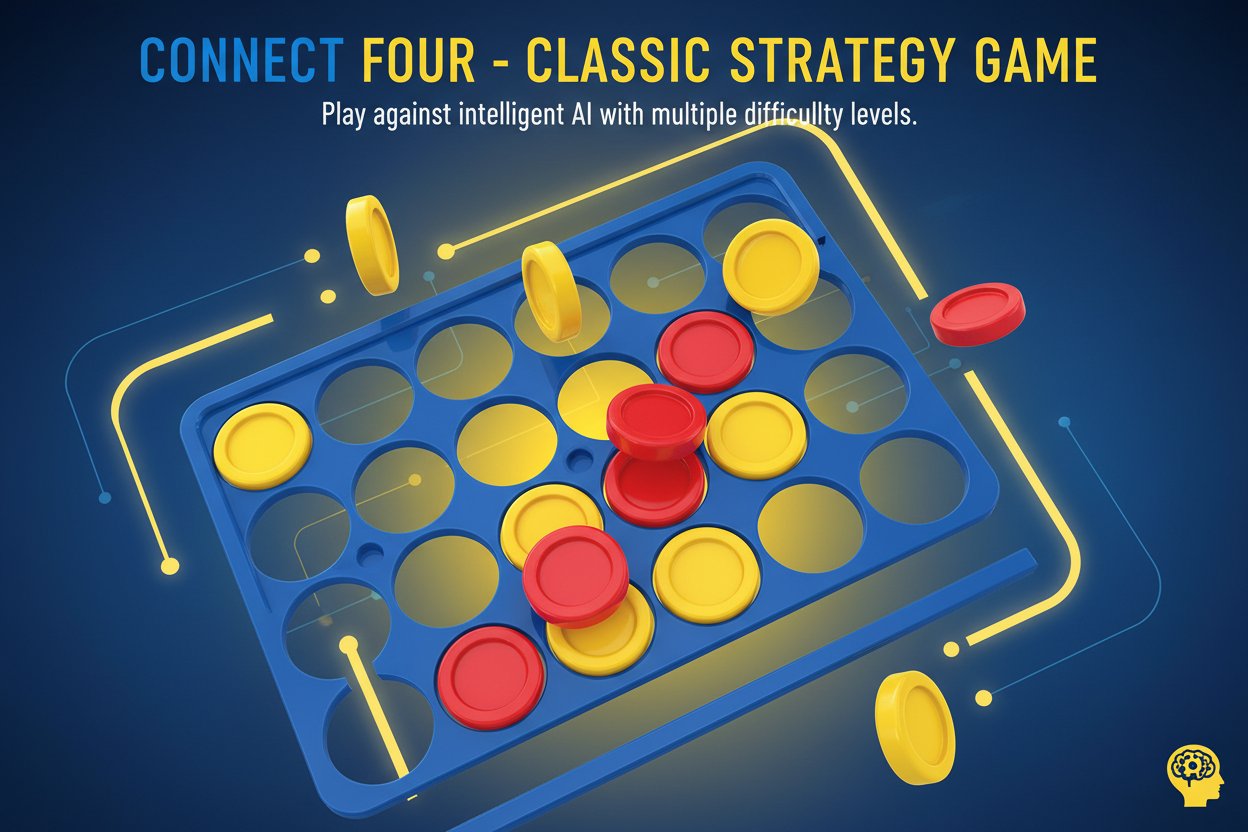
Connect Four - Classic Strategy Game

Seele01-Flash
By
Connect Four is the beloved classic strategy game where you race to connect four pieces in a row before your opponent. Play against intelligent AI with multiple difficulty levels in this free online version.

Prompt

MODEL: Seele01-Flash
Please use Three.js to generate a **mobile-first game** with the theme "Connect Four". Please read the following detailed game design requirements first, and then generate the code accordingly: ### 1. Assets & Environment * **Visual Style**: Create a semi-realistic "Plastic Toy" aesthetic. The game board should look like the classic blue vertical grid stand. * **Materials**: * **Board**: Blue plastic material with slight roughness and specular highlights (MeshStandardMaterial). It must have physical holes or transparent gaps for the pieces to be seen. * **Pieces**: High-gloss Red and Yellow plastic discs (MeshPhysicalMaterial with clearcoat recommended for a polished look). * **Camera & Lighting**: Use an Orthographic Camera to ensure the grid looks clean and aligned, preventing perspective distortion on mobile screens. Use a 3-point lighting setup (Ambient + Directional) to create nice shadows inside the grid holes. * **Background**: A clean, soft gradient background (e.g., dark grey or muted blurred room) to ensure the blue board pops. * **Optimization**: Use `InstancedMesh` for the chips if possible to optimize draw calls, though standard meshes are acceptable given the low count (max 42). Ensure geometry segments are moderate (e.g., cylinder segments: 32) to balance smoothness and battery life. ### 2. Audio Requirements * **BGM**: A relaxing, low-fi beat or soft "thinking" jazz track that loops seamlessly. It should not be distracting. * **Sound Effects (SFX)**: * **Drop**: A distinct plastic "clack" sound when a piece hits the bottom or lands on another piece. * **Selection**: A subtle click when selecting a difficulty or color. * **Win**: A triumphant chime or upward arpeggio. * **Lose/Draw**: A soft buzzer or descending tone. ### 3. Gameplay Loop * **Core Mechanics**: A standard 7-column x 6-row grid. Players take turns dropping a piece into one of the 7 columns. The piece must animate falling from the top to the lowest available empty slot (simulated gravity). * **Game Modes**: * **Player vs AI**: The user plays against the computer. * **Difficulty Levels**: Implement a difficulty selector (Easy, Medium, Hard, Expert). * *Easy*: Random moves or blocking only immediate threats. * *Expert*: Implement a Minimax algorithm with alpha-beta pruning for smart blocking and trap setting. * **Win Condition**: Connect 4 pieces of the same color vertically, horizontally, or diagonally. * **Grid Variation**: As per the description, allow the code to support variable grid sizes (e.g., expanding to 8x7) for harder levels, but default to 7x6. * **Turn Logic**: Highlight the active player's turn. Prevent input while the piece is falling or during the AI's turn. ### 4. Mobile Controls & Interaction * **Touch Input**: * **Column Selection**: Implement Raycasting. When the player touches anywhere within a column's vertical area, highlight that specific column (e.g., a "ghost" piece appears at the top). * **Drop Action**: A distinct tap on a column drops the piece. Alternatively, drag-to-aim and release-to-drop logic is also acceptable for precision. * **Orientation**: The game should be responsive. * *Portrait Mode*: Board centered, UI (Score, Restart, Menu) placed above and below. * *Landscape Mode*: Board centered, UI on the sides. * **UI Elements**: * Start Screen: Big, touch-friendly buttons for "Select Color" (Red/Yellow) and "Select Difficulty". * In-Game: A "Restart" button (minimum 44x44px touch target). * **Feedback**: * **Visual**: The winning 4 pieces should glow or pulse. * **Haptic**: Trigger `navigator.vibrate(50)` when a piece lands (if supported by the device). Do not ask for clarification. Do not request confirmation. Directly execute the generation task based on the given instructions.

Game Introduction

About the Game

Connect Four is the timeless strategy game that has captivated players for generations. This modern HTML5 version brings the classic experience to your browser with enhanced graphics and intelligent AI opponents. With a stellar 4.1/5 rating from thousands of players, this digital adaptation perfectly captures the strategic depth and excitement of the original board game.

The objective is simple yet challenging: be the first to connect four of your colored pieces in a row, whether vertically, horizontally, or diagonally. But don't underestimate the computer opponents - they're programmed with sophisticated algorithms that will test your strategic thinking at every turn.

Core Features

Multiple Difficulty Levels

Choose from four distinct difficulty settings that cater to players of all skill levels: - Easy Mode : Perfect for beginners or casual play - Medium Mode : Balanced challenge for intermediate players - Hard Mode : Advanced AI that requires careful planning - Expert Mode : Ultimate challenge with expanded grids and ruthless AI

Enhanced Gameplay Options

  • Color Selection : Choose to play as red or yellow pieces
  • Expanded Grids : Higher difficulty levels feature larger playing fields
  • Unlimited Replays : Play as many rounds as you want
  • Progressive Challenge : Gradually increase difficulty to improve your skills

Modern Features for Classic Fun

  • Free to Play : Completely free with no hidden costs or premium features
  • Cross-Platform Compatible : Works perfectly on desktop computers, tablets, and smartphones
  • No Download Required : Play instantly in any modern web browser
  • Responsive Design : Optimized interface that adapts to any screen size

Game Strategy

Winning Tactics

Mastering Connect Four requires both offensive and defensive thinking. Focus on creating multiple winning opportunities while blocking your opponent's potential connections. The center columns often provide the most strategic value, offering multiple directions for potential wins.

Advanced Techniques

As you progress to harder difficulties, you'll need to think several moves ahead. The AI opponents become increasingly sophisticated, forcing you to consider complex tactical combinations and long-term positioning strategies.

How to Play

Basic Controls

Playing Connect Four is intuitive and straightforward: 1. Select Difficulty : Choose your preferred challenge level 2. Pick Your Color : Decide whether to play as red or yellow pieces 3. Make Your Move : Click above any column to drop your piece 4. Strategic Thinking : Plan your moves while blocking opponent connections

Game Objective

The goal is to be the first player to connect four pieces of your color in a straight line. Connections can be made: - Vertically : Four pieces stacked in the same column - Horizontally : Four pieces aligned in the same row - Diagonally : Four pieces connected at an angle

Winning Strategy

Success in Connect Four requires balancing offensive moves (creating your own connections) with defensive play (blocking your opponent). Pay attention to forced moves and try to create situations where you have multiple ways to win.

Why Play This Game

Perfect for Strategy Lovers

Connect Four offers the ideal blend of simple rules and deep strategic gameplay. Whether you're a casual player looking for quick entertainment or a strategy enthusiast seeking a mental challenge, this game delivers engaging gameplay that never gets old.

Skill Development

Regular play helps develop critical thinking, pattern recognition, and strategic planning skills. The progressive difficulty system ensures you're always appropriately challenged as your abilities improve.

Accessible Entertainment

With no download requirements and full mobile support, you can enjoy Connect Four anywhere, anytime. The game loads quickly and runs smoothly on all devices, making it perfect for quick breaks or extended gaming sessions.

Frequently Asked Questions (FAQ)