Little War Game - Free Online RTS Strategy Game - Strategy Game
Prompt
Game Introduction
About Little War Game
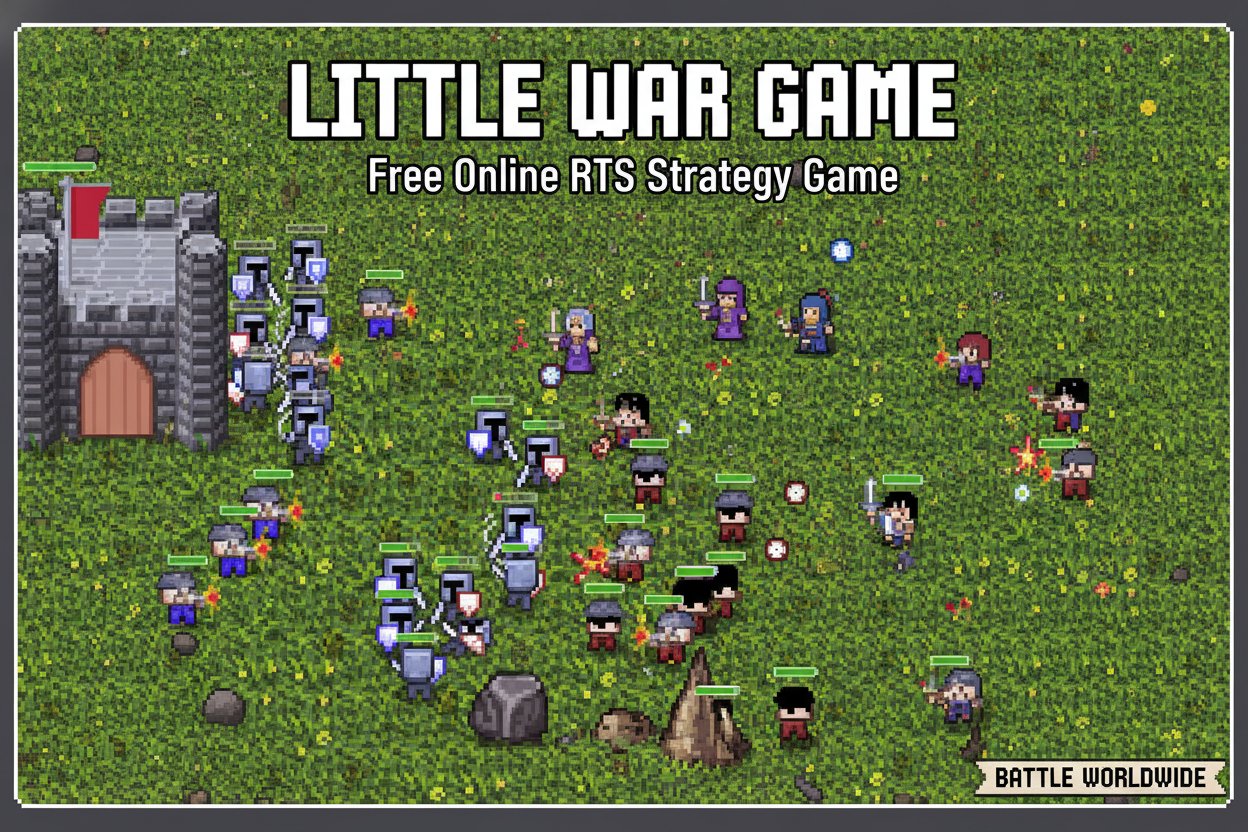
Little War Game is a captivating browser-based real-time strategy (RTS) game that brings classic war gaming into the modern era with charming 8-bit graphics. Rated 3.9/5 stars by thousands of players, this free-to-play MMO combines kingdom building, army management, and tactical warfare in an accessible browser format that requires no downloads.
Step into a miniature world where strategy reigns supreme. As a commander, you'll establish your base, gather resources, and build mighty armies to conquer territories and defend your realm. The game's retro aesthetic pays homage to classic strategy games while offering modern multiplayer features and community tools.
Core Features
Complete RTS Experience
Little War Game delivers a full real-time strategy experience directly in your browser. Build and upgrade your base, manage resources efficiently, and make tactical decisions that determine victory or defeat. The game combines the depth of traditional RTS gameplay with the convenience of instant browser access.
Diverse Military Units
Command a variety of specialized units including: - Knights : Powerful melee warriors perfect for frontline combat - Mages : Magical units with devastating ranged attacks - Catapults : Siege weapons for breaking enemy fortifications - Wolves : Fast scouts and raiders for hit-and-run tactics
Each unit type serves specific strategic purposes and can be upgraded as you progress, allowing for diverse tactical approaches.
Multiplayer Warfare
Engage in thrilling battles against players from around the world. Create custom rooms to invite friends, family, or colleagues for private matches, or join public games to test your skills against strangers. The multiplayer system supports various game modes and map types.
Map Editor & Modding Tools
Unleash your creativity with extensive modding capabilities. The built-in map editor allows you to design custom battlefields, create unique scenarios, and share your creations with the community. Regular updates introduce new official maps to keep gameplay fresh.
Seasonal Content
Logged-in players enjoy exclusive seasonal content including holiday decorations for castles, special unit skins, and themed cosmetic items that add personality to your armies while maintaining the game's charming aesthetic.
Game Mechanics
Base Building & Resource Management
Success in Little War Game requires careful resource management and strategic base construction. Plan your settlement layout, optimize resource production, and fortify key positions to withstand enemy assaults.
Combat System
The tactical combat system rewards strategic thinking over rapid clicking. Position units effectively, coordinate attacks, and adapt to your opponent's strategies. Victory comes through superior planning and execution.
Territory Control
Expand your influence by conquering neutral territories and enemy strongholds. Each captured area provides strategic advantages and resources essential for building larger armies and stronger defenses.
Operation Guide
Basic Controls
- Mouse Navigation : Use your mouse to navigate through all in-game menus and interfaces
- Unit Selection : Click on units to select and command them
- Building Placement : Choose locations for new structures and defenses
- Resource Management : Monitor and allocate resources through the interface
Getting Started
- Choose Your Room : Select from available multiplayer rooms or create a custom game
- Select Your Map : Pick from various battlefield layouts, each offering unique strategic challenges
- Build Your Base : Start with basic structures and expand systematically
- Train Your Army : Recruit units based on your strategic needs
- Engage in Battle : Launch coordinated attacks while defending your territory
Advanced Strategies
- Economic Balance : Maintain steady resource income while funding military expansion
- Unit Composition : Create balanced armies with complementary unit types
- Map Control : Secure key positions early to gain strategic advantages
- Adaptation : Adjust tactics based on opponent behavior and map conditions
Why Play Little War Game
Little War Game stands out in the crowded strategy game market by offering genuine depth without complexity barriers. The charming 8-bit art style creates an inviting atmosphere that appeals to both newcomers and RTS veterans. Unlike many modern games, it respects your time by being completely free and instantly accessible through any web browser.
The active community ensures you'll always find opponents at your skill level, while the modding tools provide unlimited replayability. Whether you're looking for quick casual matches or deep strategic campaigns, Little War Game delivers authentic RTS excitement without the usual hassles of downloads, installations, or pay-walls.
Perfect for strategy fans seeking nostalgic gameplay, newcomers wanting to explore the RTS genre, or anyone looking for engaging multiplayer battles they can start instantly.