Master Chess - Multiplayer Online Chess Game

Seele01-Flash
By
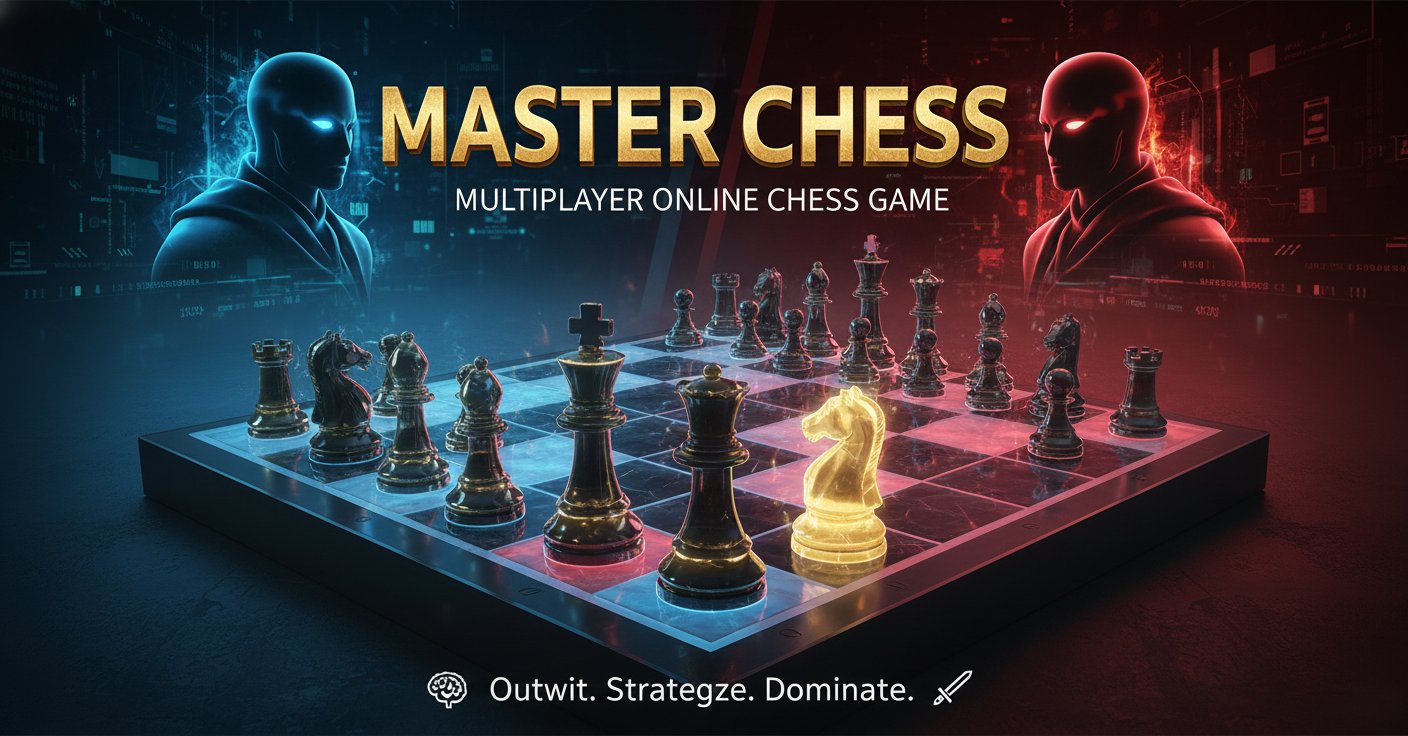
Master Chess is a comprehensive online chess platform offering single-player AI challenges and multiplayer battles. Perfect for both beginners and experienced players seeking to test their strategic skills.

Prompt

MODEL: Seele01-Flash
Please use Three.js to generate a **mobile-first game** with the theme "Master Chess". Please read the following detailed game design requirements first, and then generate the code accordingly: ### 1. Assets & Environment * **Visual Style**: Realistic "Digital Tabletop" aesthetic. Use **MeshStandardMaterial** to create a classic wooden look. * **Board**: Dark walnut and light maple wood textures with a glossy finish. * **Pieces**: "Staunton" style abstract geometry (use composed primitives like cylinders, spheres, and cones to approximate shapes if external models aren't loaded, or placeholders for Pawn, Rook, Knight, Bishop, Queen, King). White pieces should be cream-colored wood; Black pieces should be dark ebony wood. * **Lighting**: Dramatic, warm spotlighting centered on the board to create soft shadows (ShadowMap enabled), giving a "focus mode" feel. The background should be a dark vignette or a blurred wooden table texture to minimize rendering load. * **Camera**: A fixed, high-angle isometric view (approx 60 degrees). On mobile, the camera zoom must automatically adjust to fit the board entirely within the screen width (portrait) or height (landscape). * **Performance**: Use instanced rendering for pawns if possible. Limit total scene polygon count for smooth 60fps on mobile browsers. ### 2. Audio Requirements * **BGM**: A soft, contemplative acoustic piano or cool jazz track that loops seamlessly. It should be low volume to aid concentration. * **SFX**: * **Move**: A satisfying, heavy "wood-on-wood" clack sound when a piece lands. * **Slide**: A subtle felt-sliding sound during movement animation. * **Capture**: A slightly louder, punchier impact sound. * **Check/Checkmate**: A distinct notification chime or dramatic chord. * **Timer Warning**: A soft ticking sound when the player has less than 10 seconds left. ### 3. Gameplay Loop * **Modes**: 1. **PvE**: Player vs. Basic AI (Minimax algorithm with depth 2 or 3). 2. **Local PvP**: Two players passing the device (hotseat). * **Mechanics**: * Standard FIDE Chess rules (including Castling, En Passant, and Pawn Promotion). * **Turn Logic**: Player selects a piece -> Legal moves are calculated -> Player selects destination -> Animation plays -> Turn switches. * **Timer**: Implement a countdown timer per player (e.g., 10 minutes). Loss on time expiration. * **Visual Feedback**: * Highlight selected piece (Blue glow). * Highlight valid move tiles (Green dots or overlay). * Highlight the last move made (Yellow tint on start and end squares). * Highlight "Check" state (Red pulse under the King). ### 4. Mobile Controls & Interaction * **Input Scheme**: **Tap-to-Select, Tap-to-Move** (preferred over Drag-and-Drop for mobile precision). * First tap: Selects the piece and shows valid moves. * Second tap (on valid square): Moves the piece. * Second tap (on background/invalid): Deselects. * **Raycaster**: Implement precise Raycasting for touch events. Ensure the hit-box for pieces is slightly larger than the visual mesh to accommodate "fat finger" inaccuracy. * **UI/HUD**: * **Responsive Layout**: Place Player 1 and Player 2 info (Name, Timer, Captured Pieces) at the top and bottom of the screen in Portrait mode, or on the sides in Landscape. * **Buttons**: Add a "Pause/Menu" button in the corner (min size 44x44px). * **Overlay**: When a Pawn promotes, spawn a large, easy-to-tap UI modal to select the new piece (Queen, Rook, Bishop, Knight). * **Haptics**: Trigger a short vibration (`navigator.vibrate(20)`) when a move is successfully completed or a piece is captured. Do not ask for clarification. Do not request confirmation. Directly execute the generation task based on the given instructions.

Game Introduction

About Master Chess

Master Chess is a feature-rich online chess game that brings the classic strategy game to your browser. Whether you're a chess novice looking to learn the fundamentals or an experienced player seeking challenging opponents, this platform offers everything you need for an engaging chess experience. The game combines traditional chess rules with modern online functionality, making it accessible to players worldwide.

Core Features

Multiple Game Modes for Every Player

Master Chess offers three distinct gameplay options to suit different preferences:

  • AI Challenge Mode : Face off against computer opponents with adjustable difficulty levels
  • Online Multiplayer : Compete against real players from around the globe
  • Local 2-Player Mode : Play head-to-head on the same device with friends

Beginner-Friendly Design

The game features an intuitive interface that makes chess accessible to newcomers:

  • Visual Move Indicators : All possible moves are highlighted for each piece
  • Three Difficulty Levels : Start easy and progress as your skills improve
  • Flexible Time Settings : Choose between timed matches or unlimited thinking time
  • Clean Interface : Clear, easy-to-read board with traditional piece designs

Advanced Multiplayer Features

For competitive players, Master Chess provides:

  • Fast Matchmaking : Quick connection to opponents of similar skill levels
  • Custom Game Creation : Set up private matches with specific rules
  • Tournament Support : Organize competitive events with friends
  • Cross-Platform Play : Seamless gameplay across desktop and mobile devices

How to Play Master Chess

Getting Started

  1. Choose Your Mode : Select from AI, online multiplayer, or local 2-player options
  2. Set Difficulty : For AI games, pick from easy, medium, or hard difficulty
  3. Configure Time Limits : Decide whether to play with or without time pressure
  4. Begin Playing : Use your mouse to select and move pieces on the board

Basic Controls

  • Mouse Selection : Left-click any piece to see its available moves
  • Move Execution : Click your destination square to complete the move
  • Visual Aids : Highlighted squares show all legal moves for selected pieces

Strategic Tips for Success

  • Start with AI : New players should begin with the easiest AI setting
  • Use Unlimited Time : Take advantage of no-time-limit games while learning
  • Study Move Patterns : Pay attention to the highlighted possible moves
  • Practice Regularly : Consistent play improves pattern recognition and strategy

Why Play Master Chess

Perfect for All Skill Levels

Whether you're just learning how pieces move or you're a seasoned strategist, Master Chess adapts to your level. The adjustable AI difficulty ensures you're always appropriately challenged, while the multiplayer mode connects you with players of similar abilities.

Completely Free Experience

Enjoy full access to all game features without any cost. No premium subscriptions or pay-to-win mechanics – just pure chess strategy and skill development.

Available Anywhere, Anytime

Play directly in your web browser without downloads or installations. The game works perfectly on both desktop computers and mobile devices, so you can practice your chess skills wherever you are.

Educational Value

Master Chess serves as an excellent learning tool for chess enthusiasts. The visual move indicators help beginners understand piece capabilities, while the various difficulty levels provide a structured learning progression.

Frequently Asked Questions (FAQ)