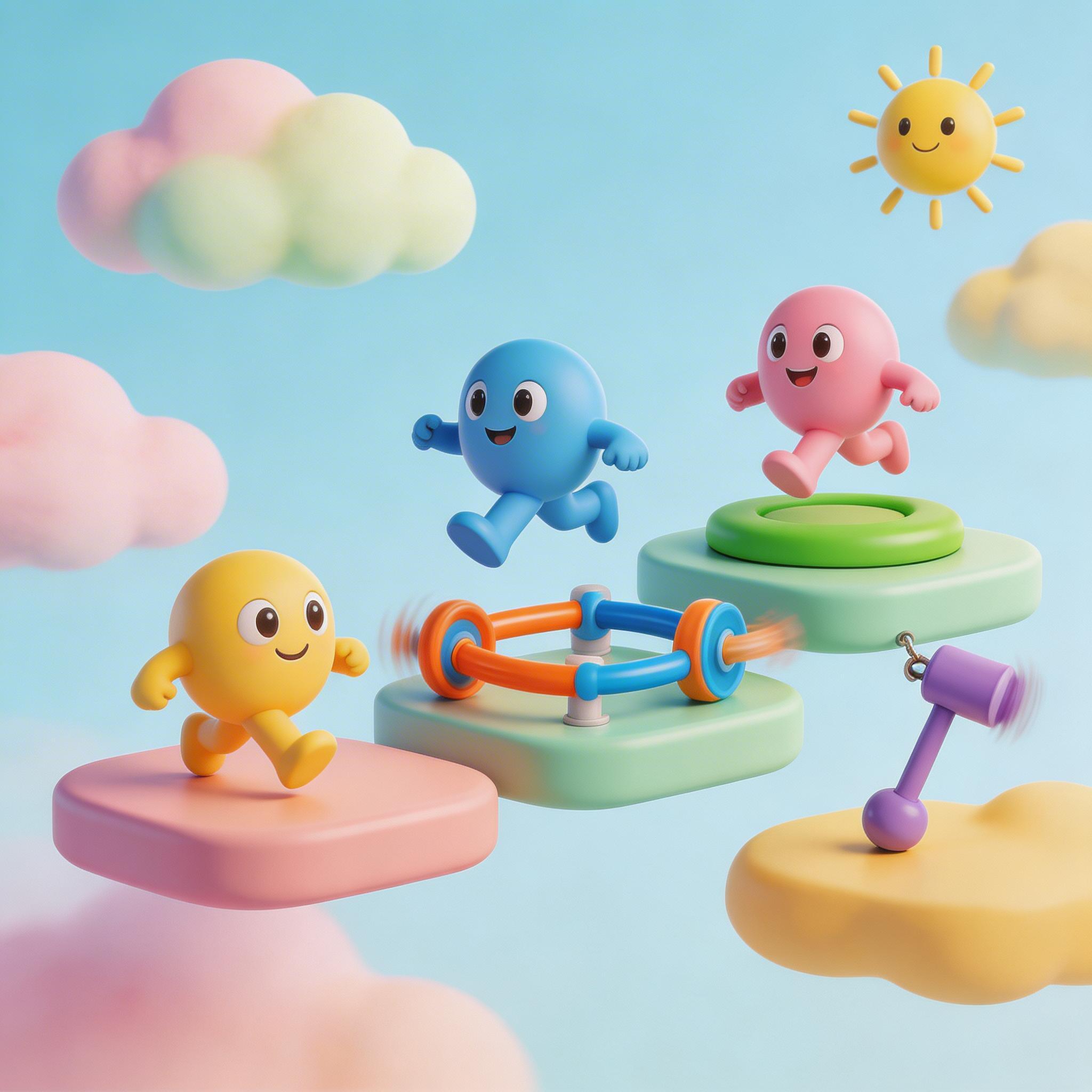
This guide is for indie creators, prototype teams, and game designers who want to turn a party obstacle race idea into a playable browser demo. The core production mistake is obvious: most teams start from surface style. The better path is to lock the rules of movement and level readability first, then scale content and polish after the game is already fun.
“Build a browser-based 3D obstacle race game inspired by party knockout runners. Use bright readable visuals, short rounds, moving hazards, bounce pads, checkpoints, and one final sprint section. Optimize for fast browser prototyping and simple character controls.”
What a LOLBeans-Style Game Actually Is
A LOLBeans-style game is a light multiplayer or pseudo-multiplayer obstacle racer where players run through short elimination rounds. The genre feels casual on the surface, but the design burden is very real: players need to read hazards quickly, recover from mistakes without feeling robbed, and finish rounds with enough tension to want one more run.
That means the real design problem is not “how do we make bean-like characters.” It is “how do we create readable movement and obstacle pacing in a browser-friendly format.” Once you frame it that way, the build plan gets much cleaner.
The Core Loop You Need Before Anything Else
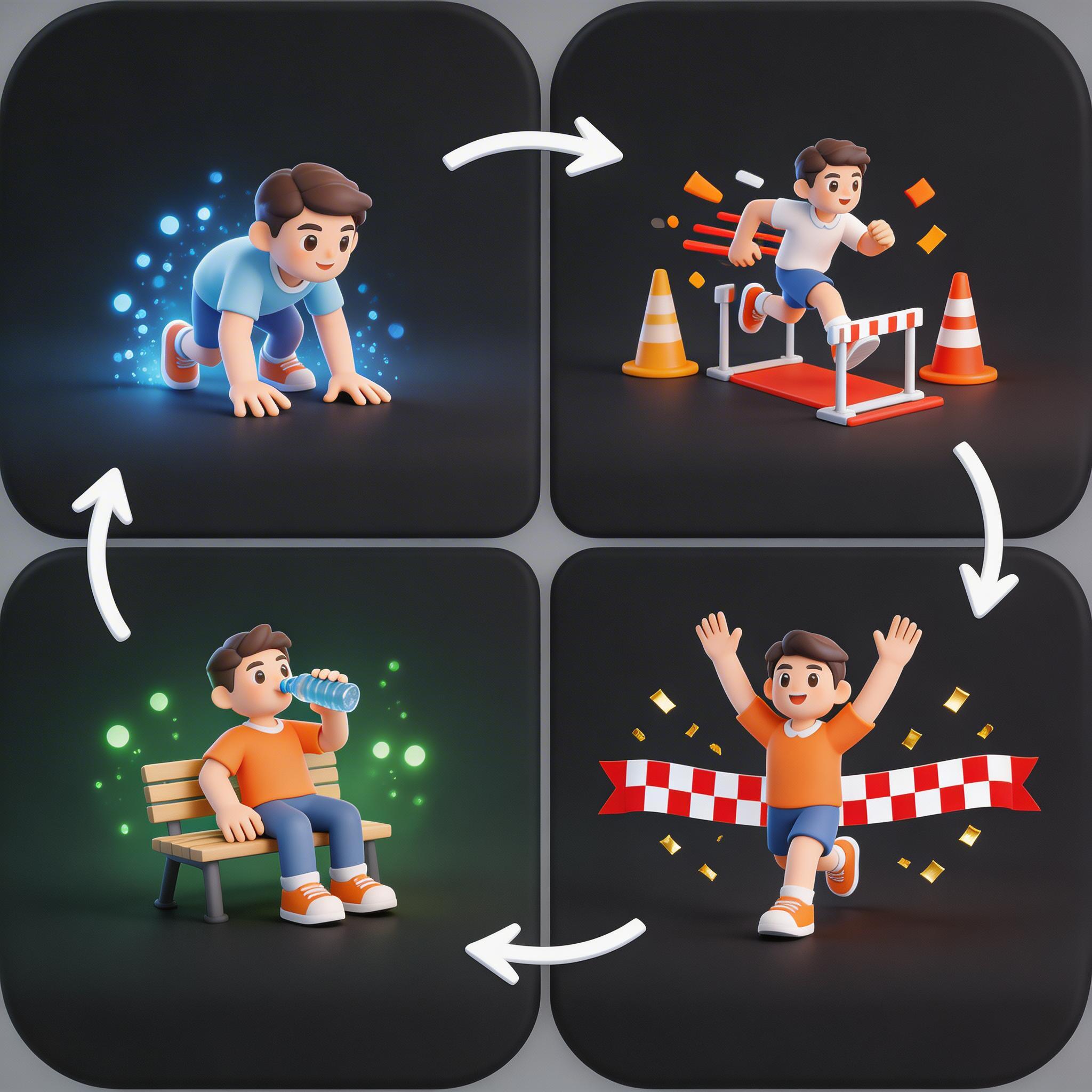
Before touching art direction, define the loop in one line:
From there, lock these systems early.
| System | Define early | Why it matters |
|---|---|---|
| Movement | Run speed, jump height, air control, turn radius | Bad movement kills the genre immediately |
| Camera | Chase distance, FOV, obstacle visibility | Players must read hazards before they hit them |
| Round length | Usually 60–180 seconds | Short rounds keep replayability high |
| Obstacle logic | Rotators, pushers, moving platforms, collapsing tiles | Variety comes from combinations, not raw quantity |
| Failure handling | Respawn timing, checkpoints, elimination rules | Fairness drives retention |
How to Design a Fun Browser Obstacle Race
1. Build movement feel first
Get move, jump, direction change, and recovery working before anything else. If movement feels muddy, no amount of colorful art or UI polish will rescue the experience.
2. Make hazards readable in under one second
Rotating bars, swinging arms, push blocks, disappearing tiles, bounce pads, and moving platforms work because their threat is instantly legible. The player should know what the obstacle does from the silhouette and motion alone.
3. Build modular sections, not one-off set pieces
Break the map into reusable units: start lane, timing gate, balance section, vertical climb, moving platform chain, and final sprint. This is how one prototype becomes multiple rounds without content production exploding.
4. Tune for chaos, not randomness
A good obstacle race looks chaotic but still rewards skill. The player should think, “I could have recovered,” instead of “the game stole that round from me.”
Recommended Technical Stack for a Fast Prototype
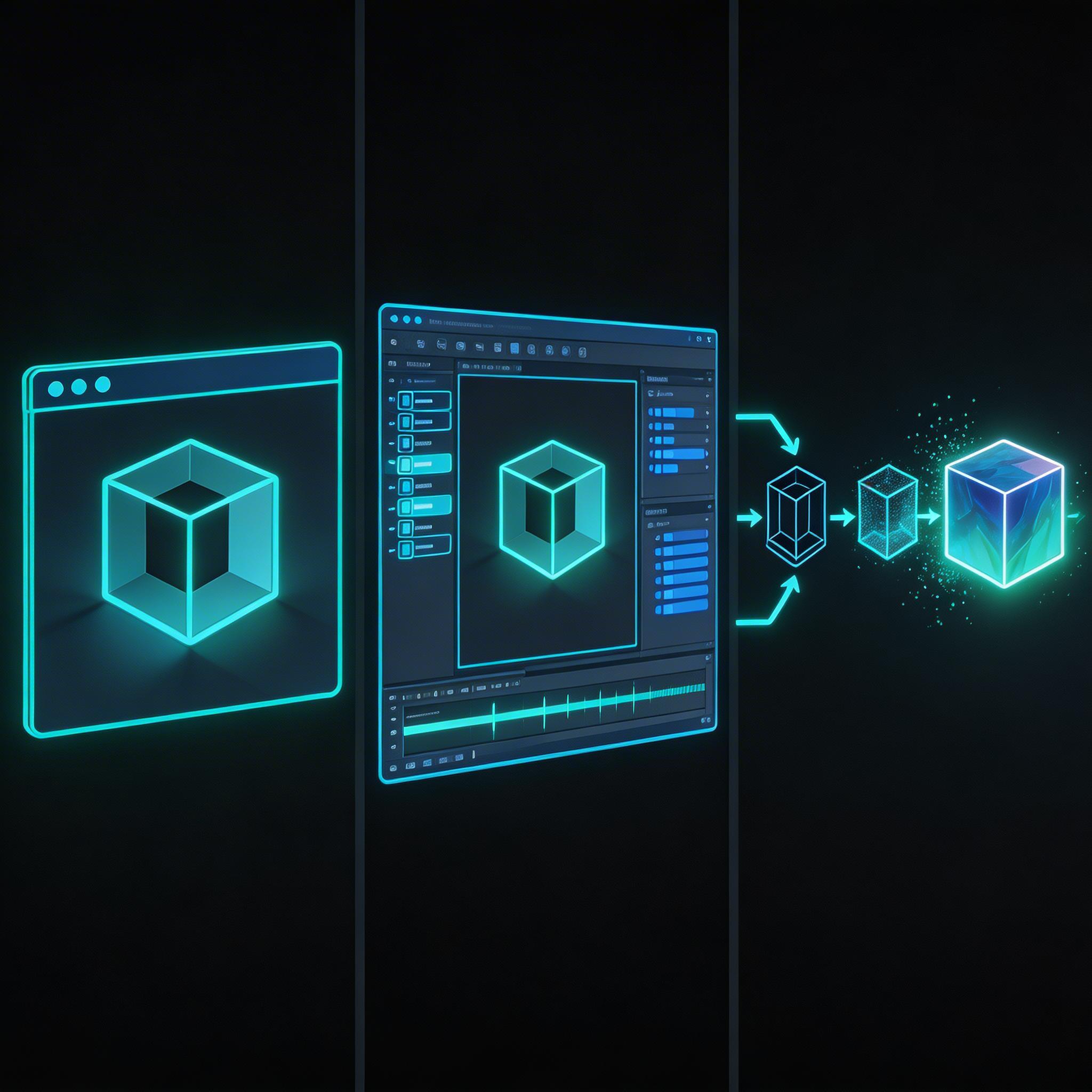
If your priority is a playable web demo, browser-native delivery changes the tradeoffs.
| Stack | Best for | Tradeoff |
|---|---|---|
| Three.js + browser deployment | Fast web prototypes and easy sharing | Requires tighter scope on complexity |
| Unity workflow | Broader systems and stronger content tooling | Heavier pipeline and slower browser-like iteration |
| AI-assisted pipeline | Rapid asset and gameplay iteration | Needs clear prompt discipline and review |
SEELE is relevant here because SEELE supports text-to-game workflows, 3D asset generation, text-to-3D and image-to-3D generation, browser-oriented Three.js workflows, and Unity-oriented game generation paths. That matters when the team needs a testable prototype instead of a perfect launch build on day one.
How SEELE Helps You Build It Faster
The biggest bottlenecks in this genre are usually not syntax. They are production bottlenecks: placeholder assets, obstacle props, environment tone, character shape language, and repeated prototype iteration. SEELE shortens those loops in several practical ways.
- Generate visual direction faster: Explore bright playful environments and obstacle props before final art exists.
- Prototype 3D content in parallel: Build runner variants, prop families, and environment pieces without waiting for a full asset pipeline.
- Iterate gameplay through prompts: Refine rules, pacing, and world structure through conversational workflows instead of fully manual rebuilds.
- Keep browser deployment in scope: Fast browser testing matters for party racers because fun is validated in repeated short sessions.
A Practical 7-Day Production Plan
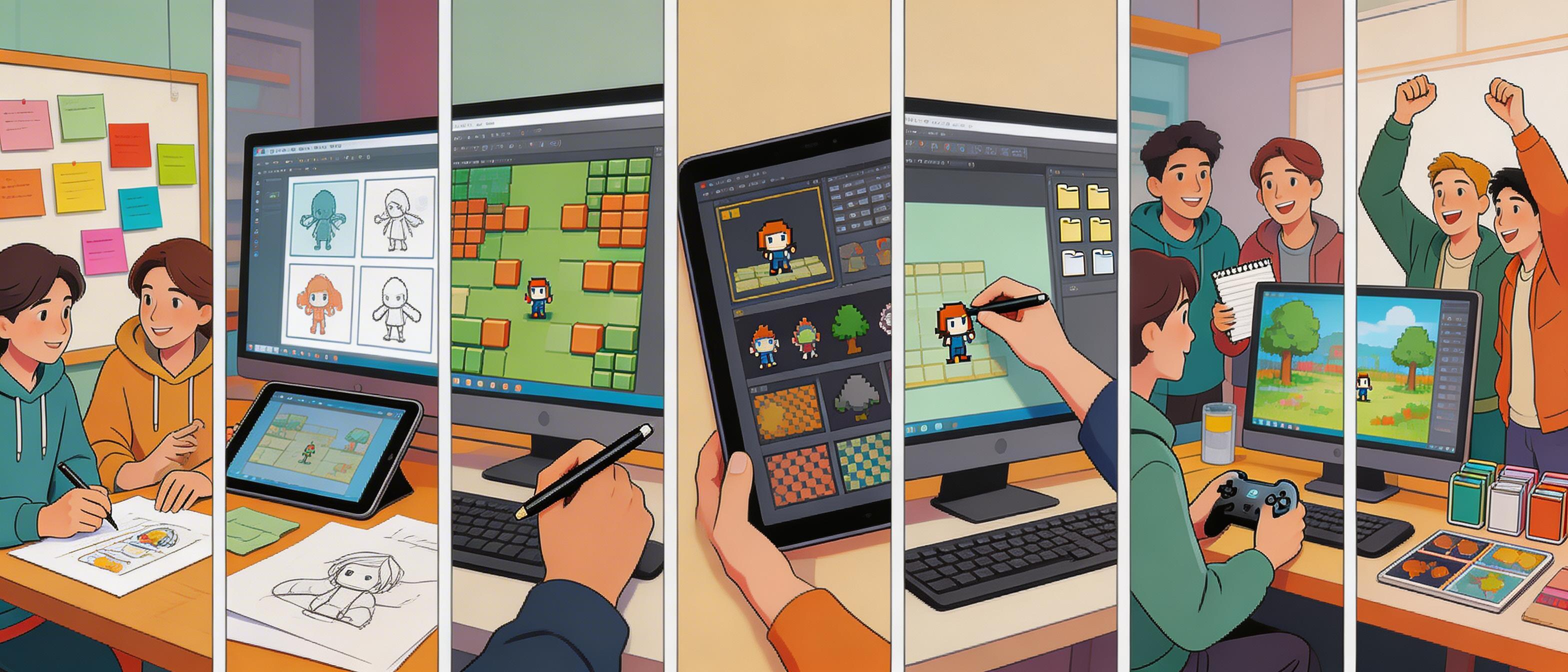
- Day 1: Define the player fantasy, core controls, camera style, and win/lose rules.
- Day 2: Build one greybox course with a start lane, hazard section, moving platform section, and finish stretch.
- Day 3: Tune running, jumping, knockback, checkpoints, and recovery feel.
- Day 4: Generate first-pass visuals: runner variants, obstacle props, UI markers, and environment blockouts.
- Day 5: Improve readability with better color contrast, telegraphing, and landing indicators.
- Day 6: Playtest unfair knockback, camera failures, and dead sections with no comeback path.
- Day 7: Package one polished browser demo and one variant round for live testing.
Feature Checklist for a Strong MVP
| Feature | MVP? | Reason |
|---|---|---|
| Responsive movement | Yes | Core feel |
| Jump + land feedback | Yes | Essential readability |
| 6–10 obstacle types | Yes | Enough variety for one round set |
| Fair respawn logic | Yes | Prevents frustration |
| Cosmetic unlocks | No | Validate fun first |
| Deep progression system | No | Do not overbuild before core fun is proven |
Common Mistakes Teams Make
Copying the look instead of the loop
Bright colors and rounded characters are not the genre secret. The secret is readable movement plus forgiving recovery and escalating pressure.
Building impressive but unreadable hazards
If players cannot instantly tell where to stand or when to jump, the obstacle is too noisy.
Skipping modular design
If every course section is custom-built, production slows down immediately and iteration gets expensive.
Polishing too early
First prove the game is readable, funny, and replayable. Then invest in cosmetics, progression, and scale.
Frequently Asked Questions
How do you create your own LOLBeans-style game?
Start with a simple obstacle-race loop, then build movement, one playable map, modular hazards, and readable collision feedback. After the game feels good, expand content and polish.
Do you need multiplayer first for a LOLBeans-style game?
No. A single-round prototype with bots, ghost runners, or local testing is enough to validate the core gameplay before multiplayer scaling.
What engine is practical if you want a browser-first prototype?
A browser-first stack such as Three.js is practical for fast web iteration, while Unity is useful when your team already has a stronger engine pipeline and broader tooling needs.
Can AI really help build this type of game faster?
Yes. AI is especially useful for shortening the loop between concept, assets, layout ideas, and playable tests. It saves time where prototypes normally stall.
Is SEELE a fit for this style of prototype?
SEELE is a strong fit when your team wants AI-assisted game creation workflows, 3D asset generation, and browser-oriented development paths to move from idea to playable prototype faster.
Limitations You Should Keep Honest
- AI-generated assets and layouts will still need manual polish before a production launch.
- Advanced engine-specific tuning may still require direct editing after export or prototype generation.
- Prompt quality changes output quality. Vague prompts usually produce vague results.
- Fast browser prototypes are ideal for validating fun, but they are not automatically the same as a fully scaled multiplayer shipping build.
Build the Loop First, Then Scale It
If you want to create your own LOLBeans-style game, do not start by imitating a surface aesthetic. Start with the obstacle-race loop: movement feel, obstacle readability, short round pacing, and fair recovery. Once one round is fun, production becomes a multiplication problem instead of a guessing problem.
SEELE fits this workflow because SEELE combines text-to-game workflows, 3D asset generation, conversational iteration, and browser-oriented development support. That is exactly the leverage a prototype team needs when speed matters more than ceremony.