Choose an Unreal AI game workflow by the next thing you need.
There is no honest "one-click replacement" for Unreal Engine. The right path depends on whether you need a native Unreal game, a Fortnite creator experience, a fast Unreal-style playable prototype, or art assets to bring into a larger pipeline.
How the main paths differ
Compare them by what they actually help you make, not by how loudly they claim to be an AI game generator.
Unreal Engine editor
Best when you need native Unreal production: Blueprints or C++, plugins, source control, platform-specific optimization, real packaging, and direct control over UE 5.8 features such as Lumen, MegaLights, Mesh Terrain, MetaHuman, and MCP experiments.
Unreal Editor for Fortnite
Best when your target is a Fortnite island or creator ecosystem. UEFN is also important because Epic's UE6 roadmap brings UE5 and UEFN together, with Verse and Scene Graph as major future-facing pieces.
SEELE AI
Best when you want to move from a rough idea to a focused Unreal-style playable direction quickly. Use it for scene design, game loop, controls, asset list, screenshots to capture, release notes, and paid-demo packaging decisions.
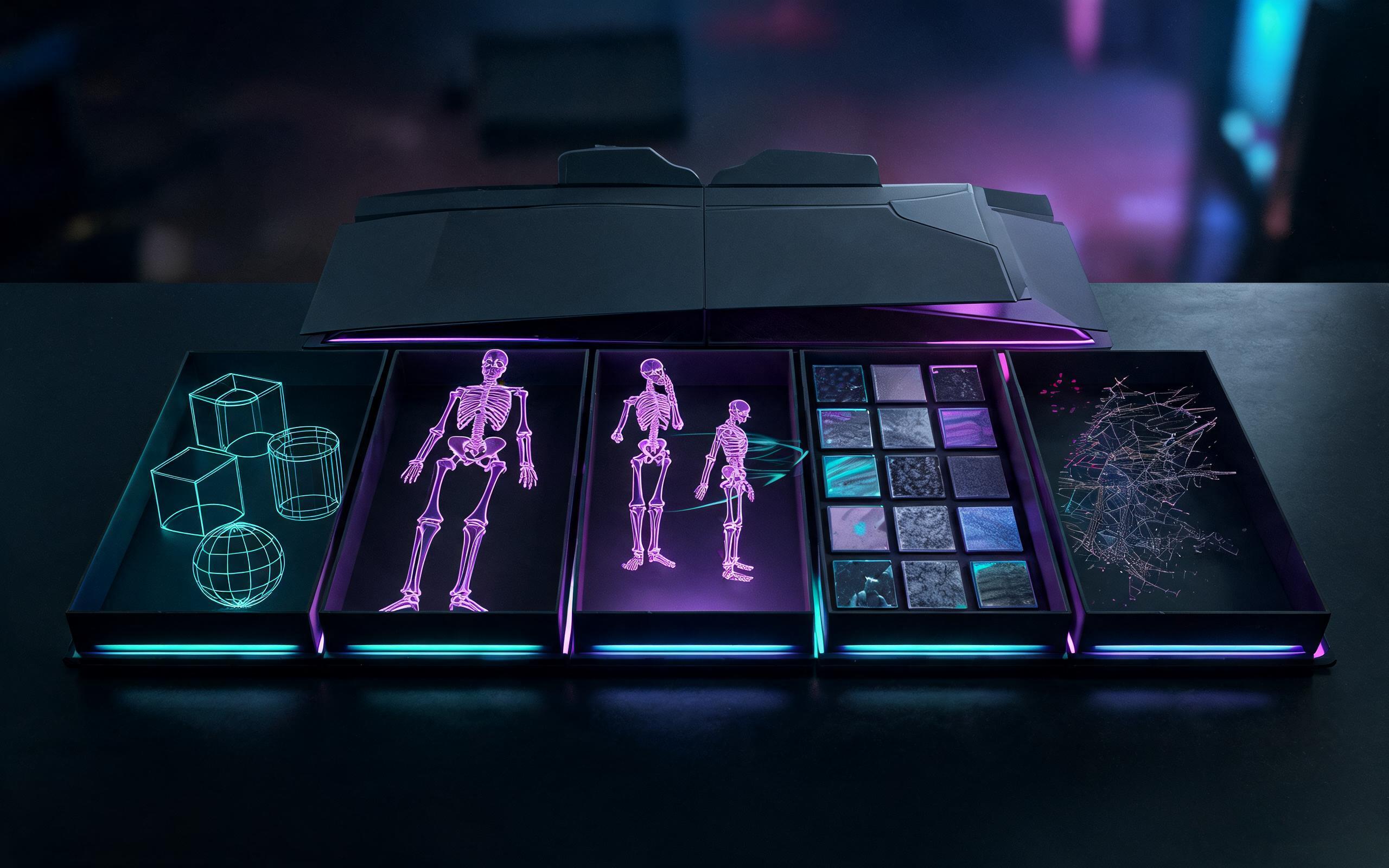
Image, video, and 3D asset AI tools
Best when the missing piece is a concept frame, texture direction, prop idea, character reference, or rough 3D asset. They are useful inputs, but they usually do not define the playable loop, camera, controls, or release package by themselves.
Choose by intent
- If you need to ship a native PC or console build, start in Unreal Engine.
- If you need Fortnite distribution, start with UEFN.
- If you need to test whether the idea is worth building, start in SEELE.
- If you only need visuals or props, use asset tools and bring the useful results into your main workflow.
Where SEELE fits
SEELE is useful before production hardens. It helps you describe the player fantasy, generate a first scene, clarify the loop, list assets, and decide whether the result should become a deeper Unreal Engine or UEFN project.
Compare asset tools by import readiness, not only generation
Generation-first tools can create useful candidate props, but the Unreal decision is whether the model imports cleanly. Compare each source by format, texture reliability, scale, pivot, normals, collision needs, LOD plan, known import issues, and whether FBX or GLB is the safer handoff.
Why UE 5.8 and UE6 matter in the comparison
UE 5.8 raises the prototype bar
Epic's 5.8 release focuses on performance, lighting, terrain, vegetation, character workflows, mobile iteration, and experimental MCP support. If a tool cannot help you express those constraints clearly, it is weak for Unreal-style prototyping.
UE6 changes the planning question
Epic's public UE6 plan points toward a unified UE5 and UEFN engine, Verse, Scene Graph, portable content, and broader AI-assisted workflows. That makes clear game loops and portable content thinking more valuable than vague "next-gen" language.
Official sources worth reading
FAQ
Is SEELE an Unreal Engine replacement?
No. Use native Unreal Engine when you need full engine production, packaging, source-level control, or platform-specific optimization.
When should I use SEELE instead?
Use SEELE when you want to turn a game idea into an Unreal-style playable direction, scene plan, asset list, or paid-demo package before committing to a full Unreal build.
How does UEFN compare?
UEFN is the better path when the target is Fortnite creation and distribution. It is also central to Epic's UE6 plan, where UE5 and UEFN move into a unified engine direction.
Is SEELE AI affiliated with Epic Games?
No. SEELE AI is independent. Unreal Engine is a trademark of Epic Games, and this page does not imply endorsement or official integration.