Choose the arcade loop
Define movement, challenge, score, and session length before adding production scope.
Browser arcade prototype maker
Create a reviewable browser arcade prototype with controls, loop, difficulty ramp, UI states, and test-ready package.
Mini-game workflow · real playable proof · Workspace handoff
Preview evidence
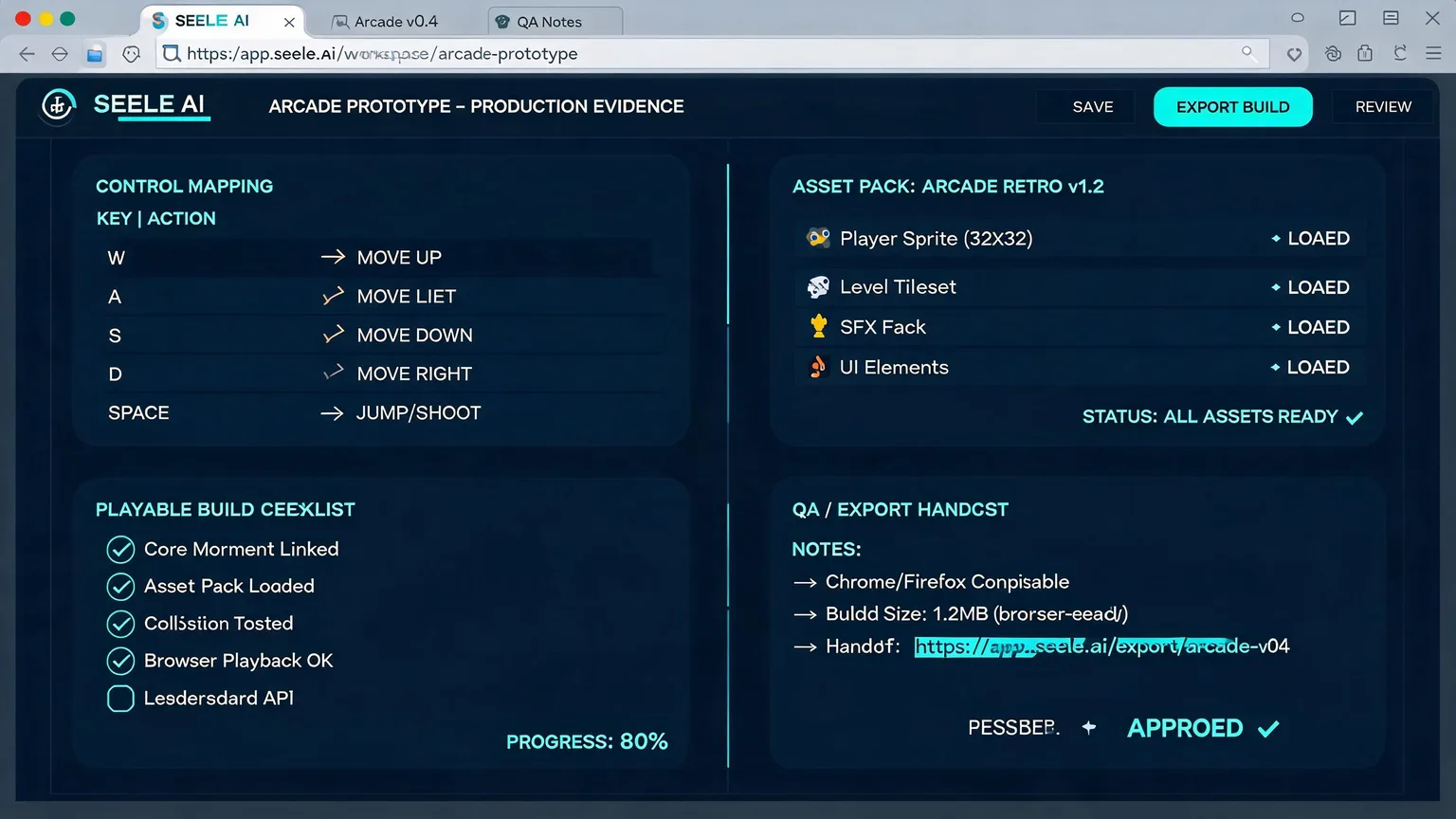
A browser arcade proof should show controls and loop clarity: what the player does, how feedback works, what assets are needed, and what should be tested next.
Workflow
Define movement, challenge, score, and session length before adding production scope.
Generate controls, hazards, rewards, and feedback states that make the loop reviewable.
Package asset needs, level notes, QA checks, and next-build tasks for Workspace.
Positioning
teams exploring simple arcade mechanics for campaigns or prototypes
Move from search intent to a reviewable playable concept
Generated visual proof plus workflow notes, not a fake CSS mock
Who it is for
For teams testing browser arcade ideas, this page focuses on controls, level feel, scoring, asset needs, and a prototype handoff that can move into Workspace quickly.
Examples
Brief: create a browser arcade prototype maker for a real campaign or training moment.
Browser Arcade Prototype Maker concept with first action, score/reward state, visual assets, and QA checklist.
Review internally, open Workspace, then iterate the playable concept before production.
Need multiple creative directions before spending production budget.
Three playable variants with hook, first action, reward/fail state, and asset notes.
Compare concepts and choose the strongest route for Workspace iteration.
Output
A browser arcade proof should show controls and loop clarity: what the player does, how feedback works, what assets are needed, and what should be tested next.
Open Workspace →FAQ
No. It is designed for fast playable direction, review, and production handoff. Full production can follow after the concept is validated.
No. The final proof images for this batch are generated media assets mapped to the page intent, not CSS or SVG mock gameplay.
Yes. Seele AI Workspace is designed around reviewable, shareable, downloadable, and exportable outputs, so teams can move useful prototypes, playable packages, and assets into testing, creative review, or production handoff.
Seele is strongest at early playable prototypes, 2D browser-playable mini games, playable ad variants, and creative validation. Teams can use the output as a fast starting point before investing in a full production build.